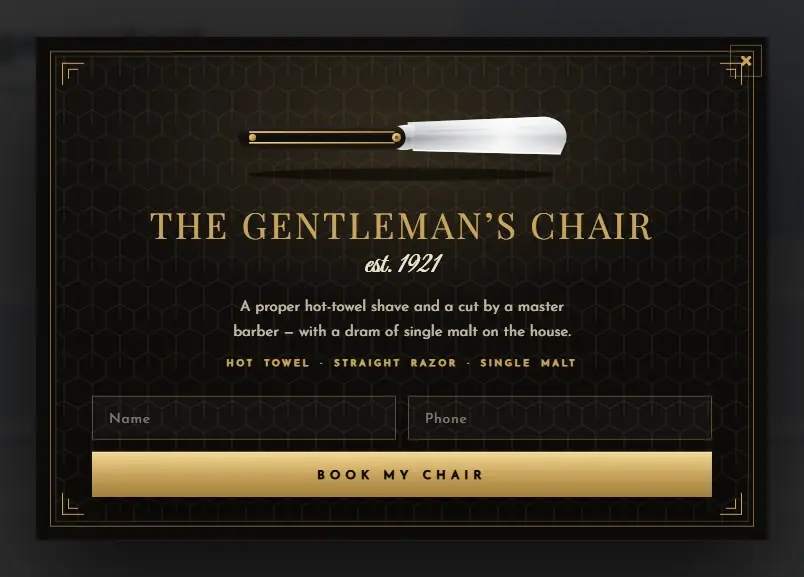
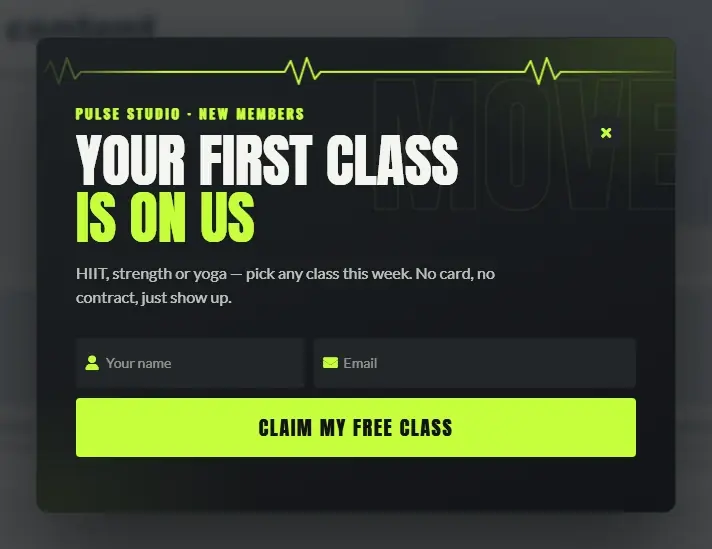
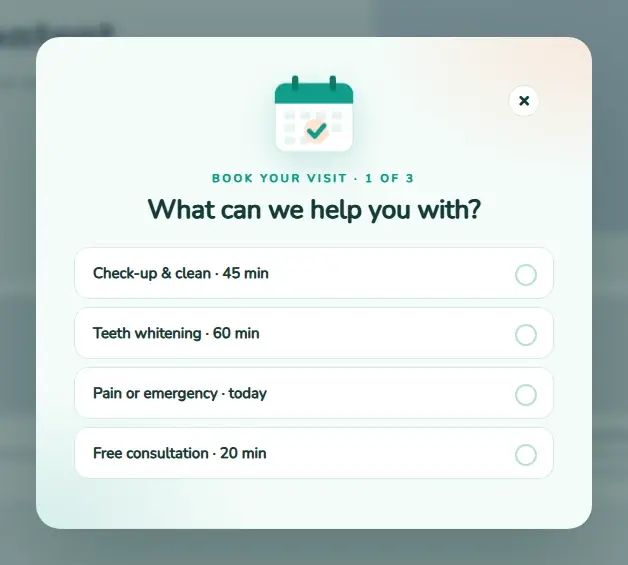
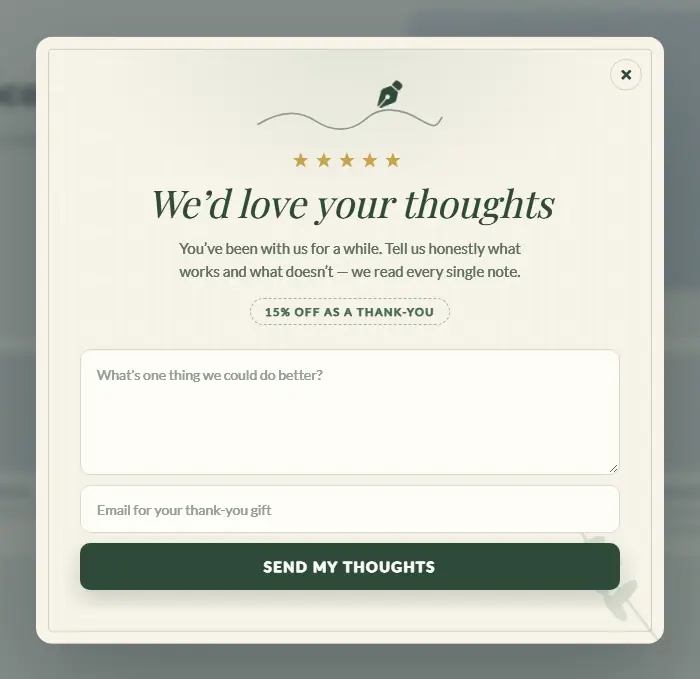
Customer Engagement System by Supsystic

WordPress Popup Plugin

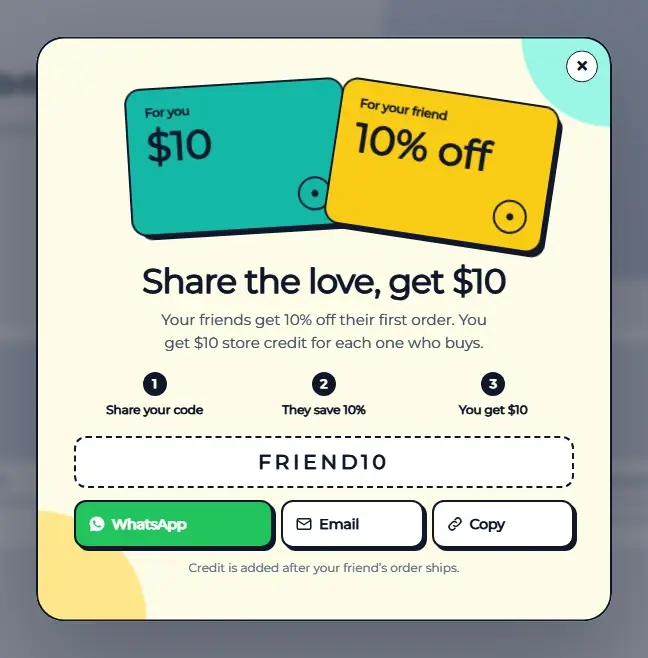
Most visitors leave and never come back. Catch them in the second before they go — with a popup that looks designed, not annoying. Every sign-up lands in your CRM, gets tagged and receives its follow-up email on its own. No Zapier, no spreadsheets, no five plugins taped together.
Try the free version in your browserno install, no account
11,000+Active installs
4.5/5300+ reviews
120+Popup templates
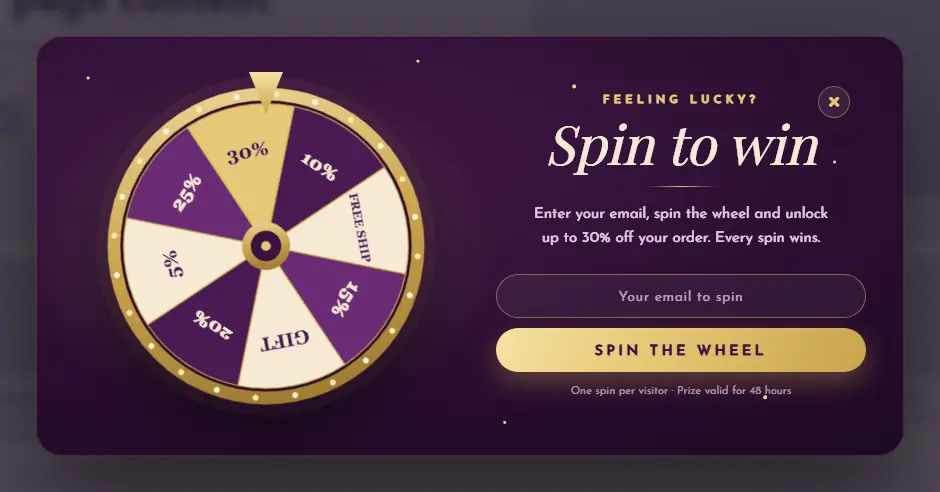
Spin and Win Fortune Wheel popup template
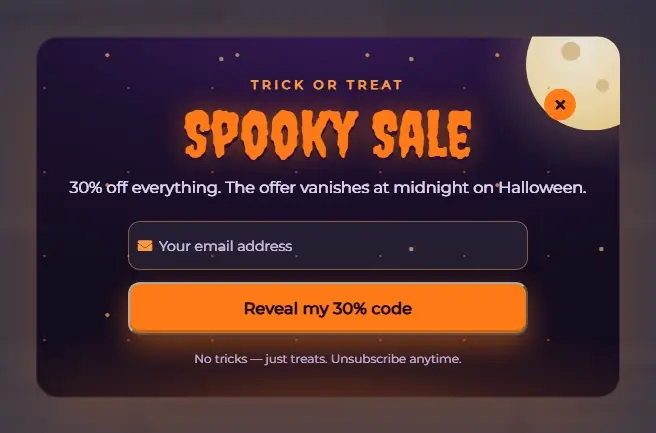
Halloween Spooky Sale popup template
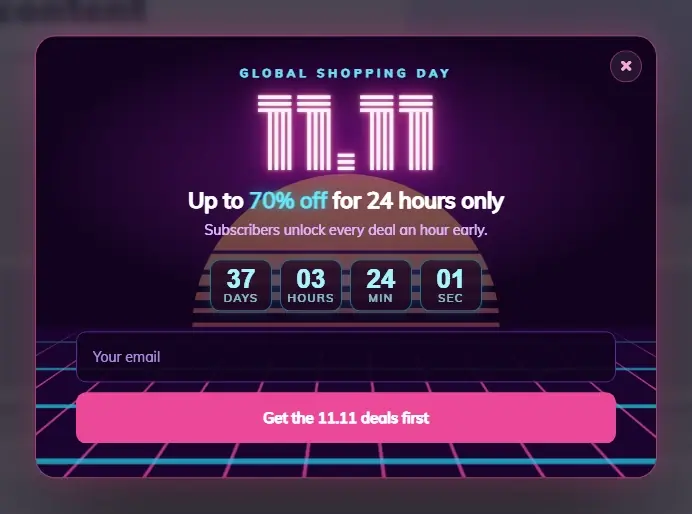
11.11 Neon Shopping Day popup template
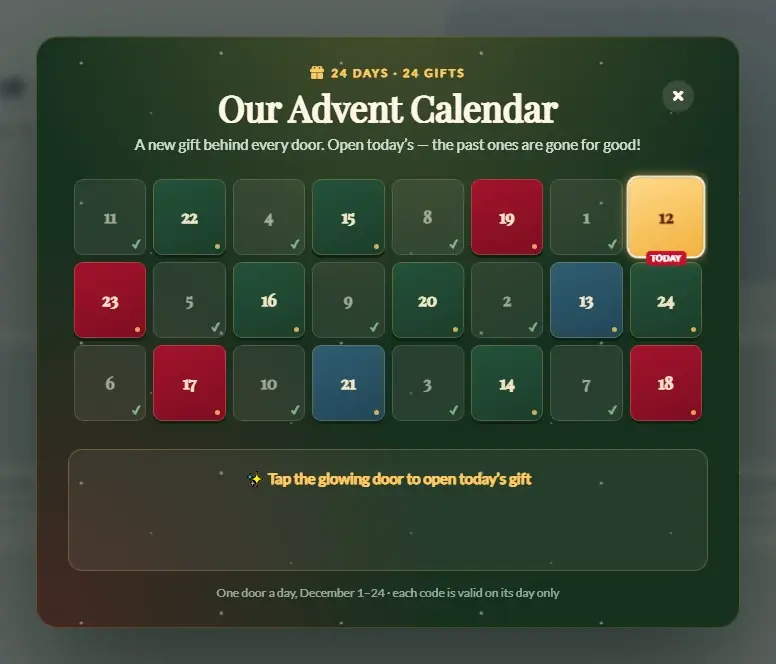
Advent Calendar popup template
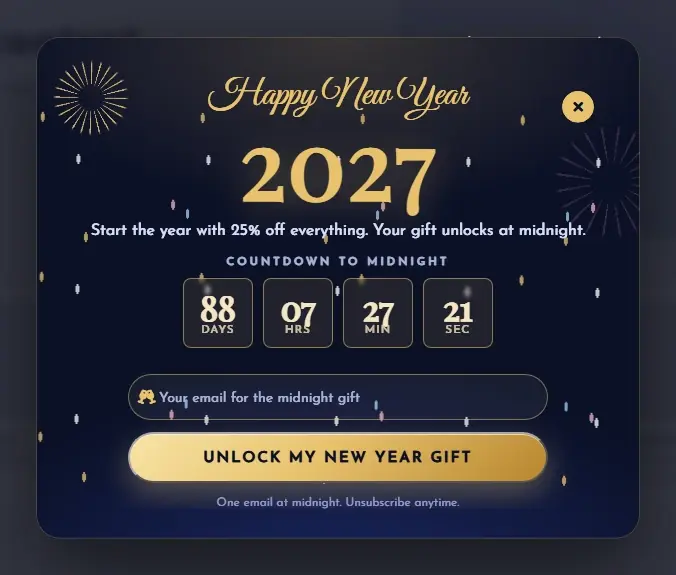
New Year Midnight Gala popup template
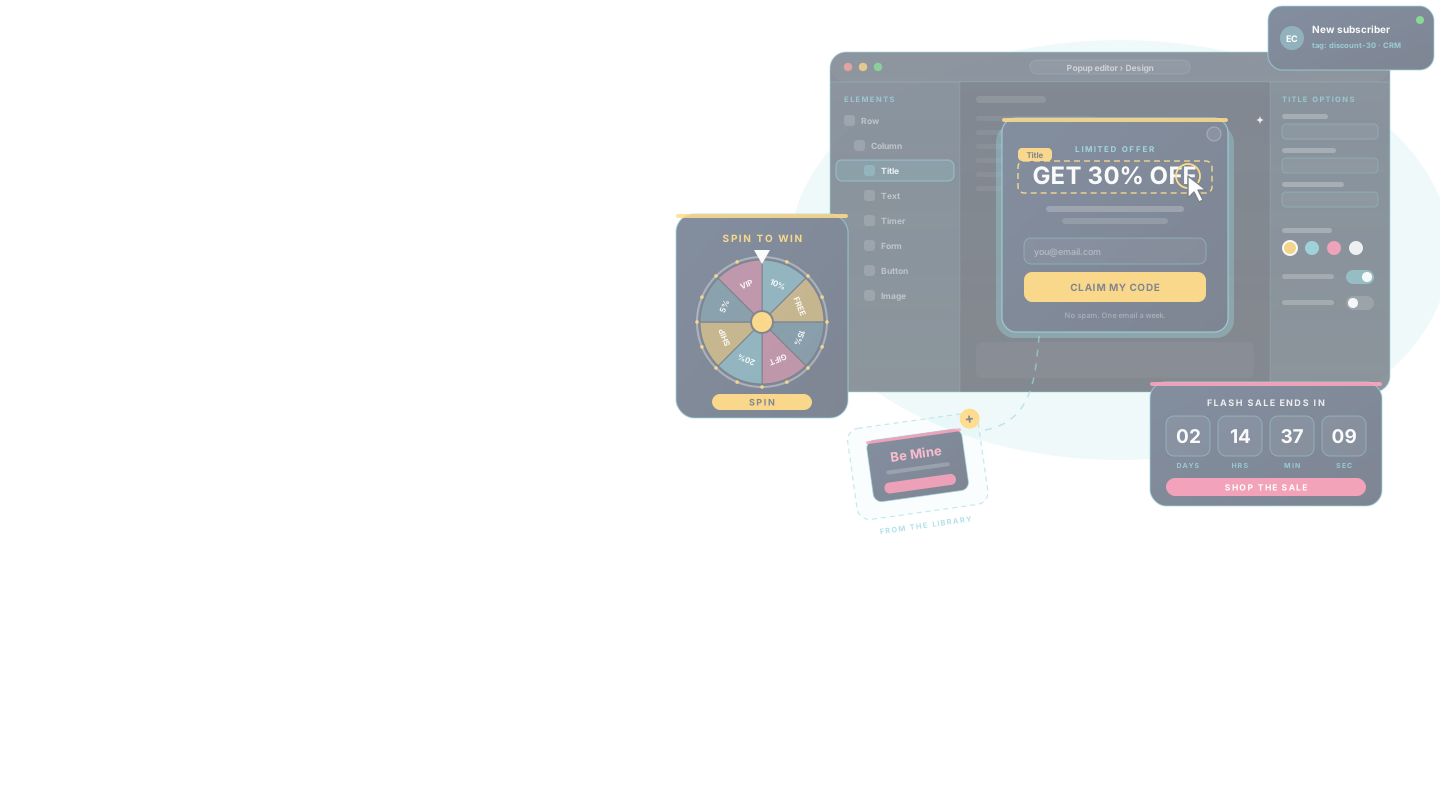
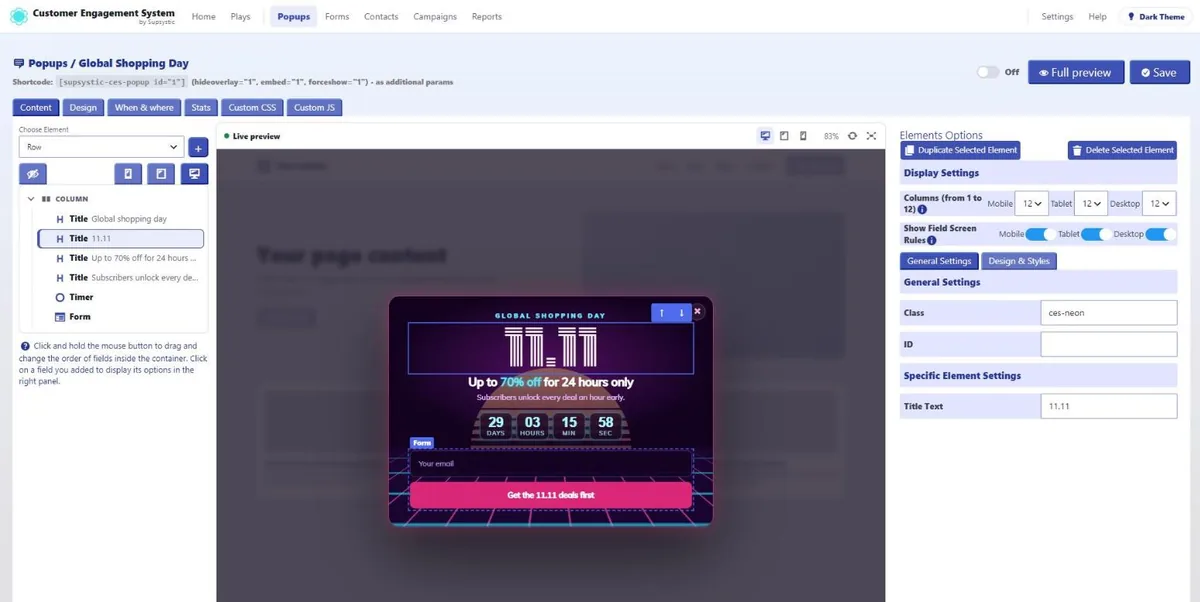
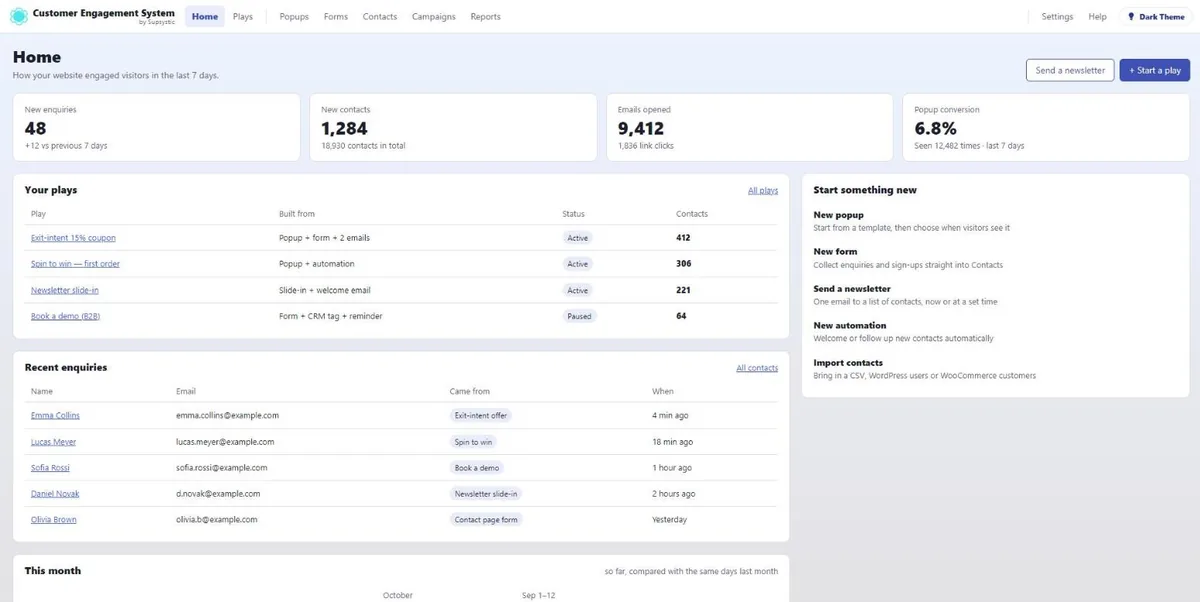
The CES popup editor: an element picked in the live preview, its options on the rightThe CES overview: enquiries, contacts, opened emails and popup conversion
120+ animated templatesSpin-to-win & scratch gamesExit-intent rescueForms + CRM built inAuto follow-up emailsRevenue & UTM tracking
Popup templates

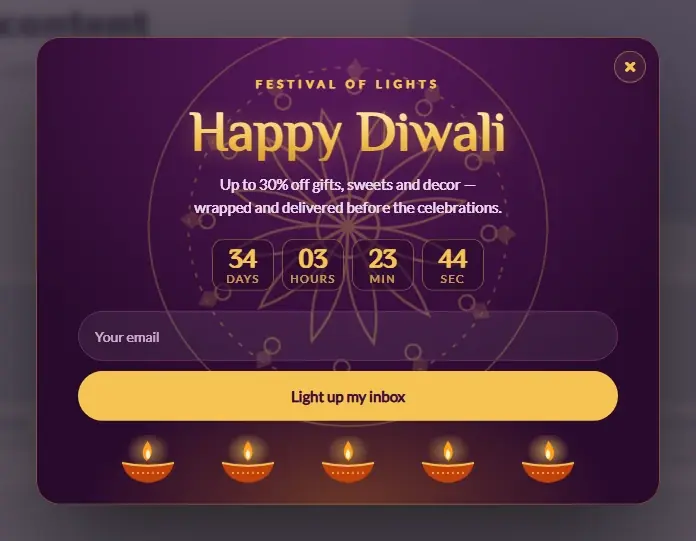
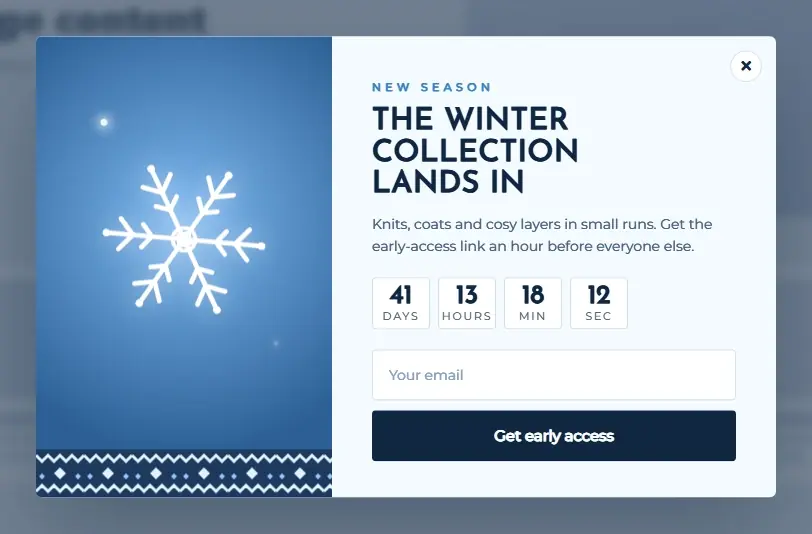
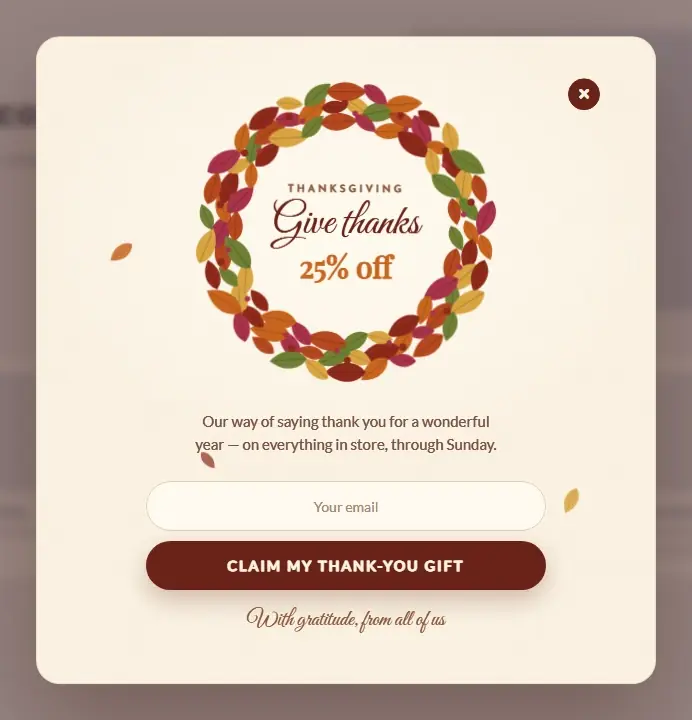
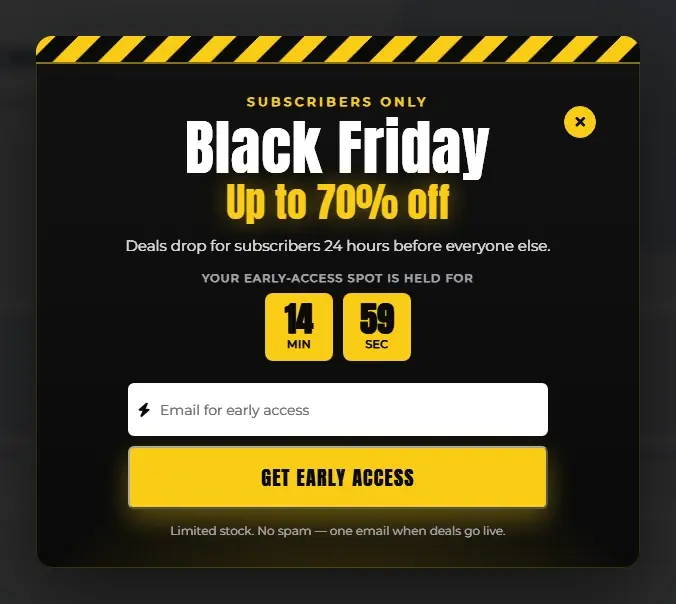
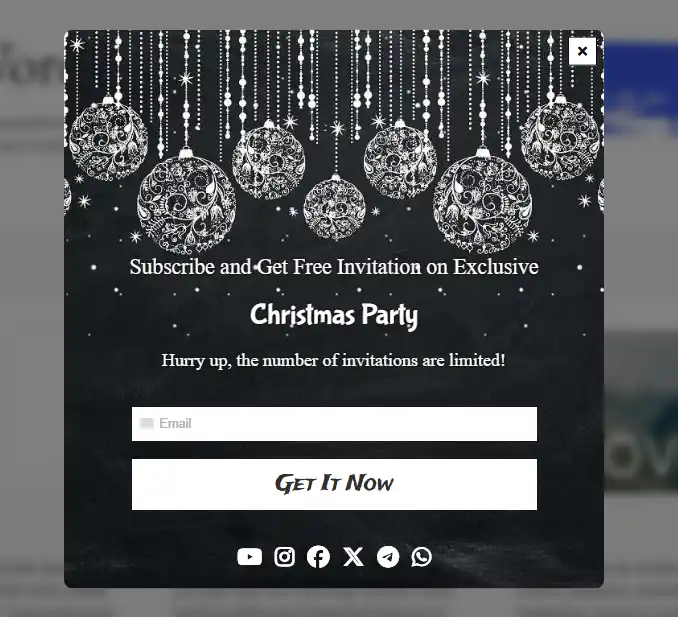
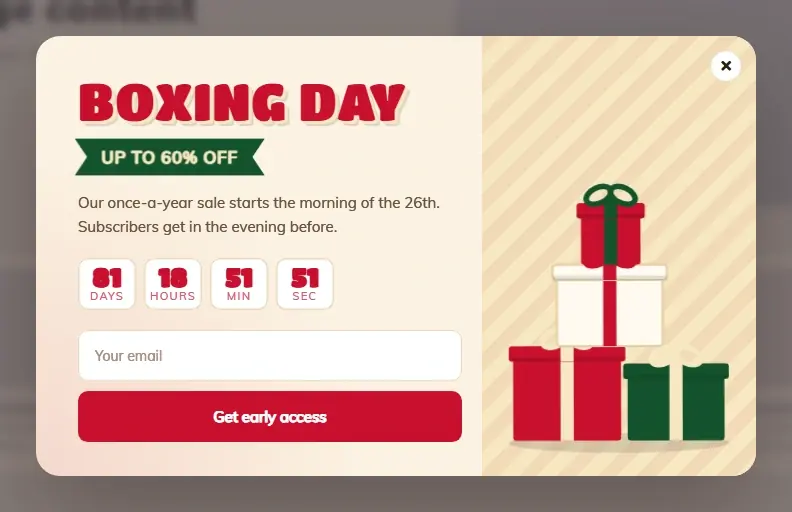
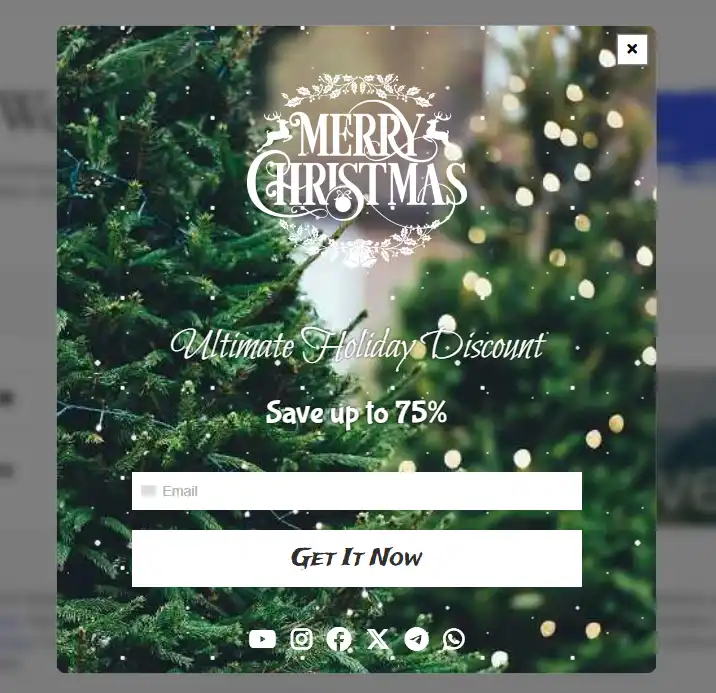
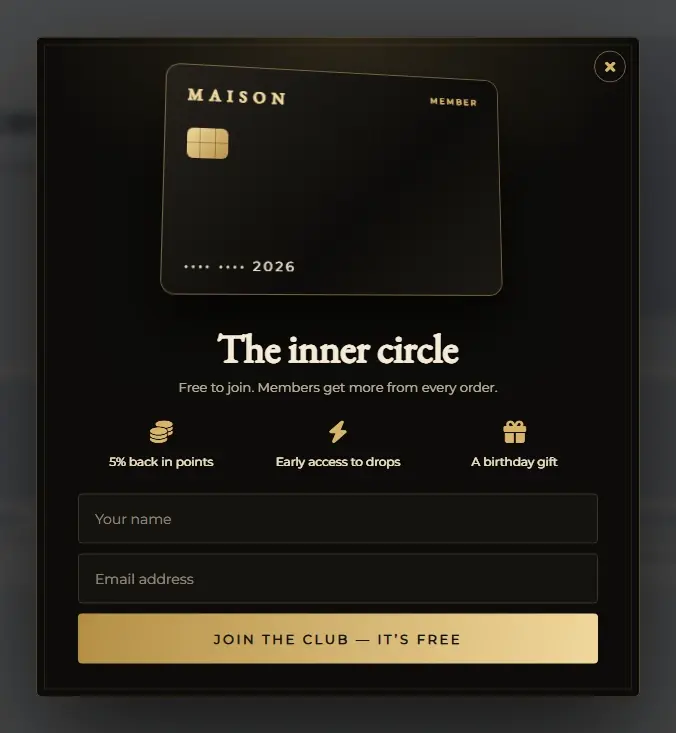
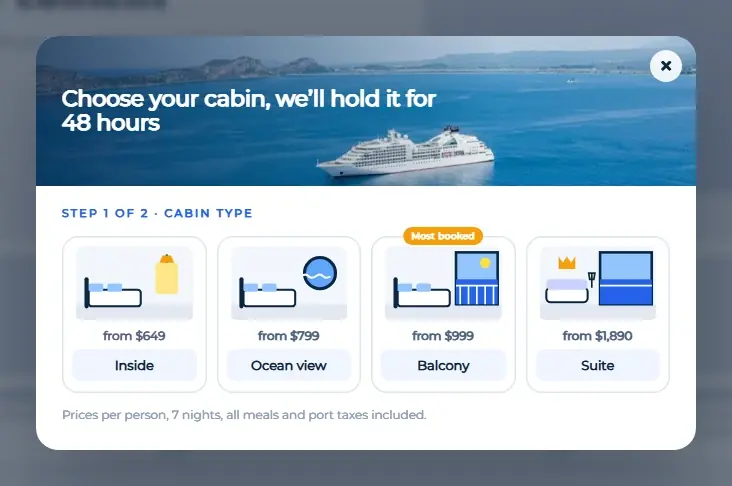
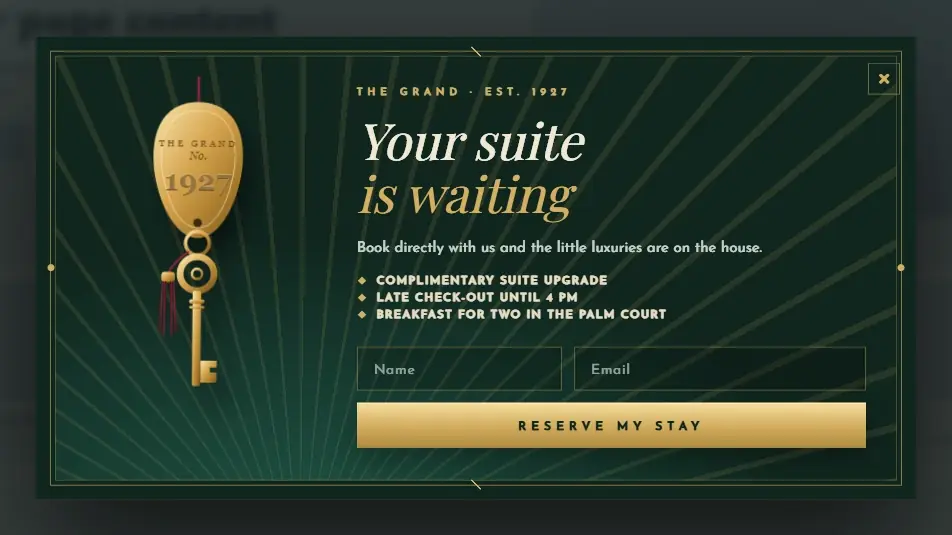
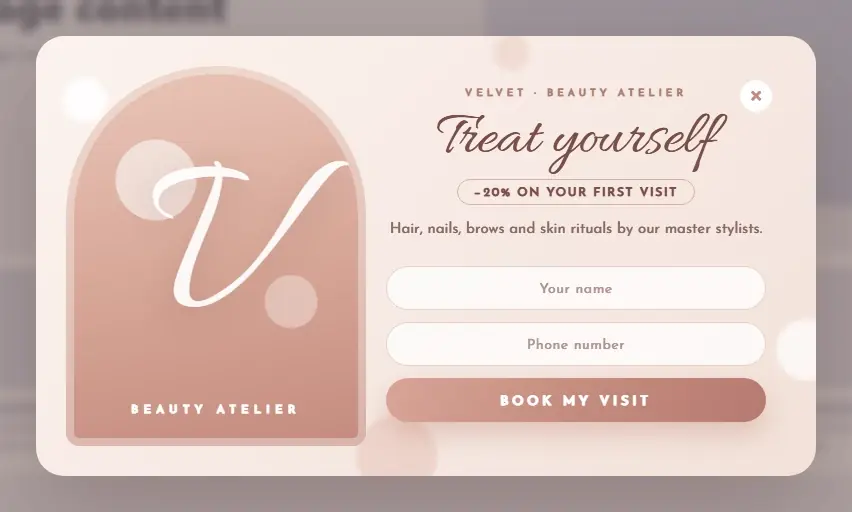
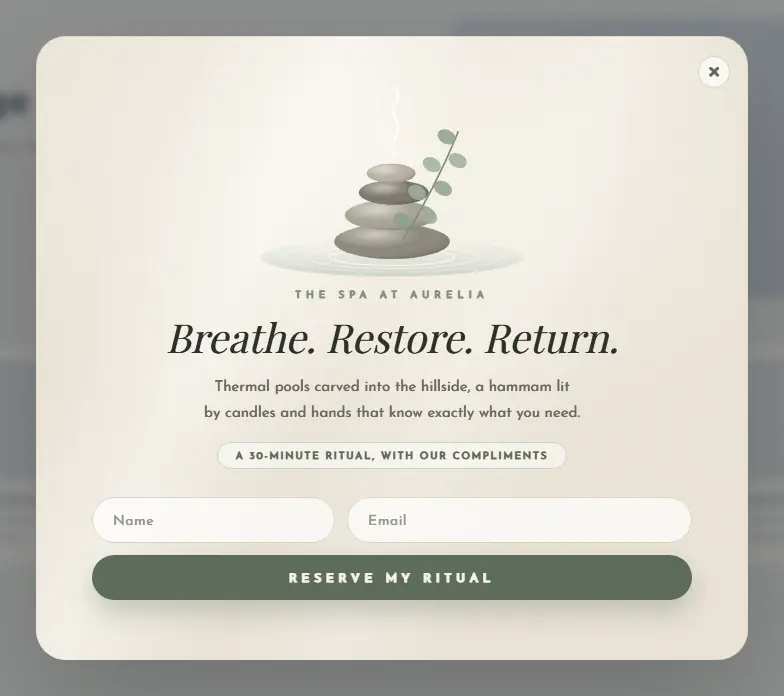
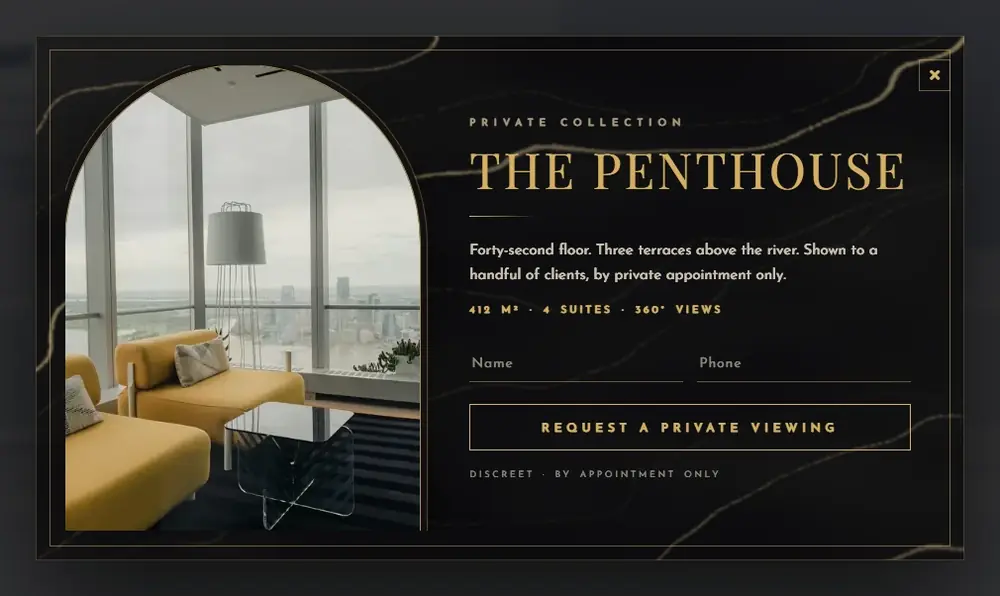
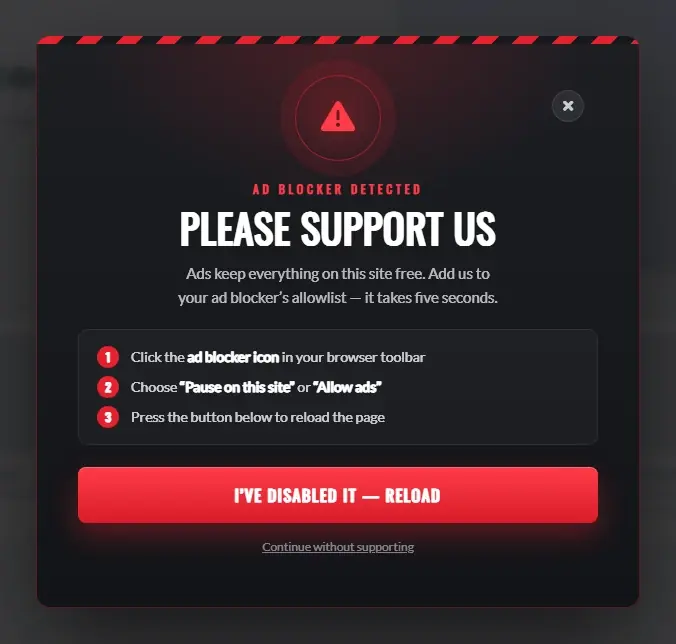
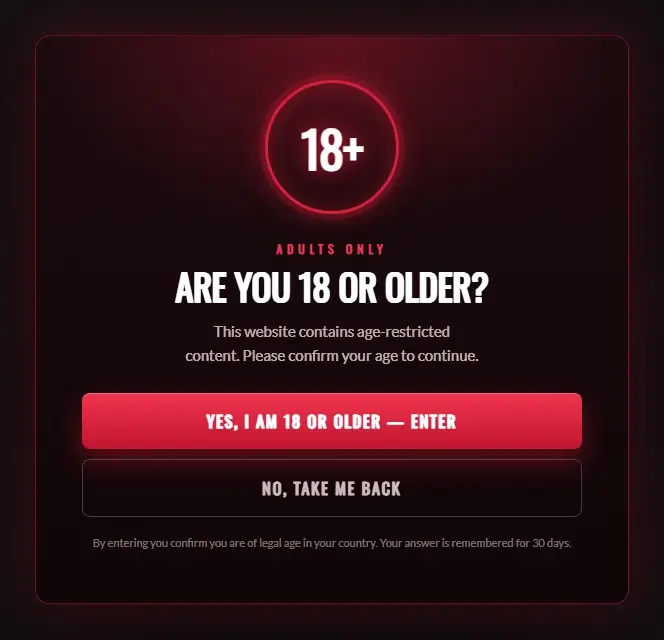
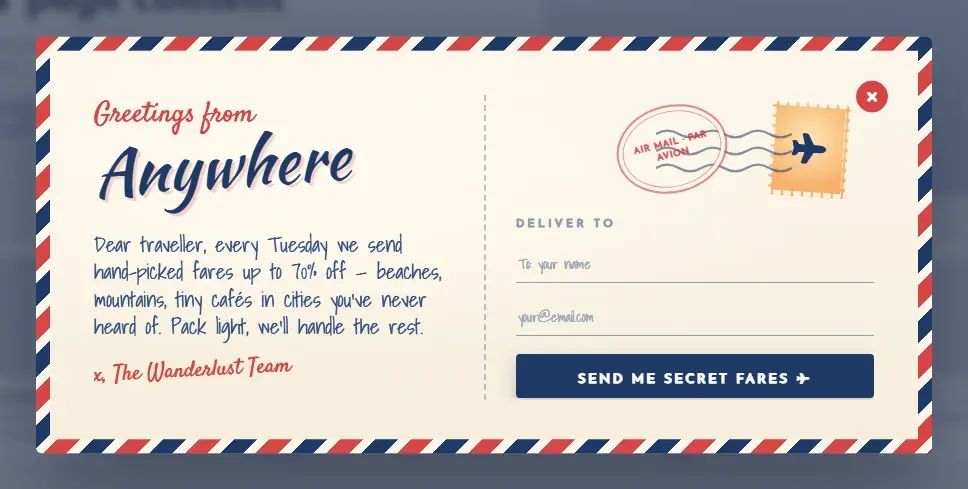
120+ Ready-Made Popups for Every Occasion

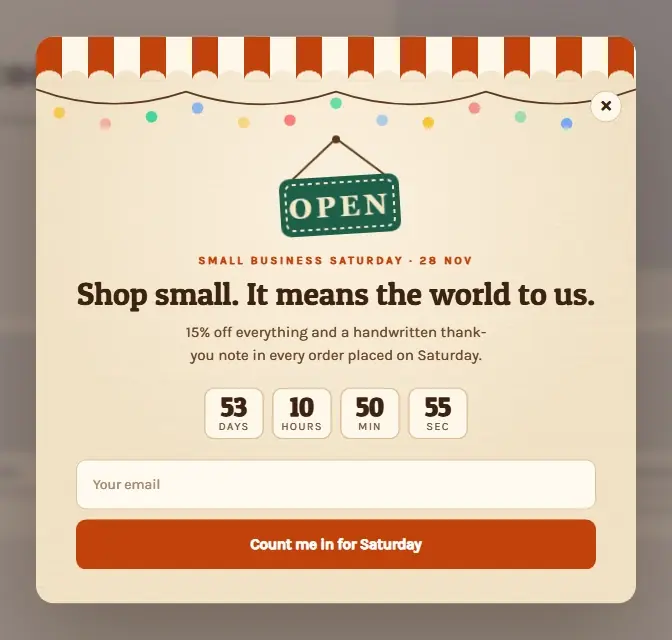
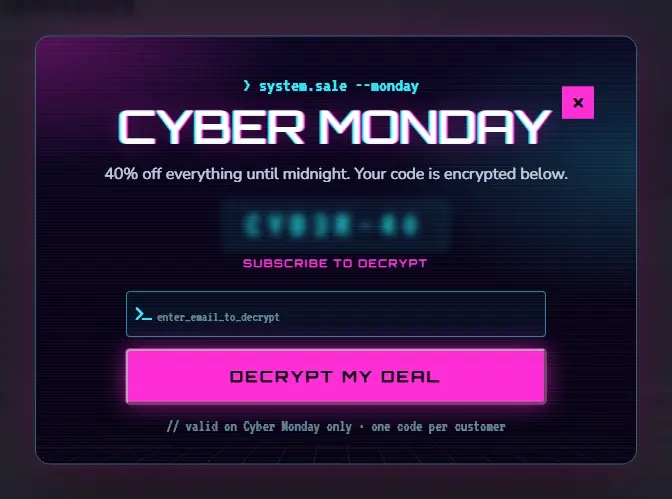
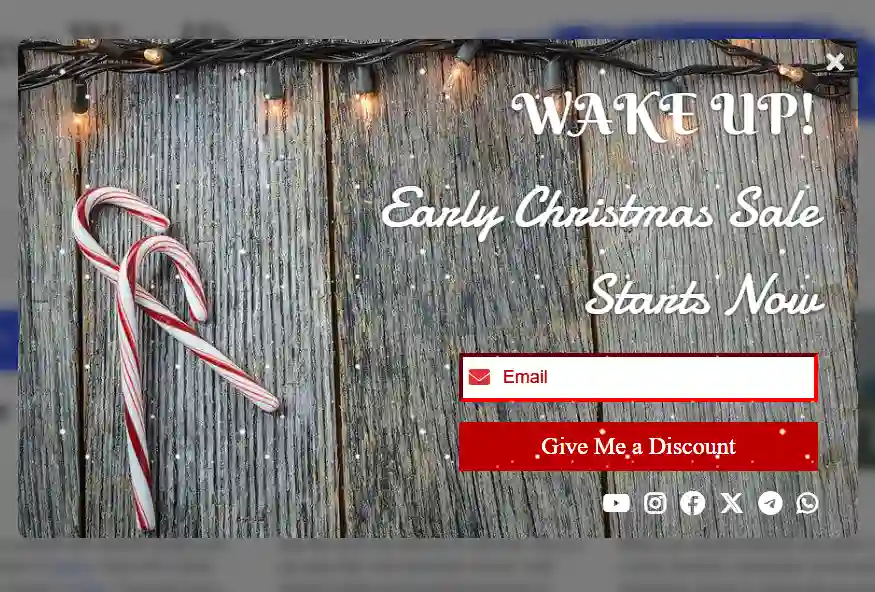
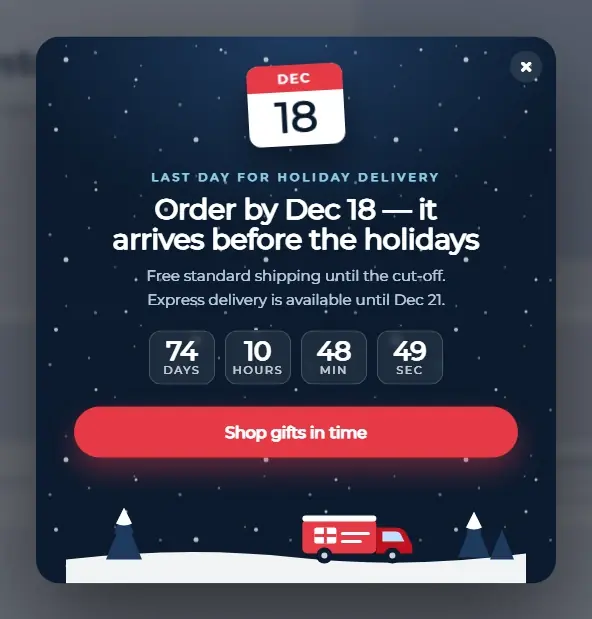
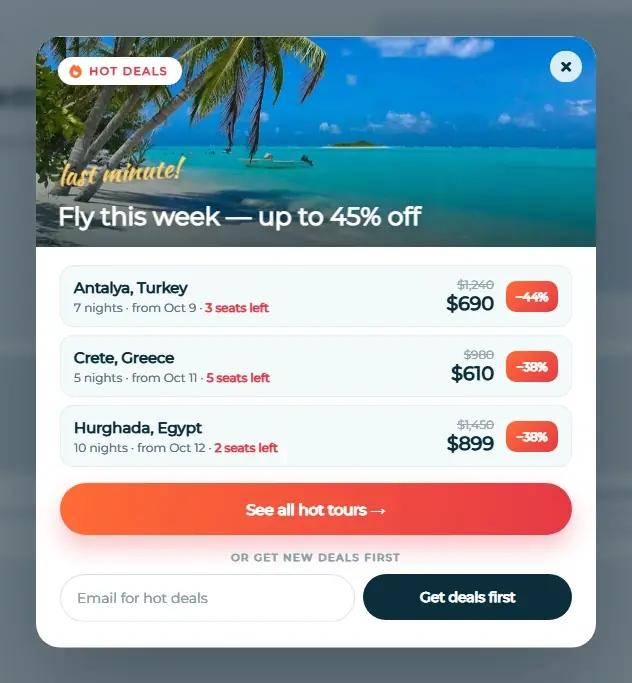
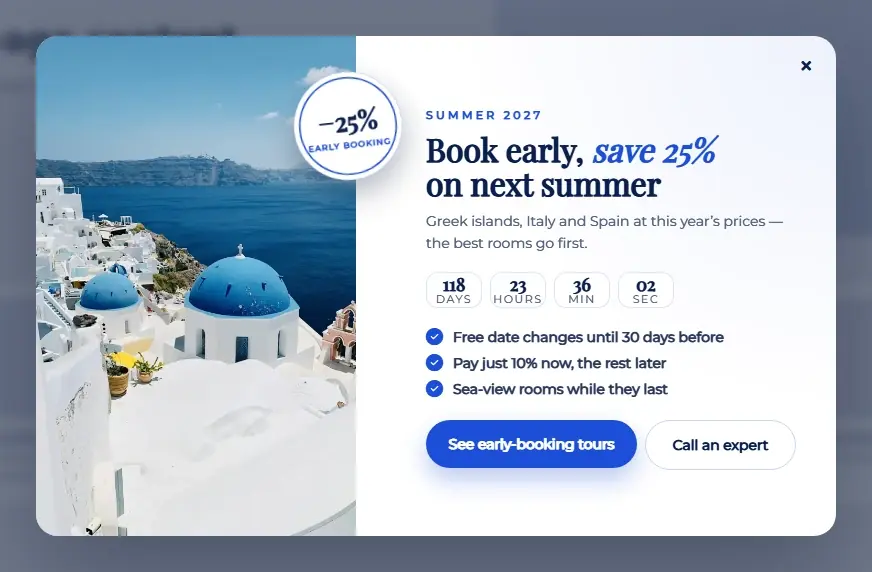
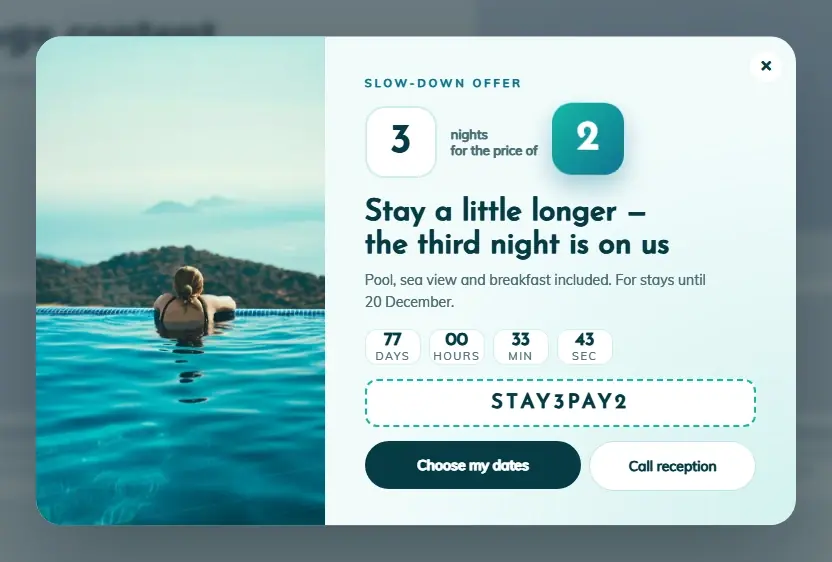
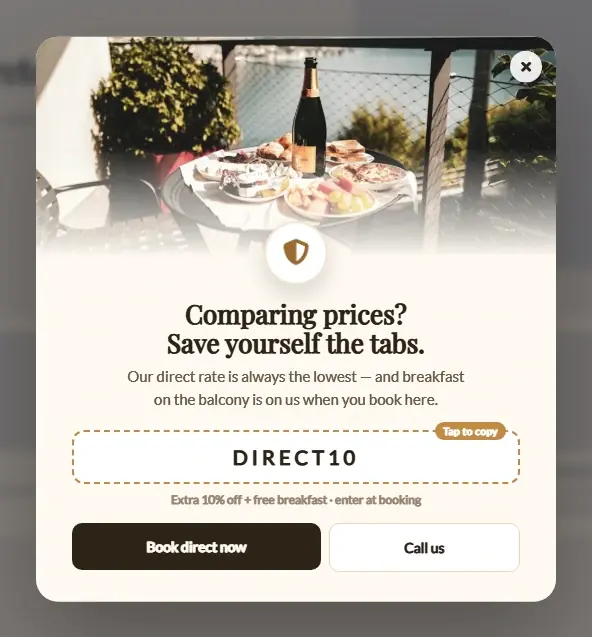
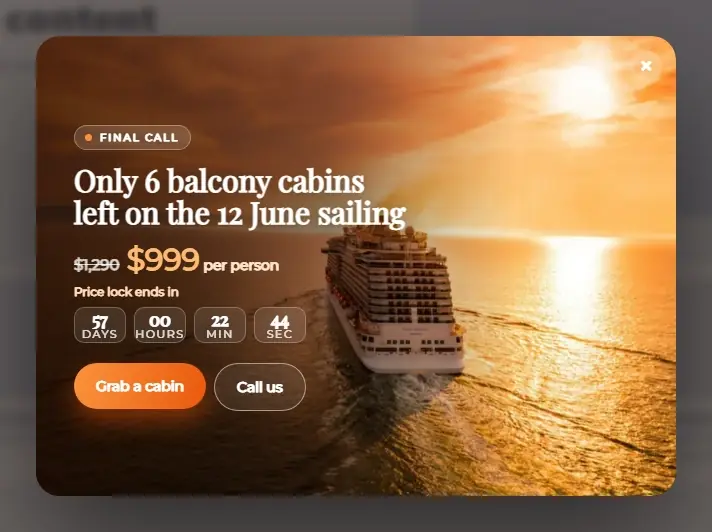
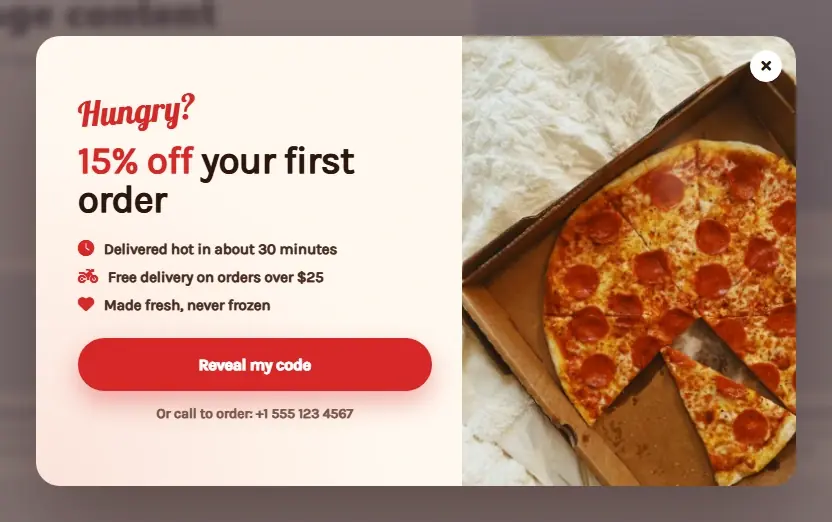
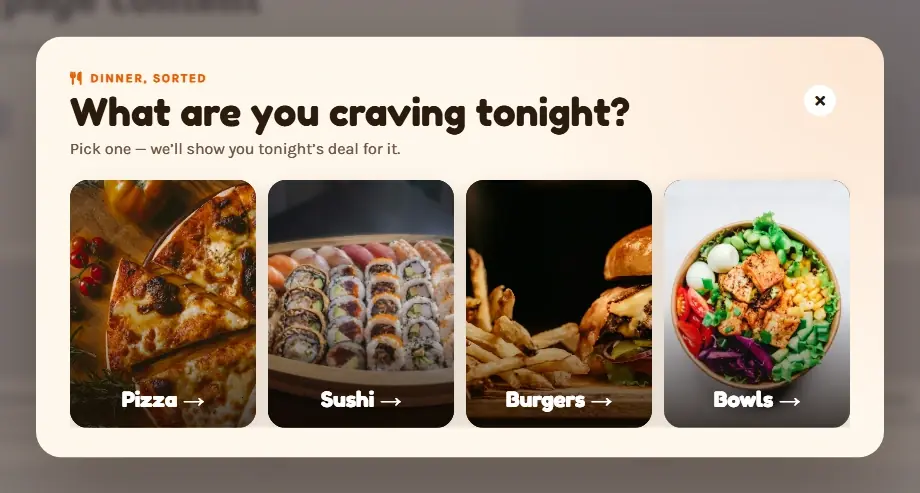
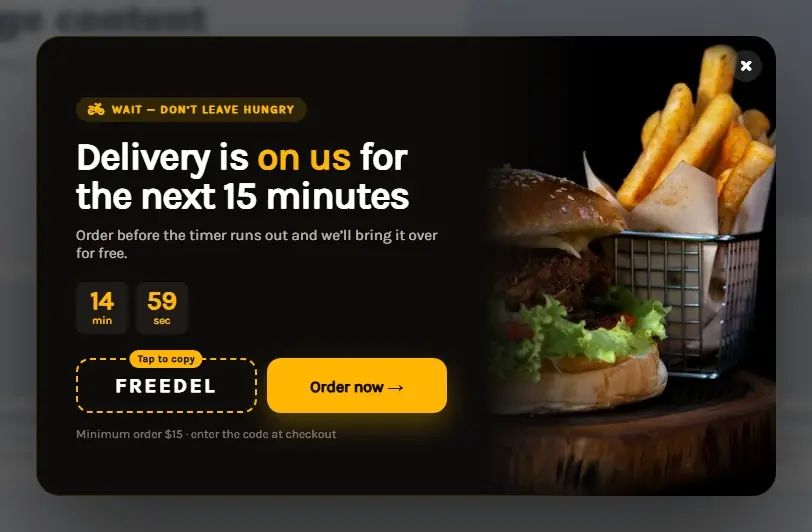
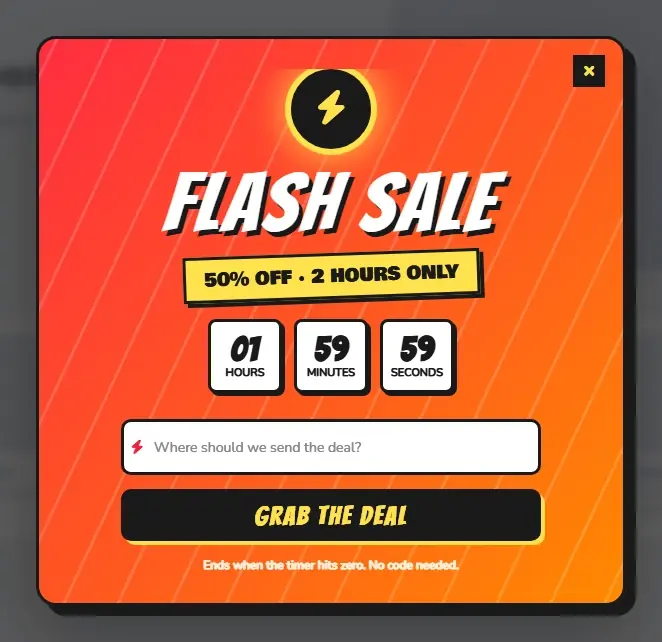
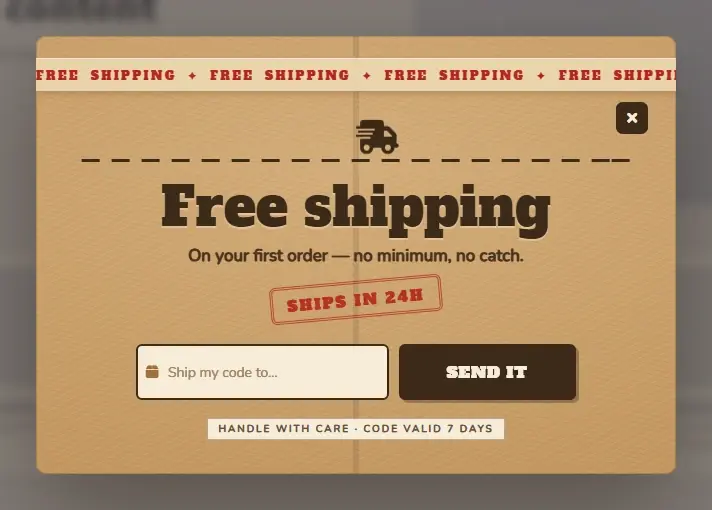
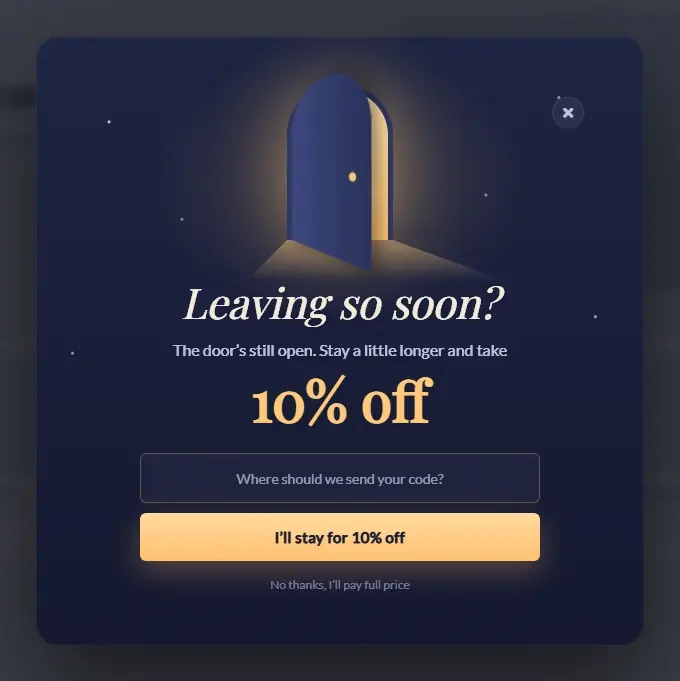
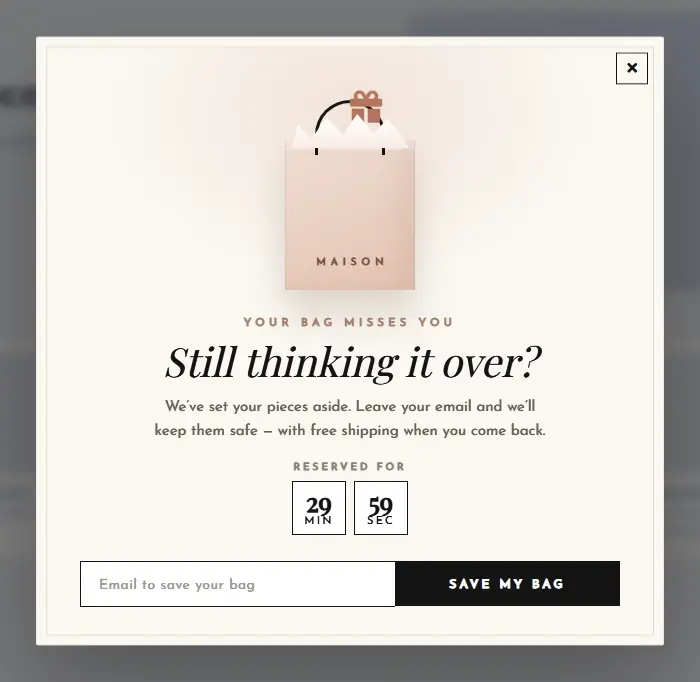
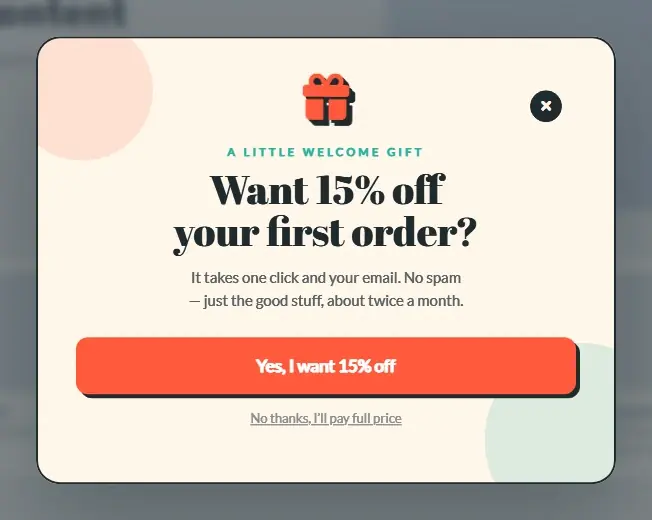
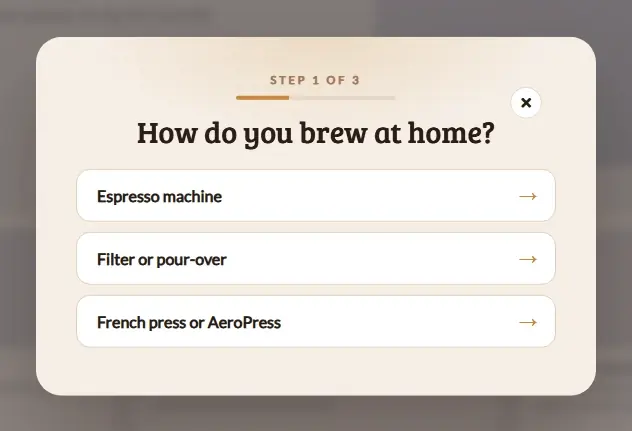
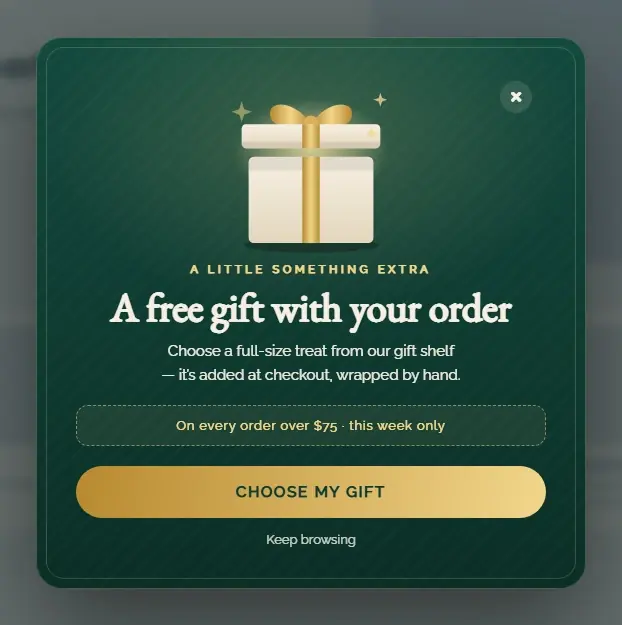
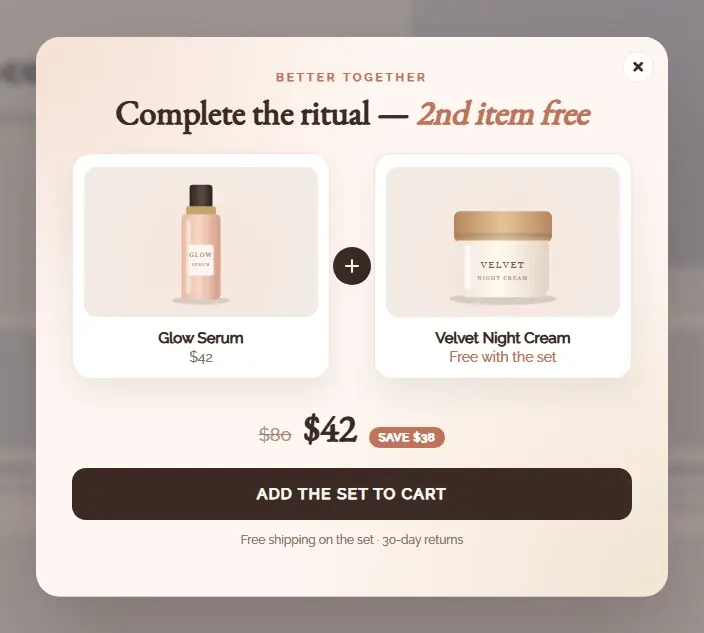
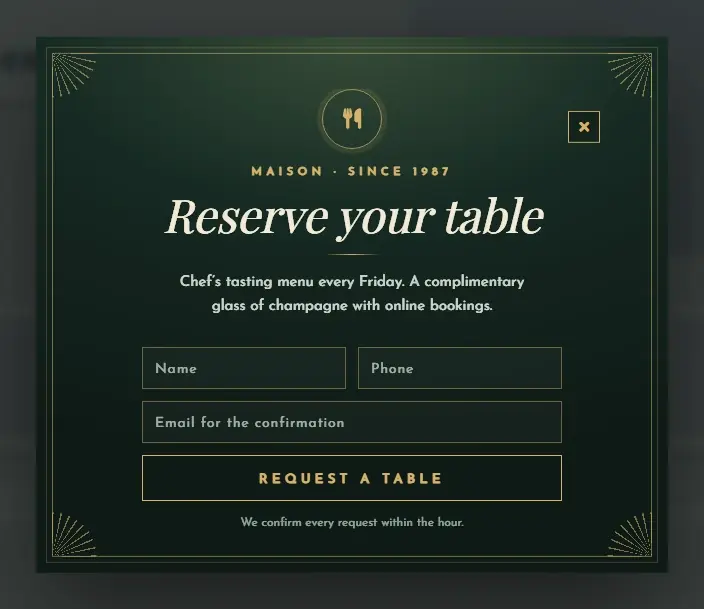
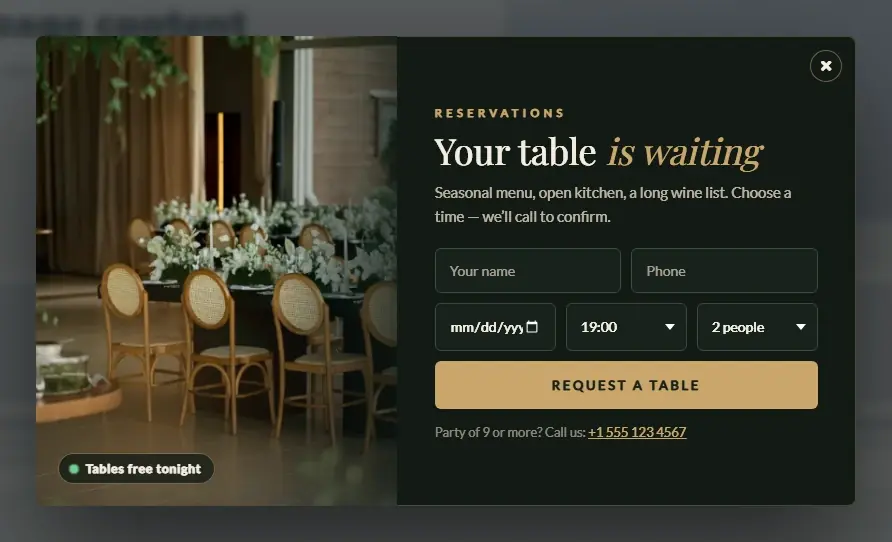
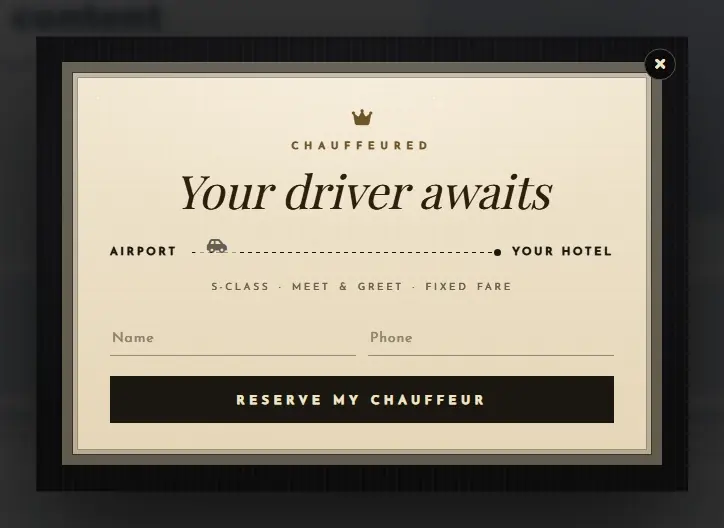
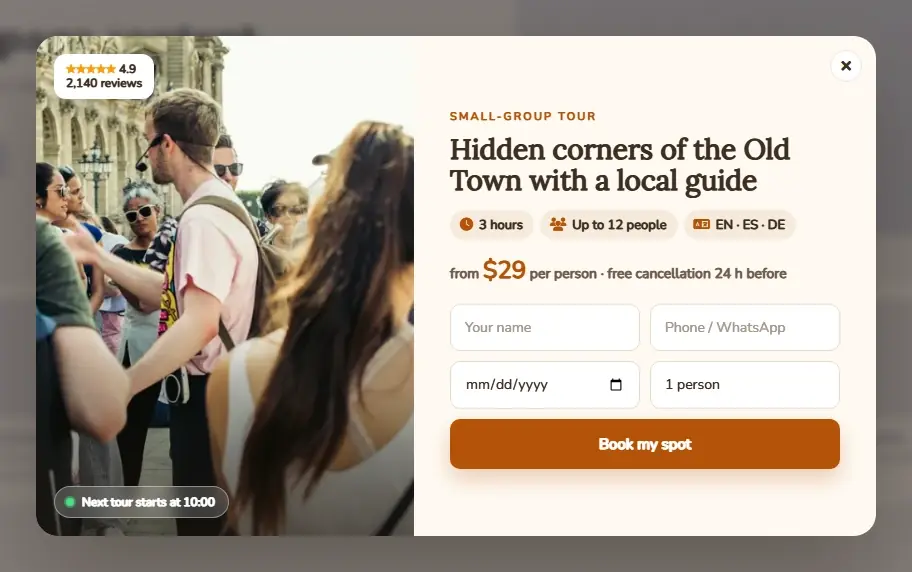
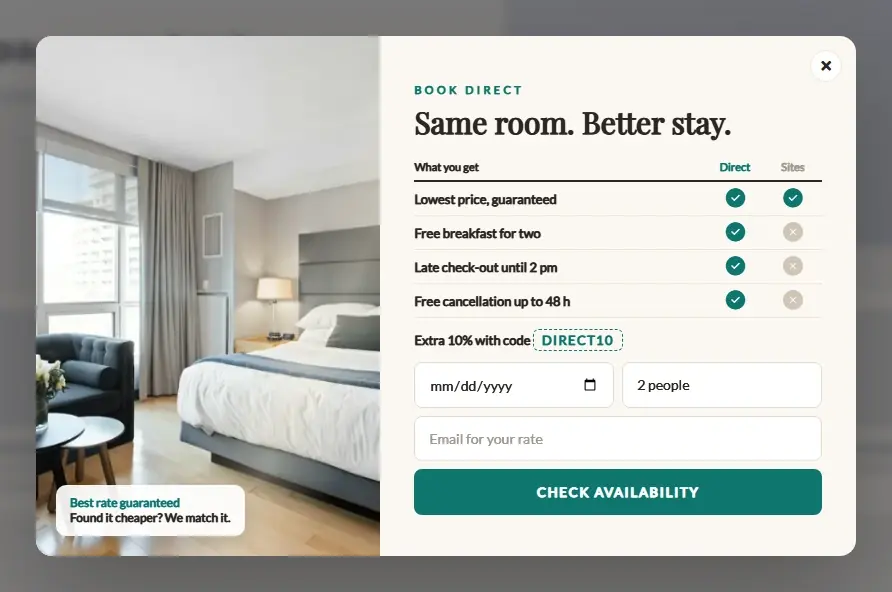
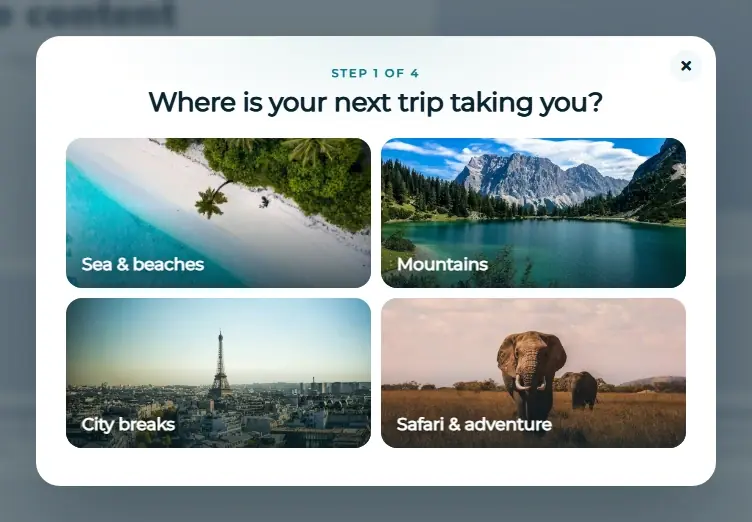
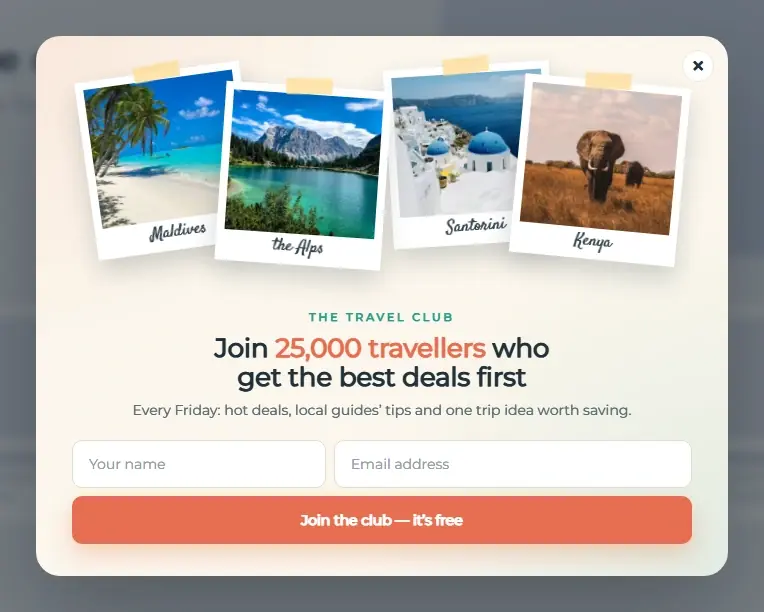
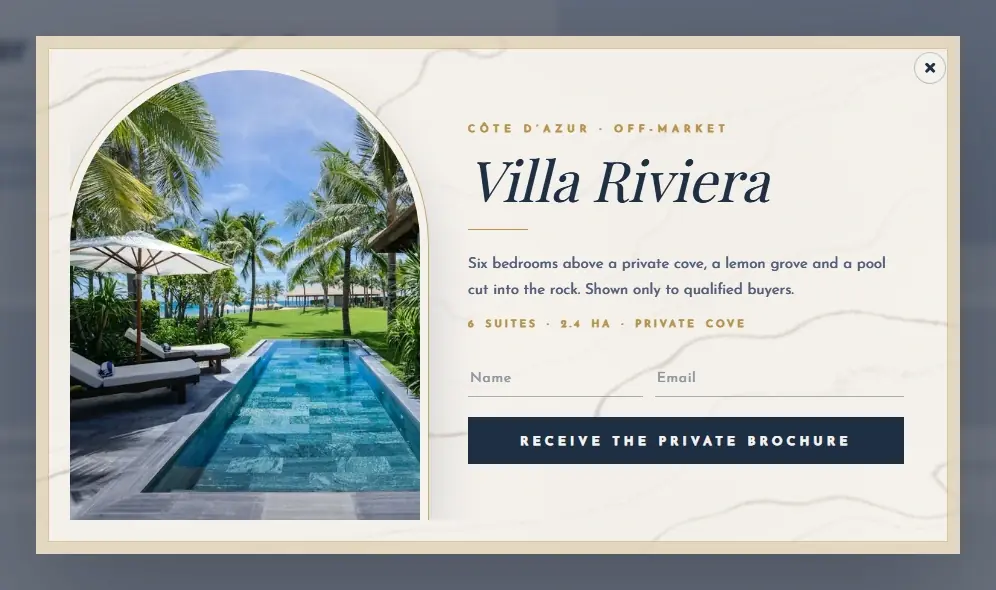
Holidays, sales, games, bookings, stores, restaurants, travel and luxury brands. Pick a template and it arrives fully set up — animated, with its own form, matching emails, triggers and targeting.
Every one is animatedEntrance effects, live countdowns, spinning wheels — nothing sits still.
A detailed form comes with itInstalling a template creates its form — fields, validation and a thank-you step.
Emails in the same styleConfirmation and follow-up emails are designed to match the popup.
Live in 2–3 clicksTrigger, targeting and form are pre-set. Change anything in the visual editor.
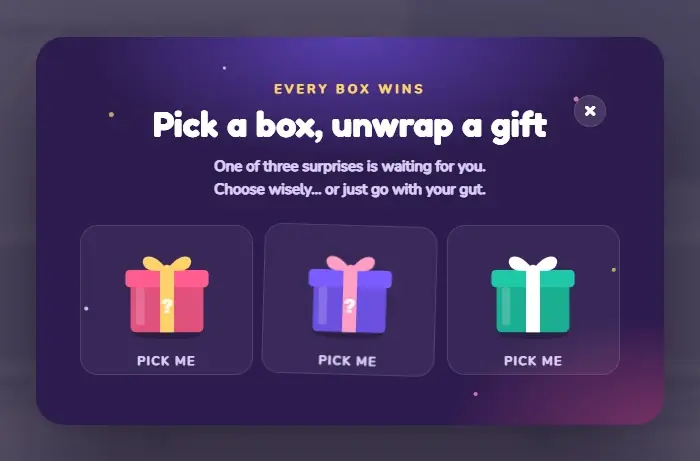
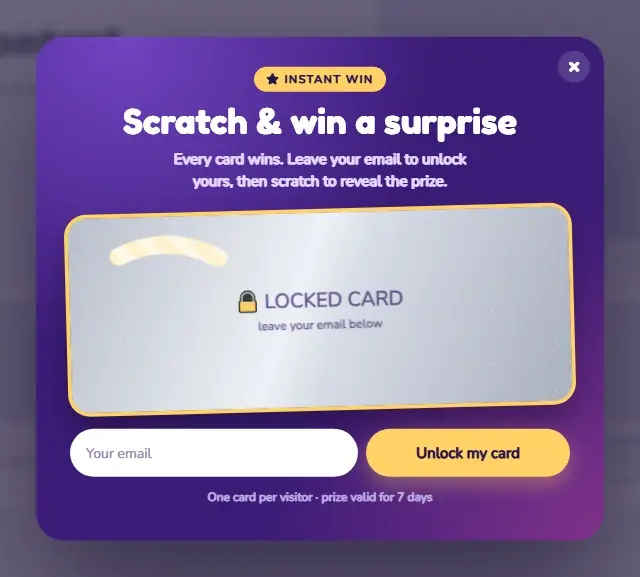
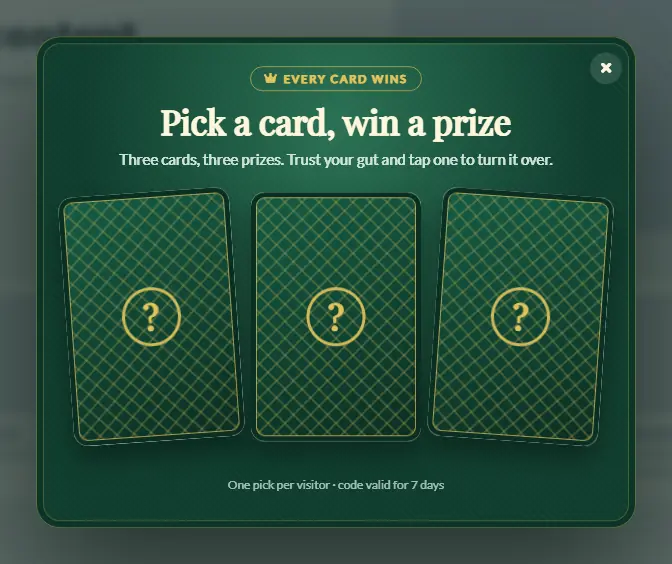
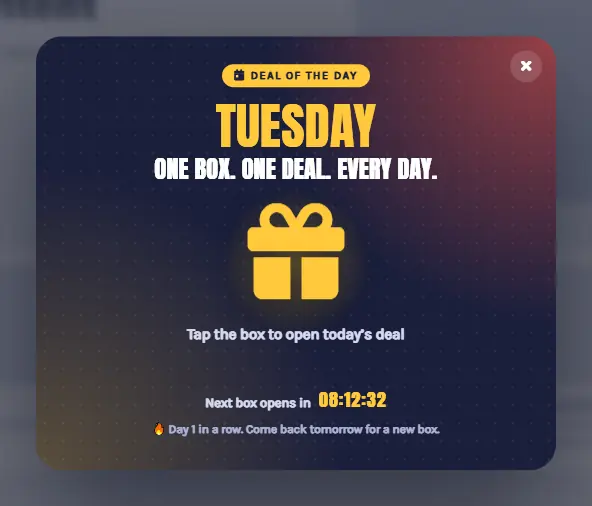
Games ready to playSpin-to-win wheels, scratch cards and mystery boxes come fully configured.
ProNew Year Midnight Gala popup template
New Year Midnight Gala
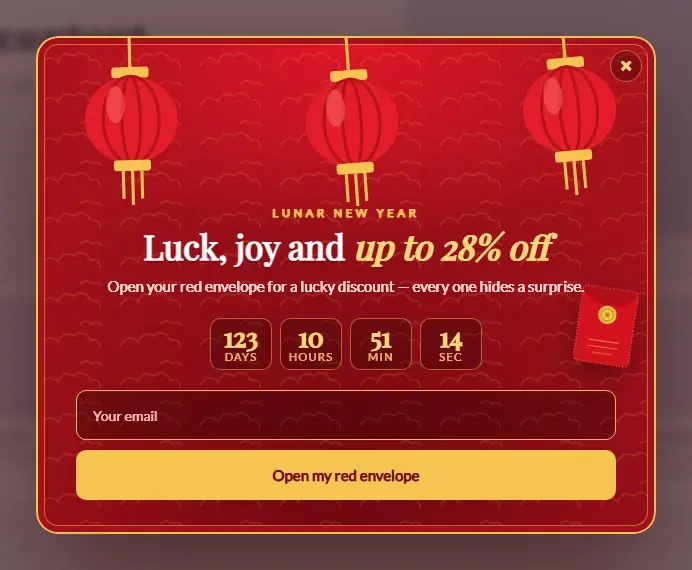
ProLunar New Year Lanterns popup template
Lunar New Year Lanterns
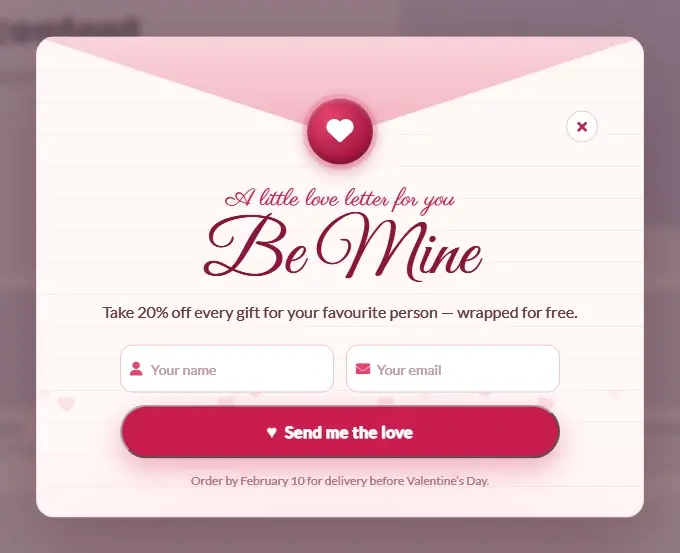
ProValentine Love Letter popup template
Valentine Love Letter
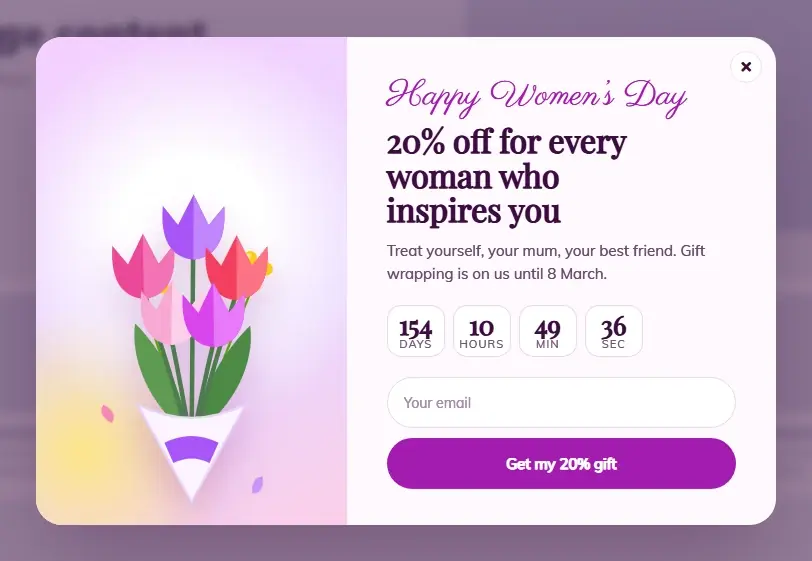
ProWomens Day Tulips popup template
Womens Day Tulips
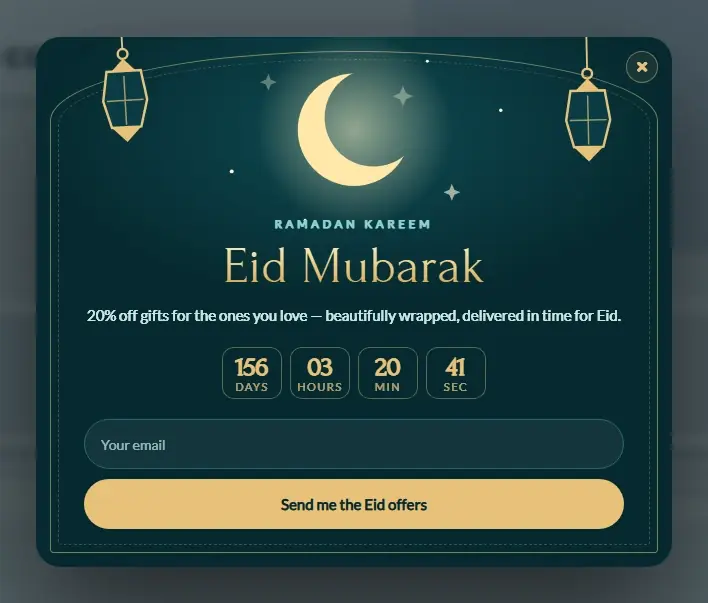
ProRamadan and Eid Crescent popup template
Ramadan and Eid Crescent
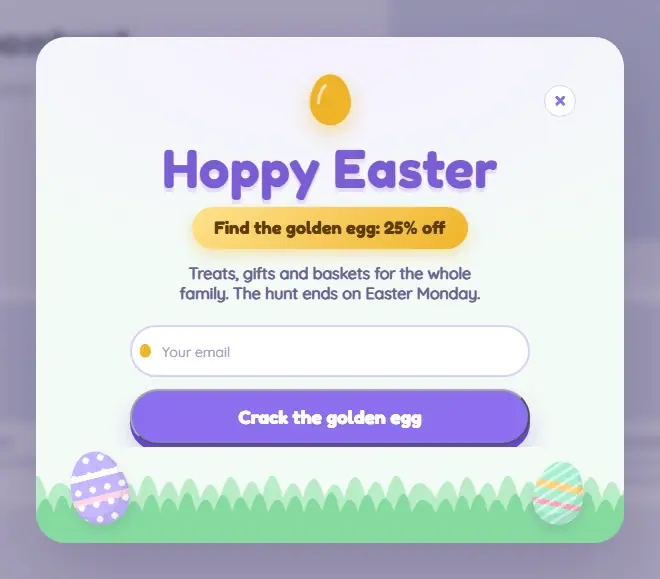
ProEaster Egg Hunt popup template
Easter Egg Hunt
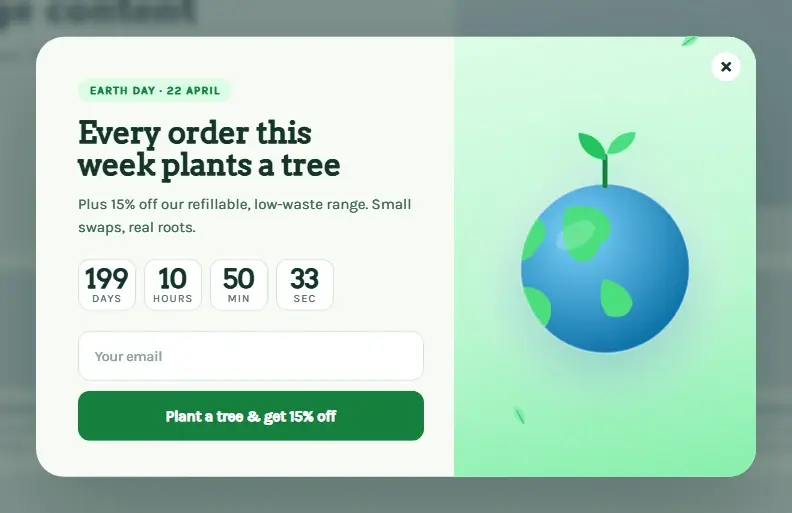
ProEarth Day Globe popup template
Earth Day Globe
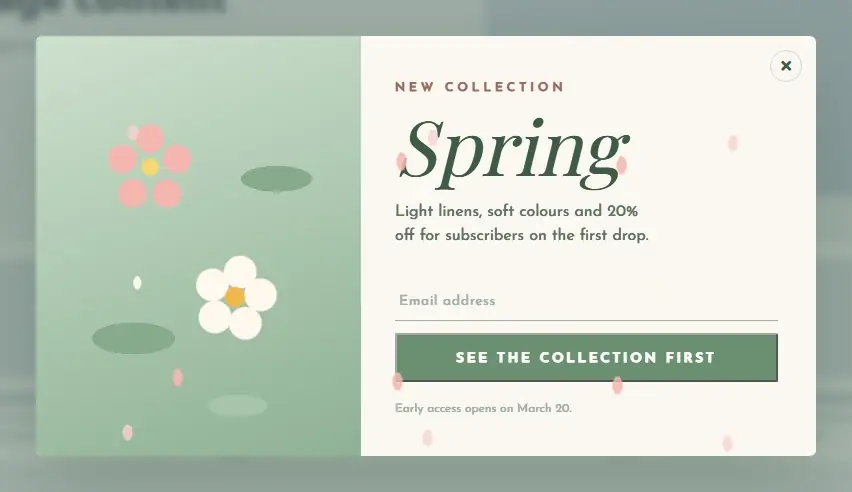
ProSpring Bloom Collection popup template
Spring Bloom Collection
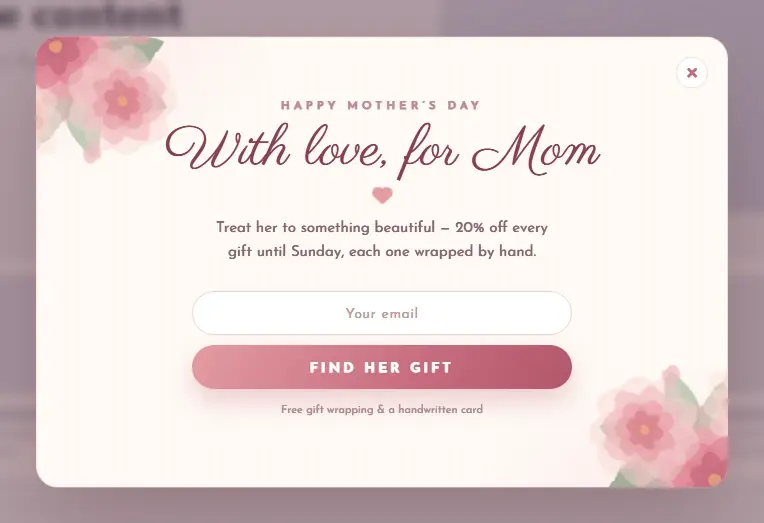
ProMothers Day Watercolor Peonies popup template
Mothers Day Watercolor Peonies
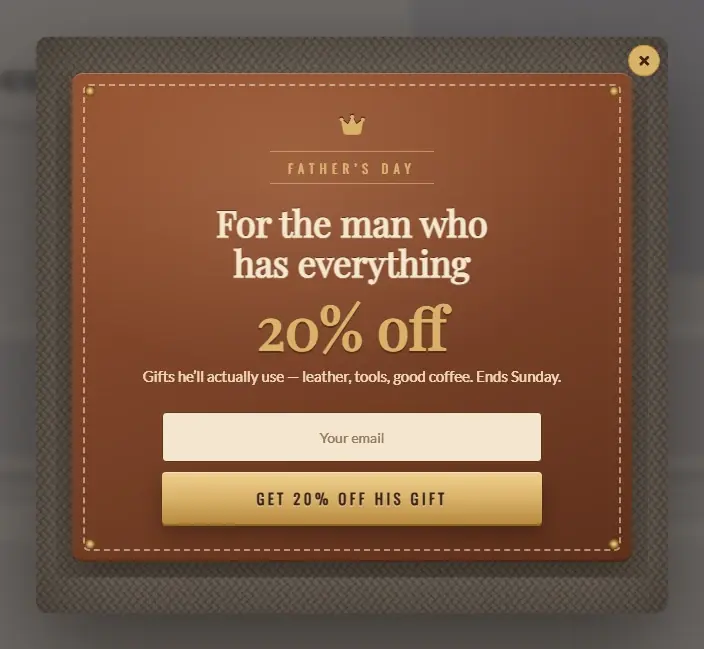
ProFathers Day Tweed and Leather popup template
Fathers Day Tweed and Leather
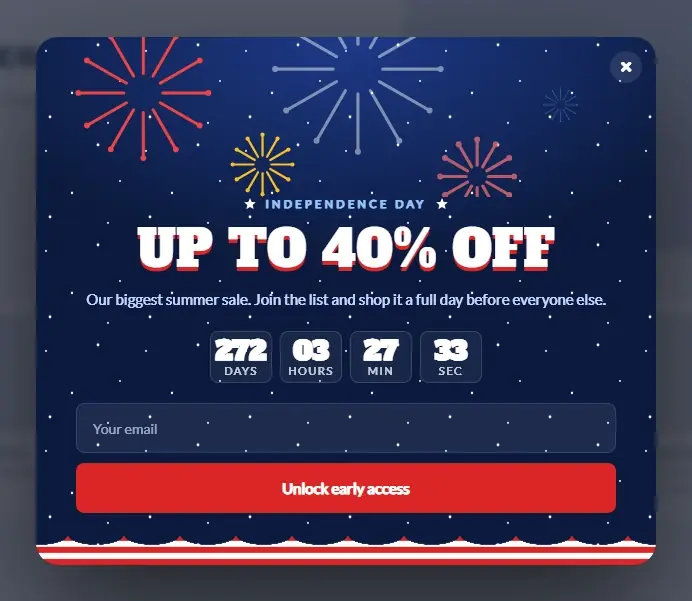
Pro4th of July Fireworks Sale popup template
4th of July Fireworks Sale
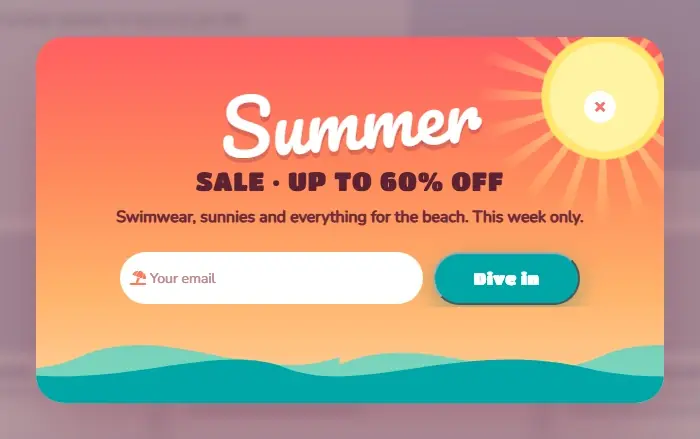
ProSummer Sale Sunset Wave popup template
Summer Sale Sunset Wave
120+ PRO Templates

Every template is yours to change. Add new fields, move blocks around, restyle the design and the whole interface in the visual editor. Need to go deeper? The CSS and JavaScript of every popup stay open to override — though in 99% of cases you won’t need to.

Inside the plugin

The whole library, right in your WordPress

Click one and it is installed — with its form and emails.

One-click colours

Your brand colours without digging through settings

Installed a template? Pick a palette — White, Midnight, Forest, Neon night, Coffee, Royal and 20+ more. Background, text, form and buttons change together, and every detail stays editable afterwards.

A popup is only as good as its timing and its audience. The CES Popup module gives you both: more than ten ways to decide when a popup appears and more than ten ways to decide who sees it — then puts a real form inside it, so the result is a contact, not just a click.

Why the CES Popup

The Right Popup, to the Right Visitor, Once

Frequency, device, page, language, schedule and (Pro) country, referrer and user role are all settings, not code.

Exit Intent & Scroll

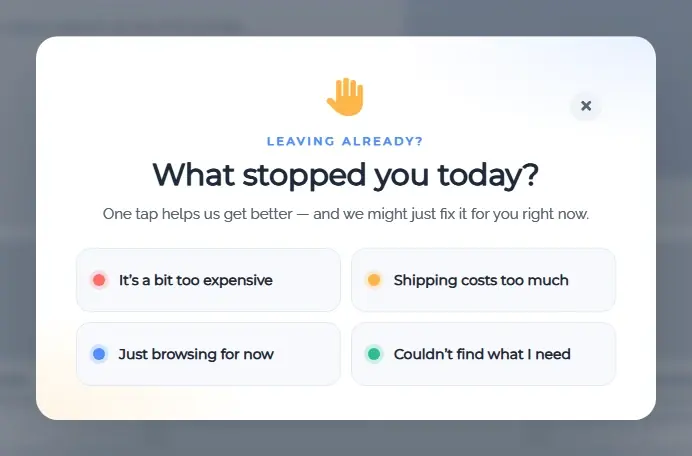
Catch the visitor as the cursor leaves the window, at a scroll percentage or after a delay — all in Free.

Click & Element Triggers

Open a popup from any button, link or CSS selector: video lightboxes, contact forms, size guides.

Audience Rules

First-time visitors, N times per period, logged-in or not, device, language, IP, page and post type — plus GeoLite countries, referrers, URL match and user roles in Pro.

A Real Form & Real Stats

Any CES form can sit in a popup: submit creates the contact, adds tags and starts an automation. Views, unique views, CTR, submits and UTM source per popup.
One module, every popup layout

Centre Modals, Corner Slide-ins
and Edge Notices.

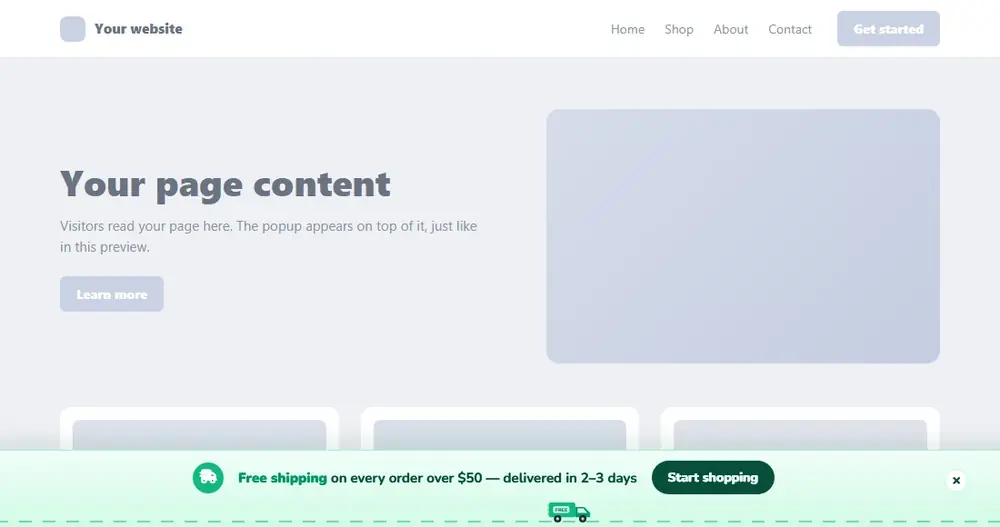
The editor asks one question first: what kind of popup is this? Position, animation and close behaviour follow from the answer; the triggers and targeting are the same for all.
Free & Pro

Centre Modal

The classic centred window over a dimmed page: offers, newsletter forms, announcements, video, login.

  • Overlay colour, image or backdrop blur
  • Show / hide animations, close on overlay, button or Esc
  • Form inside with built-in spam protection
Free & Pro

Corner & Side Slide-in

Corner and side positions that do not interrupt reading — subscribe boxes, chat-style prompts, related offers.

  • top-left / top-right / bottom-left / bottom-right / left / right
  • With or without overlay
  • Width and max-width per popup
Free & Pro

Top & Bottom Notice

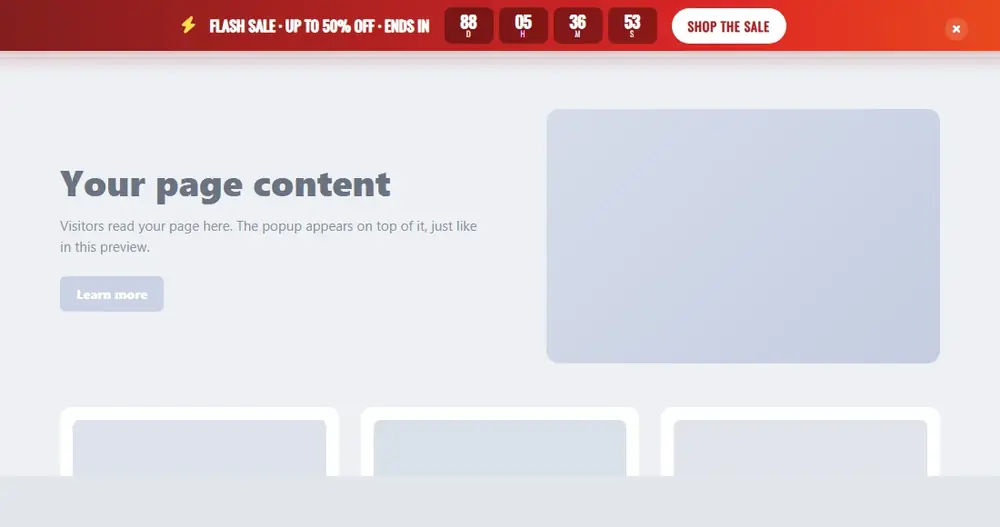
Top-centre or bottom-centre popups for announcements, consent notices and sale bars.

  • Full-width or fixed-width
  • Scheduled by date, weekday and hours
  • Countdown Timer element in Pro
See what Pro adds to each layout Every layout is included with Pro — no separate purchase.
How It Works

From Template to Live Popup in Four Steps

Most popups go live in under five minutes. It is the same editor whether you publish one newsletter modal or thirty campaign overlays.

01

Install & Pick a Template

Install CES from WordPress.org, open Popups, choose a template from the library or start blank.
02

Design & Add a Form

Edit text, colours, images and animation in the visual editor. Drop in a CES form and choose the tags a submit adds.
03

Set Trigger & Audience

Exit intent, scroll, click, delay… then pages, devices, languages, frequency — and countries or referrers in Pro.
04

Publish & Watch the Stats

The popup shows itself on the targeted pages. Views, CTR and submits appear per popup; contacts appear in the CRM.
Who It's For

Simple Enough for a Newsletter Modal. Deep Enough for a Store.

Whether you show one subscribe box or run exit-intent coupons across a catalogue, it is the same module — it just grows with the site.

The CES Popup works especially well for:

WooCommerce Stores

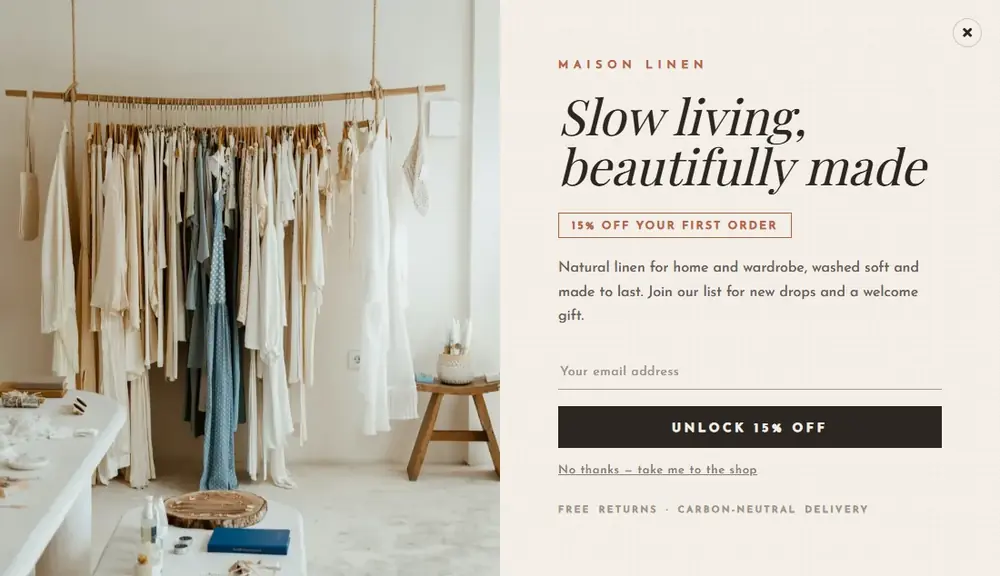
Exit-intent coupons, bottom-notice cart savers, post-checkout upsell popups (Pro) and product announcements targeted by category page.
Most Common

Bloggers & Publishers

Subscribe modals on scroll, content-upgrade popups by category, click-triggered video lightboxes.

Agencies

One popup plugin with a full CRM behind it, on 5 or unlimited client sites with one license.

Service Businesses

Click-to-open contact forms, callback requests, opening-hours notices scheduled by weekday.

Courses & Communities

Popups by user role (Pro), login and signup forms inside a modal, announcements to logged-in members only.
Start with one popup. Add targeting when you know who converts.
Connected to the CRM and the automations

A Popup That Remembers

Because the Popup module shares a contact base with Forms, CRM and Email, a popup can react to what a contact already did — and what it captures goes straight into an automation. No webhooks, no Zapier.
Free

Submit → contact → automation

A form inside a popup creates or identifies the contact, adds tags and can start an email chain the moment the visitor clicks Send.

About CES Forms
Free · with the CRM

Stats down to the UTM source

Every view, click and submit is stored with device, page and UTM parameters, so you know which campaign filled the list.

About the CES CRM
CES · popup events · Exit-intent offer
Visitor › Lands on /pricing from google / cpc / brand-de (first visit, DE, mobile)
✓ Targeting matched: first-time · not logged-in · mobile · language de
Visitor › Cursor leaves the window after 41 s
✓ Popup “Exit-intent offer” shown → view #12,483
Visitor › Submits email in the popup form
✓ Contact created · tags: lead, discount-15 · UTM stored · automation “Coupon + 2 reminders” started
✓ Popup frequency: hide for this visitor for 30 days
 
For Developers

Developer-Friendly by Design

Built to behave inside real WordPress projects. Developers get:
Custom CSS per popup (Free) and custom JS (Pro)
CSS-selector click triggers
Shortcode and PHP function to open a popup
Popups rendered only where targeting matches
Hooks on show, close and submit
Built-in spam protection on every form
Separate mobile layout and device rules
Classic popups untouched by the new editor
Views and submits in indexed database tables
It integrates with your theme — it doesn’t fight it.
Capabilities

Build a Popup Once. Target It Everywhere.

Create the popup once, then decide where it appears with rules instead of copies: pages, post types, devices, languages, schedule, frequency — and countries, referrers, URL patterns and user roles in Pro.
The Complete Solution

Built for Conversion.
Not Just Attention.

Most popup plugins stop at the click. This one is built for the point where the popup has to produce a contact, a tag and a follow-up — and prove which campaign did it.
The Professional Edge
A popup shown once to the right visitor earns a contact. One shown five times to everyone earns a bounce.
01

10+ Triggers

Page load with delay, click on page or element, scroll by percent or delay, exit intent, bottom of page — and in Pro: inactivity, after comment or review, after WooCommerce checkout, link follow, built-in page, AdBlock detected, N pages visited.
Timing
02

10+ Targeting Rules

Pages, posts, categories and post types; time, date and weekdays; everyone, first-time or N times per period; devices; IPs; languages; logged-in state — plus countries, referrers, URL match and user roles in Pro.
Audience
03

Templates & Editor

A library of templates — subscribe, login, signup, data collection, YouTube, Google Maps, holiday sales — built from rows, columns, titles, text, buttons, icons and iframes in the visual editor, with custom CSS in Free and a Countdown Timer element in Pro.
Design
04

Forms Built In

Any CES form type inside a popup: simple, create contact, identify contact, login, signup, reset password. 30+ field types with Pro.
Forms
05

Full Statistics

Views, unique views, CTR, submits, bounces and average time per popup, with UTM tracking and the Conversion Tracking API for revenue.
Analytics
Start with one exit-intent offer. The same setup still holds when it is thirty popups across a dozen client sites.
Stop Fighting Popup Plugins

Targeted Popups. Total Control.

A plain popup plugin shows a box. Here is what changes when the popup is one module of a customer engagement system.

Publishing popups with a standalone popup plugin compared with the CES Popup module
Task
Standalone Popup Plugin
The old way
CES Way
CES Popup
The connected way
⚡Collecting the emailPopup posts to a third-party form or list service through an integrationA CES form inside the popup creates the contact in your own database
👤Not annoying customersCookie-based “show once” at bestHide for contacts with a tag, for logged-in users, by role, by frequency per period
🌐Regional offersSeparate plugin or custom code for geolocationLanguage rules in Free; country and referrer rules in Pro — same screen
📈Knowing what workedViews and clicks, if anythingViews, unique, CTR, submits, bounces, time, UTM source and revenue attribution
💬Following upExport the list, import it somewhere else, build the sequence thereSubmit starts a CES automation immediately
🔧Upgrading from the old popupRebuild everything in a new pluginClassic popups keep running; rebuild when you want
✕ A box with no memoryGet CES Popup Pro →
Alternatives

CES Popup vs Popup Maker, OptinMonster and Popup Builder

The WordPress popup plugins people compare most often, on the questions that decide a purchase. Single-site annual prices as published by the vendors.
CES Popup compared with Popup Maker, OptinMonster and Popup Builder on price, triggers, targeting and CRM
FeatureCESCRM, Popup, Forms, Emails & AutomationsPopup MakerOptinMonsterPopup Builder
Single-site Pro price$99 / year$87 / yearfrom $9 / month billed yearly, pageview-limitedfrom $49.95 / year
Lifetime licensefrom $749 (up to 5 sites)
Free versionFull module, unlimited popupsFree popupsLiteFree popups
Exit intent, scroll, click, delay triggersSome paidSome paid
After WooCommerce checkout / comment / AdBlock triggersProPaid extensionsPartlyPaid
Country & referrer targetingProPaid extensionGrowth planPaid
Built-in form builder with 30+ field typesOptin fieldsBasic
Contacts stored in your WordPress database with historyVendor cloud
Email automations from the same plugin
Views, CTR, submits, UTM stats per popupPaid extensionPaid
Prices and feature availability as published on the vendors’ own sites, checked 17 September 2026. Plans and limits change; check the vendor before deciding.

Already using Popup by Supsystic? Nothing breaks.

CES ships under the same plugin slug, so it arrives as a normal update. Every popup you built keeps working and stays editable in Classic Popup by Supsystic for as long as you need it. Rebuild in the new editor when you want the new triggers and the shared contact base — not before.

Same slug: popup-by-supsysticClassic popups keep runningClassic editor stays availablePro license carries over
Risk-Free Purchase

100% Risk-Free Guarantee

Not sure if it's the right fit?
Try Pro for 30 days. If it doesn't do what you bought it for, write to support and get every cent back.
30-DayMoney-Back Guarantee
Visa · Mastercard · PayPal · Stripe

Every CES Pro license comes with a 30-day money-back guarantee. Not satisfied within the first month — for any reason — contact support and we refund the purchase. No forms to fill in, no questions to answer.

Pro Features

Where Pro Takes Over

The free version shows targeted popups with real forms and full stats and never expires. Pro is for when the trigger has to be an order, a comment or an ad blocker, the audience has to be a country or a role, or the popup needs its own JavaScript.

After WooCommerce Checkout

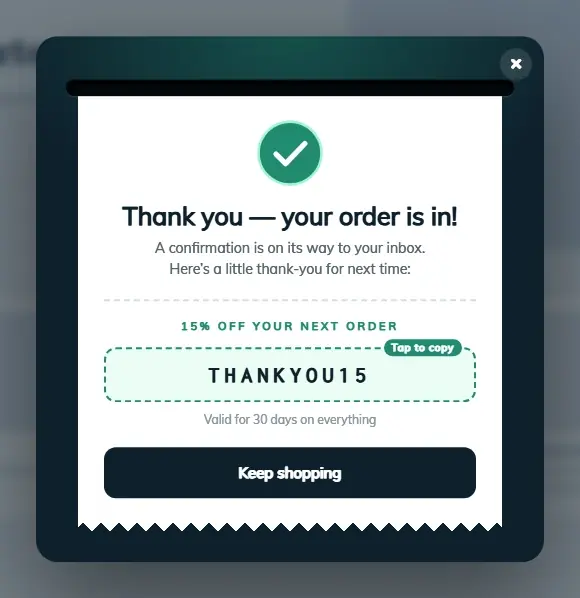
Show an upsell, a review request or a referral offer the moment an order is placed.

Inactivity & N Pages Visited

Trigger after 30 seconds idle or on the third page of the session.

AdBlock Detected

A polite notice only to visitors running an ad blocker.

Countries & Referrers

GeoLite country rules, search-engine and social referral rules, URL match.

User Roles

Different popups for subscribers, customers, editors or any custom role.

Custom JavaScript

Per-popup JS for tracking pixels, third-party widgets or anything the editor does not cover.
No artificial limits
Unlimited popups and views in Free. Upgrade only when a Pro row in the comparison below is the one you need.
Free vs Pro

Everything in the Box — and Exactly What Pro Adds

45+ capabilities, compared line by line and checked against the plugin itself.
30+in Free
Free
$0 forever
Unlimited popups and views, the core triggers and targeting rules, the template library and visual editor, forms with 10+ field types, custom CSS and full statistics.
Download Free Or run it in a sandbox first
45+in Pro
Pro
from $99 per year
lifetime from$749
More triggers and targeting rules, 20+ extra field types with conditional logic, custom JavaScript, 10+ mail providers for the follow-up and premium support.
View License Options
Full feature comparison
Capability
Freewordpress.org
Profrom $99/yrlifetime from $749
Triggers
Page load with delay
Click on page or element (CSS selector)
Scroll: percentage or delay
Exit intent
Bottom of page
Inactivity
After comment or review
After WooCommerce checkout
Link follow
Built-in page (popup as a page)
AdBlock detected
After N pages visited
Targeting
Pages, posts, categories, post types
Time, date and weekday schedule
Everyone / first-time / N times per period
Devices: desktop, tablet, mobile
IP include and exclude lists
Languages
Logged-in or guest
Countries (GeoLite)
Search engine and social referral
URL match rules
WordPress user roles
Design & content
Template library
Visual editor
Any position: centre, corners, sides, top, bottom
Overlay: colour, image, backdrop blur
Countdown Timer element
Animations and positions
Close options: overlay, button, Esc, timer
Mobile layout
Custom CSS
Custom JavaScript
Forms inside popups
Any CES form type in a popup
Field types
10+
30+
Create or identify contact on submit
Spam protection: honeypot + CAPTCHA
Tags on submit → start automation
Conditional logic, masks, uploads
Statistics
Views, unique views, CTR
Submits, bounces, average time
UTM source tracking
Conversion Tracking API
System
Classic popups keep working and stay editable
Shortcode and PHP call
Rendered only where targeting matches
Premium support
Every Pro license unlocks every capability across Popup, Forms, CRM and Email — tiers differ only in how many sites they cover.
Pro is a superset of Free: nothing you build on the free version has to be rebuilt after upgrading.
Licensing

Choose your licence and get started

Flexible options for individuals, businesses and agencies.

Choose your licence first, then your term.

1 Year
Introductory price
Regular price $129 / year
$99 / year
Renews at $99/year
1 Site License
All Pro Features
Premium Support
Buy Now
30-Day Money Back Guarantee
3 Years
Best long-term value
$249 / 3 years
That's only $83/year
1 Site License
All Pro Features
Premium Support
Buy Now
30-Day Money Back Guarantee

Join at the introductory price – and keep that same price when you renew.

Choose 3-year or lifetime options for even greater savings.
Every tier unlocks all four modules
There is no per-module upsell. A Pro license switches on the Pro triggers, 20+ Pro field types, conditional logic, 10+ mail providers and premium support — on every site the license covers.
Questions

Frequently Asked Questions

The questions people ask before they install — and the ones they ask support in the first week.

What happens to my existing popups after the update to CES?

They keep working. CES is the same plugin under the same slug; old popups run in Classic mode and remain editable in Classic Popup by Supsystic. Rebuild them in the new editor whenever you want the new triggers and the shared contact base.

Which triggers are free?

Page load with delay, click on the page or an element, scroll by percentage or delay, exit intent and bottom of page. Pro adds inactivity, after comment or review, after WooCommerce checkout, link follow, built-in page, AdBlock detected and N pages visited.

Can I show a popup only to visitors from a specific country?

Yes, with Pro — country targeting uses GeoLite. Language targeting, device, page and frequency rules are in Free.

Can I put a real form in the popup?

Yes. Any CES form can be placed in a popup: simple, create contact, identify contact, WordPress login, signup or reset password. Submits create contacts in the CRM and can start automations.

Does it collect emails without a third-party service?

Yes. Contacts are stored in your WordPress database by the CRM module. You can send campaigns and automations to them from the Email module without any external list service.

Is there a limit on popups or views?

No. Unlimited popups and unlimited views in both Free and Pro.

Will the popup slow down my site?

A popup is rendered only where its targeting rules match; tracking and forms are processed server-side, so a page without a matching popup carries no extra work.

Can I stop showing a popup to people who already subscribed?

Yes. Use frequency rules (once per period), the logged-in rule, or in Pro the user-role rule. Because forms tag contacts, an automation can also flag subscribers so the offer is not repeated.

Which license covers several sites?

Personal covers 1 site, Multi-site up to 5, Agency unlimited. All contain the same Pro with all four CES modules.

Is there a money-back guarantee?

Yes — 30 days on every Pro license.

Support

Real Support From People Who Know the Plugin

The Popup module is the oldest part of CES — the same team has built and supported Popup by Supsystic for years and answers the support forum every working day.

Start Showing Better Popups in WordPress

Install the free version and see how quickly a template becomes a targeted, form-backed popup. Upgrade when you need the Pro triggers and targeting.