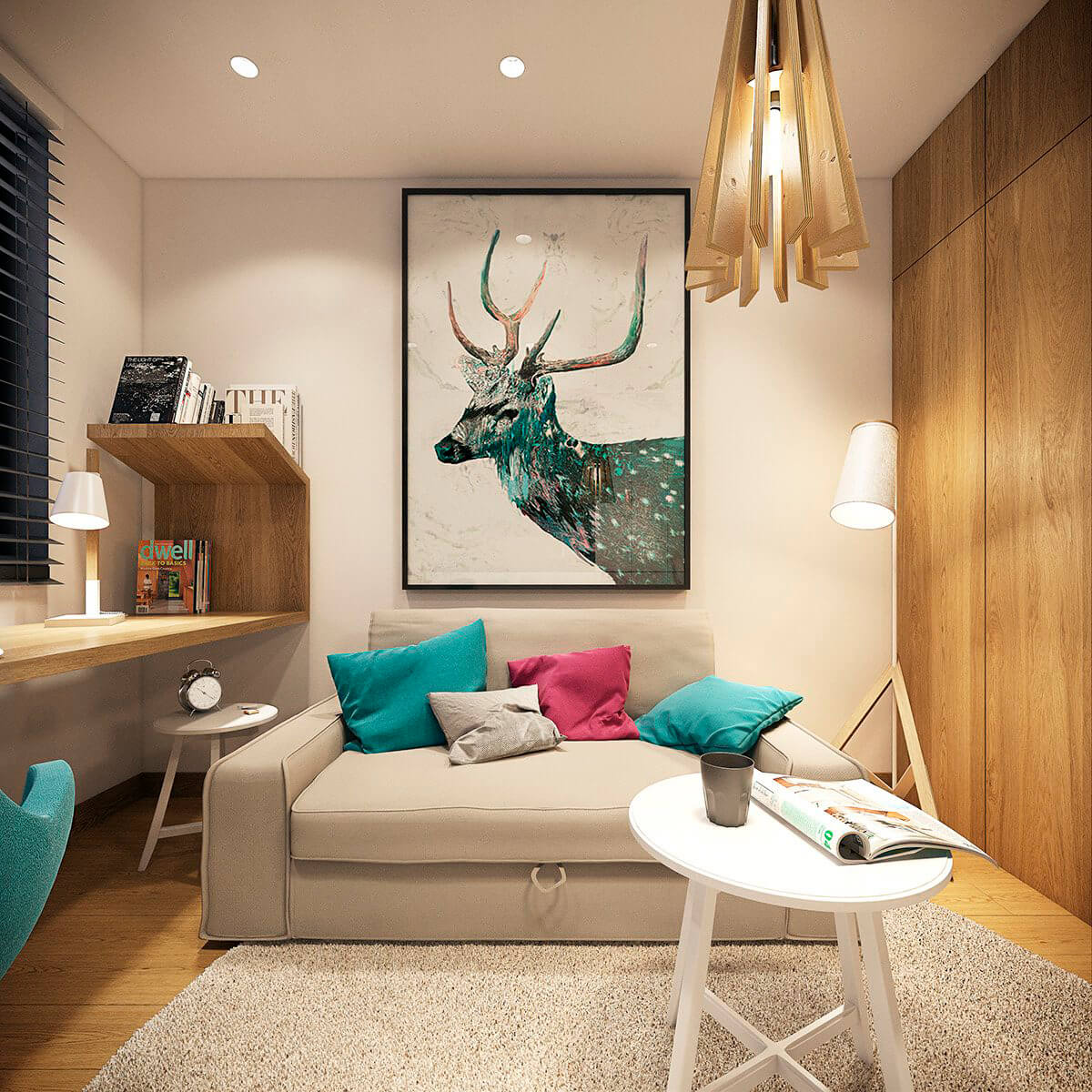
A live Photo Gallery example: everything below runs on the real plugin, right on this page.
We have a great offer for all the gallery owners. With Linked images (Pro feature) – you can show your products or services even better and more detail. It is a great ability to display your business from all sides. For example, you have a gallery which displays all your products. But the one picture is too few for the description of the product or service. With a new feature, you will be able to add linked images for each picture in the gallery and display them in popup window mode.
Check this incredible option. Click on any image of the gallery below – on the right side of popup image you will see linked images, which you are able to view – simply click on them. In order to return to the main image and view other images of the gallery – click on the lowest image in your popup.
Important! After changing the settings of image gallery plugin don’t forget to click “Save” button.
Your site deserves something unusual!
Supsystic team has found something very interesting and beautiful for you! The WordPress Gallery plugin with Linked Images in Popup will help you create the most stylish and original-looking website.Lots of fetures, dosens of options and tons of customizable parts – you definitely will like everything in it.
Linked Images in Popup is a new and unique theme of Gallery plugin by Supsystic, which was created especially for displaying a large number of images. You can show all your products or ideas with a lot of details that will allow you to demonstrate your skills. If you have one product photographed from multiple angles, or you have recently visited the colorful resort or more, our plugin is made for you! This is a great way to attract more readers to your website or blog. Let your readers see your best ideas or products using Linked Images in Popup plugin which presents all the advantages of your products at the same time – is a reality. Do not waste your time, just install the plugin and enjoy the using of it!
It will help you to create a multi-level gallery with several albums for various gallery windows. This unusual feature will create unique content for each image, which will show all your products and services. Linked Images in Popup plugin is also a good helper in organizing your website or blog. Readers will always know where to find specific content, thereby your website traffic level will rise. With the new feature, you can add linked pictures for each image in the gallery and display them in a popup mode. To see all the content, simply click on the image and on the right side of the screen, you will be able to see all linked images or photos. Simple as that! In order to go back to the first image just click to lowest one.
To install such an amazing gallery, simply download or buy Linked Images in Popup plugin on our website http://supsystic.com/, then choose “New Gallery” option, name it and click on “Add image” button. You can download images from your Facebook, Flickr, Instagram, Tumblr or straight from your WordPress Media Library account. After adding the first images you need to add also linked images to each of them. After that click “Properties” button and on Main Tab set to Fixed mode. Go down the page to the Pop-up Image option and choose Theme 7 in “Pop-up box theme”. This theme supports linked images. Then specify the caption effect you want and save. That’s it, your brand-new gallery is ready to impress your readers!
Do not forget to make the gallery with all best moments and photos of your life! By the way, it has a great variey of amazing variants.
Galleries, carousels and sliders. Everything in this example works in the free version or in Pro.