A live Photo Gallery example: everything below runs on the real plugin, right on this page.
A travel photo carousel: three photos in a row on a computer, two on a tablet and one on a phone, with a caption under each slide, arrows, dots and autoplay. Click a photo to open it large in the lightbox. Built with Photo Gallery by Supsystic and the Northern Lights style from the Night collection.
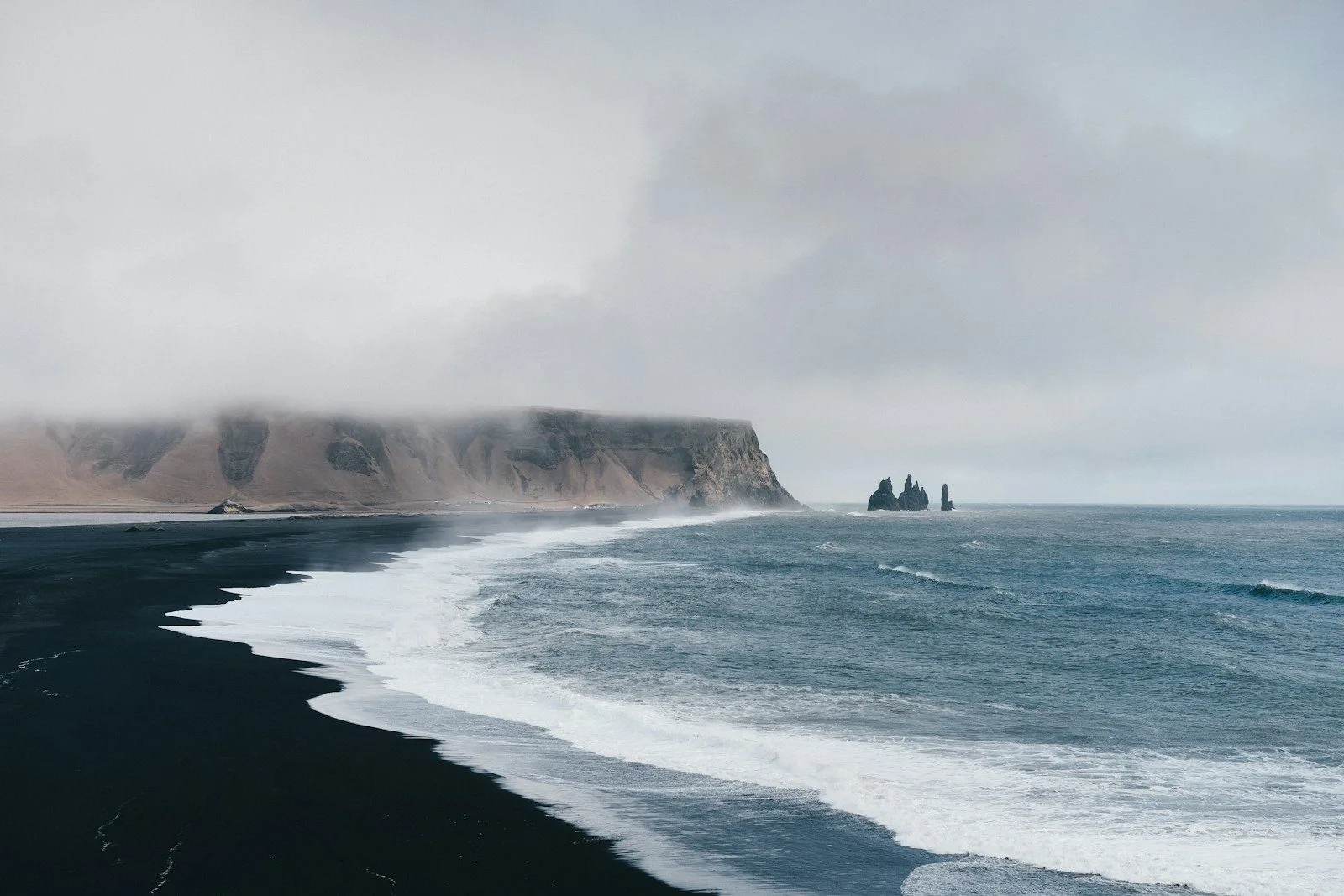

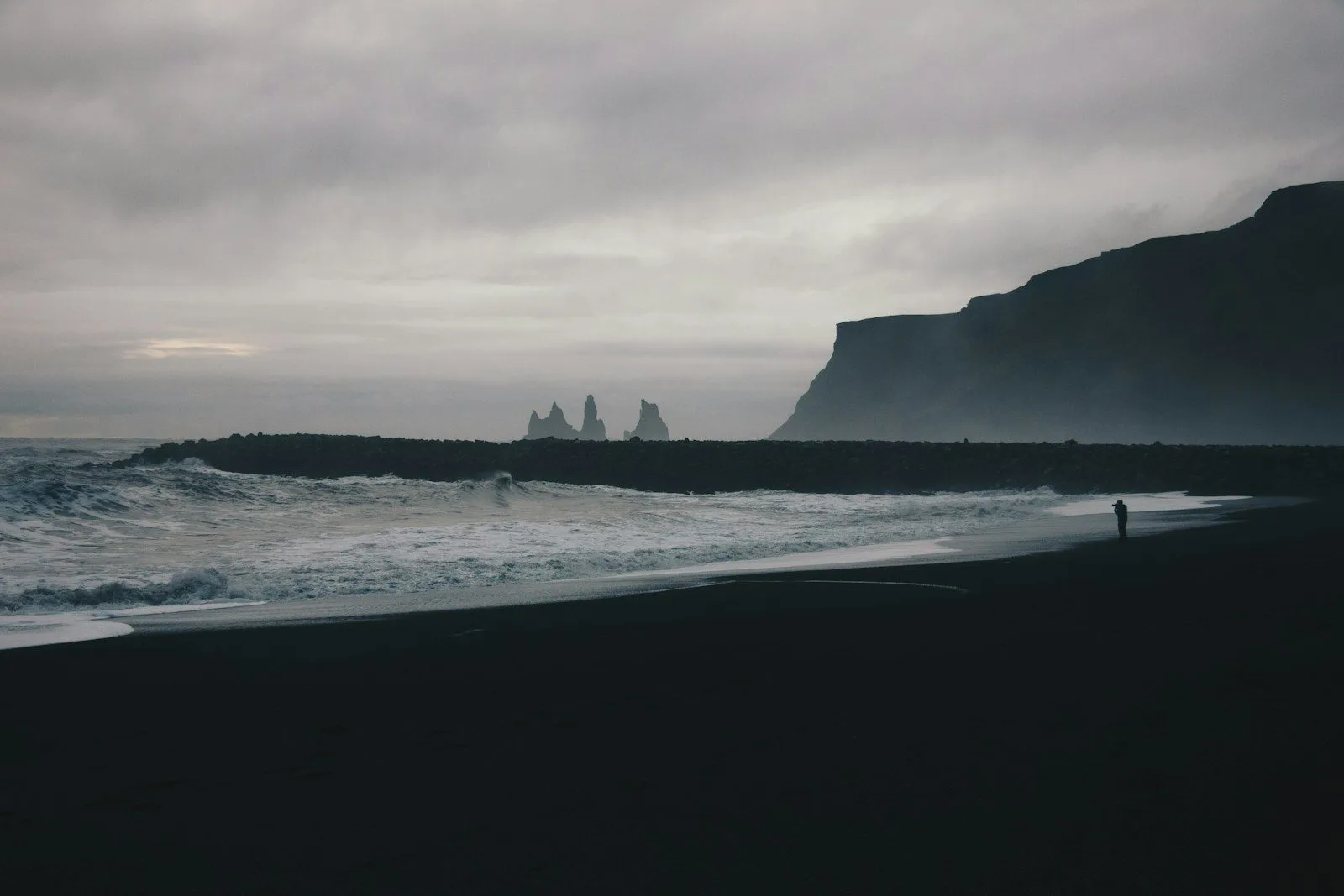
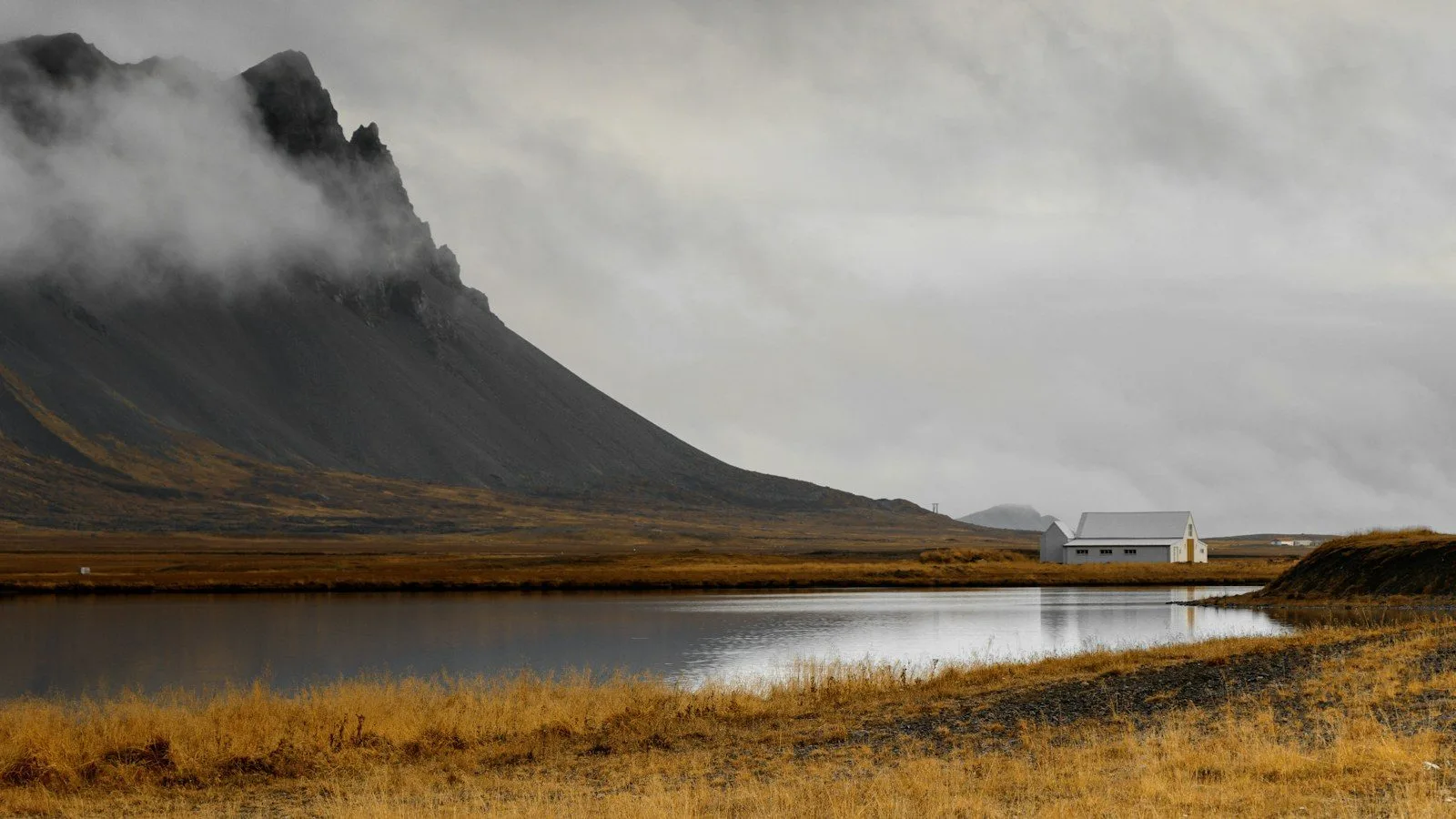
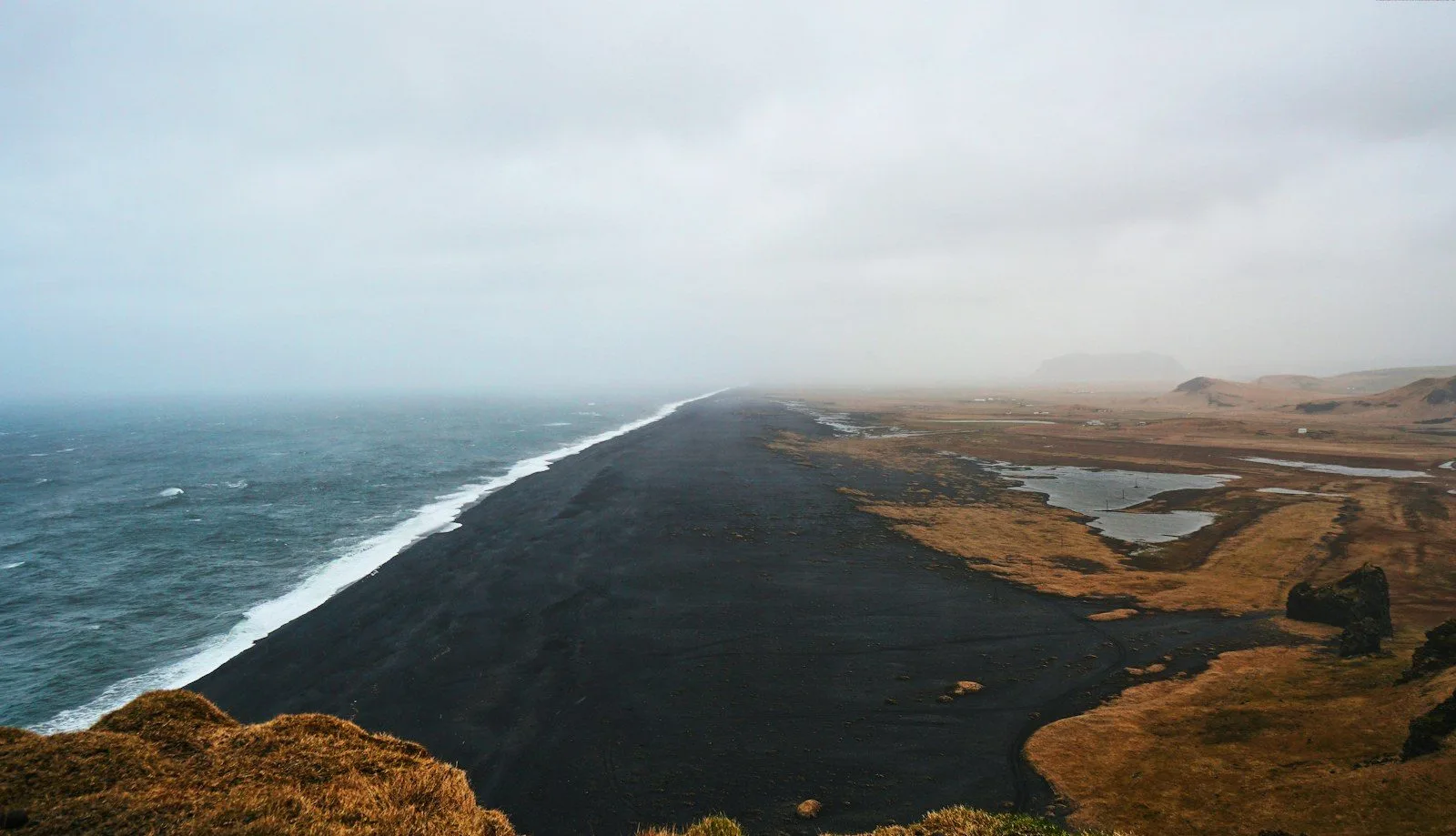
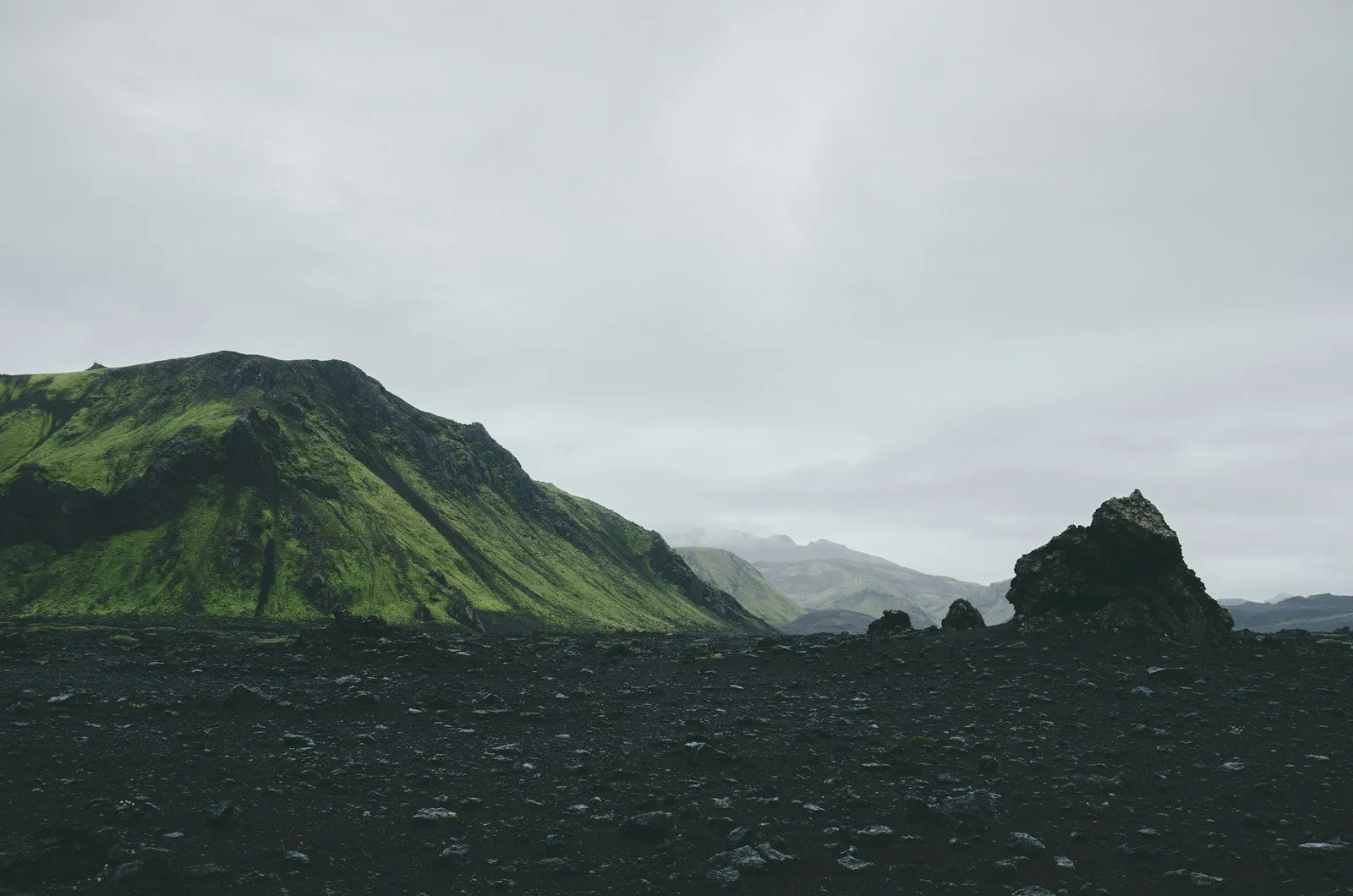
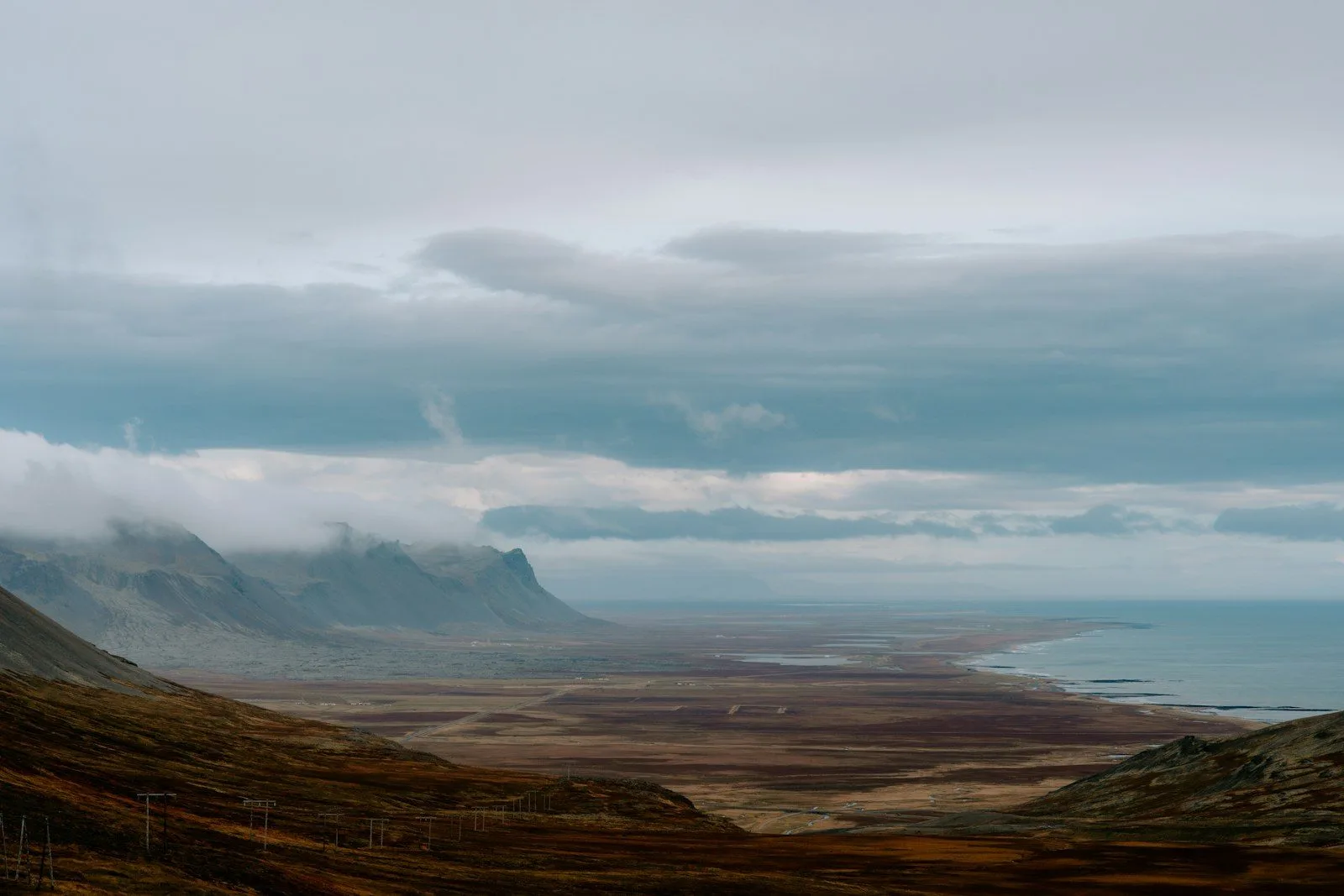

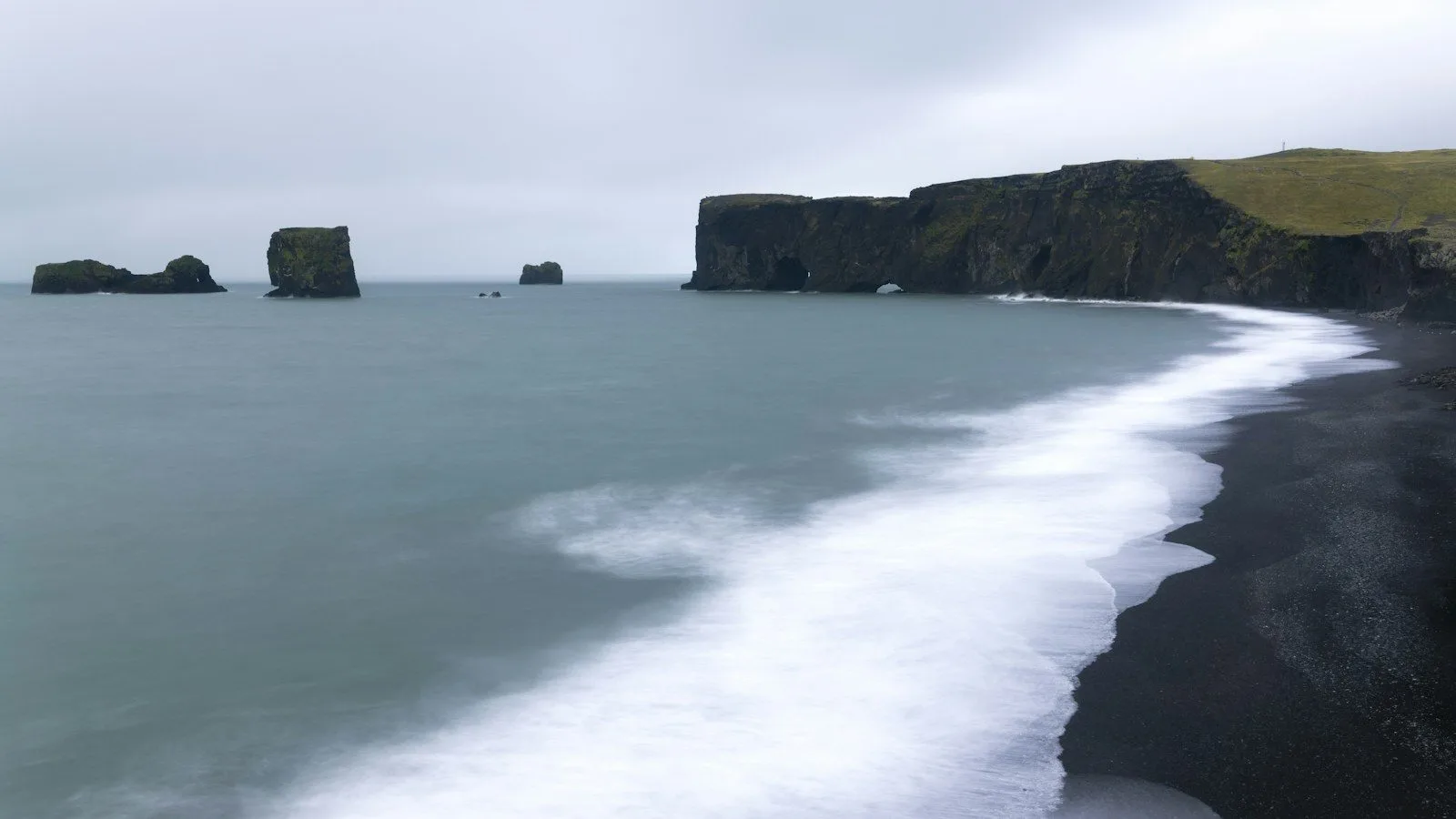

A photo carousel shows many photos in little space: travel stories, portfolios, hotel rooms or product shots on a home page. Visitors swipe on phones and click any photo to see it large. The step-by-step guide is here: how to create an image carousel in WordPress.
More demos: all Photo Gallery examples.
Free and Pro: image carousels, arrows, dots, autoplay, captions, the lightbox, slides per device and five styles are free. Pro adds 100+ more styles, 3D effects and lightbox thumbnails with a slideshow.
Galleries, carousels and sliders. Everything in this example works in the free version or in Pro.
