| Provider | Key / account | Cost | Best for | Free / Pro |
|---|---|---|---|---|
| OpenStreetMap (via Leaflet) | None — works the moment you activate the plugin | $0, no usage limits | GDPR sites, public sector, any project with a $0 map budget; 15+ OSM styles incl. topo, hiking, cycling, transit | Free |
| Leaflet + custom or self-hosted tiles | Depends on the tile server you point it at | $0 when self-hosted | Developers, agencies, intranets: your own style, no third party at all | Free |
| Bing Maps | Free Microsoft key (Bing Maps Dev Center) | Free tier, then Microsoft pricing | Satellite and bird's eye imagery, road and canvas styles, Microsoft-based organisations | Free |
| Mapbox | Free access token (no card for the free tier) | Free tier, then Mapbox pricing | Designer styles: streets, outdoors, light, dark, satellite | Free |
| Thunderforest | Free key | Free tier, then Thunderforest pricing | OpenCycleMap, outdoors, landscape, transport — built for trails and cycling | Free |
| MapTiles API (OpenStreetMap) | Free RapidAPI key | Free tier, then MapTiles pricing | OSM tiles with an SLA — for high-traffic sites that outgrow the public OSM tile server | Free |
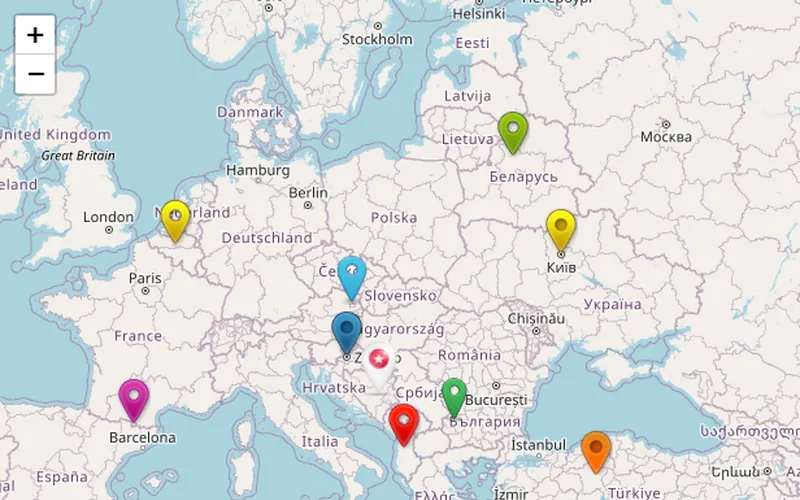 Markers DescriptionMarkers with text, photos and video in the popup, on Open Street Map tiles.Free
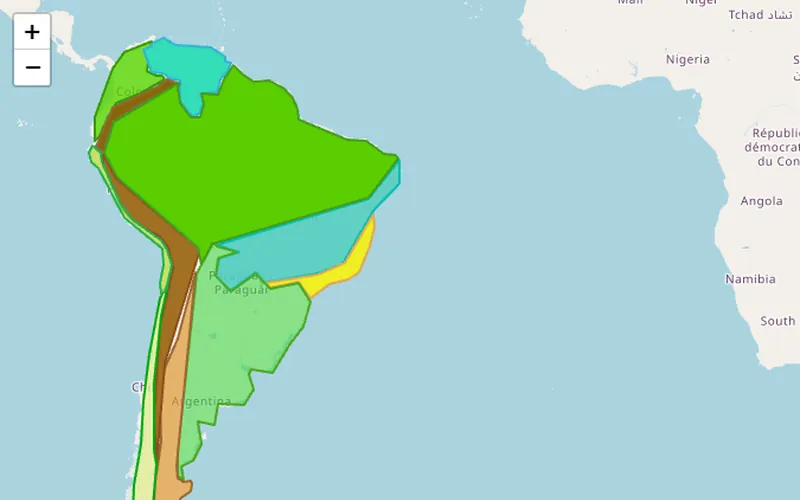 ShapesPolygons, lines and circles drawn over the map — zones, districts, routes.Pro
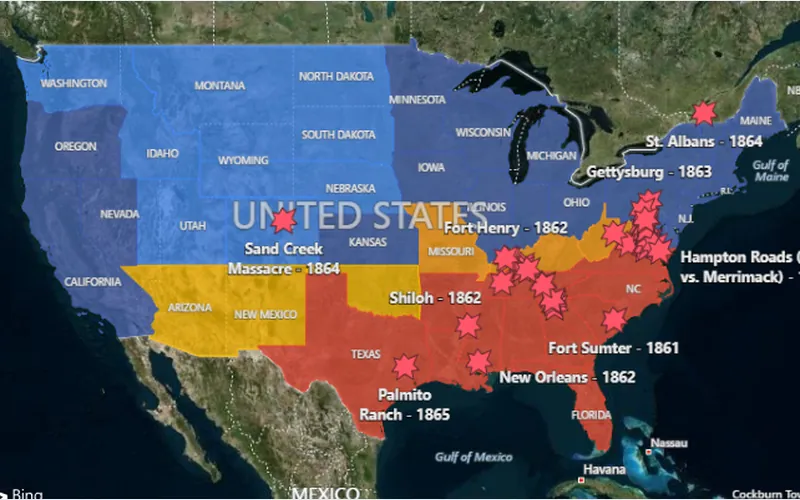 KML LayerA KML file rendered as a layer: regions, tracks and points from your GIS data.Pro
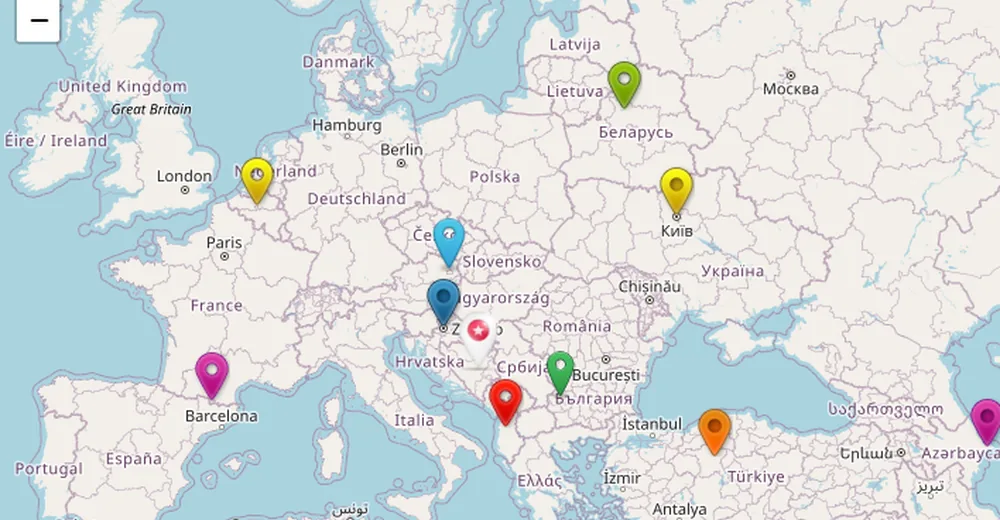
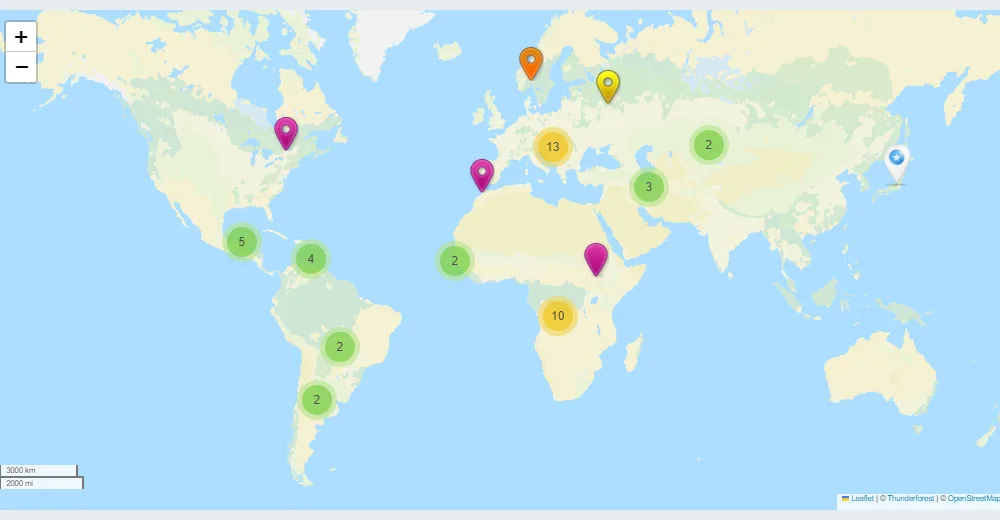
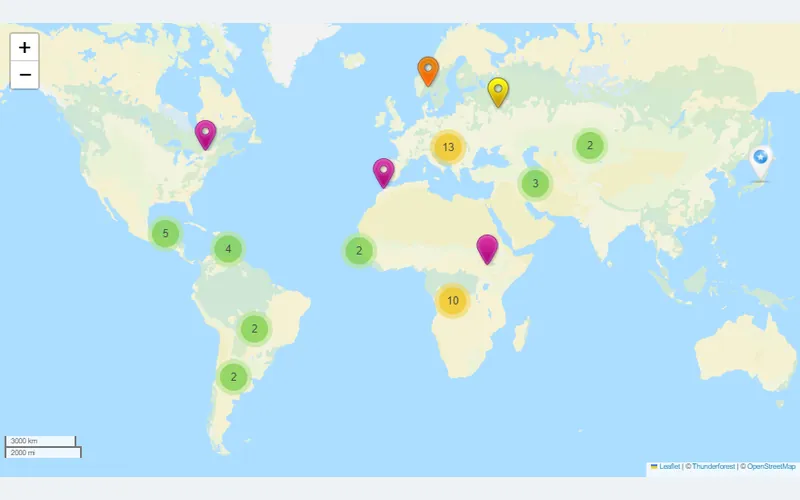 ClusteringHundreds of markers grouped into clusters that split as you zoom in.Free
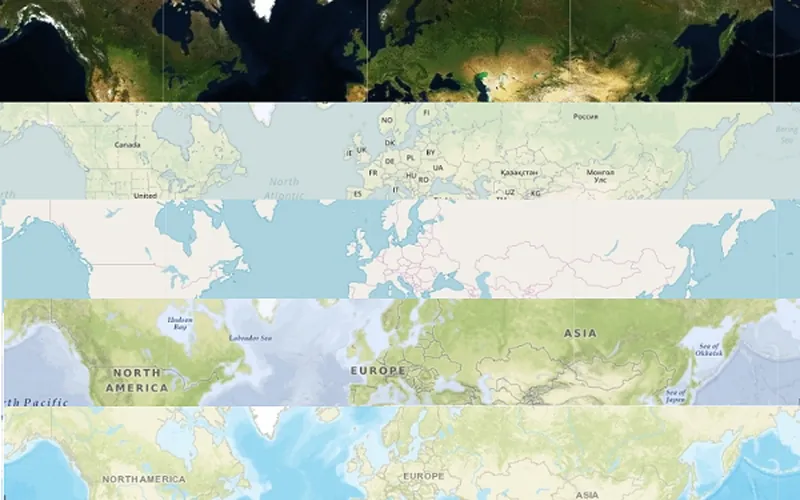 Map StylizationThe same map on different providers and styles — OSM, Thunderforest, Mapbox, Bing.Free
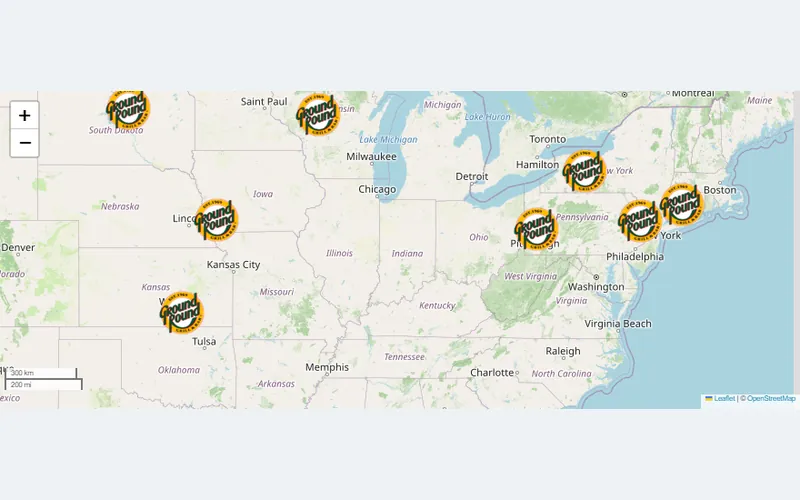 Linked MarkersClick a marker to open any URL — a product, a listing, a branch page.Free
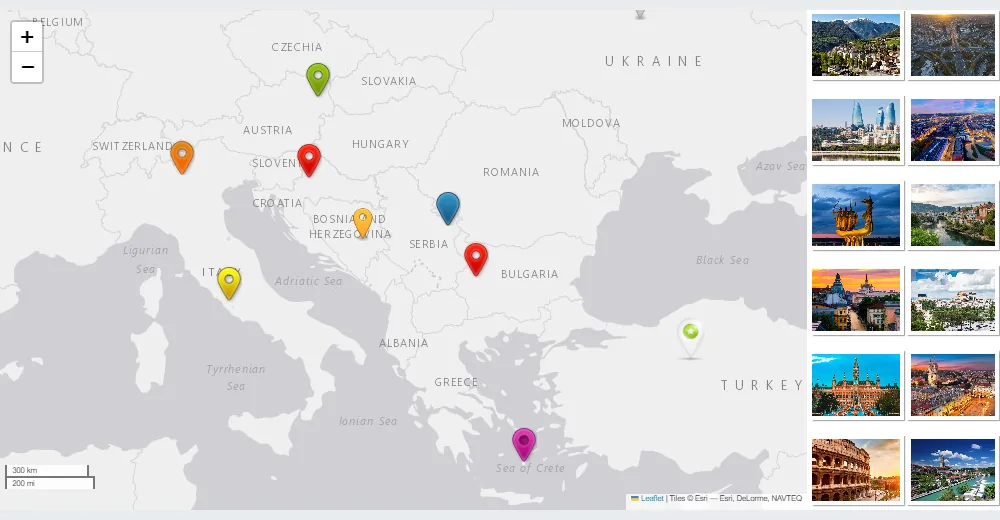
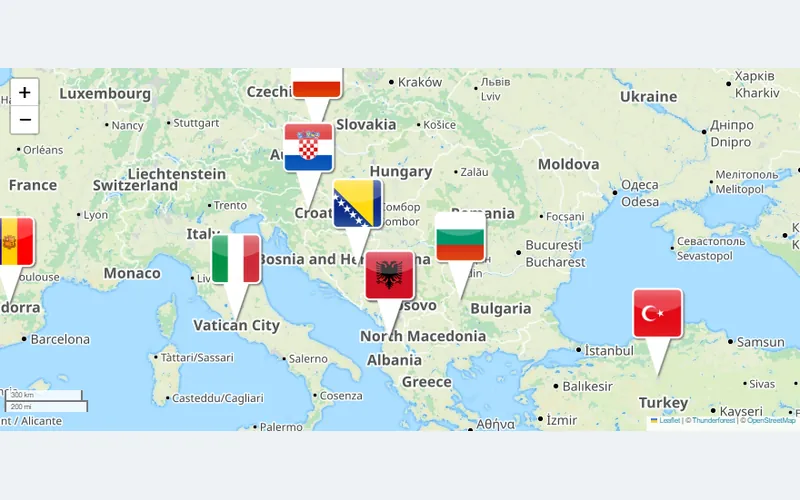 Horizontal SliderA strip of marker photos under the map; click to fly to the pin.Pro
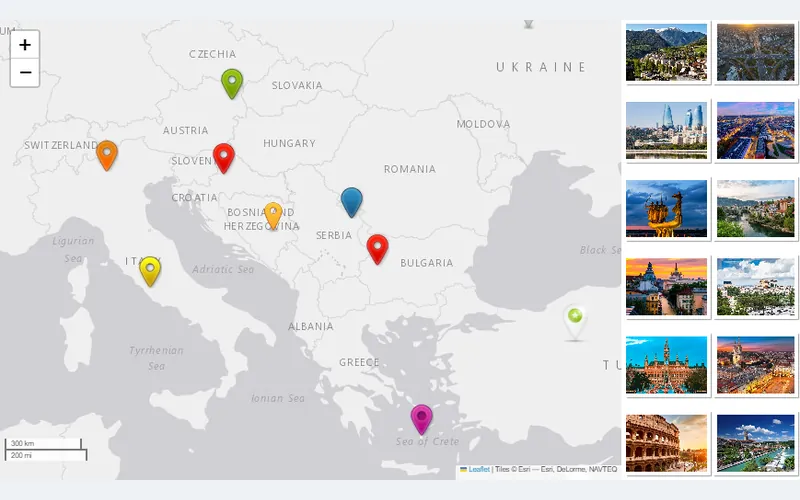 Exposition SliderA gallery-style slider of every marker beside the map.Pro
Best Google Maps Alternative
Bing, OpenStreetMap, Leaflet integration
Unlimited Maps and Markers
Fully Responsive
Different Map Themes
KML Layers
Clusterization
Markers Customization
Shapes
| Criterion |
Google Maps iframe
The old way
|
Recommended
Ultimate Maps
The smart way
|
|---|---|---|
| 🔑API key required | Yes — a Google Cloud project with a credit card on file | No. OpenStreetMap needs nothing; Bing, Mapbox and Thunderforest take a free key |
| 💰Monthly cost at 100k map loads | Billed per Google Maps Platform pricing once past the free credit | $0 on OpenStreetMap; free tiers on the other providers |
| 🔒Data privacy | Google receives every visitor's IP and behaviour | Tiles come from the provider you pick — zero Google data collection |
| 🎨Customisation | Fixed Google styling — no brand control | Custom markers, icons, popups and 15+ OSM styles; 300+ themes with Pro |
| 📍Markers | One static pin, no categories or custom icons | Unlimited markers with images, links, categories and clustering |
| 📱Mobile | Often breaks or needs manual responsive fixes | Fully responsive out of the box — touch optimised |
| 🗺Map provider | Locked to Google — subject to API pricing changes | Switch between 5 providers any time, no lock-in |
| 📂KML layers | Not supported in basic embeds | Full KML layer import — overlay your own geo-data (Pro) |
| ✕ Not recommended | Get Ultimate Maps → |
| Feature | Ultimate Maps | Leaflet Map | Maps Marker Pro | WP Go Maps | MapPress |
|---|---|---|---|---|---|
| Map providers | OSM/Leaflet, Bing, Mapbox, Thunderforest, MapTiles API | OpenStreetMap (MapQuest with a key) | OSM/Leaflet, Google, Bing, Mapbox | Google, plus OSM/Leaflet engine | Google, plus Leaflet/OpenFreeMap |
| Works without a Google API key | |||||
| Free version | Only version | Free Leaflet Maps Marker retired in 2020 — Pro only | |||
| Visual map editor (no shortcode attributes) | |||||
| Single-site price | $49 / year | Free | €49 / year | $69 once | $39 / year (3 sites) |
| Lifetime license | $159 | — | — | $69 (version 10 forever) | — |
The best I’ve found“I have had it with going through 9 levels of hell with Google Maps API and the absurdly complicated and paid plugins needed to use them. Not only is this plugin easier to use with all the features I would ever need, it frees me from Google Maps with other equally good maps to use. Get it and free yourself from Google’s tyranny! Excellent!”
Best OSM compatible plugin“This is the by far best OSM compatible map plugin in WordPress universe, and I would say: We tested them all. So we use this plugin in several hundrets of WordPress installations. Very important for us is… – the great responsiveness of the maps, – multiple markers, – good backend interface and last but not least …the fact that is is possible to use OSM maps with the plugin only contacting OSM tile servers and no other servers to load content like a viewer script. So it is possible to use this plugin GDPR compliant in the EU. Simply Great! -doffine”
Google-Map-Easy compatible“This is a great plugin to ungooglelize your site Better : To change from “google-map-easy” plugin to “Ultimate maps” you just have to export your maps and markers from google-map-easy and import them in Ultimate Maps. It works fine Thank-you”
Great to use – great support!“Just what I needed to replace Google maps. Lots of options to make it do what I needed – used it in 3 places on the website now. Just a bit strange how the hover/click options operate in reverse to the desktop on an Android mobile. But I still love it! [edit] Had an issue with maps not displaying. Oleh in support jumped on and quickly diagnosed it as another plugin causing compatibility issues. Fantastic support – I can’t praise them enough! Ten stars”
Best one“This one is the best for my needs. I have seen a lot of plugins, but this one is free, it has OpenStreetMap, you can add tons of pins with text and no annoying Google’s API’s which BTW. cost now. For now, best alternative for Google Maps. I recommend this one because really is free, simple and does what it said.”

All Ultimate Maps Pro licenses come with a 30-day money-back guarantee. Whether you're a developer building data-rich geographic applications or a business that needs a privacy-first store finder — we want to ensure this is the perfect fit.
If you're not 100% satisfied with the map providers, customisation options or performance within your first month — simply contact our support team for a full, hassle-free refund.
Flexible options for individuals, businesses and agencies.
Choose your licence first, then your term.
No. Ultimate Maps is a WordPress map plugin without a Google API key: install it, create a map on OpenStreetMap and publish — no Google Cloud project, no credit card, no account of any kind. Bing, Mapbox and Thunderforest each take a free key of their own if you choose them. Getting started guide.
Yes. OpenStreetMap data is open (ODbL licence) and commercial use is allowed; the plugin prints the required “© OpenStreetMap contributors” attribution on every map. The public tile servers ask for fair use — fine for a business site, not for heavy apps. For very high traffic, switch to Mapbox, Thunderforest or self-hosted tiles.
OpenStreetMap needs nothing. Bing Maps wants a free key from the Bing Maps Dev Center, Mapbox a free access token (no card for the free tier), Thunderforest a free key, MapTiles API a free RapidAPI key. Each free tier covers tens of thousands of map loads a month, more than a typical business site uses. You paste the key once in Settings.
The plugin never loads anything from Google. On OpenStreetMap the only third party is the OSM tile server, which sees the tile request like any image load; with self-hosted tiles there is no third party at all. Name the tile provider in your privacy policy and you are covered — agencies run it on hundreds of EU sites for exactly this reason.
Yes. The provider is a dropdown on the map: change it, save, and the same markers, categories, popups and layers render on the new tiles. Each provider brings its own style list — OSM has topo, hiking and transit styles, Mapbox has light, dark and satellite — so you can also switch just for the look.
KML, yes: Pro adds KML layers from a file or URL and can import KML points as markers — trails, zones and districts appear on OpenTopoMap or Thunderforest outdoor tiles. GPX is not read directly; convert the track to KML (any GPS tool or gpsvisualizer.com does it in seconds) and upload that. See the KML example.
Yes. Add every branch as a marker with a category, enable the category filter and, with Pro, the searchable marker list beside the map — visitors filter by type, search the list and click to zoom. Address geocoding for your markers runs on OpenStreetMap's Nominatim, so the whole locator works with no Google service. See the clustering example.
Yes. The plugin ships a Gutenberg block and a native Elementor widget, and every map has a shortcode you can paste into WPBakery, Divi, Beaver Builder, Bricks — or into a widget area, a template or PHP. The map is rendered by the plugin, so it looks the same whichever builder you use.
Yes, with Bing (aerial and bird's eye views) or Mapbox (satellite style) — both free-tier providers you can switch to in one dropdown. OpenStreetMap itself has no satellite layer, but its topographic and hiking styles cover most terrain needs, and the switch takes seconds because markers and layers stay where they are.
Same plugin family, different tiles. Google Maps Easy renders on Google Maps and needs a Google API key; Ultimate Maps renders on OpenStreetMap, Leaflet, Bing, Mapbox or Thunderforest with no Google involvement. Pick Ultimate Maps for privacy, zero API cost or sites that must not load Google scripts; pick Google Maps Easy when you specifically want Google's map, Street View and routing. Maps move between them by CSV export/import.
There is no one-click importer between plugins, but the route is short: export your markers from the old plugin as CSV, match the columns (name, address or coordinates, description, link) and import the file in Ultimate Maps. Most users are done within an hour, and our support team will check your file if the import doesn't look right.
Your maps keep working and nothing is removed. An active license is needed for plugin updates, new Pro features and priority support; renew whenever you want them again — lifetime licenses never expire. Personal covers one site, Developer five and Enterprise unlimited; count every site the Pro plugin runs on, including client sites you build.
When you reach out, you won't get a generic reply. You'll talk directly to the team that builds, tests and ships Ultimate Maps every day.
We understand the nuances of map providers, KML layers, marker clustering and WordPress performance — so your issues get resolved fast.
Install the free version and have a live, privacy-first interactive map on your site in under 3 minutes. Upgrade when you're ready for more.