
Free on WordPress.orgPhoto Gallery by SupsysticThe free WordPress gallery plugin for grids, masonry, carousels, sliders and a lightbox, with 100+ ready-made styles.Get it free
In order to show thumbnails constantly inside Gallery Popup, so they are displayed all the time, please follow the instruction:
- Create or open needed gallery
- Move to the Main Settings Tab
- Scroll down till you see Pop-up Image or Click Lightbox and enable it
- Click Choose theme button

- Select full screen theme №8 in the bottom –
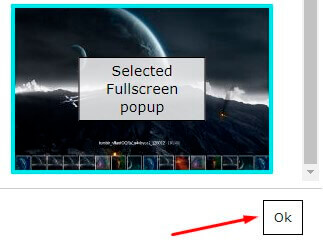
- Click OK and Save changes

So you can create such gallery with thumbnails like this one —


