A live Photo Gallery example: everything below runs on the real plugin, right on this page.
An interior design portfolio in a 3D carousel: the photo in the centre faces you and the photos on the sides turn away in perspective. Captions, autoplay and the lightbox are on. Built with Photo Gallery by Supsystic and the Sand Dune style from the Earth collection.
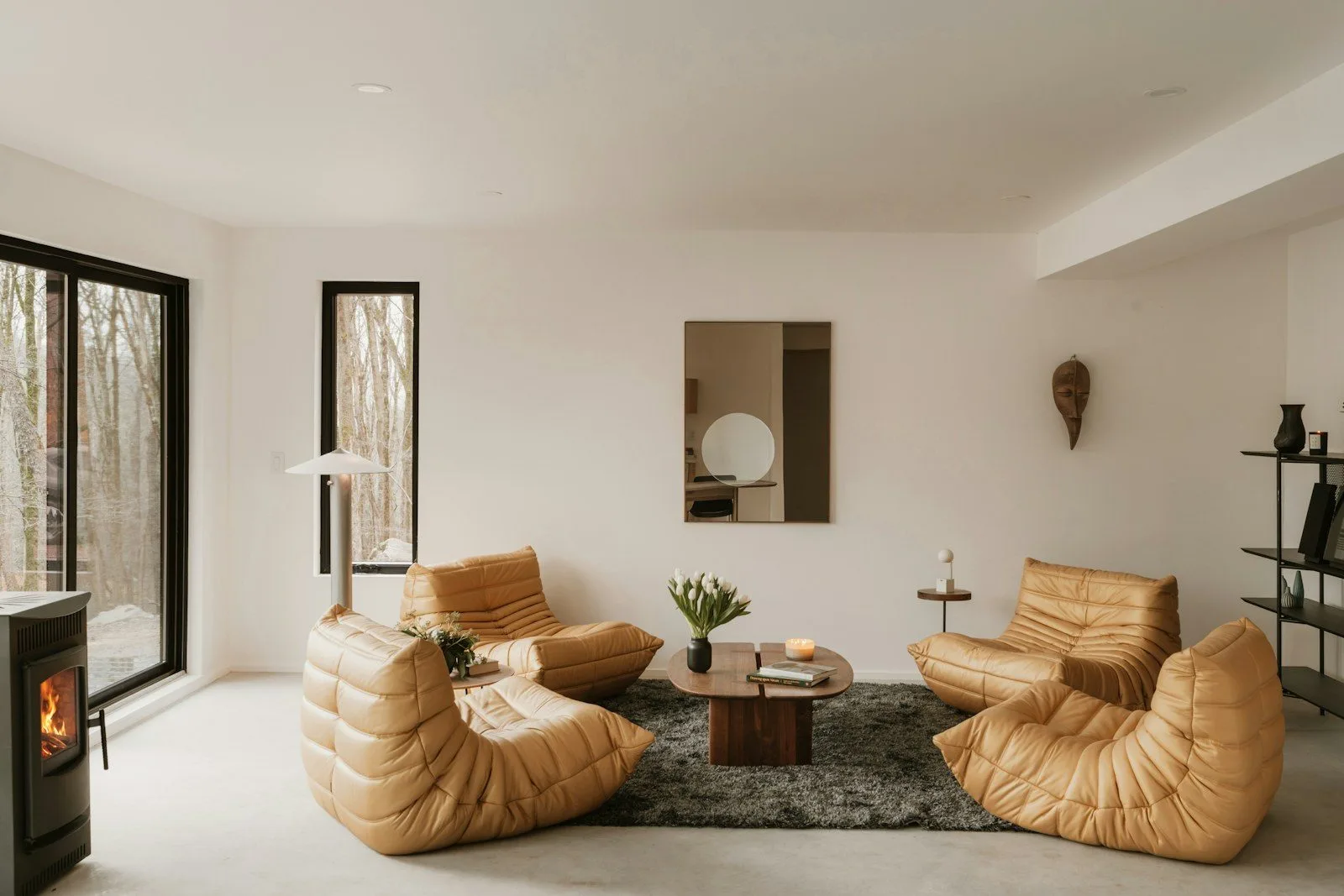
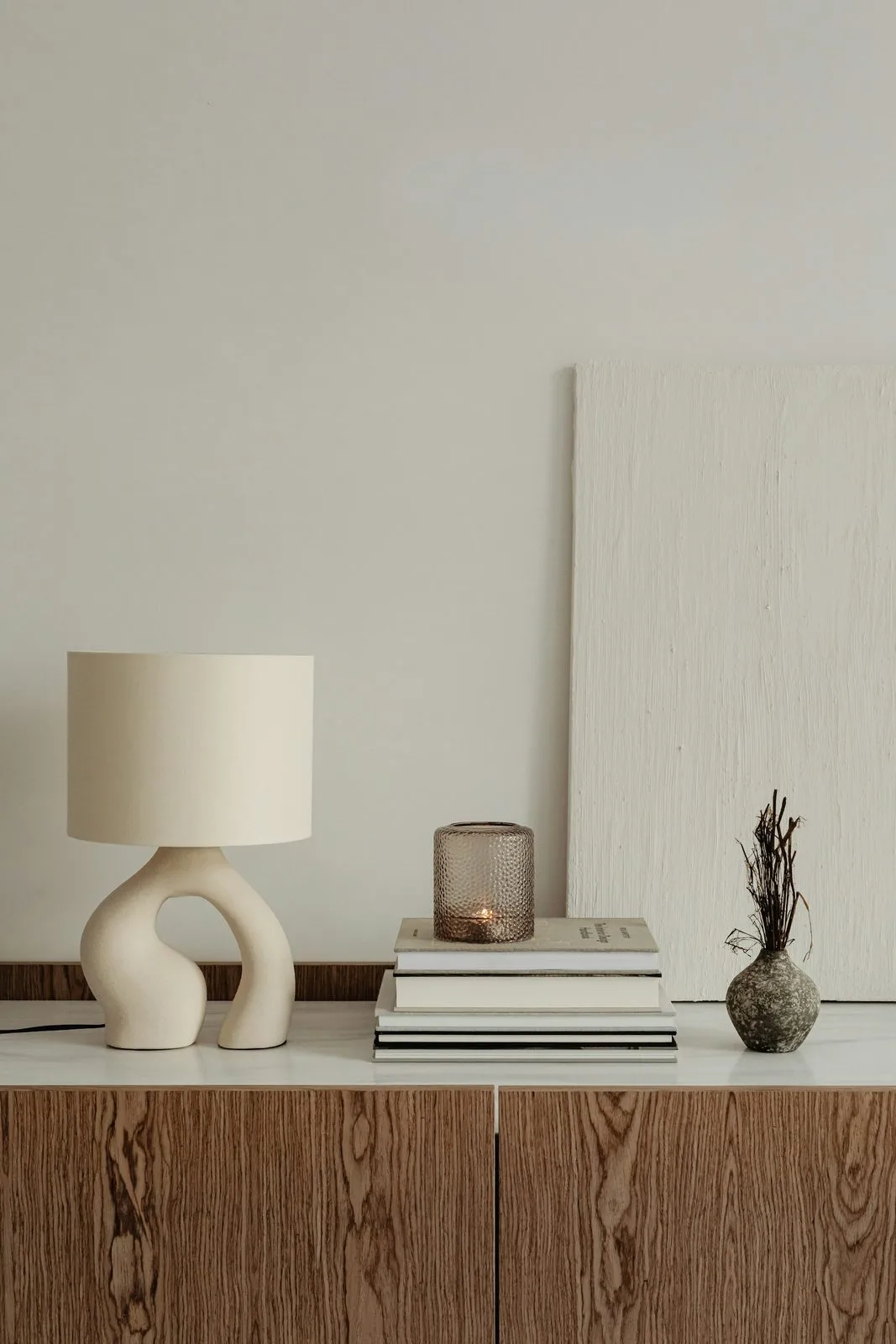
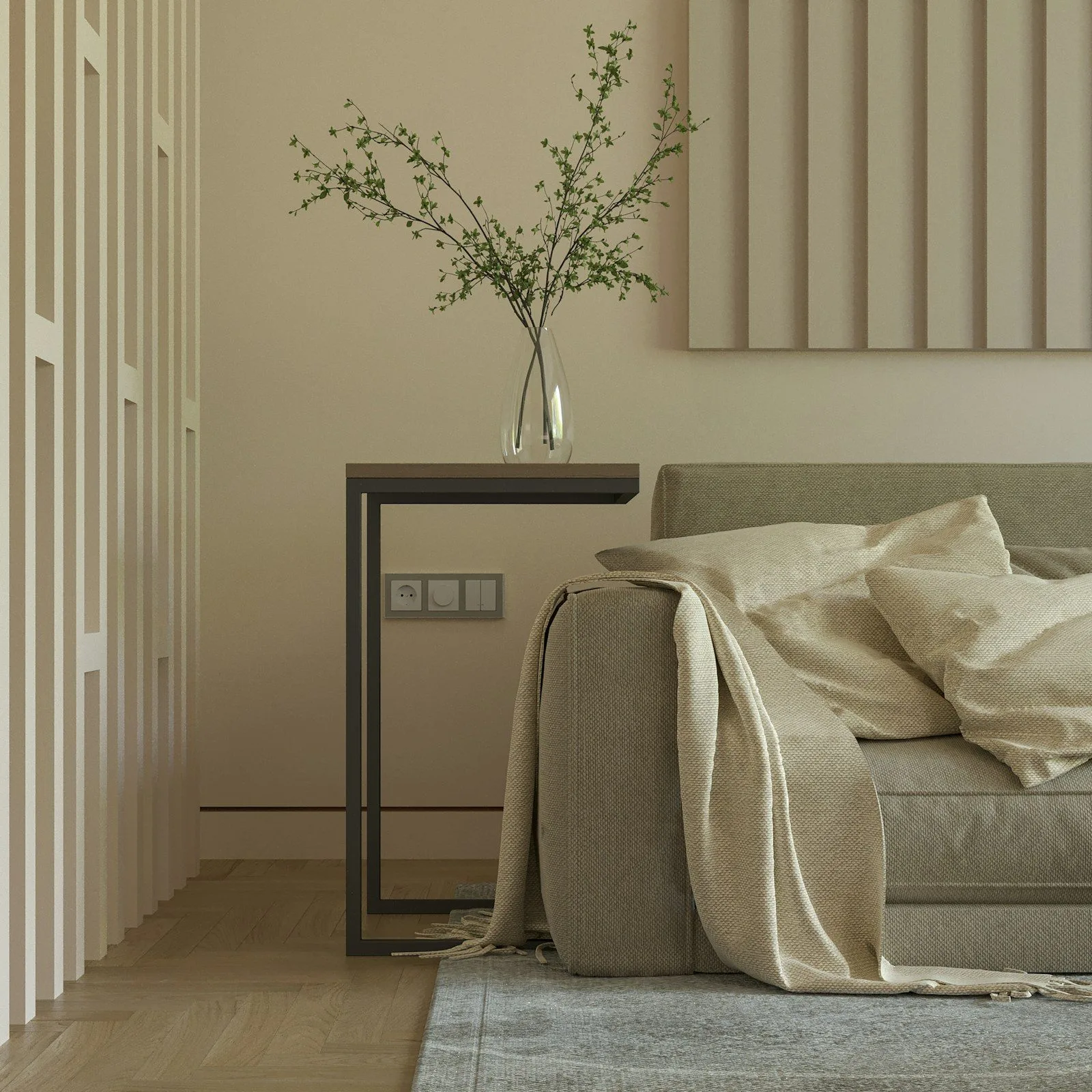
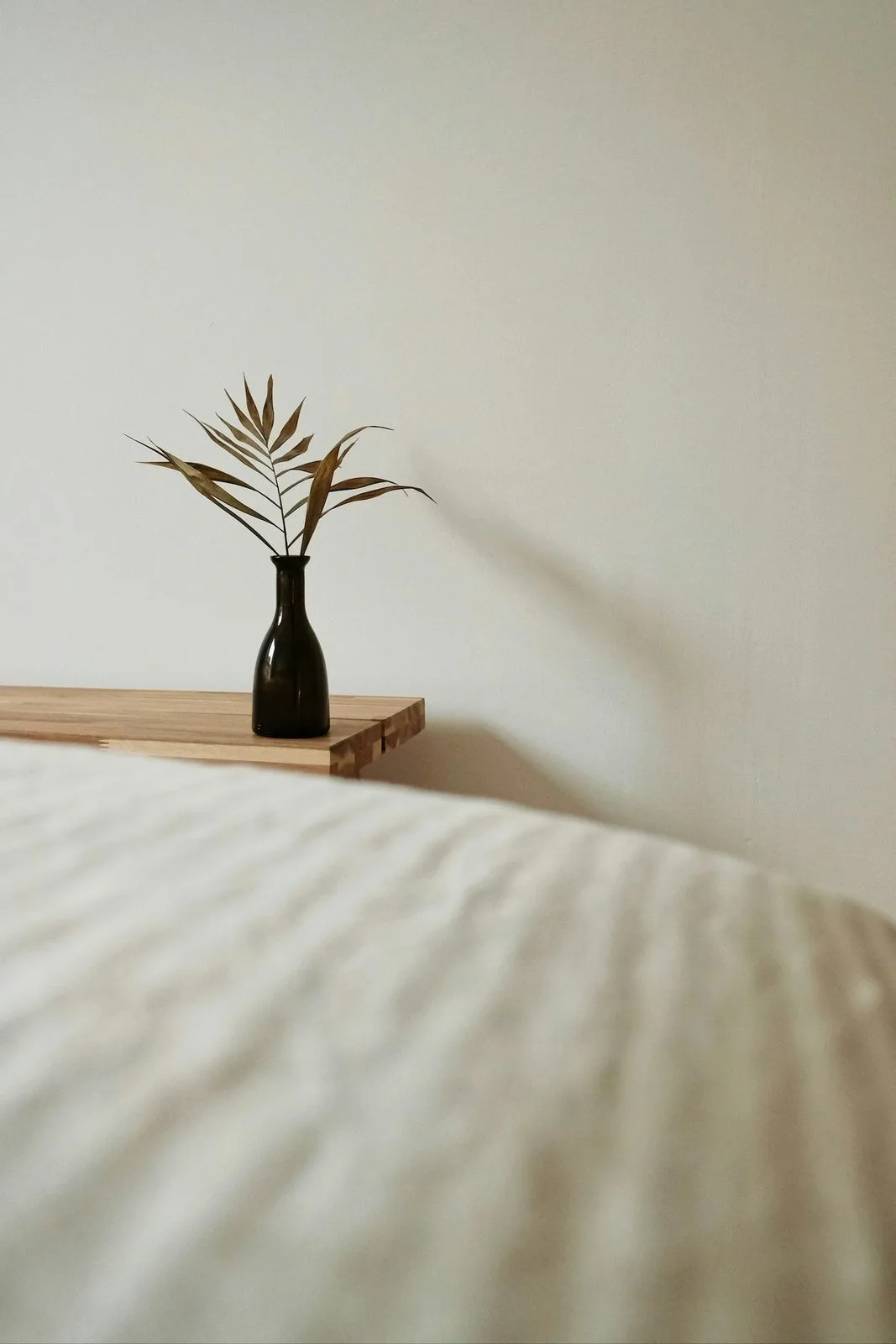
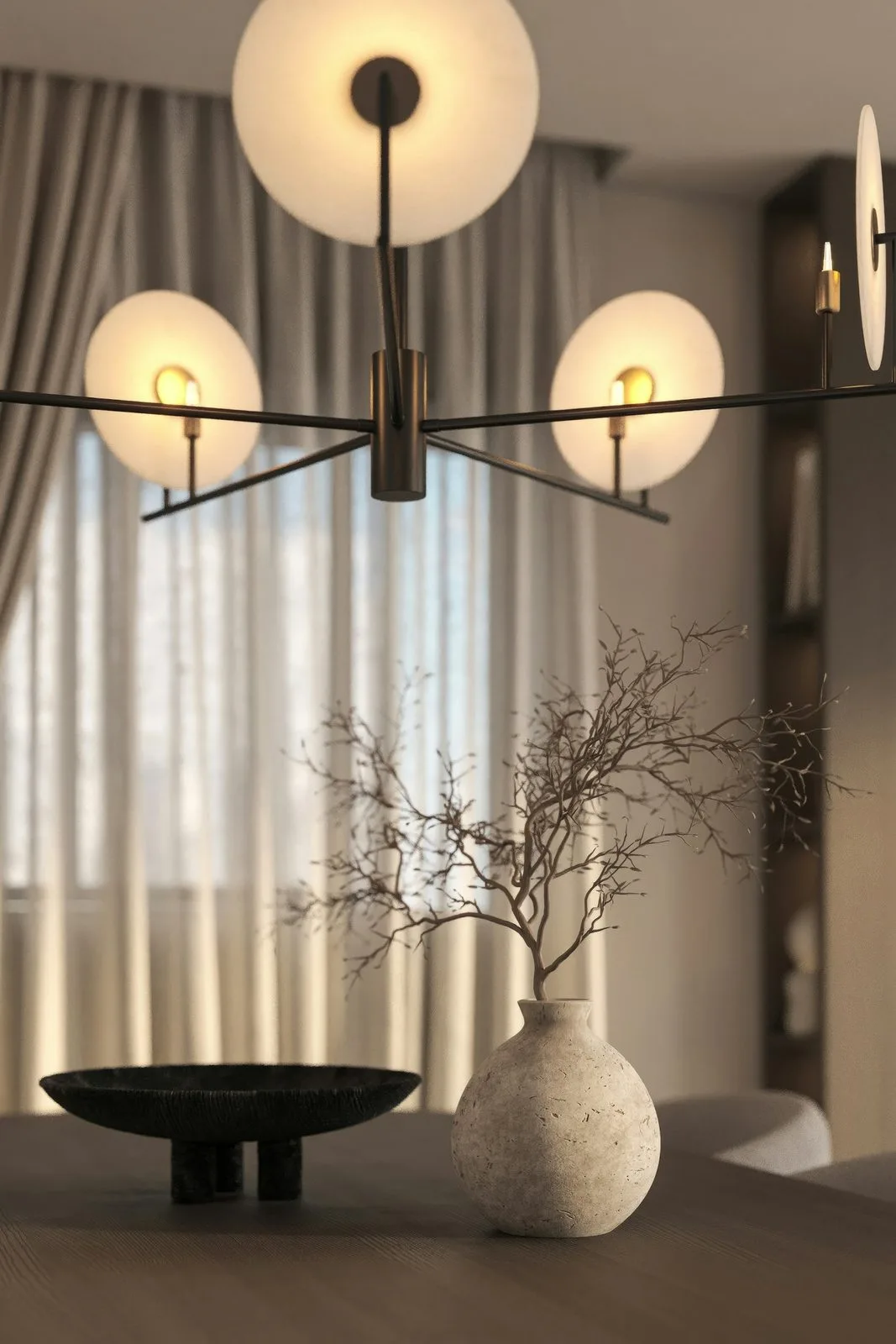
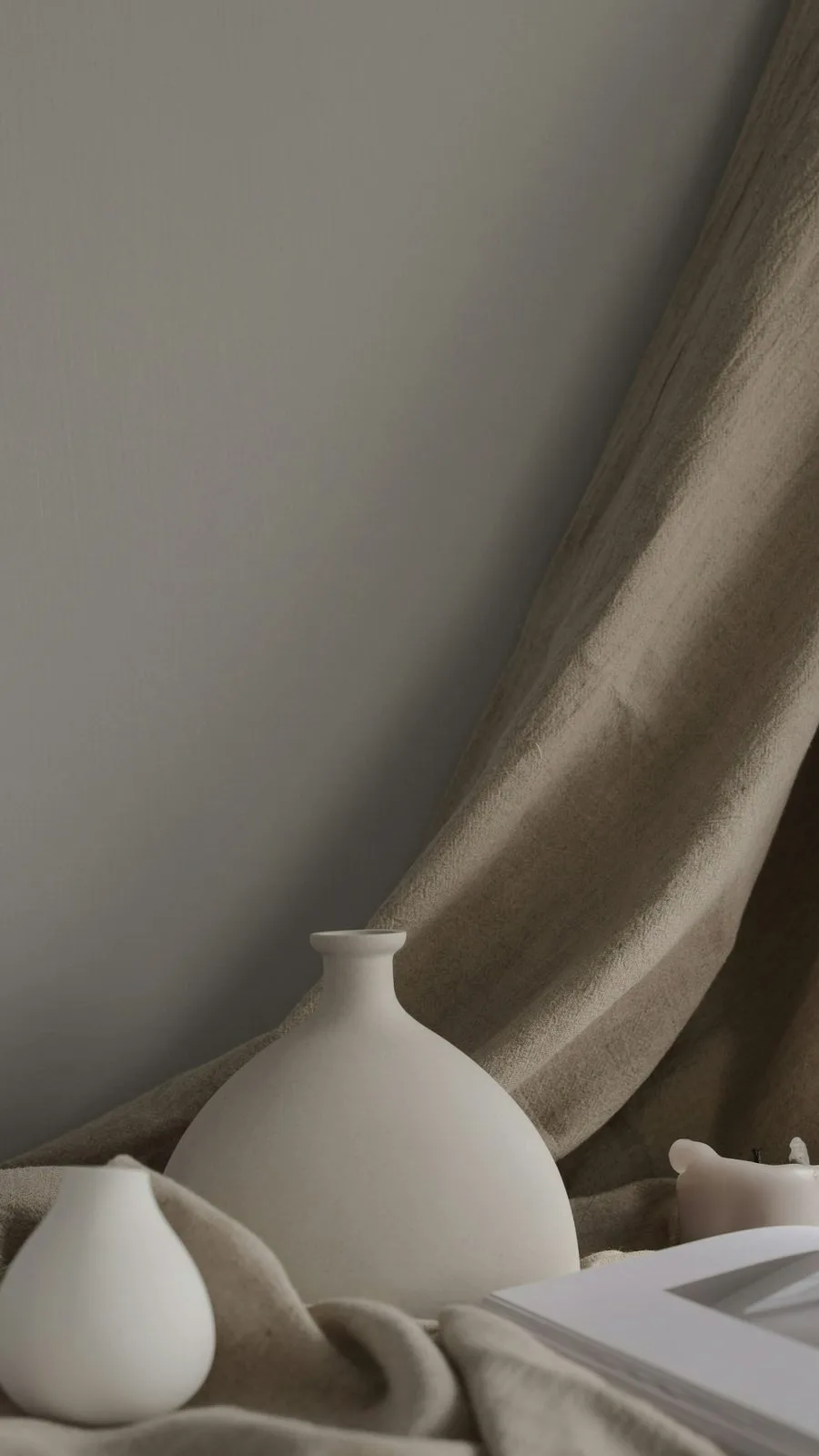
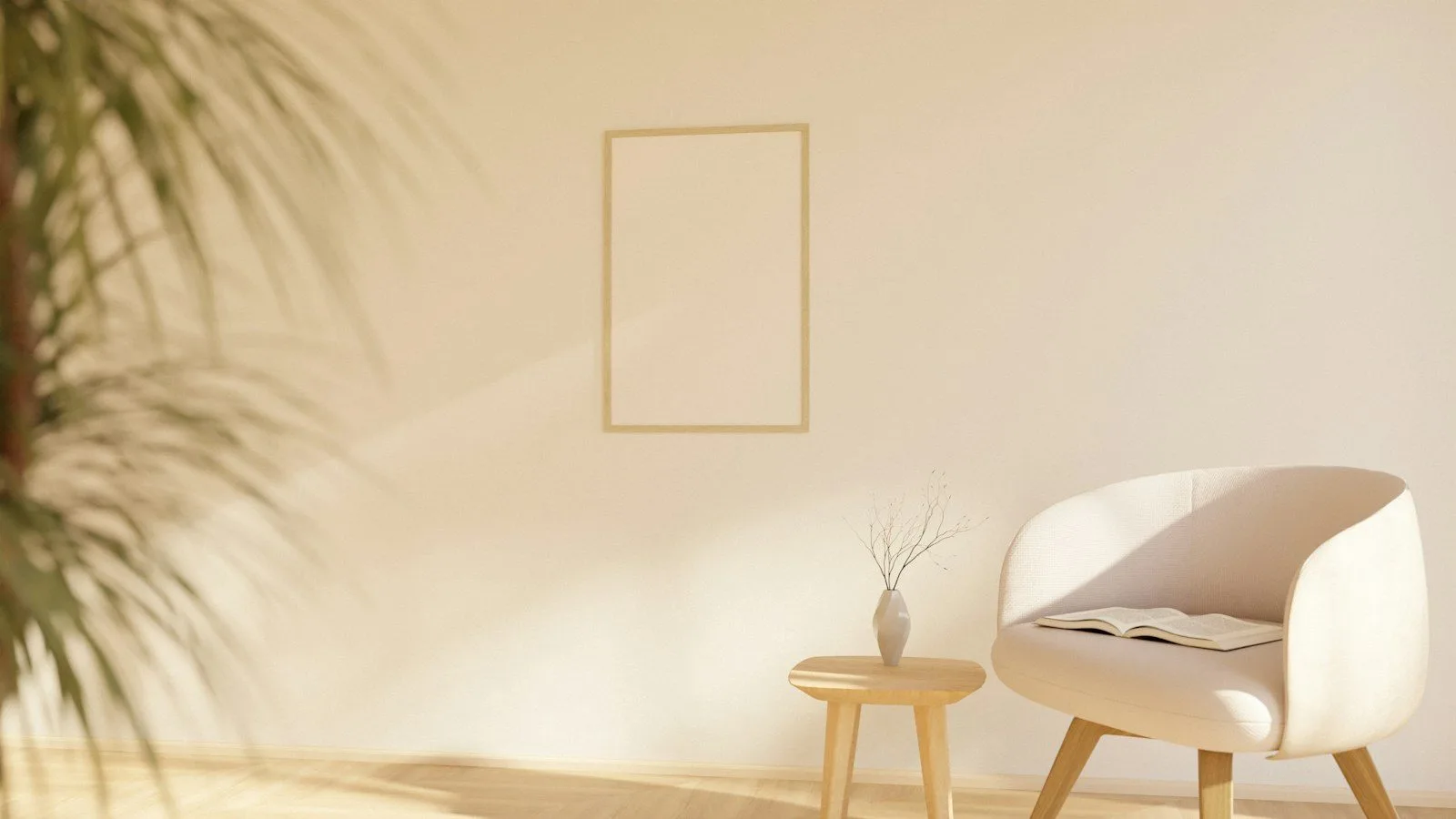
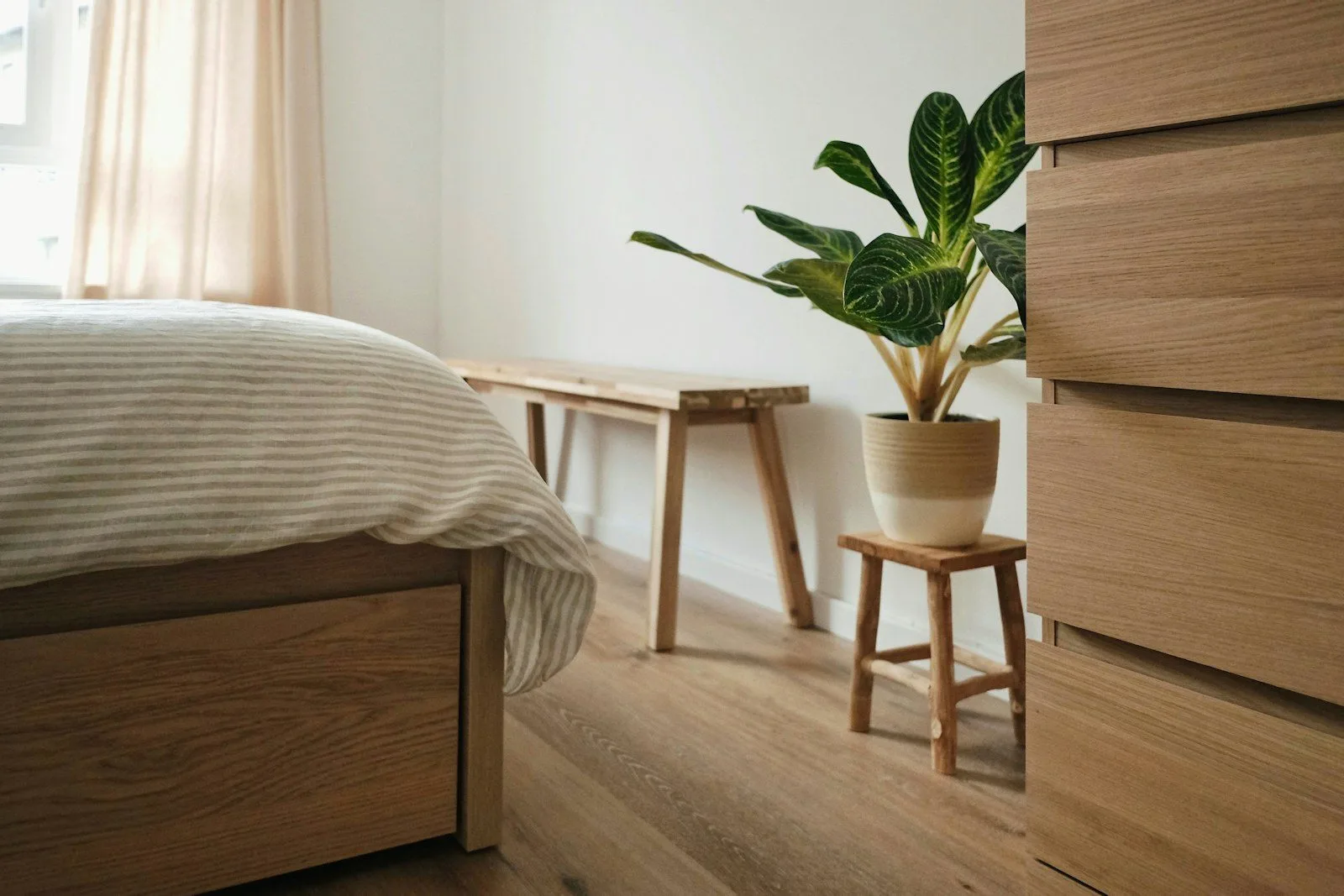
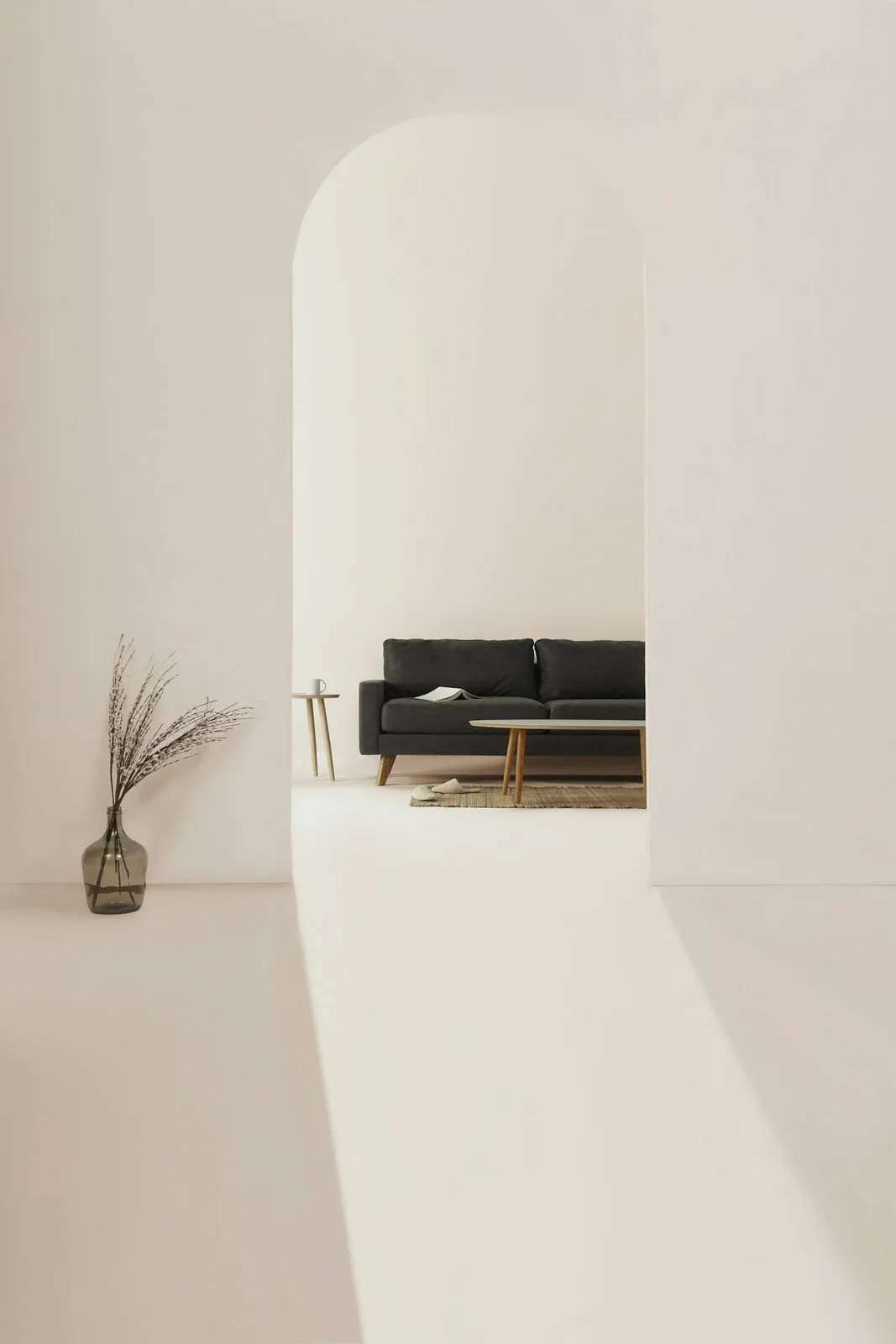
A 3D carousel turns a small set of strong photos into a showcase: interiors, architecture, fashion or a product launch. Use it where you want visitors to stop and look, and keep a calm style so the photos lead. Guides: image carousel in WordPress and gallery in Elementor.
More demos: all Photo Gallery examples.
Free and Pro: the slide and fade effects, captions, autoplay and the lightbox are free. The 3D effects and the Sand Dune style are Pro.
Galleries, carousels and sliders. Everything in this example works in the free version or in Pro.
