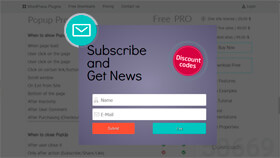
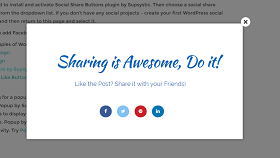
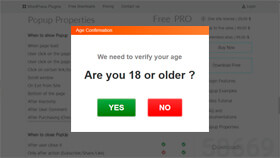
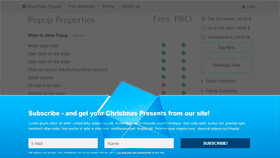
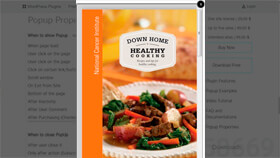
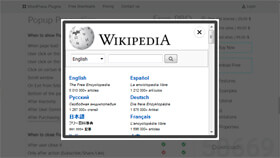
Exit-intent triggers. Precision targeting. A/B testing. Drag-and-drop builder. Every tool you need to turn passive traffic into subscribers, leads, and sales — without a single line of code.
Every trigger, every display type, every targeting rule — all managed from one clean panel inside your WordPress admin. No coding, no third-party services.
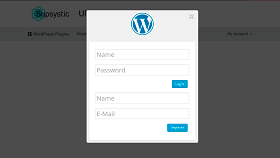
Login/Registration
No developers. No complex integrations. Four steps from a fresh WordPress install to a high-converting popup capturing leads on your site.
Whether you're building an email list, recovering abandoned carts, or promoting a limited-time offer — Smart Popup has the targeting precision and display flexibility to make it work for your specific goal.
Not all popup plugins are built for conversions. Here's what separates a professional lead-capture tool from a basic overlay that just shows text.
Smart Popup by Supsystic is a complete, professional-grade conversion tool — every feature below is included in your license from day one. No feature walls, no surprise upsells. Just a powerful plugin that works the moment you install it.

All Smart Popup licenses come with a 30-day money-back guarantee. Whether you're a developer running complex targeting campaigns or a business owner using it for your first lead-capture popup — we want to make sure this is the right tool for your specific use case.
If you're not 100% satisfied with the trigger system, targeting precision, A/B testing, or any other feature within your first month — contact our support team for a full, hassle-free refund.
All licences include the same features. The only difference is the number of sites and the licence term.

Use the free version to get started.
Upgrade when you need advanced features or support.
Flexible options for individuals, businesses and agencies.
Choose your licence first, then your term.
When you reach out, you talk directly to the team that builds, tests, and ships Smart Popup by Supsystic — not a generic support script or a tier-1 agent reading from a knowledge base.
We understand trigger configurations, targeting edge cases, email integration issues, and WordPress theme compatibility at a deep level — so your issues get resolved fast.
Get fully configured, precisely targeted conversion popups live across your WordPress site in under 5 minutes — and start turning every visitor into an opportunity.