Galleries · Carousels · Sliders

WordPress Photo Gallery, Slider & Carousel Plugin

Turn a folder of photos into a responsive photo gallery, image carousel or hero slider in minutes — with 100+ ready-made styles, a modern lightbox and WooCommerce product carousels. No code required.
27,000+ Active installs
4.6/5 500+ reviews
100+ Ready-made styles
One plugin, three types

Photo Galleries, Image Carousels and Hero Sliders.

The creation wizard asks one question first: what is this for? A gallery lays out the whole set at once, a carousel moves several images or products in a row, and a slider shows one big slide at a time with text, buttons or video on it. All three come in the same free plugin, each with its own editor and live preview, and go into a page the same way.

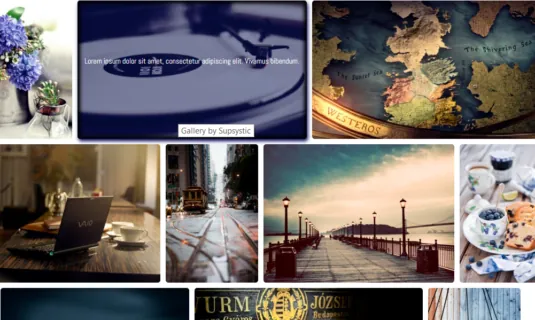
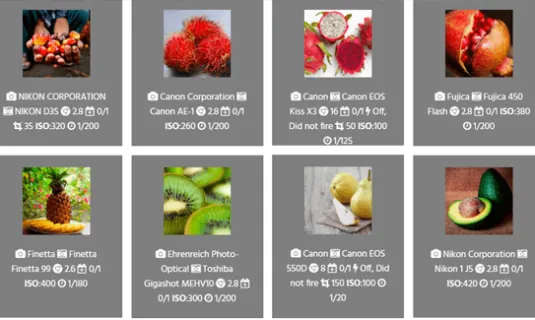
Justified photo gallery with portraits, landscapes and food photos
Free & Pro

Photo & Image Gallery

Eight layouts: grid, justified rows, masonry, mosaic, Polaroid, round thumbnails, horizontal scroll and post feed, opened in a modern lightbox.

  • Unlimited galleries and images, bulk add from the Media Library
  • Gallery Groups for album-style collections
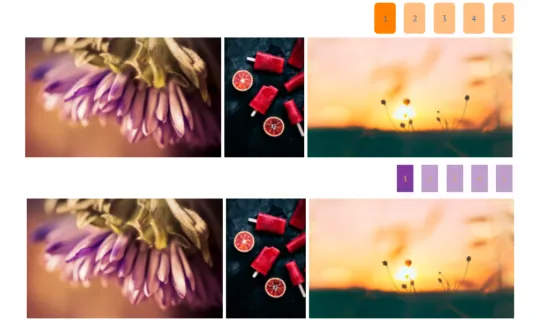
  • Categories, filters, pagination and Load more in Pro
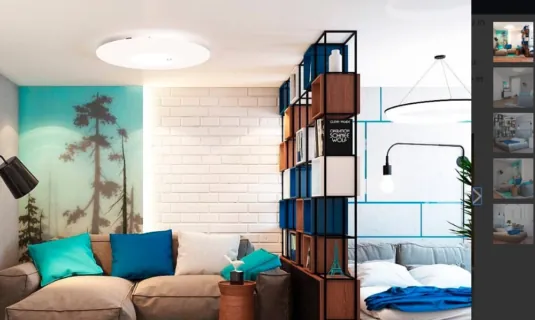
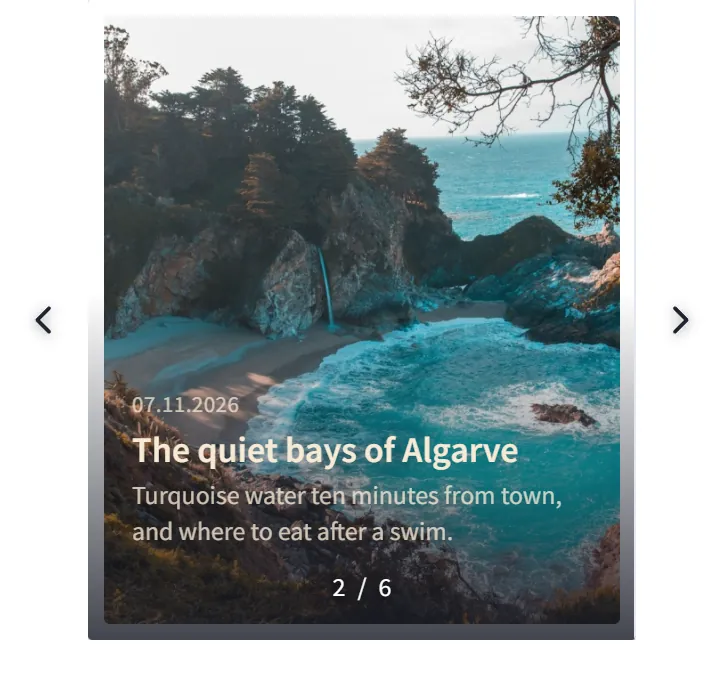
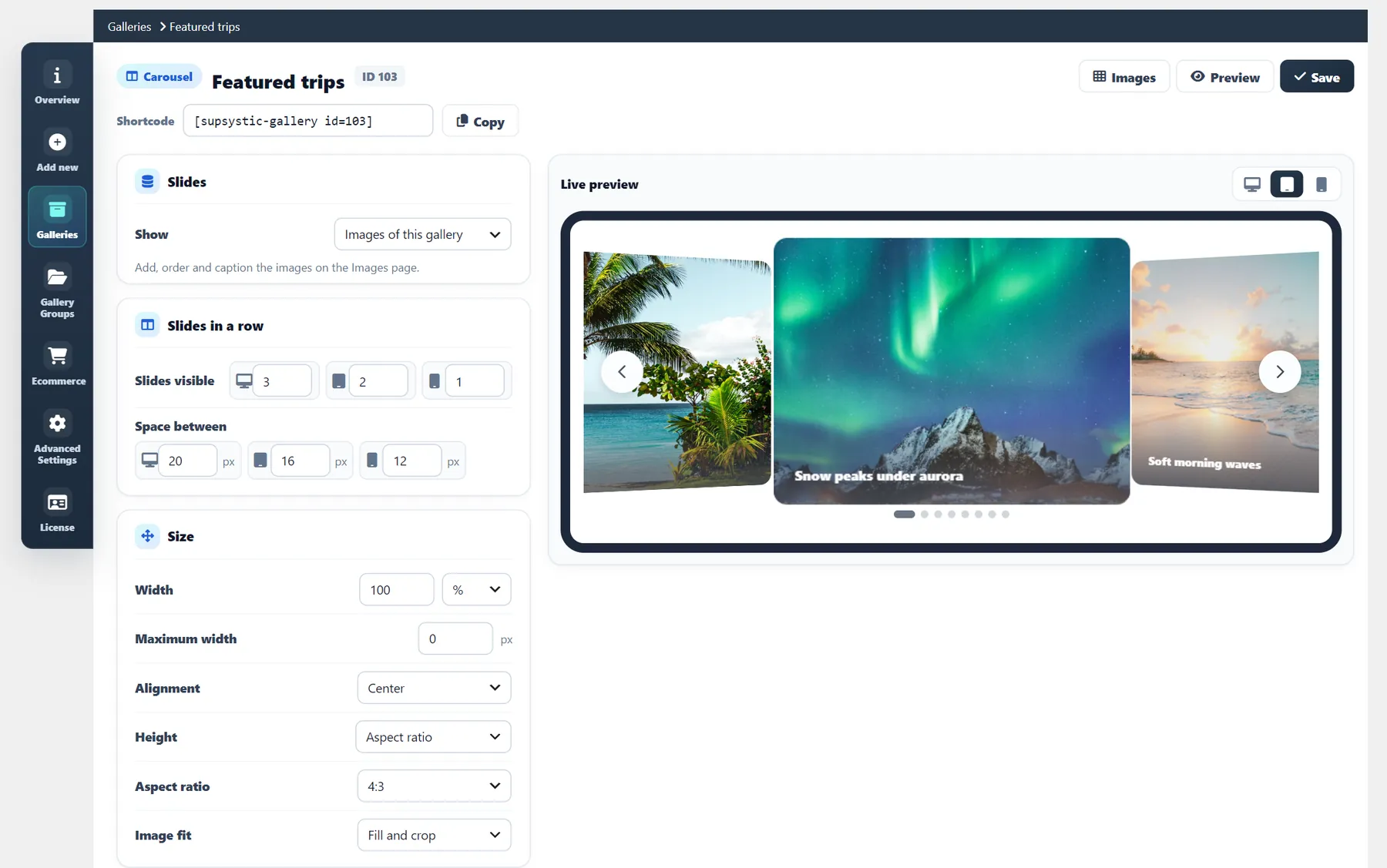
Image carousel with the 3D Cards effect
Free & Pro

Image Carousel

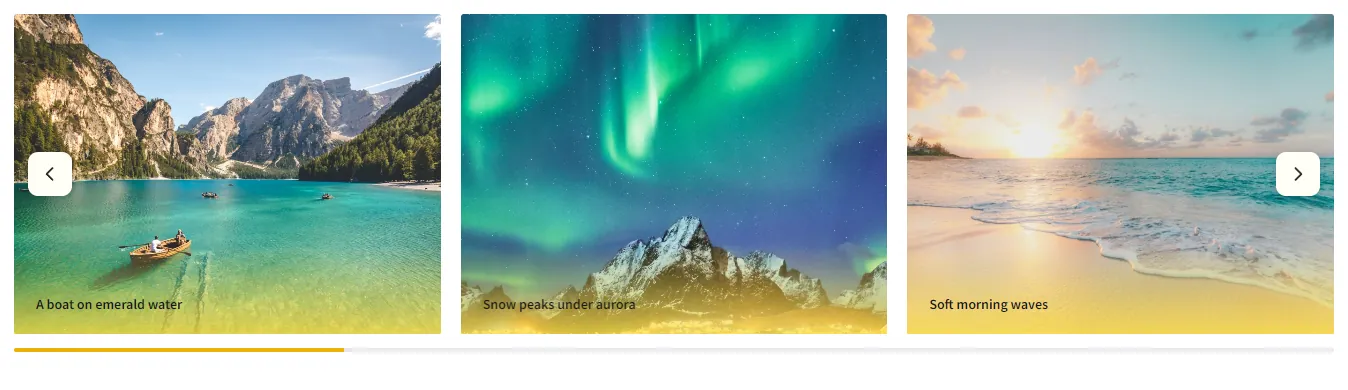
Images, client logos, blog posts or WooCommerce products in a row that slides, with touch, autoplay and loop.

  • Slides in a row, gaps and height for desktop, tablet and phone
  • Logo marquee that never stops, product carousels
  • Coverflow, Cube, Flip, Cards and Creative effects in Pro
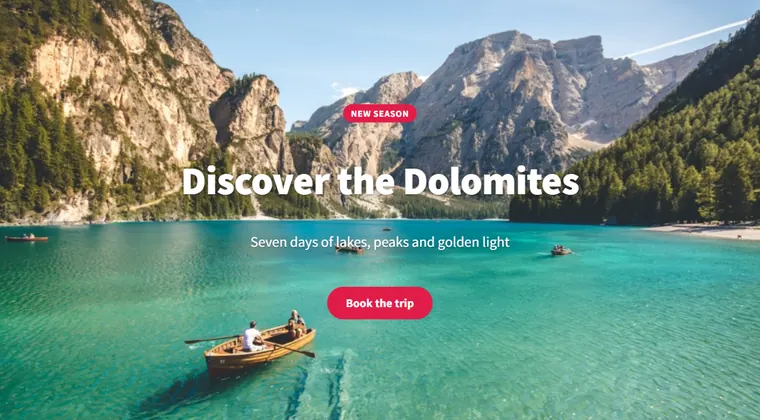
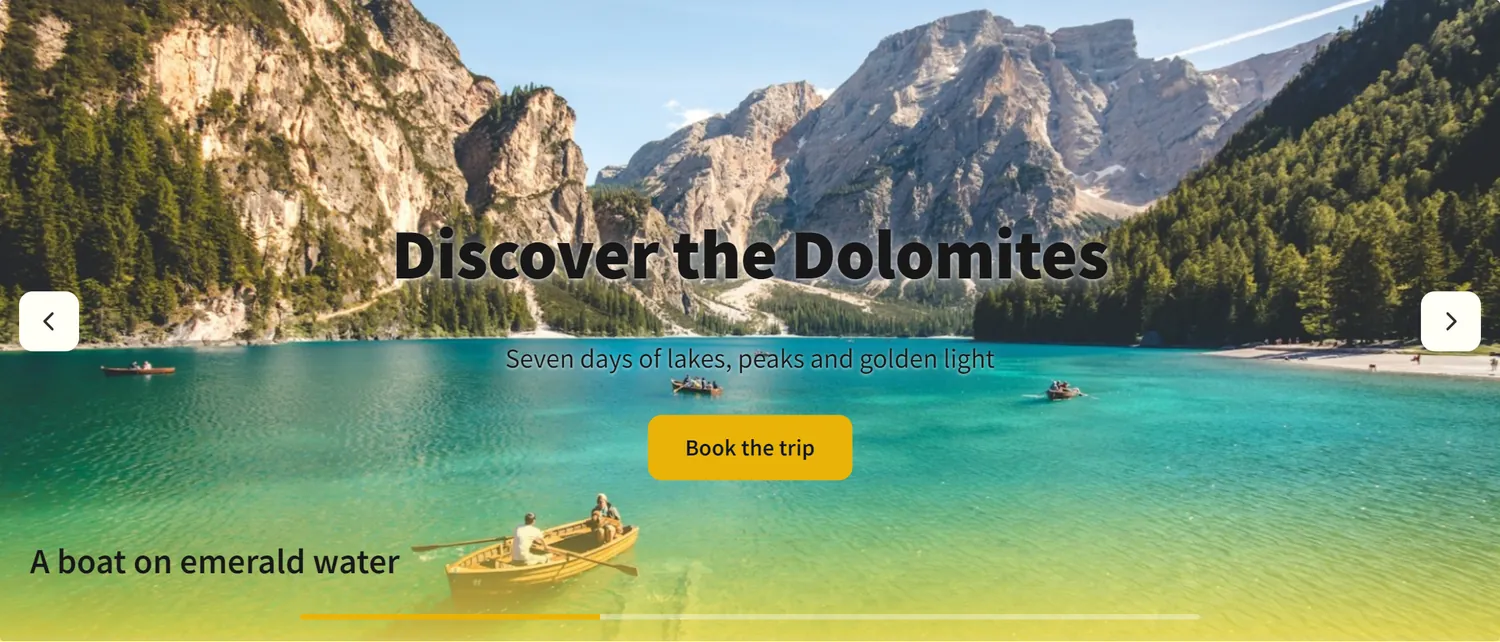
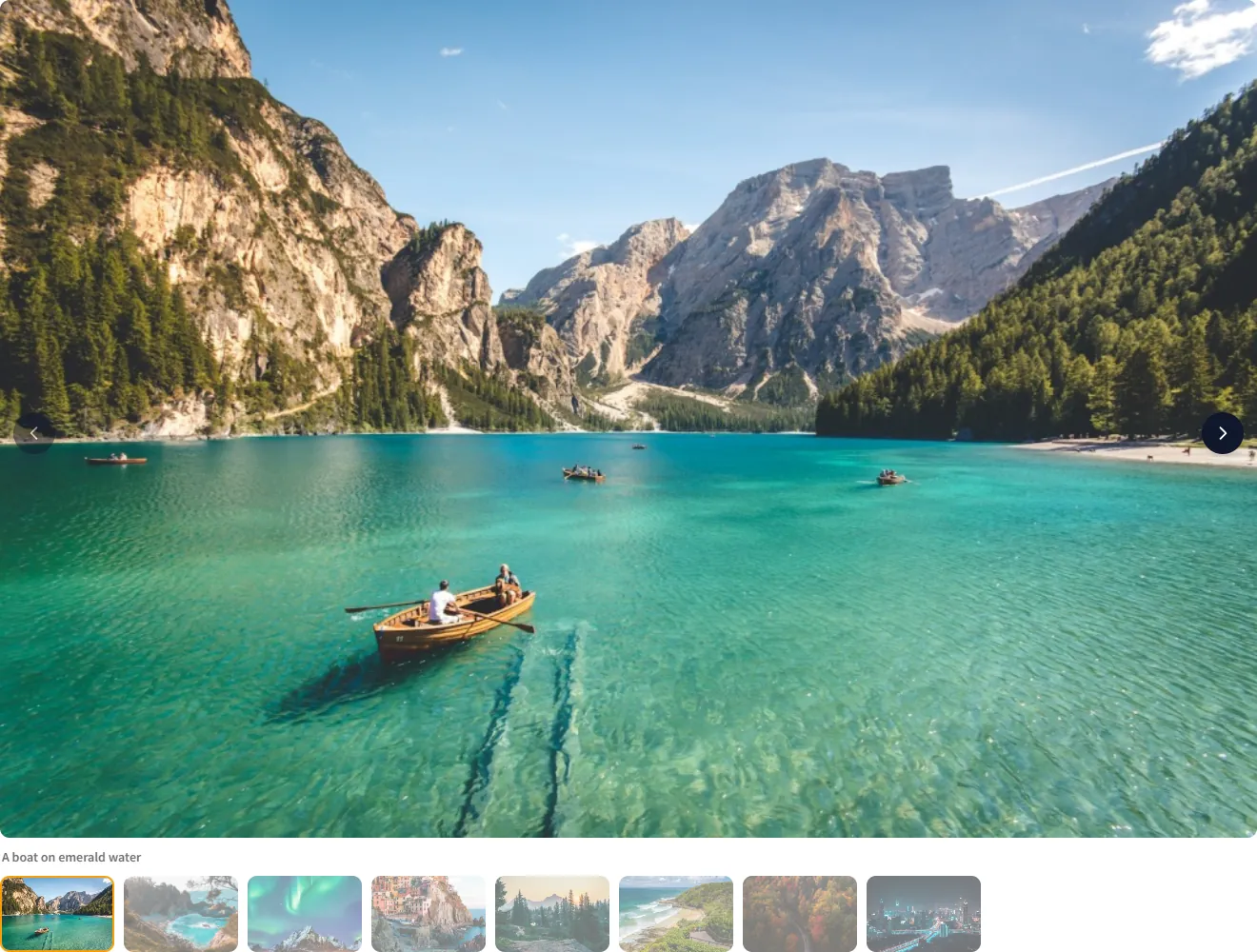
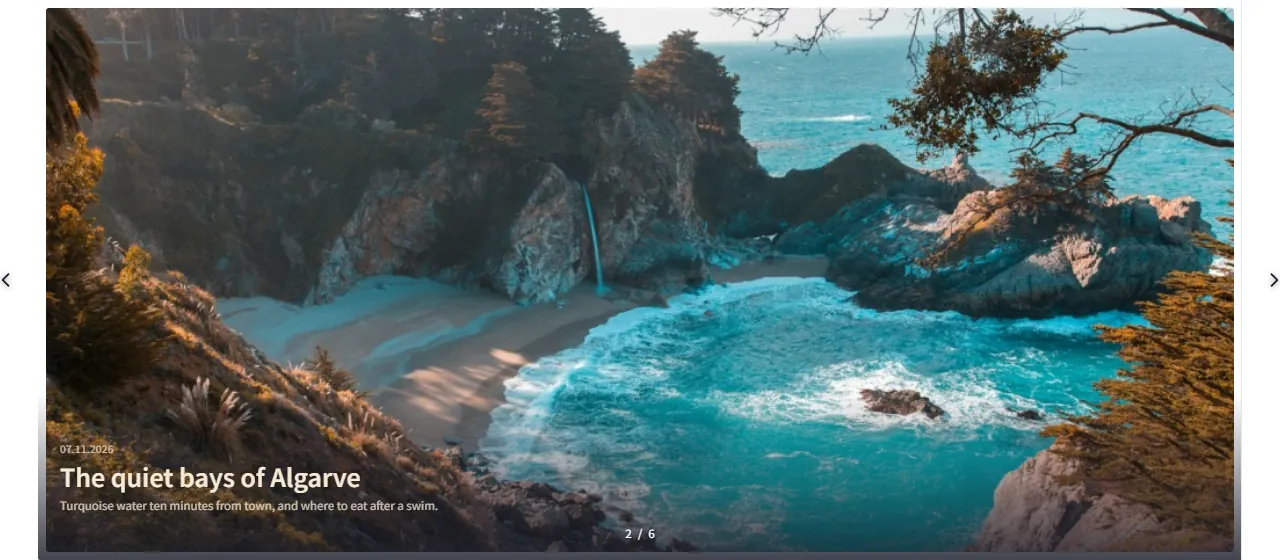
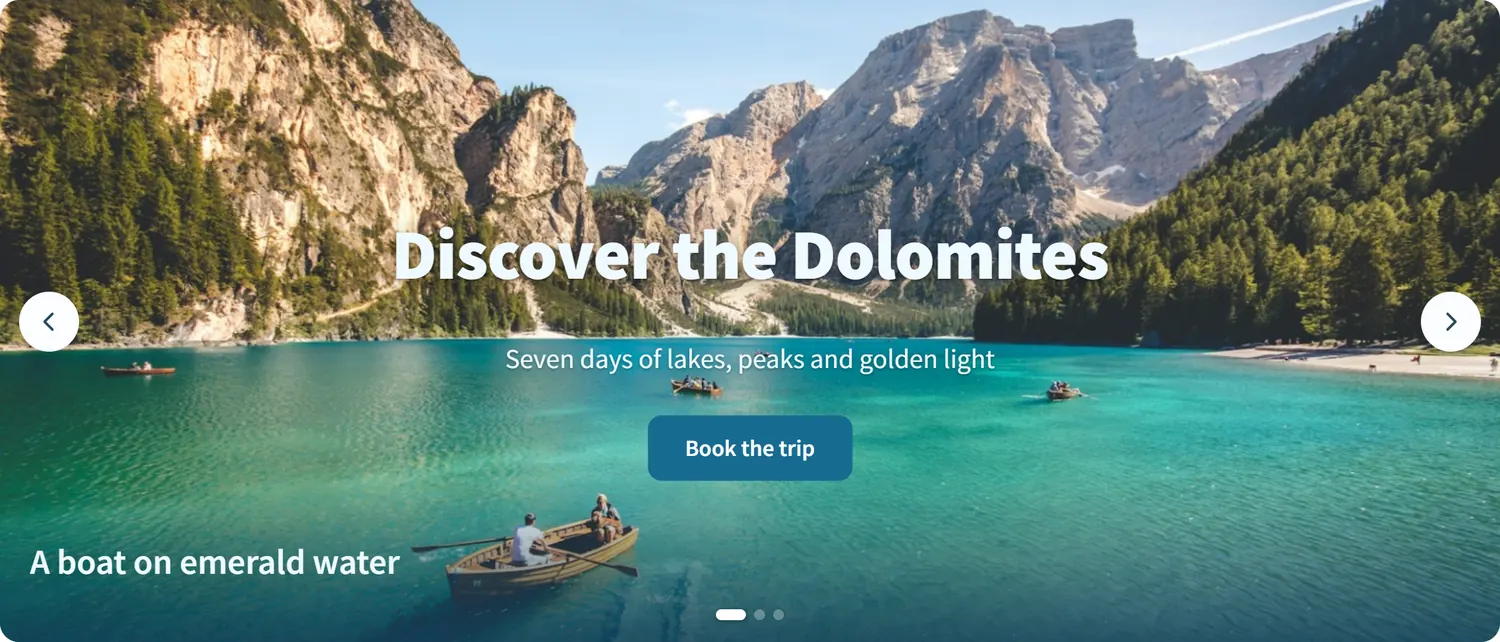
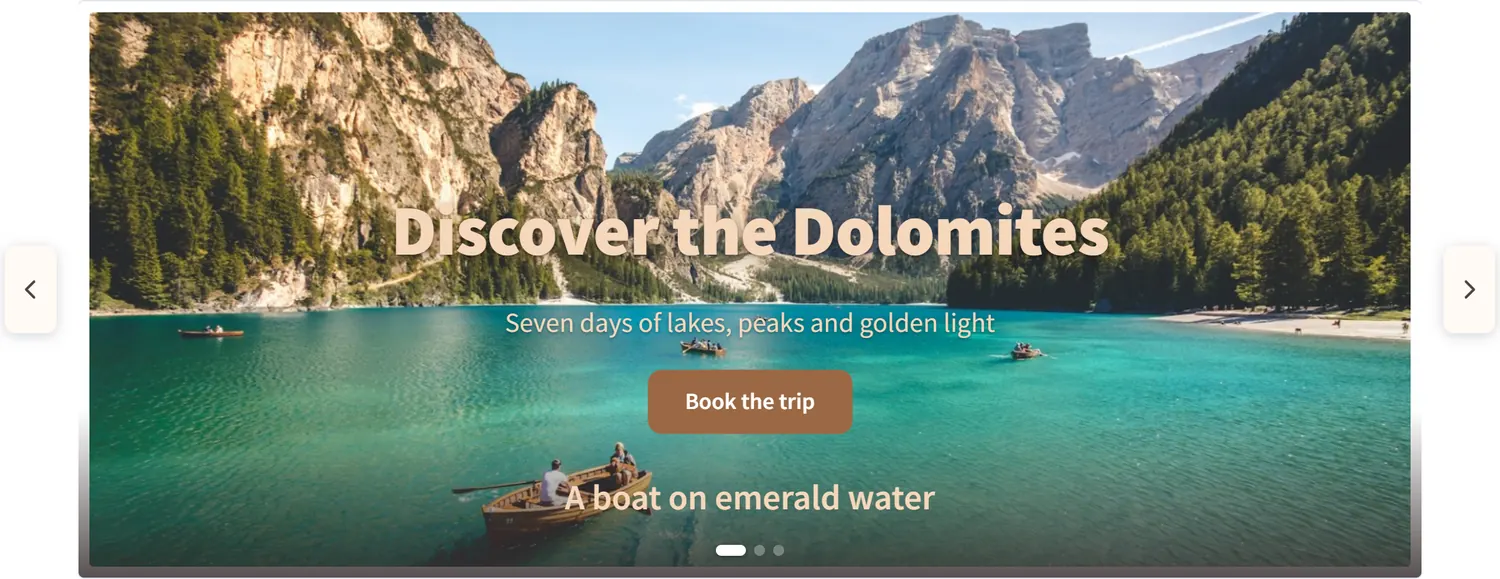
Full-width hero slider with a heading, text and a button over a mountain lake photo
Free & Pro

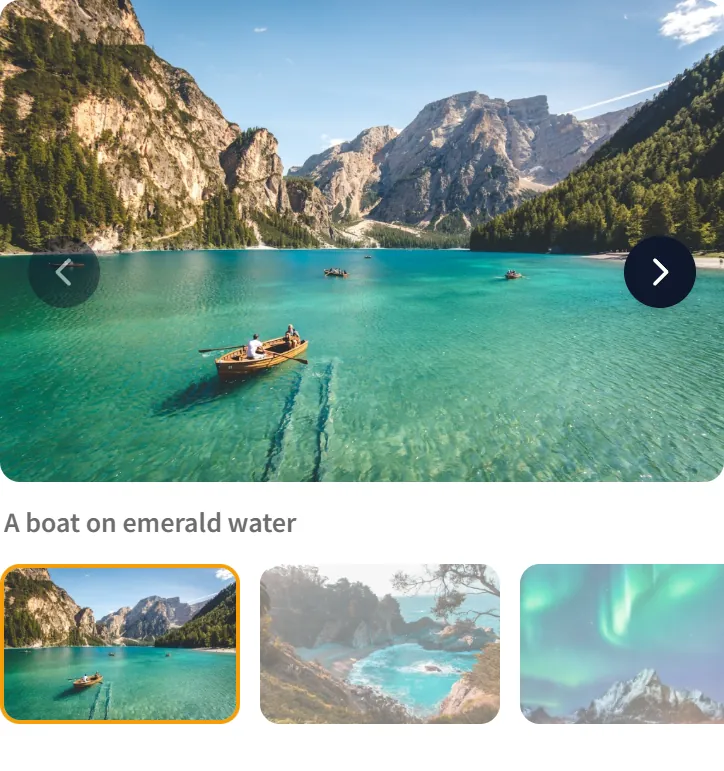
Hero Slider

One big slide at a time with headings, text, buttons and badges on top, placed for each screen size.

  • Text layers, a thumbnail strip and a separate image for phones
  • Image viewer with thumbnails
  • Before / After, video slides and posts as slides in Pro
See how the wizard builds one Every type is included in Pro, no separate purchase.
How it works

A Finished Gallery in About a Minute

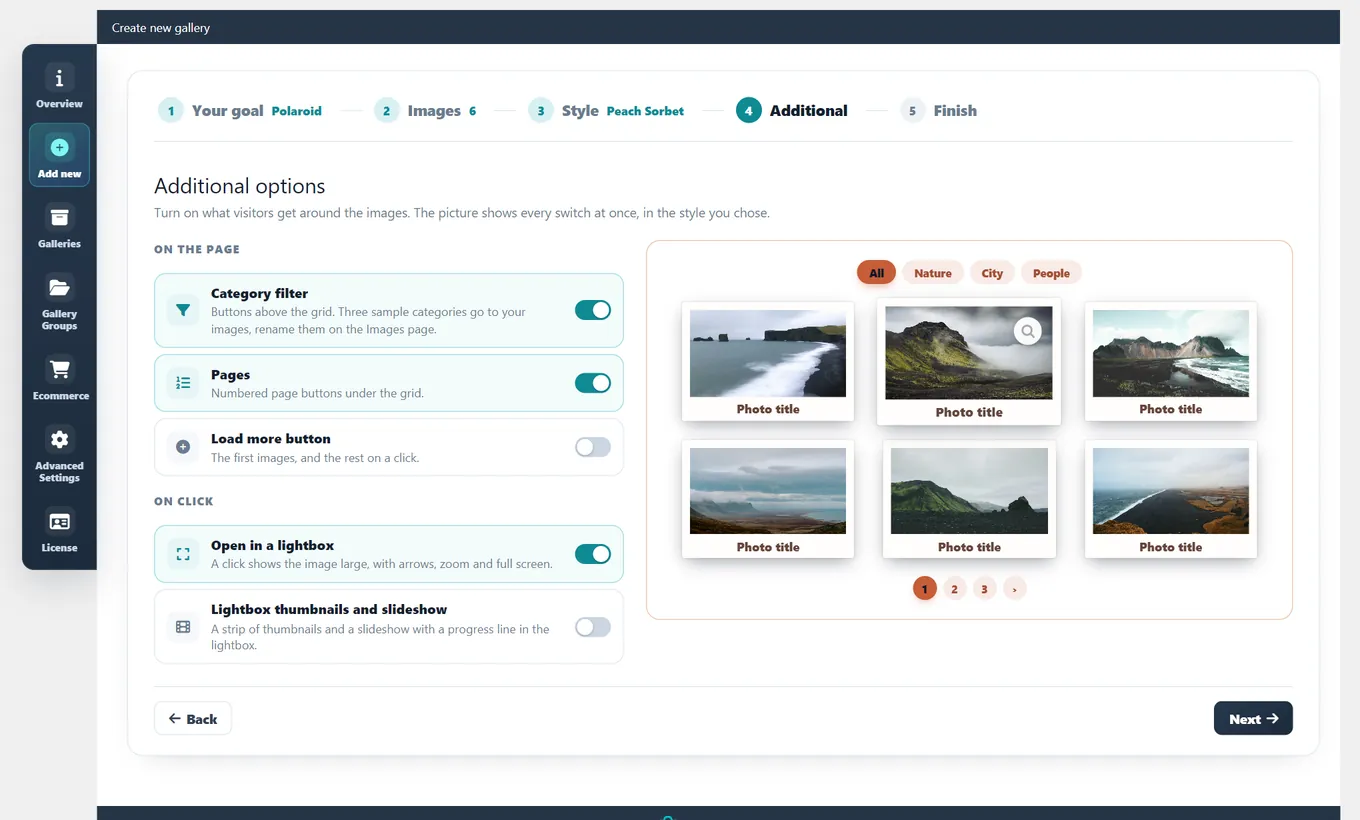
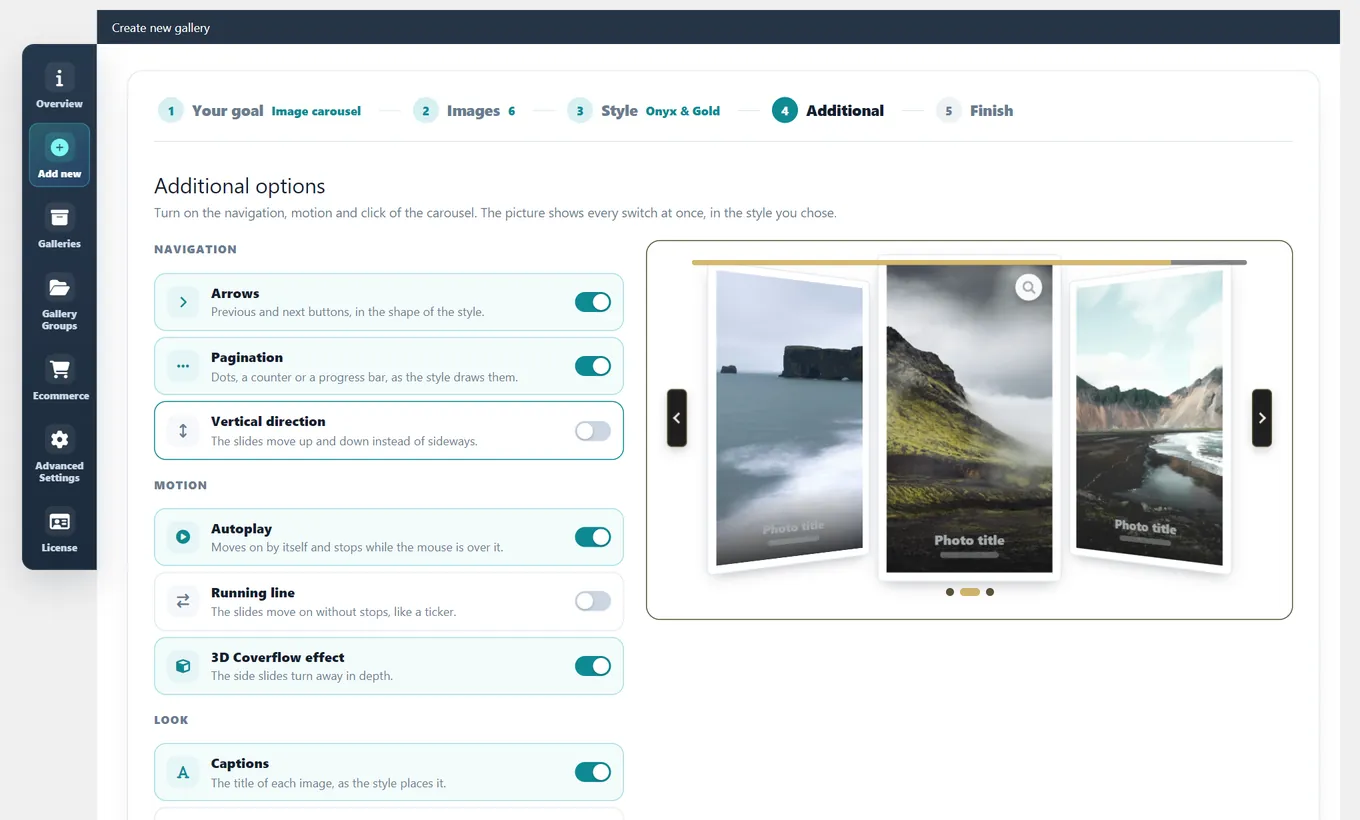
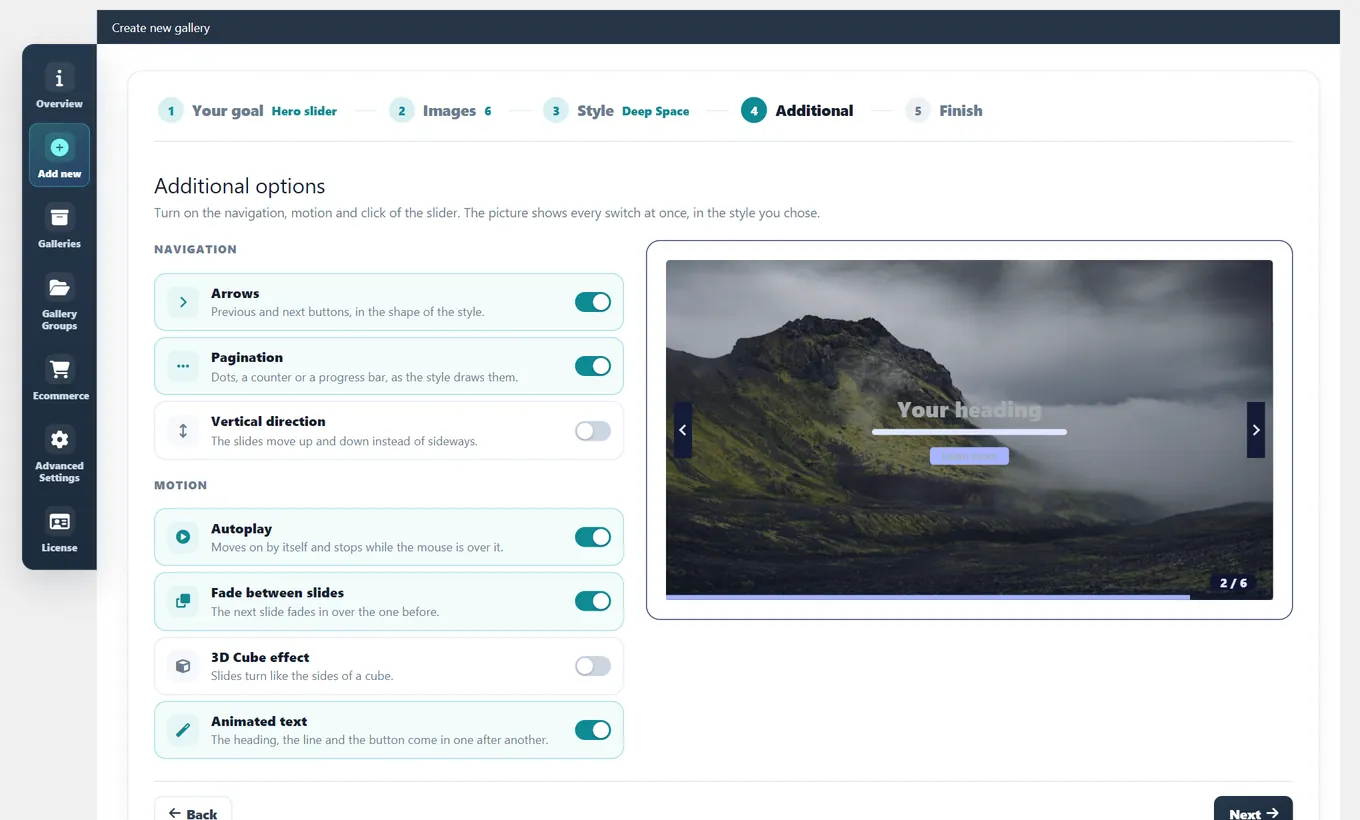
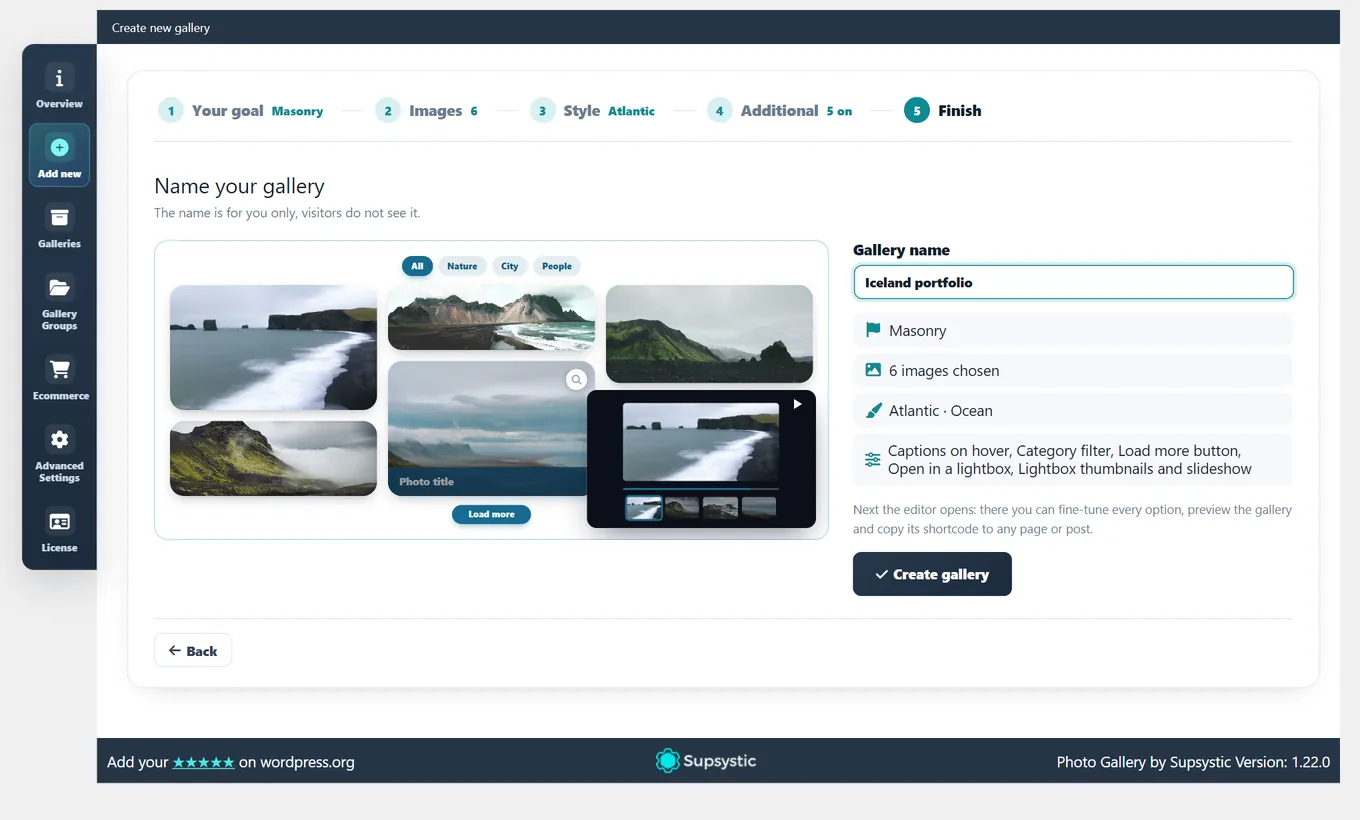
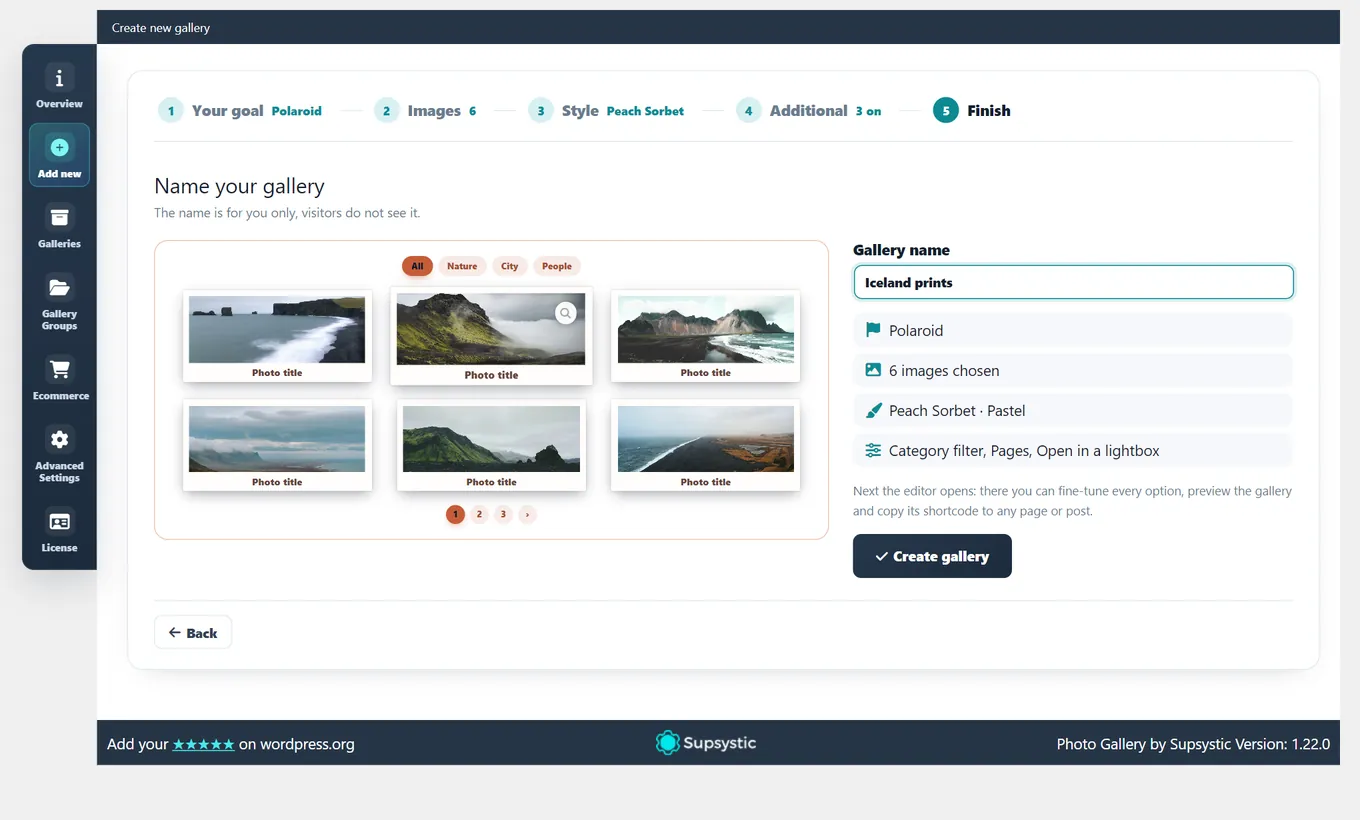
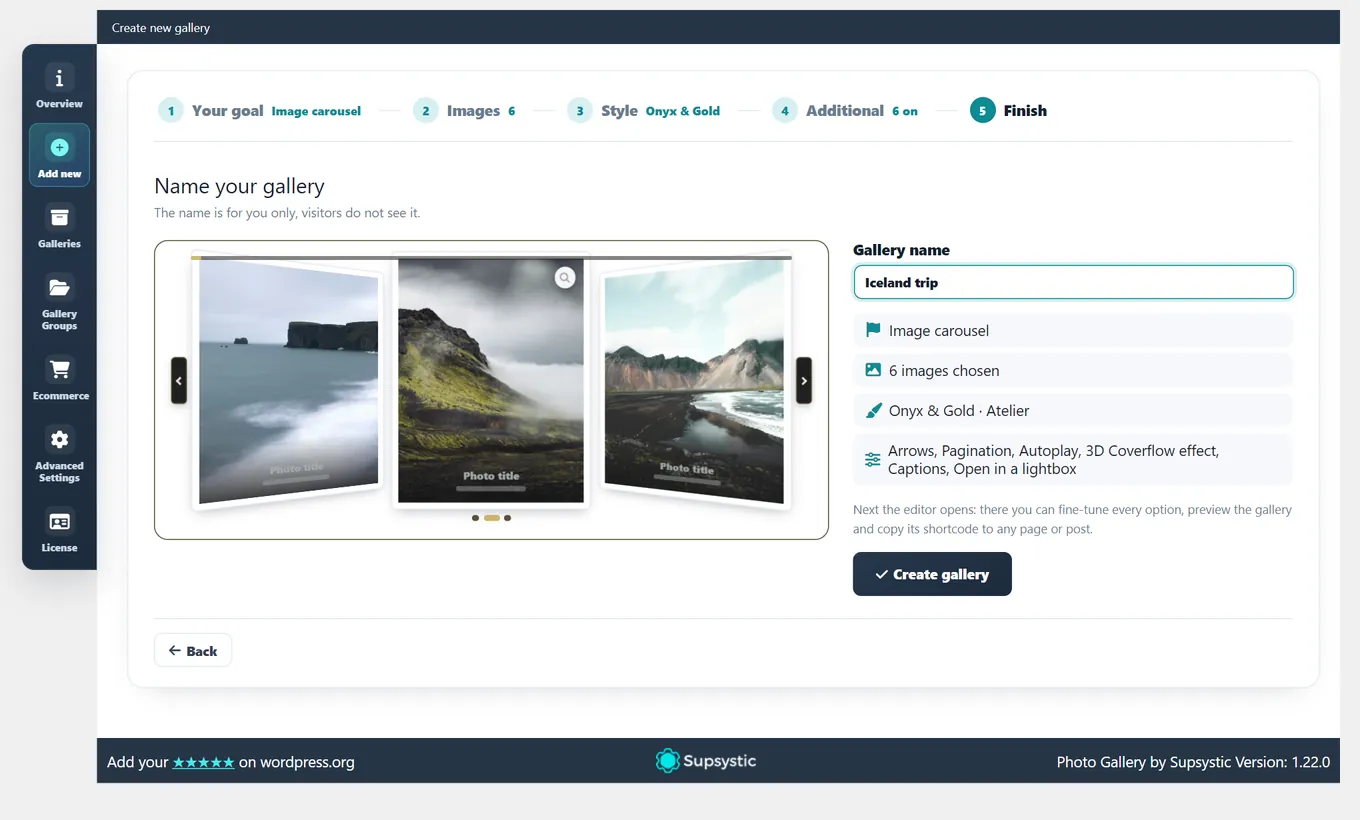
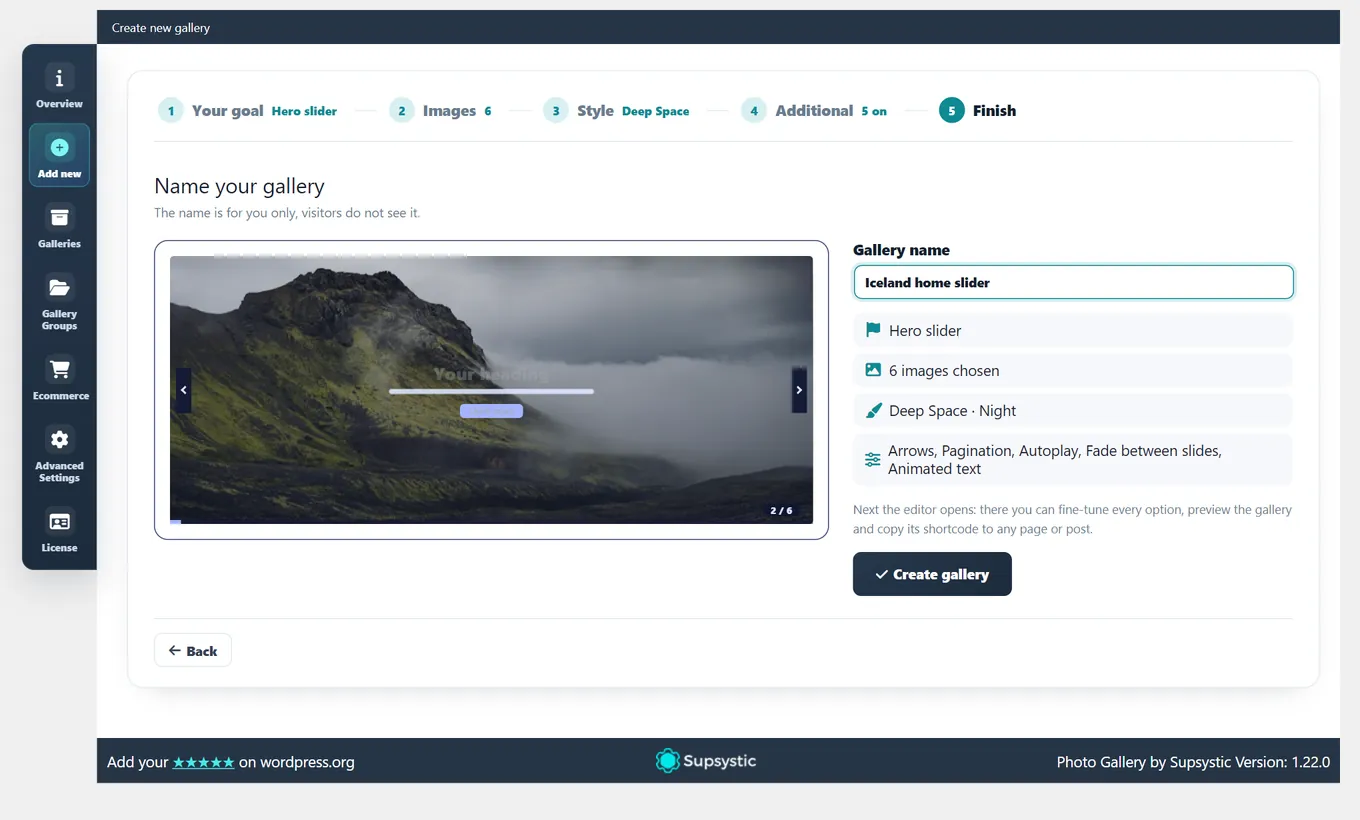
No blank settings page to start from. The creation wizard asks what the gallery is for, takes your images, lets you try styles on a live picture, turns on the extras you need and builds a ready gallery, carousel or slider — then opens it in its editor, where every option stays one click away.

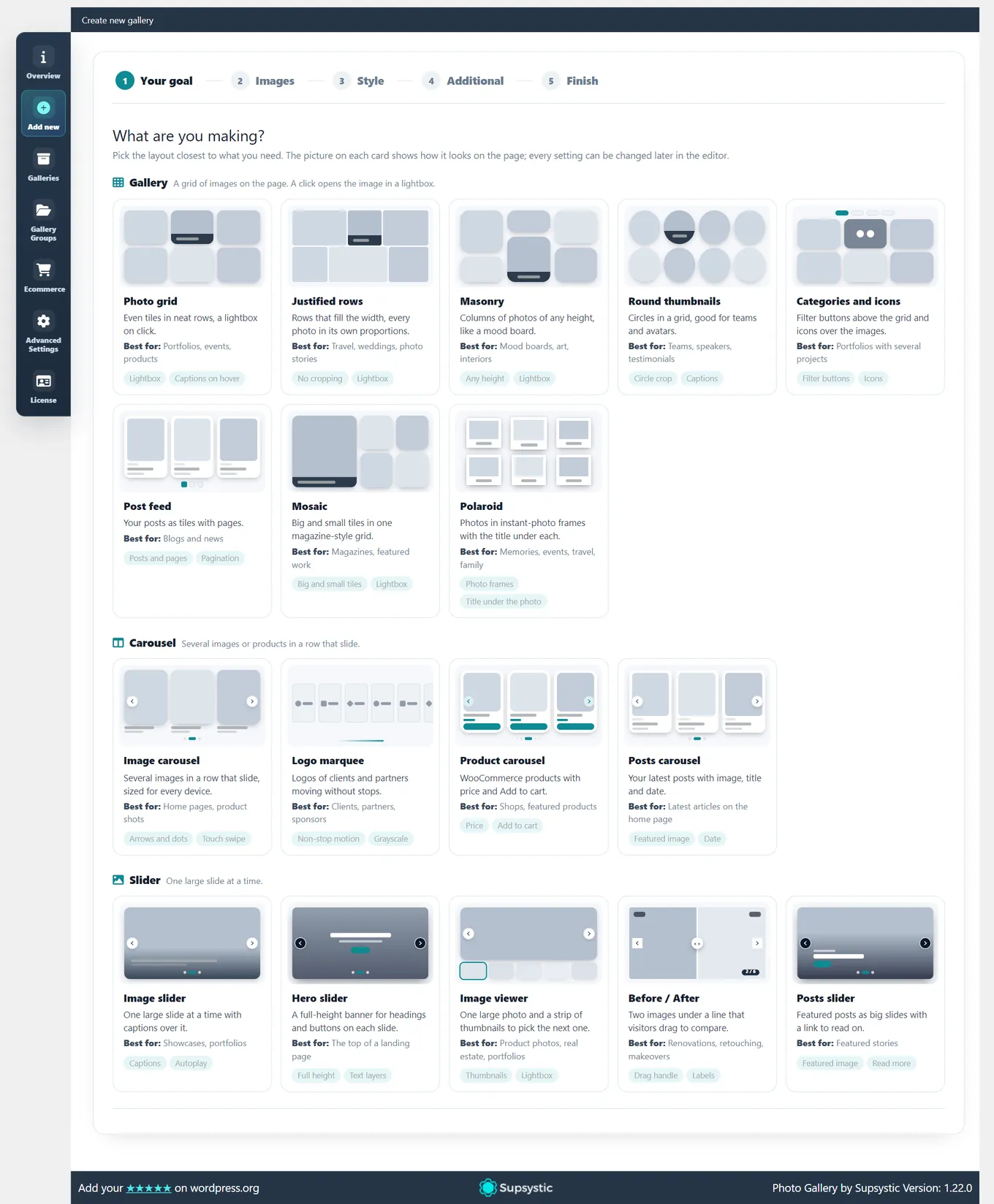
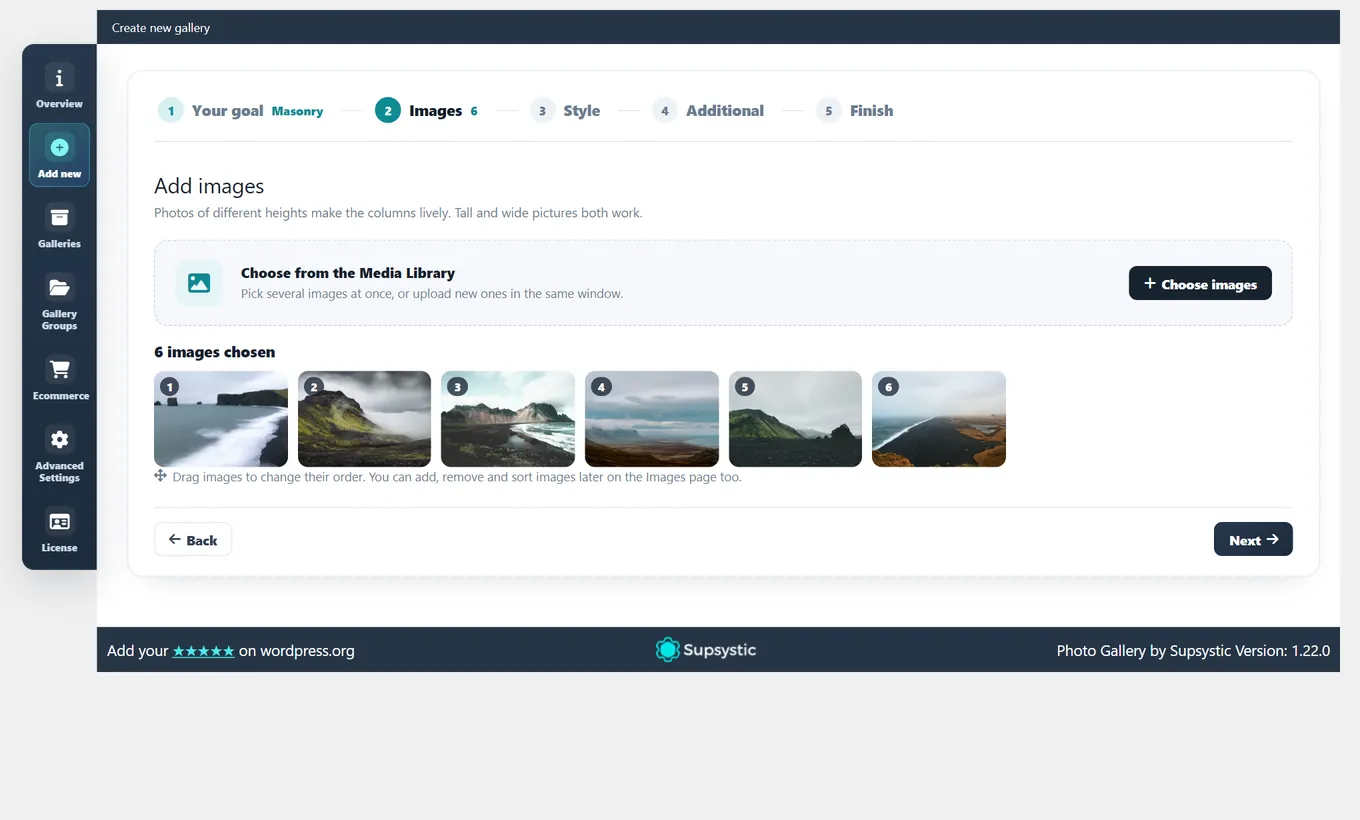
Creation wizard: all goals for galleries, carousels and sliders on one page, Polaroid among them Creation wizard: six images chosen from the Media Library
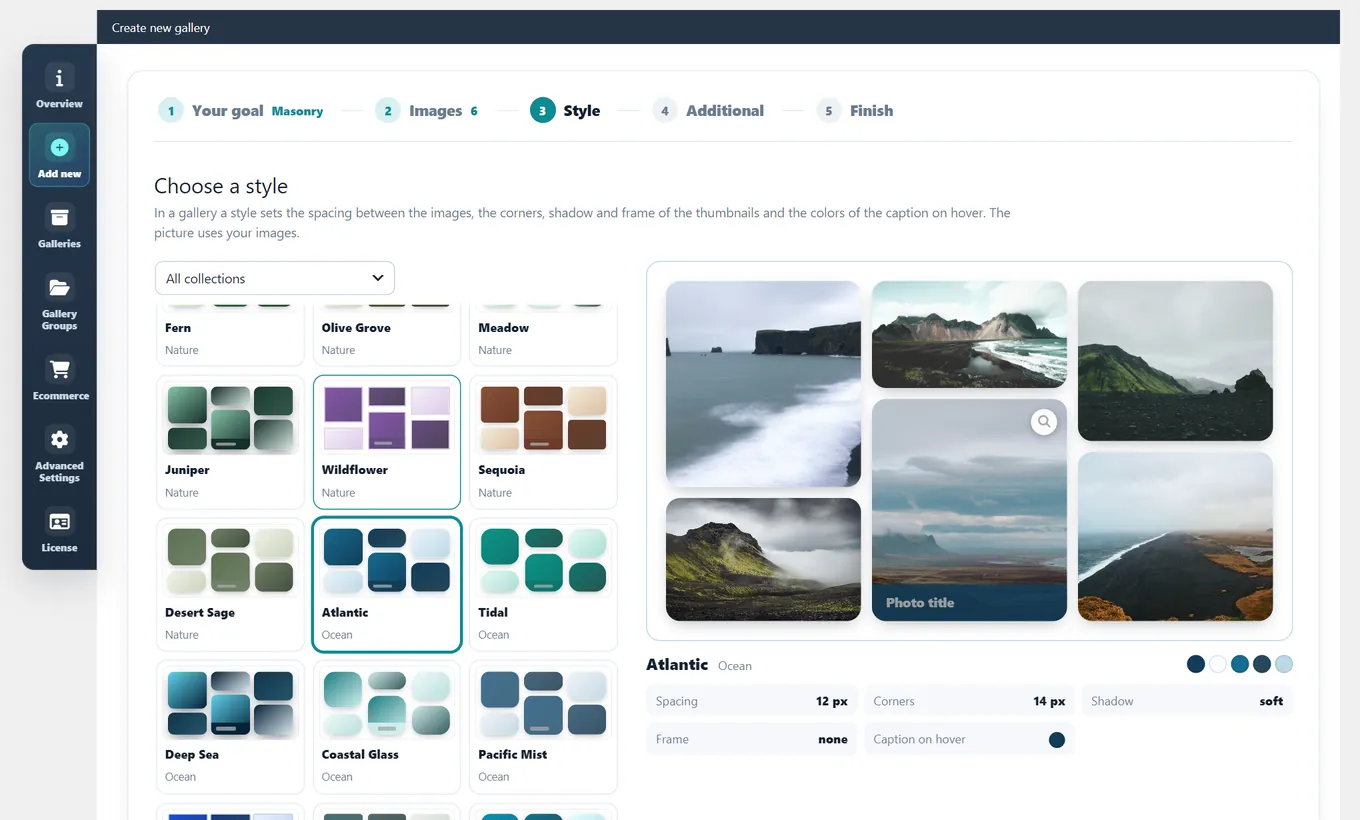
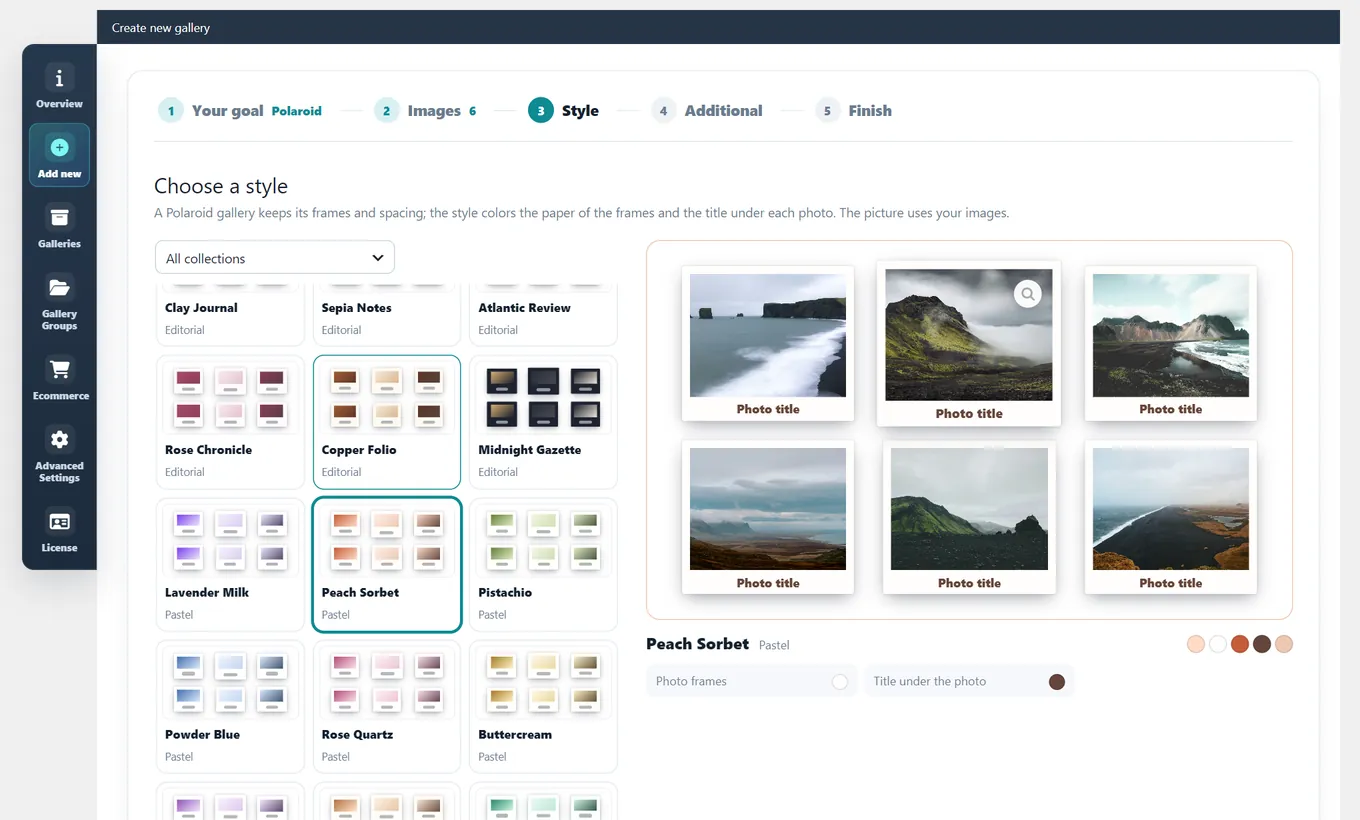
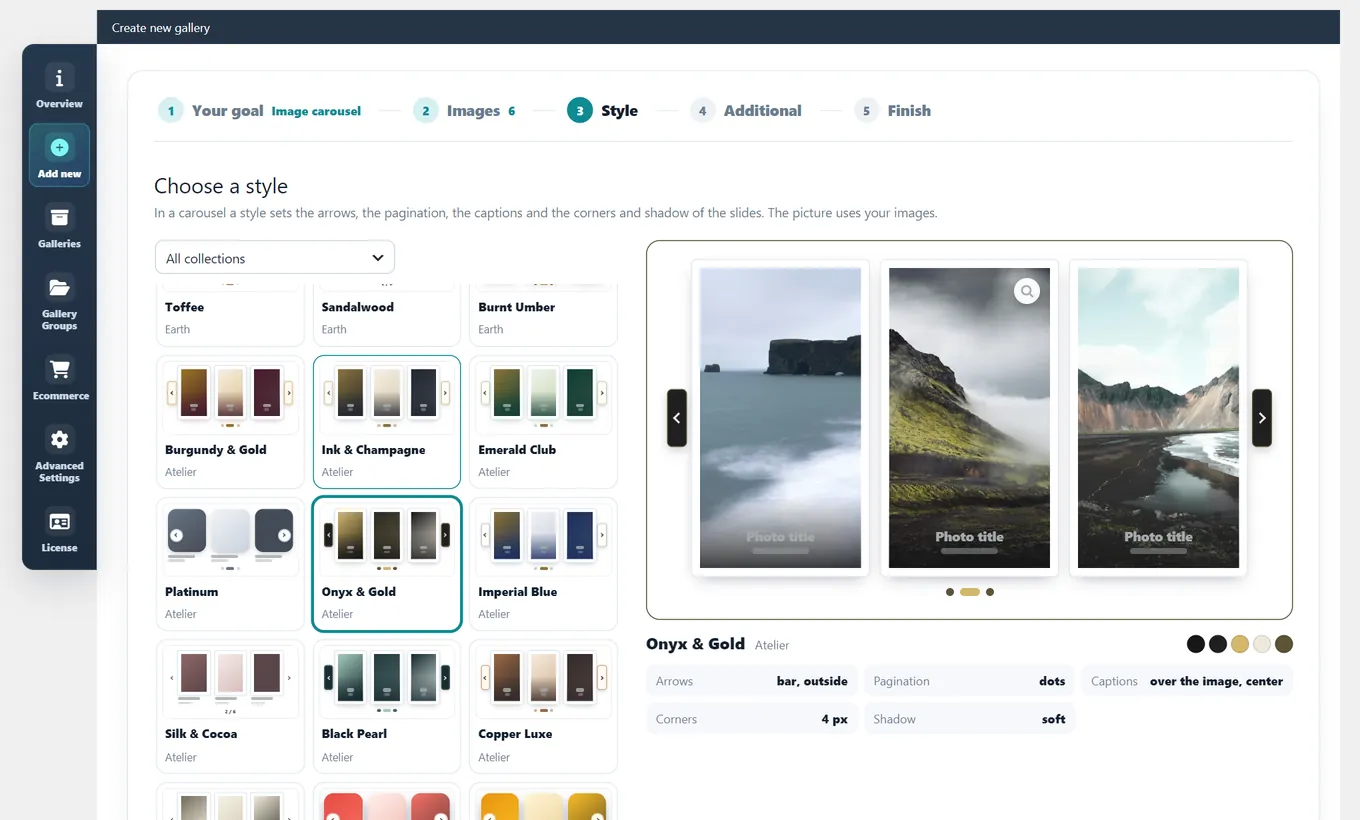
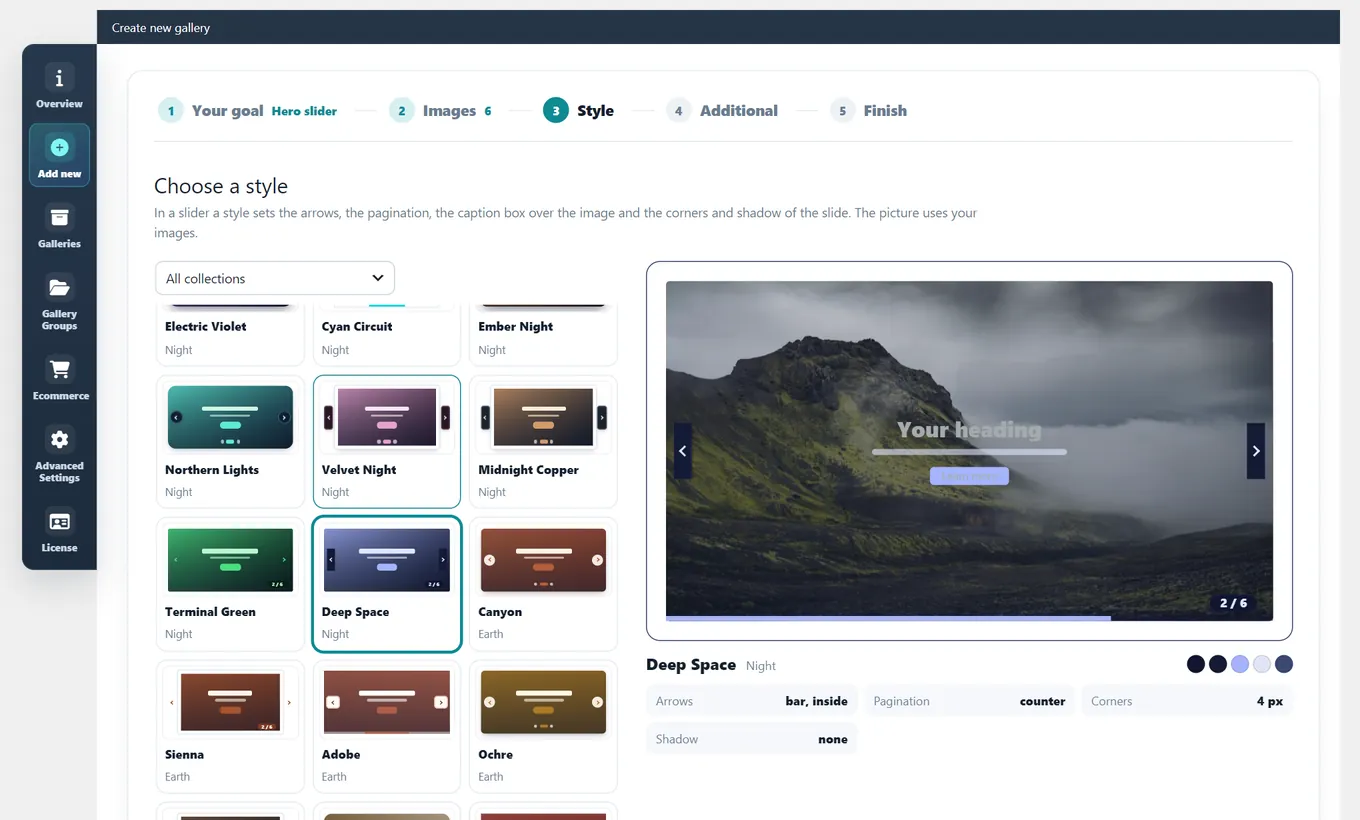
Creation wizard: trying styles on a live preview of a masonry gallery Creation wizard: trying styles on a live preview of a Polaroid gallery Creation wizard: trying styles on a live preview of an image carousel Creation wizard: trying styles on a live preview of a hero slider
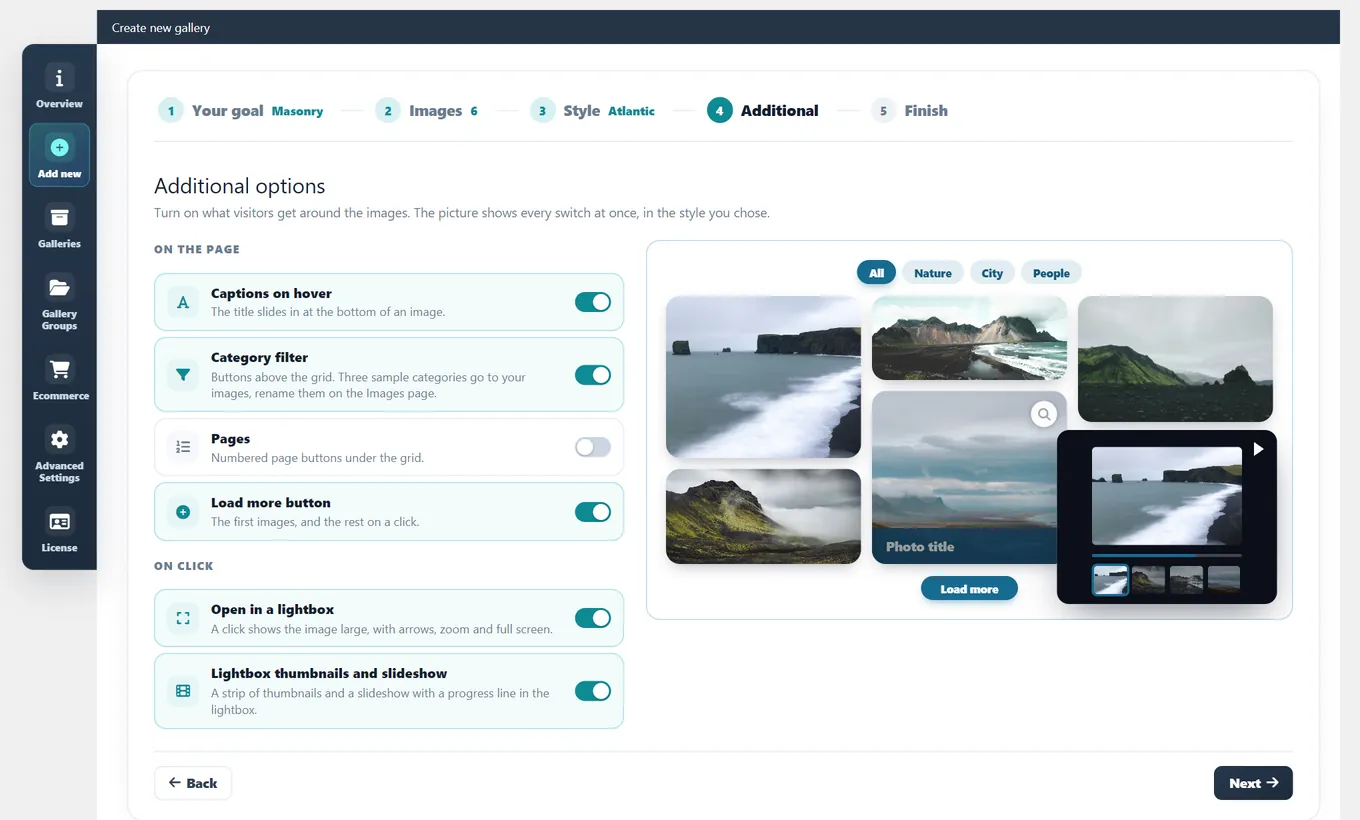
Creation wizard: category filter, pages, 3D effect or animated text turned on for a masonry gallery Creation wizard: category filter, pages, 3D effect or animated text turned on for a Polaroid gallery Creation wizard: category filter, pages, 3D effect or animated text turned on for an image carousel Creation wizard: category filter, pages, 3D effect or animated text turned on for a hero slider
Creation wizard: naming a masonry gallery Creation wizard: naming a Polaroid gallery Creation wizard: naming an image carousel Creation wizard: naming a hero slider
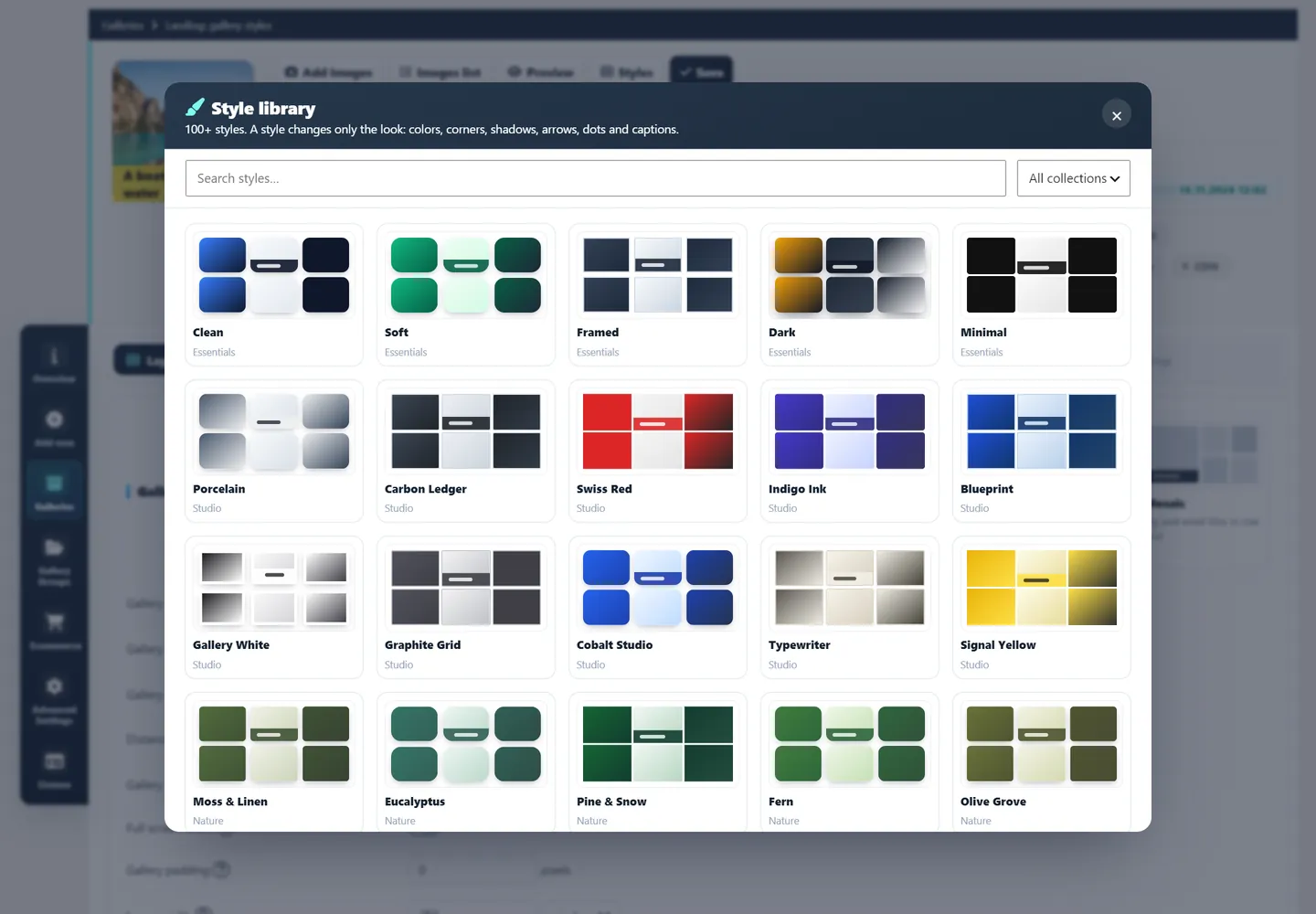
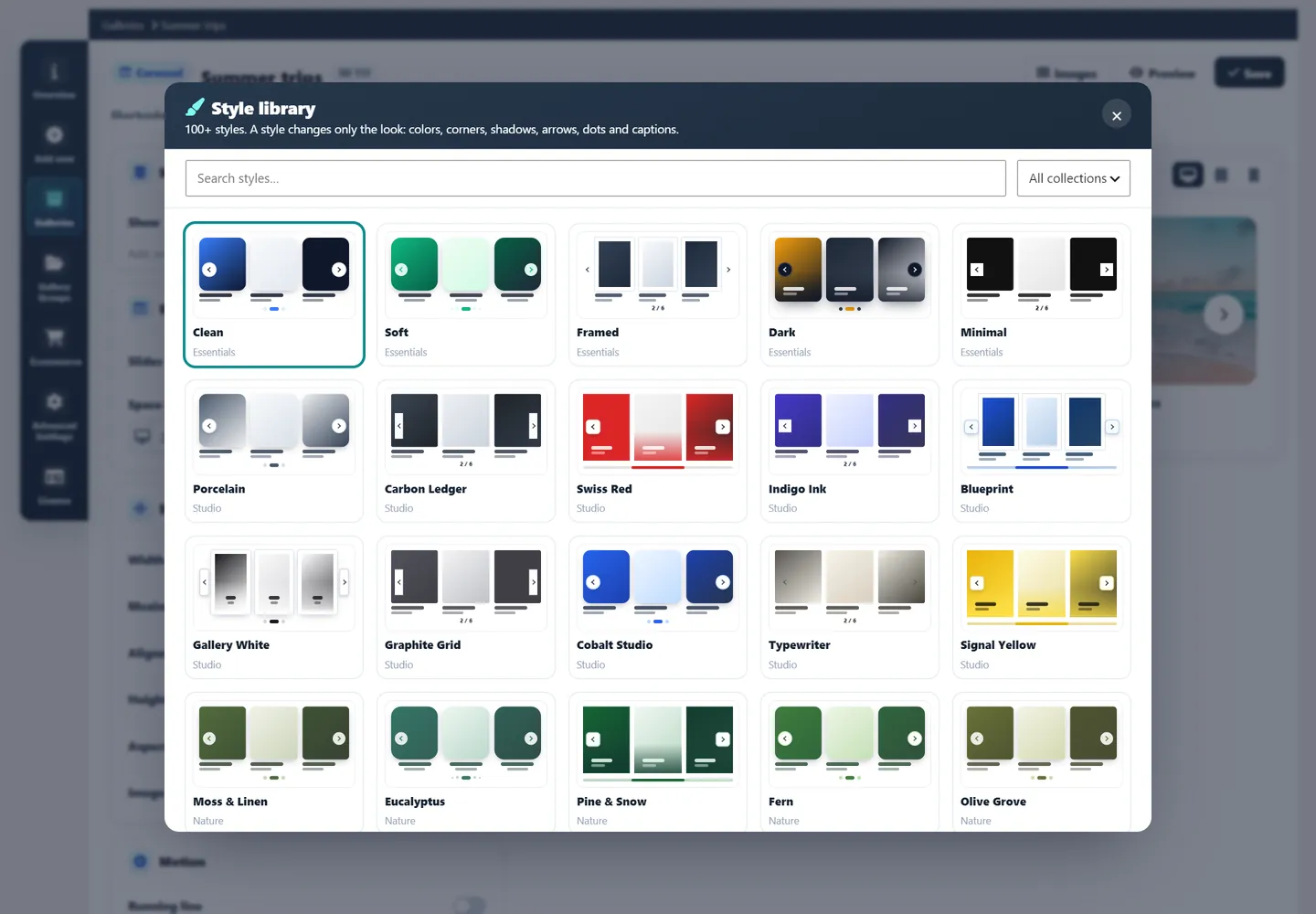
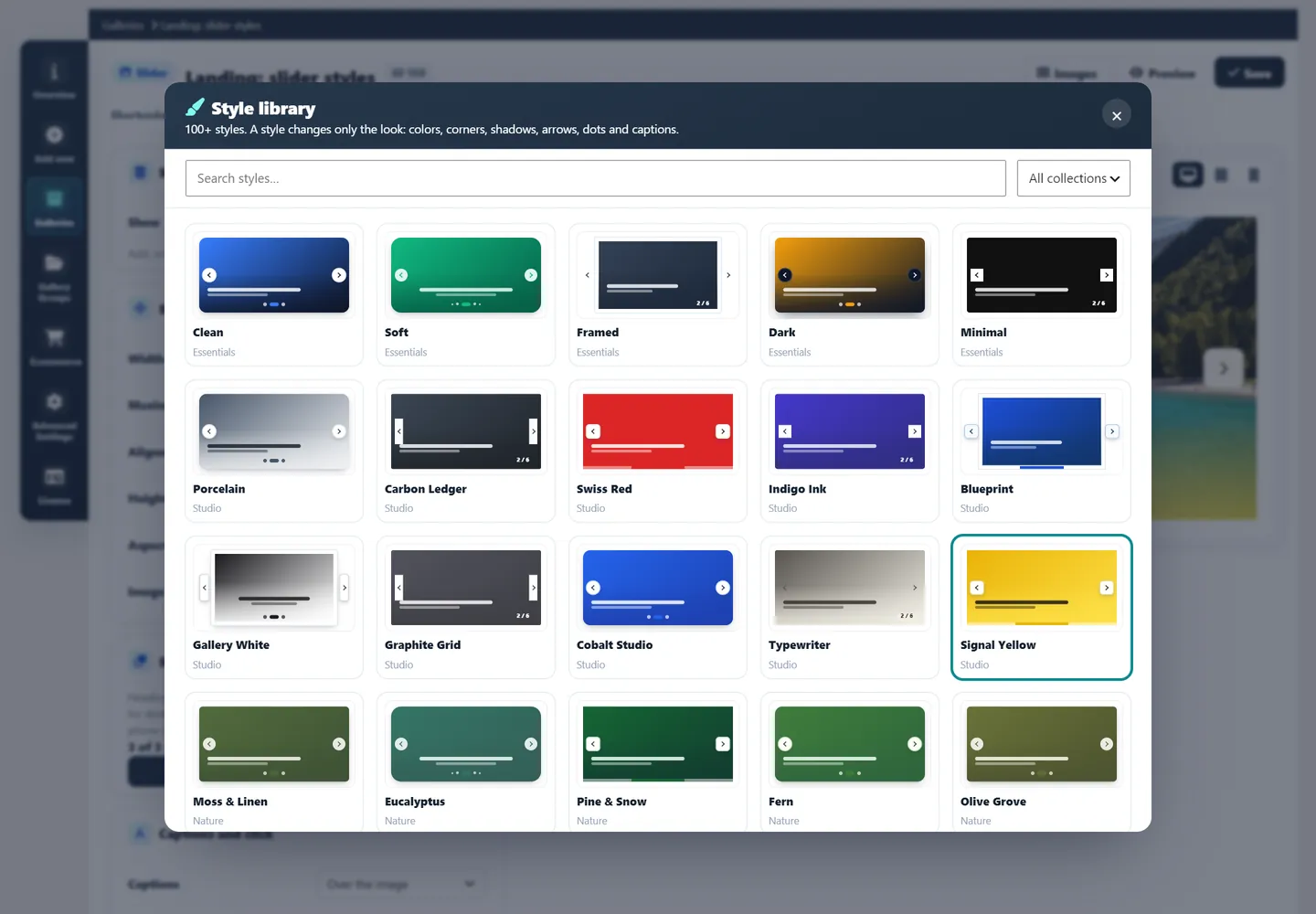
Style library

100+ Ready-Made Styles for Every Type

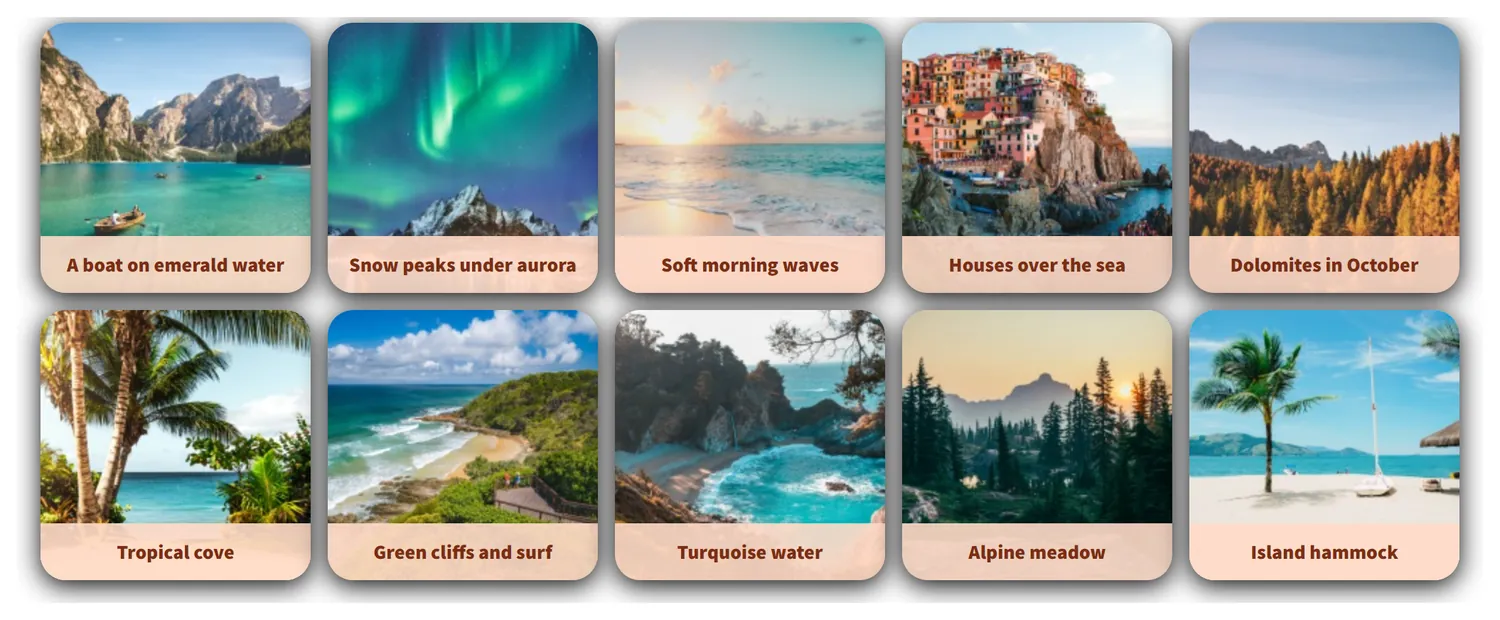
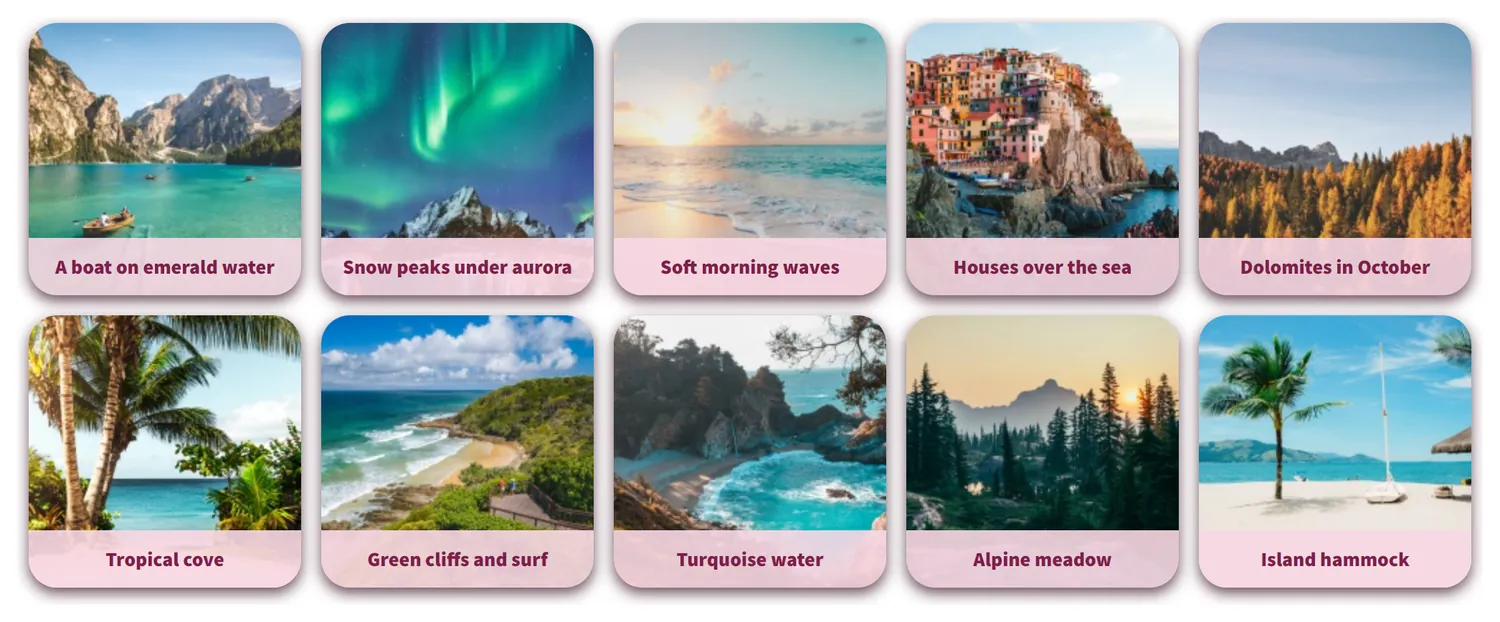
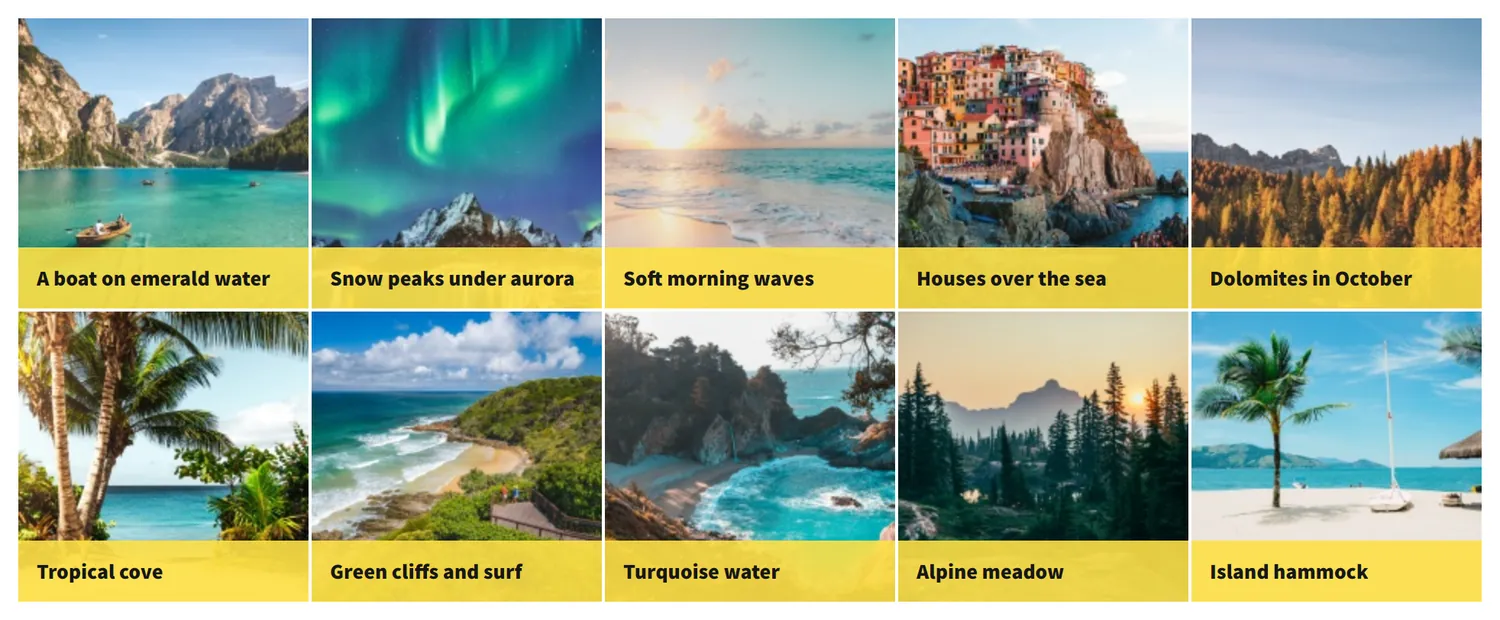
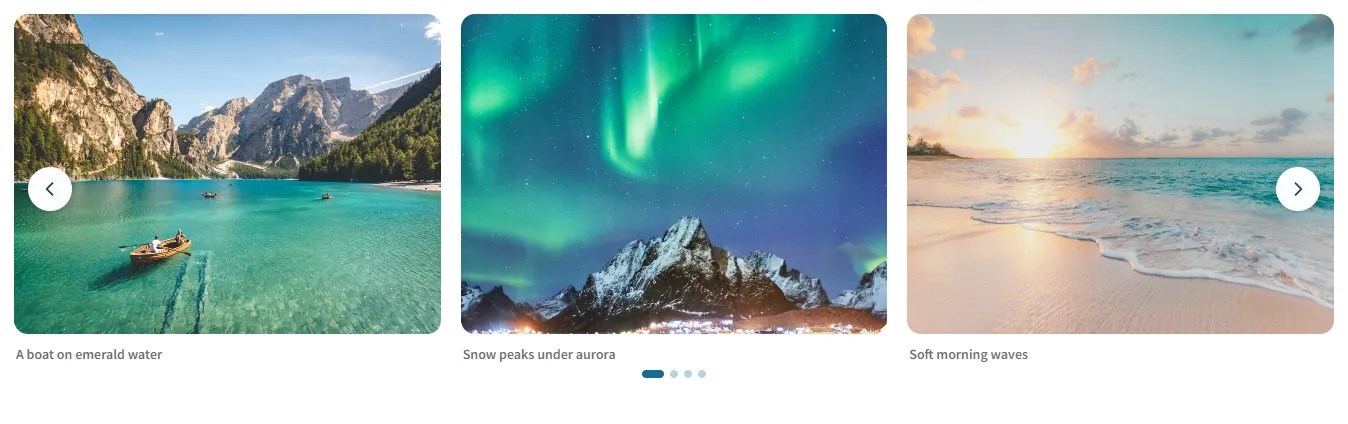
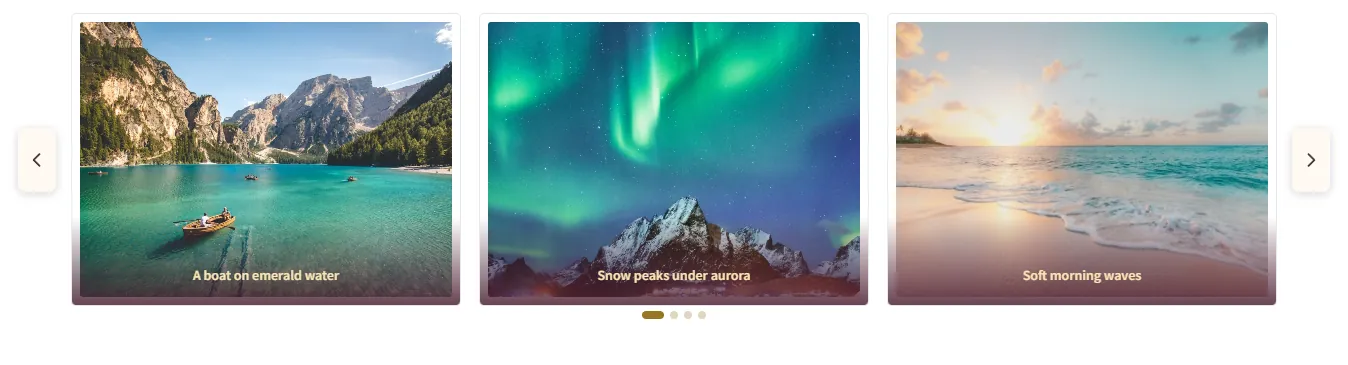
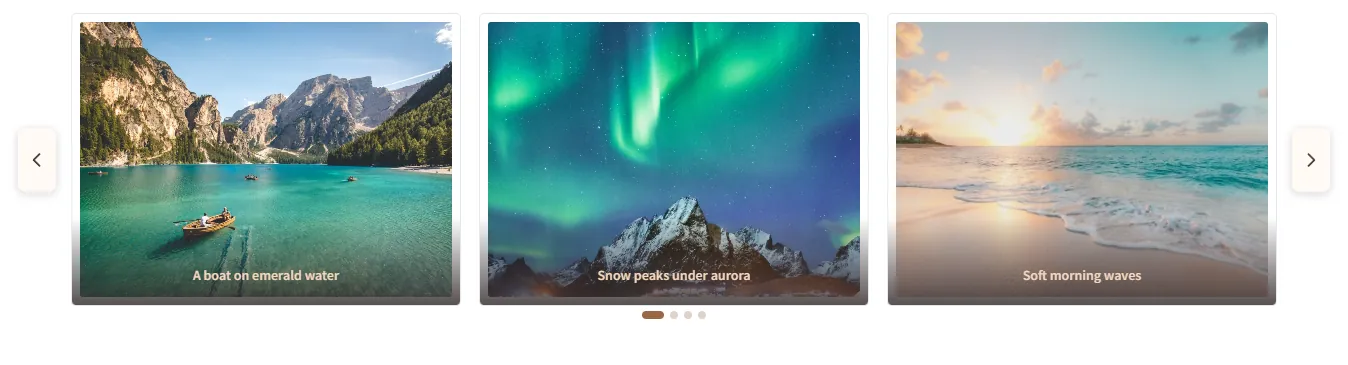
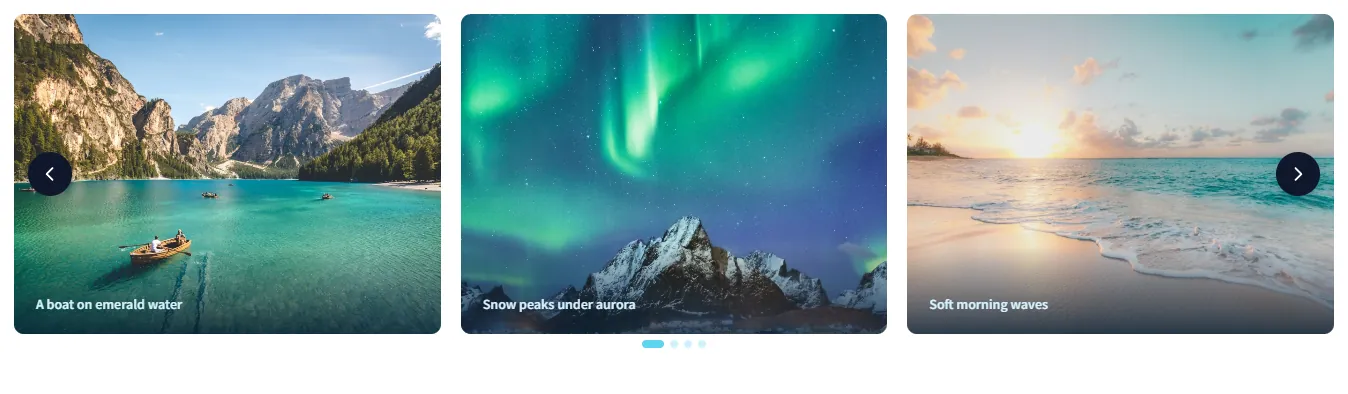
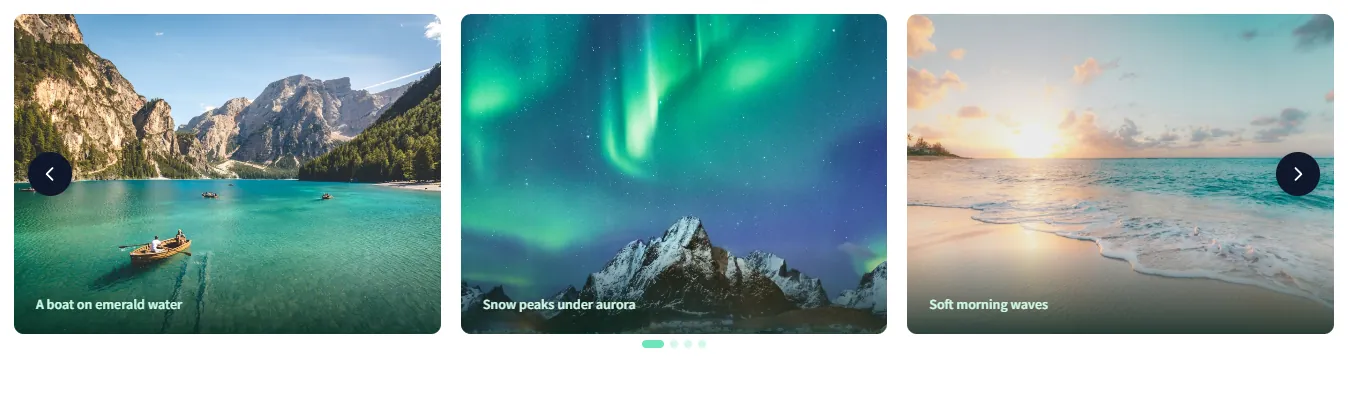
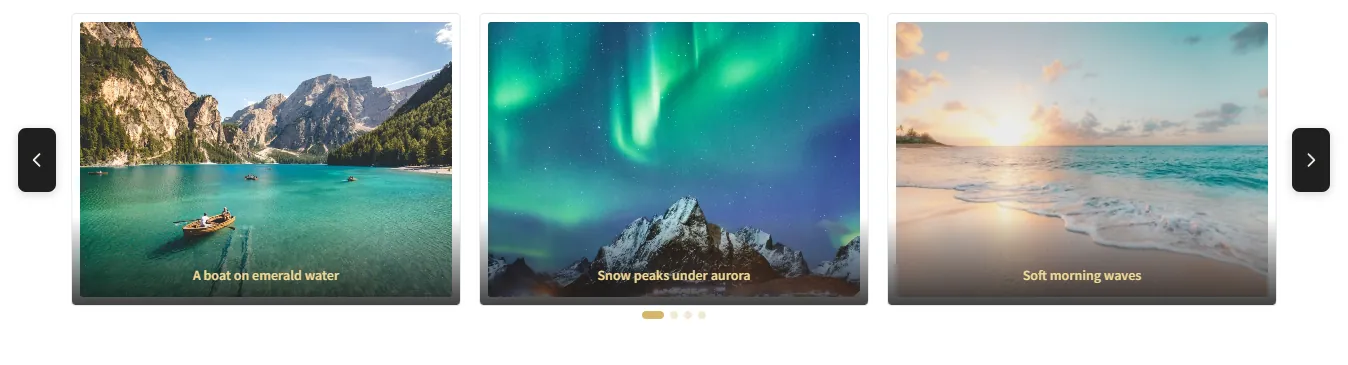
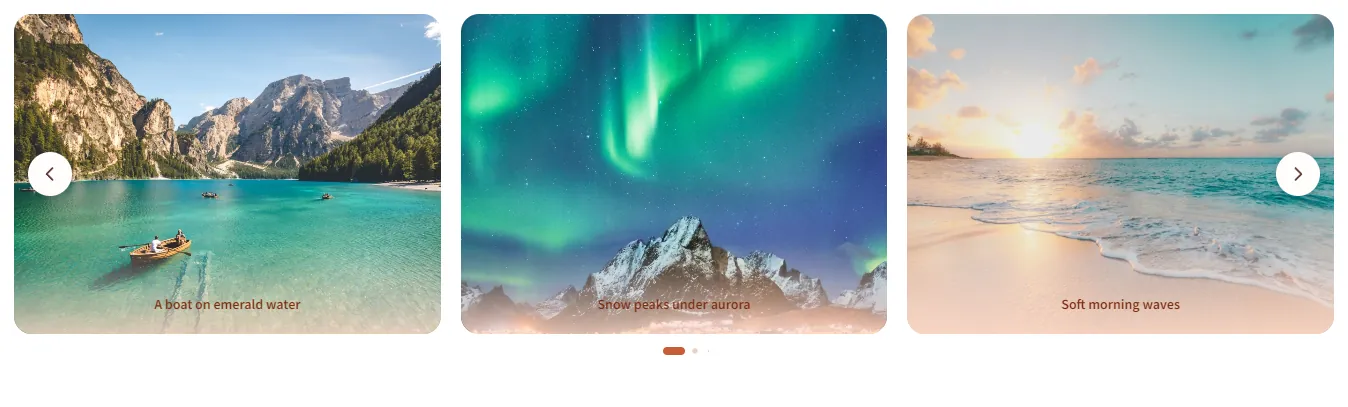
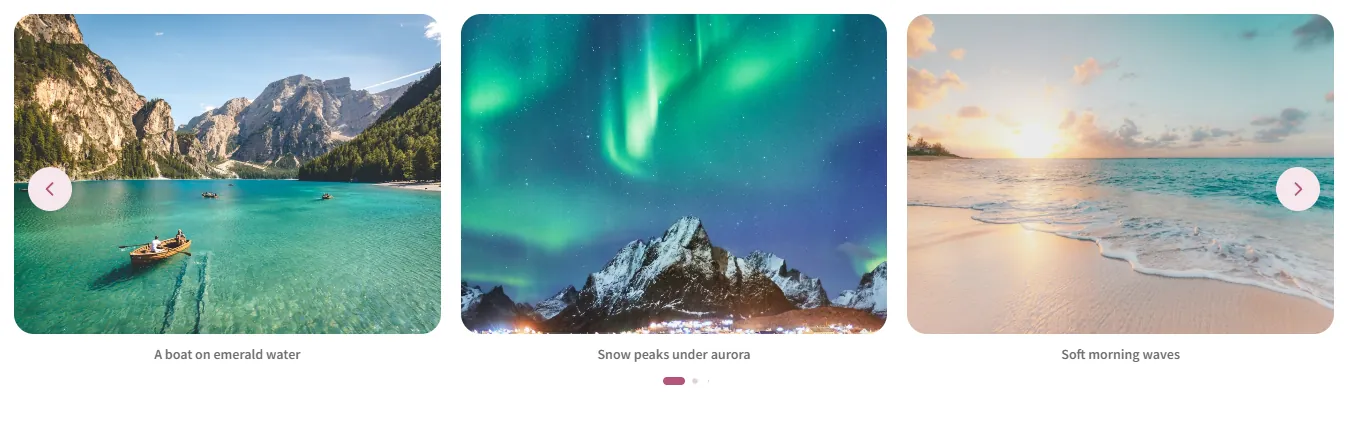
One click gives a gallery, a carousel or a slider the same look: colors, corners, shadows, arrows, dots and captions follow along, and text layers and product cards take the palette too. Five styles per type are free, Pro opens all of them.

  • Studio
  • Nature
  • Ocean
  • Editorial
  • Pastel
  • Night
  • Earth
  • Atelier
  • Pop
  • Seasonal
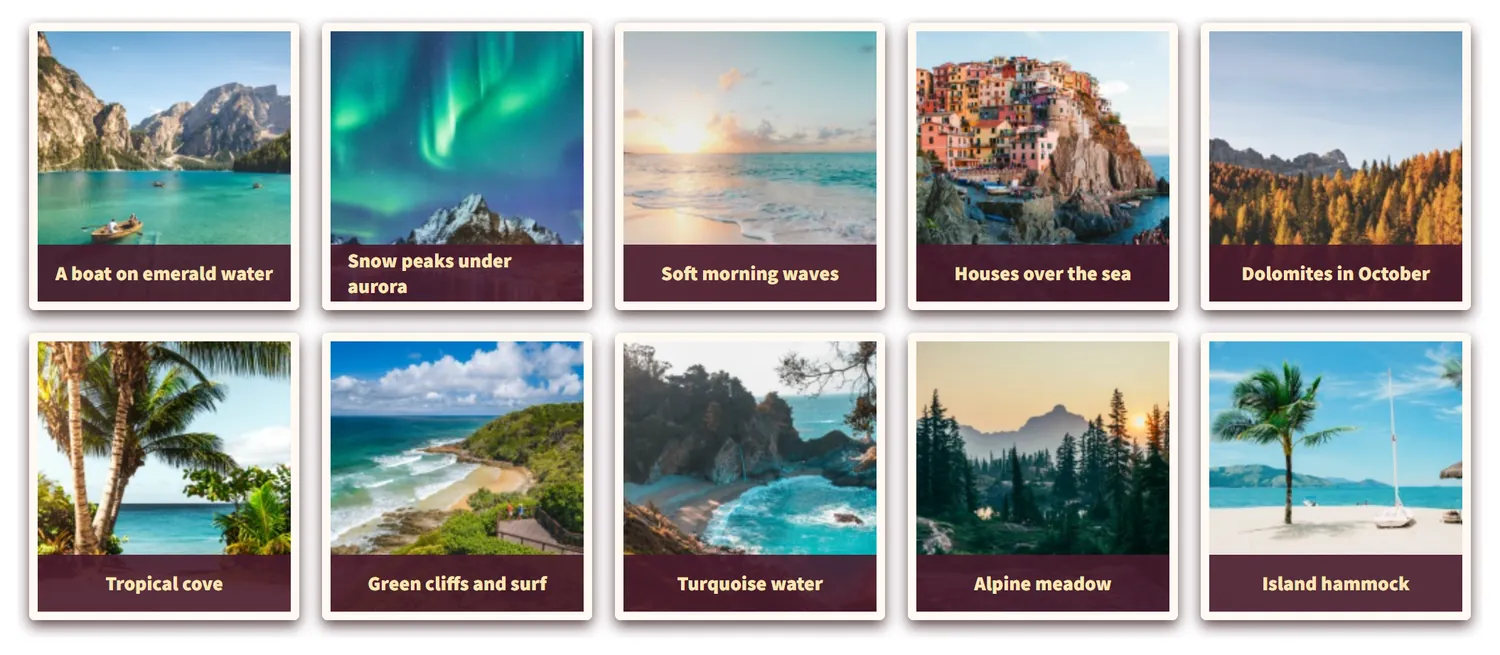
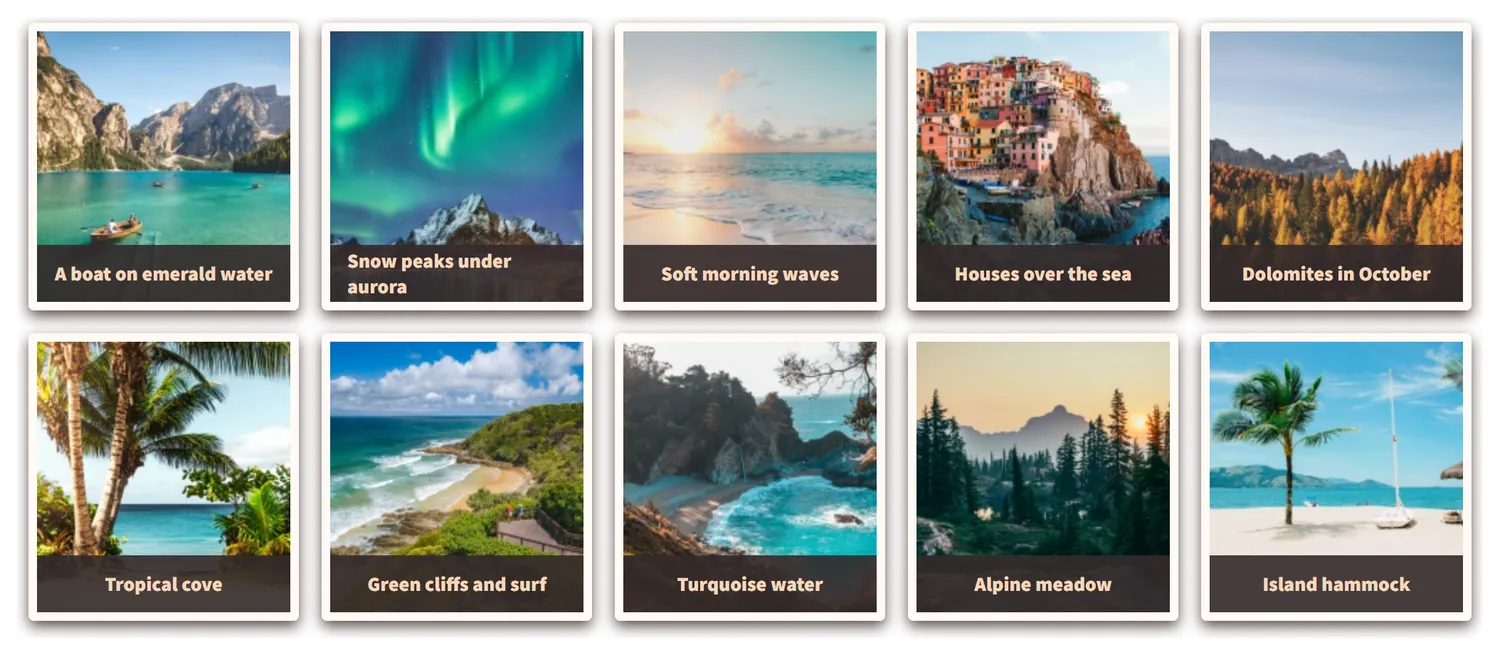
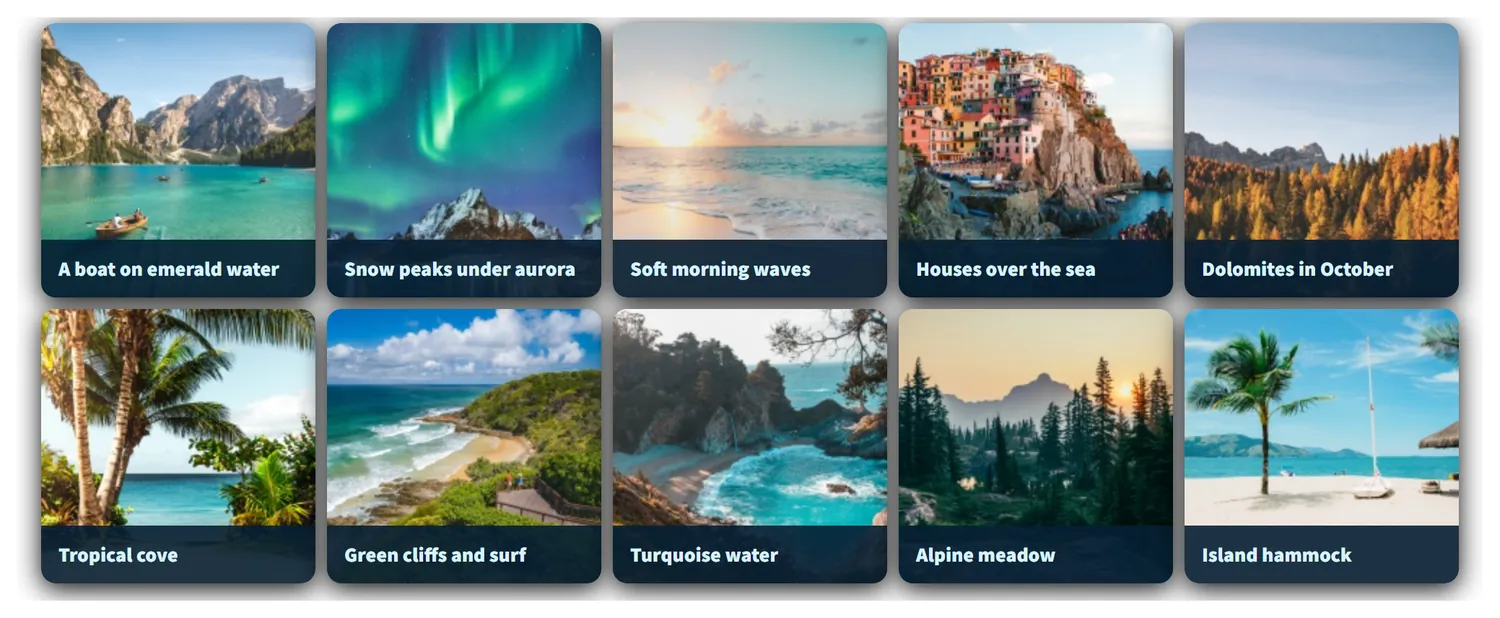
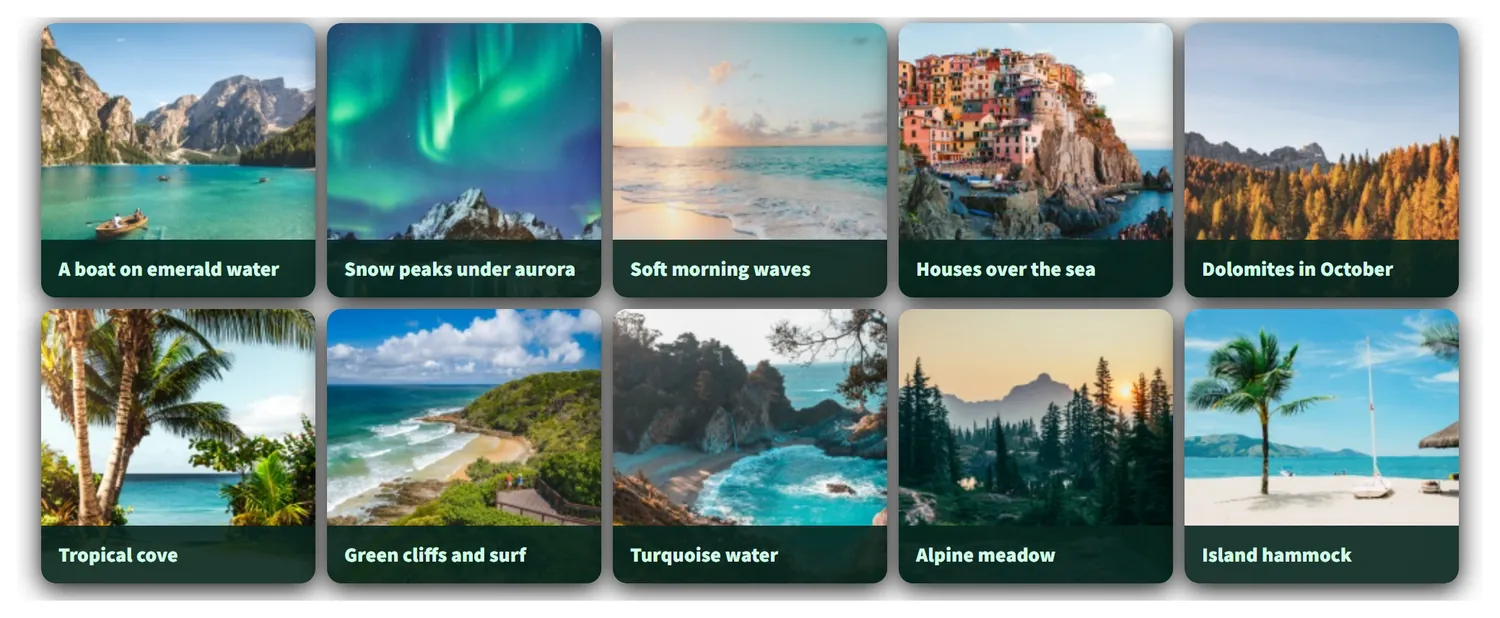
Photo gallery in the Atlantic style Photo gallery in the Burgundy & Gold style Photo gallery in the Copper Luxe style Photo gallery in the Deep Sea style Photo gallery in the Neon Mint style Photo gallery in the Onyx & Gold style Photo gallery in the Peach Sorbet style Photo gallery in the Sakura style Photo gallery in the Signal Yellow style Image carousel in the Atlantic style Image carousel in the Burgundy & Gold style Image carousel in the Copper Luxe style Image carousel in the Deep Sea style Image carousel in the Neon Mint style Image carousel in the Onyx & Gold style Image carousel in the Peach Sorbet style Image carousel in the Sakura style Image carousel in the Signal Yellow style Hero slider in the Atlantic style Hero slider in the Burgundy & Gold style Hero slider in the Copper Luxe style Hero slider in the Deep Sea style Hero slider in the Neon Mint style Hero slider in the Onyx & Gold style Hero slider in the Peach Sorbet style Hero slider in the Sakura style Hero slider in the Signal Yellow style
Style library window of a gallery, with palettes grouped in collections Style library window of a carousel, with palettes grouped in collections Style library window of a hero slider, with palettes grouped in collections
Gallery builder

One Builder. Every Image Gallery Layout You'll Ever Need

An image gallery takes two choices: a layout, then what it should do. Pick one of eight layouts, switch on captions, hover effects, categories, pages, video or a shop, and give it any of the 100+ styles. Every demo below is a live gallery made with this one plugin.

1Pick a layout

Eight layouts, the same ones the creation wizard offers. Each one opens in the lightbox and takes any style; you can switch to another layout later without adding the photos again.

Photo grid gallery of light Japandi interiors

Photo grid Free

Even tiles in neat rows, a lightbox on click.

Best for: Portfolios, events, products

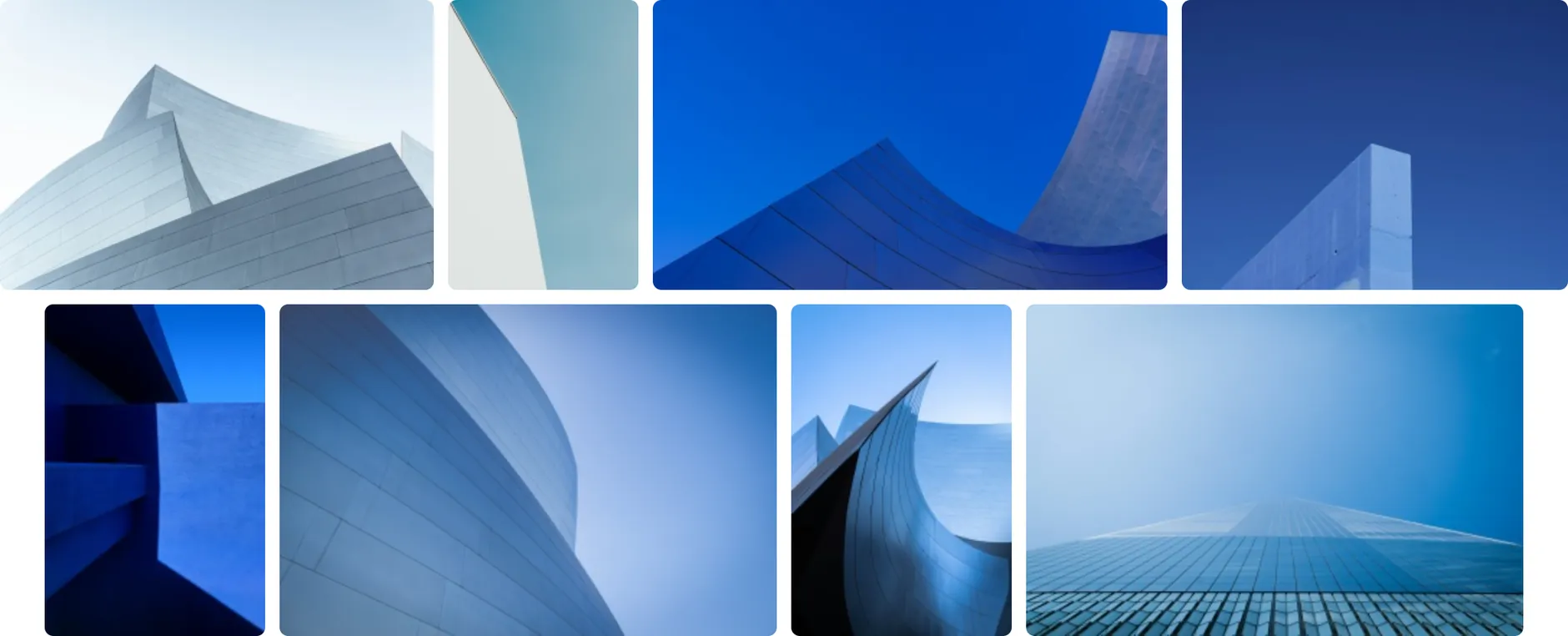
Justified rows of architecture photos in blue and white

Justified rows Free

Rows that fill the width, every photo in its own proportions.

Best for: Travel, weddings, photo stories

Masonry wedding gallery in warm golden-hour light

Masonry Free

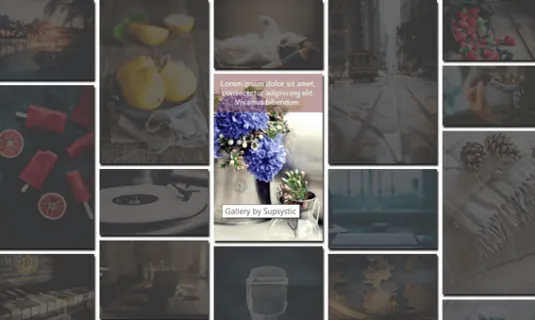
Columns of photos of any height, like a mood board.

Best for: Mood boards, art, interiors

Mosaic food gallery with one large tile and a counter of the other photos

Mosaic Pro

Big and small tiles in one magazine-style grid.

Best for: Magazines, featured work

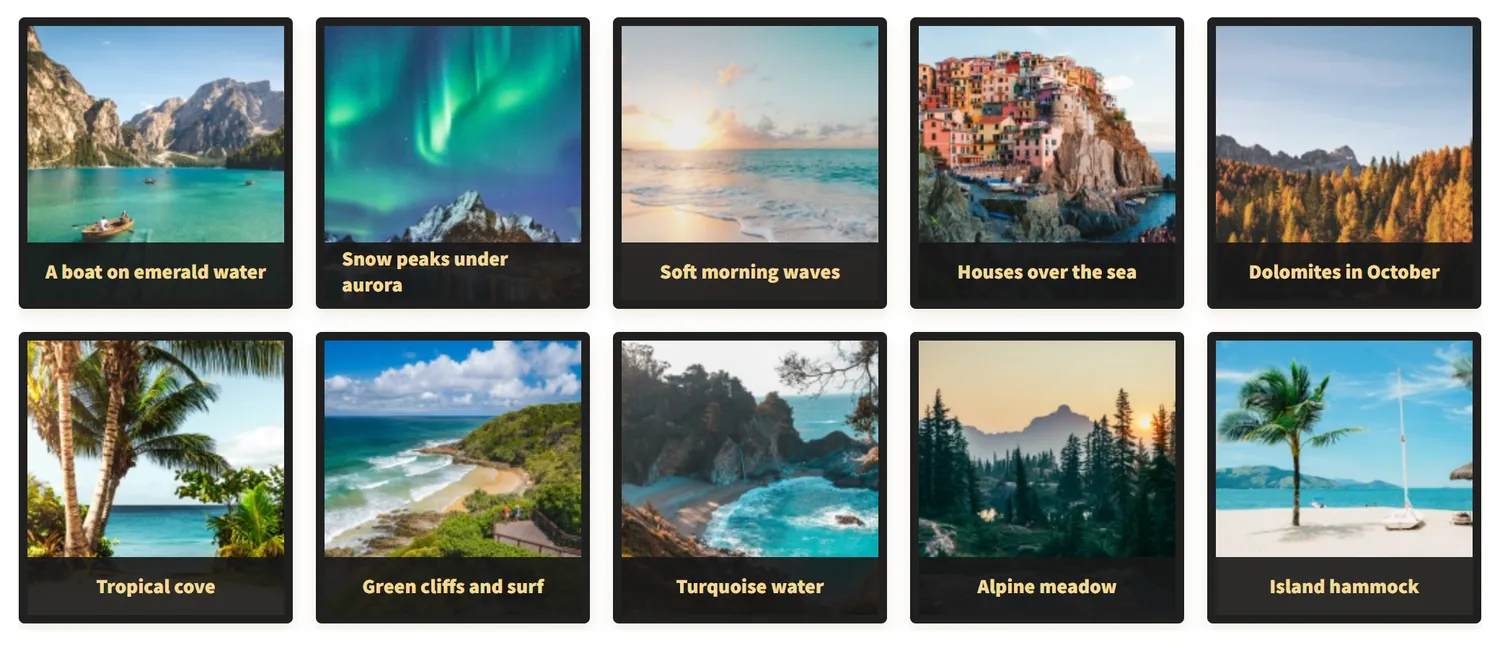
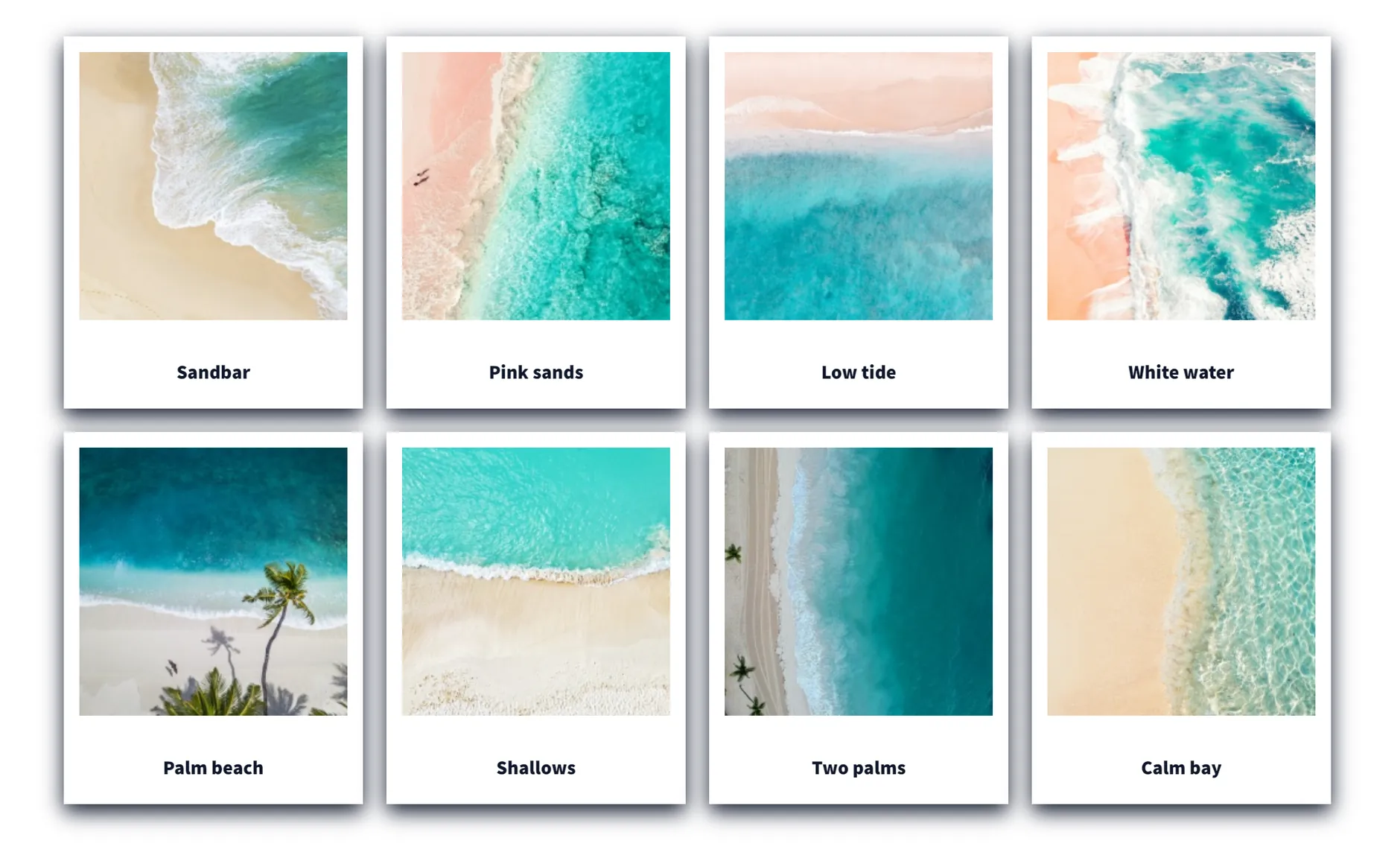
Polaroid gallery of turquoise beaches from above, with a title under each photo

Polaroid Pro

Photos in instant-photo frames with the title under each.

Best for: Memories, events, travel, family

Round thumbnails of portraits in warm studio light

Round thumbnails Free

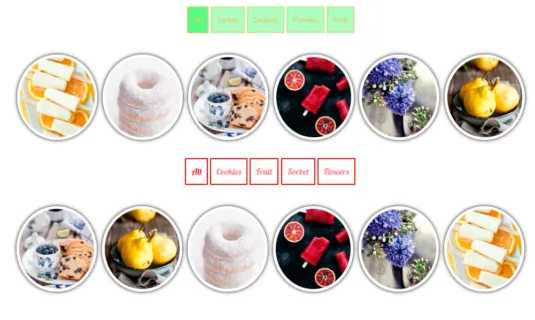
Circles in a grid, made for faces and avatars.

Best for: Teams, speakers, testimonials

Ready in the free version
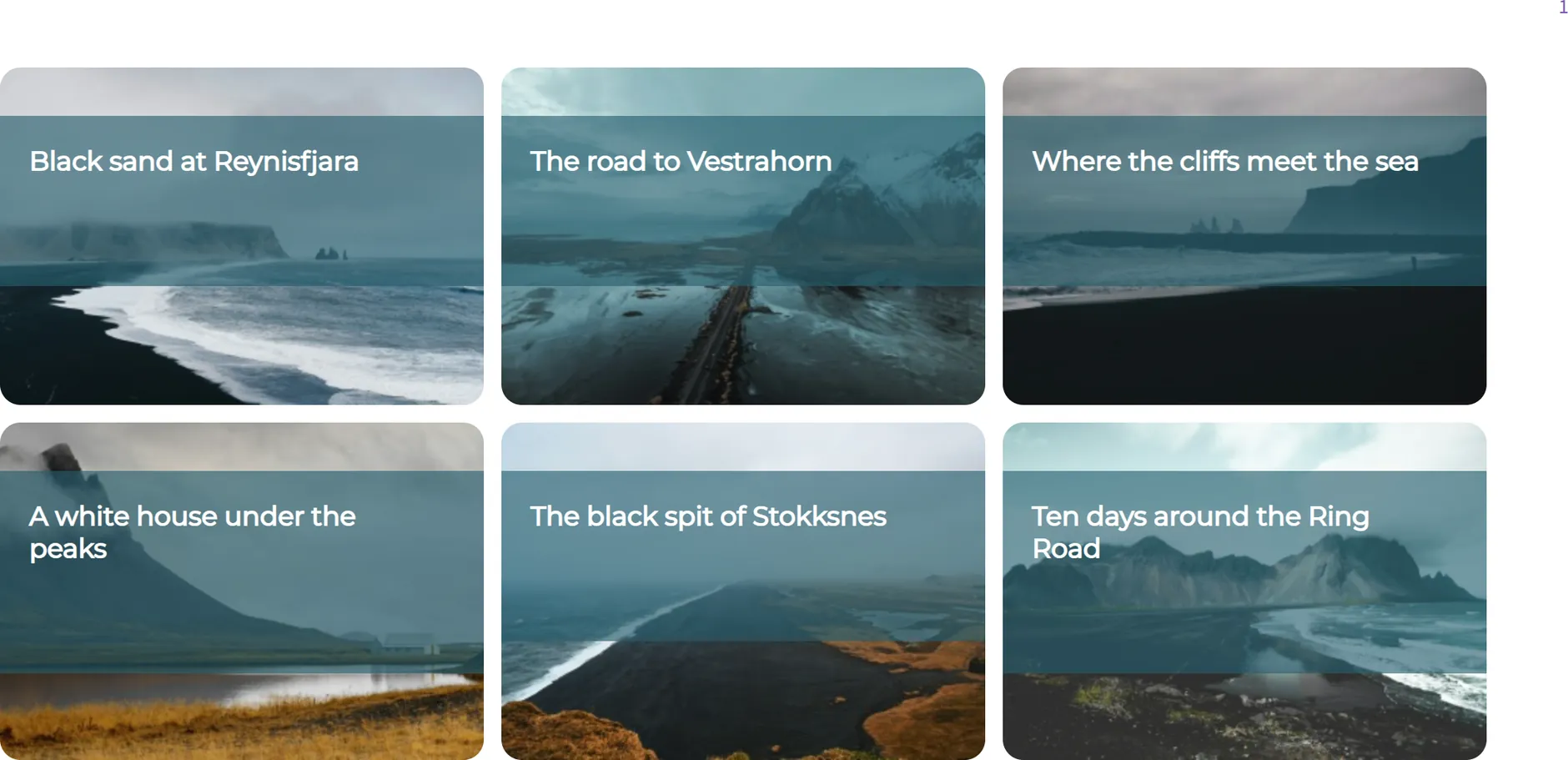
One row of Icelandic landscapes that scrolls sideways

Horizontal scroll Free

One row of photos that visitors move sideways with the wheel or a finger.

Best for: Landscapes, panoramas, timelines

Carousels & sliders

Carousels and Sliders That Stop the Scroll

Touch, keyboard, mouse wheel and autoplay, a separate layout for desktop, tablet and phone, and effects that make a plain row of photos look built by an agency. Slide and Fade are free; Coverflow, Cube, Flip, Cards and Creative come with Pro, along with vertical carousels and sliders.

  • Slide
  • Fade
  • Coverflow
  • Cube
  • Flip
  • Cards
  • Creative
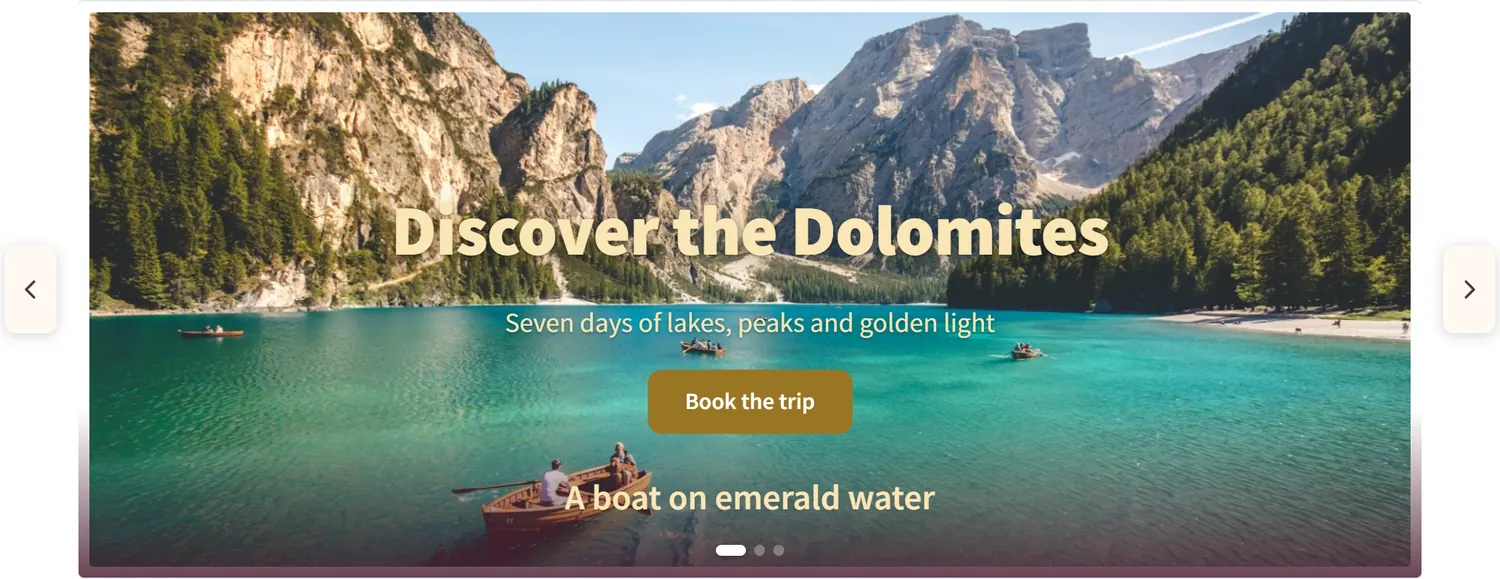
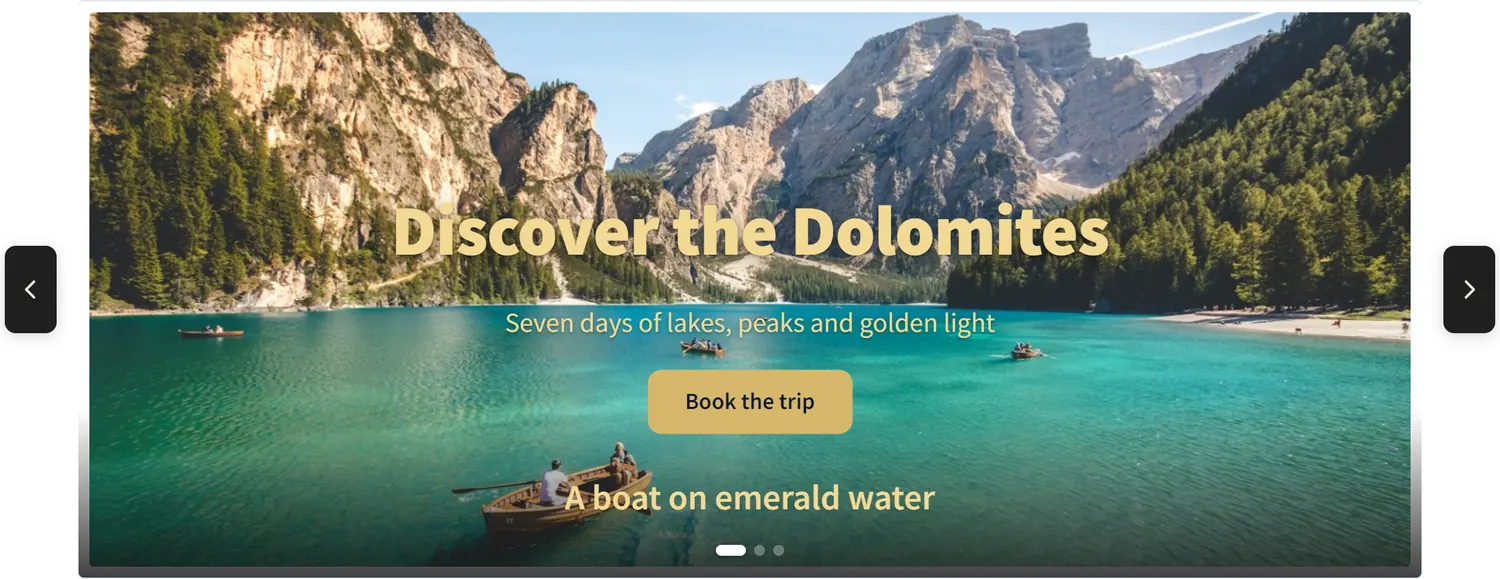
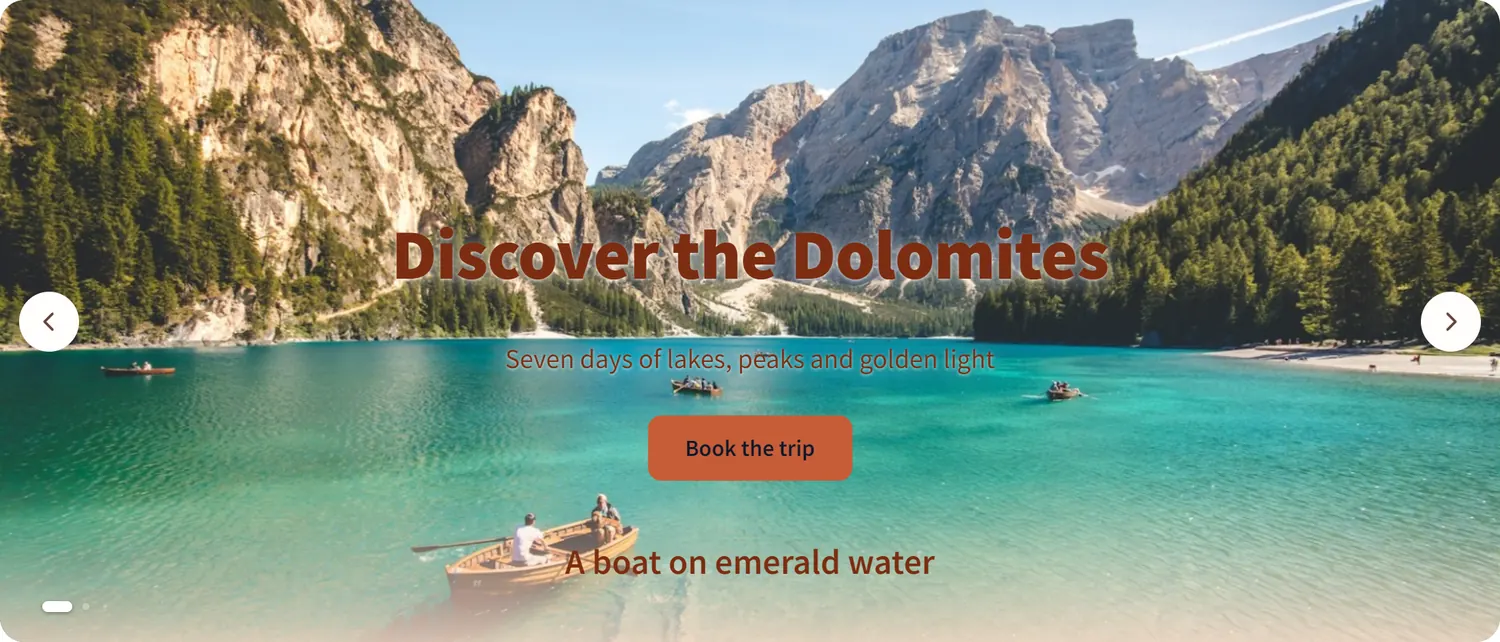
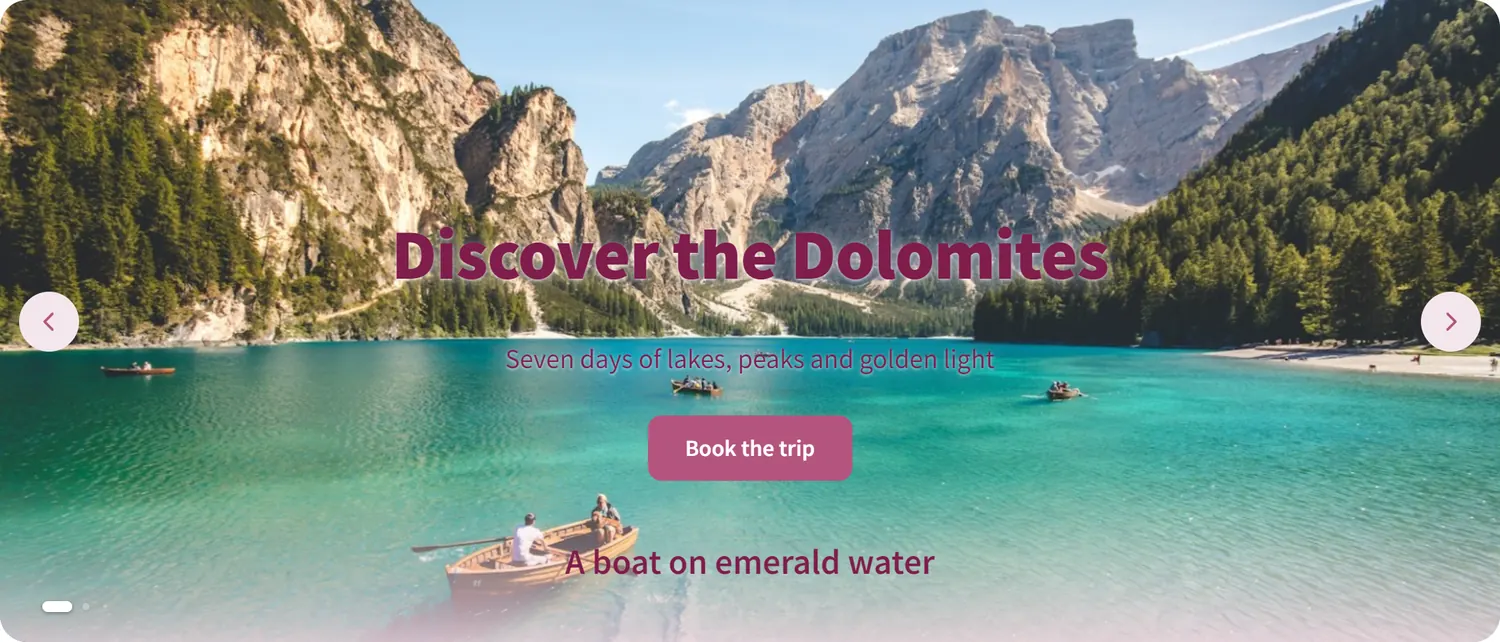
A turquoise mountain lake with a rowing boat in the Dolomites
New season

Discover the Dolomites

Seven days of lakes, peaks and golden light

Hero sliders with text, buttons and motion

Headings, text, buttons and badges dragged into place on the slide, separately for desktop, tablet and phone. Two layers per slide are free; Pro gives 20, with entrance animations.

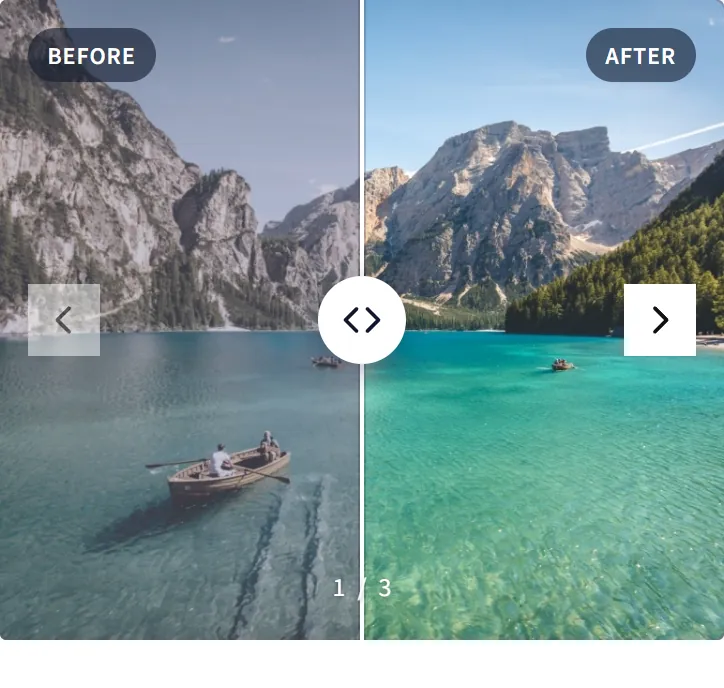
Mountain lake photo after color correction
The same mountain lake photo before color correction
BeforeAfter

Before / After Pro

Visitors drag the line to compare two photos: retouching, renovations, landscaping. Try it on the picture above.

Slider with a video slide and a play button

Video slides Pro

YouTube, Vimeo or your own MP4 next to the photos in one slider.

Arcadia logo Bluepeak logo Fernway logo Kinetic logo Lumen logo Northwind logo Orbit logo Solace logo

Logo marquee

A running line of client and partner logos that never stops, grey until the mouse comes near.

Image viewer: a large slide with a strip of thumbnails under it

Image viewer with thumbnails

One large photo and a strip of thumbnails under it, for portfolios, property listings and products.

Slider made from blog posts with the featured image, title and excerpt

Your posts as slides Pro

The latest posts of any post type with image, date and excerpt, categories in or out.

Every option you expect

Set once, tuned for each screen size.

  • Autoplay
  • Endless loop
  • Swipe & drag
  • Keyboard
  • Mouse wheel
  • RTL
  • Center the active slide
  • Free scrolling
  • Arrows & dots styles
  • Thumbnail strip
  • Separate image for phones
  • Lightbox on click
Lightbox

A Lightbox Worth Opening

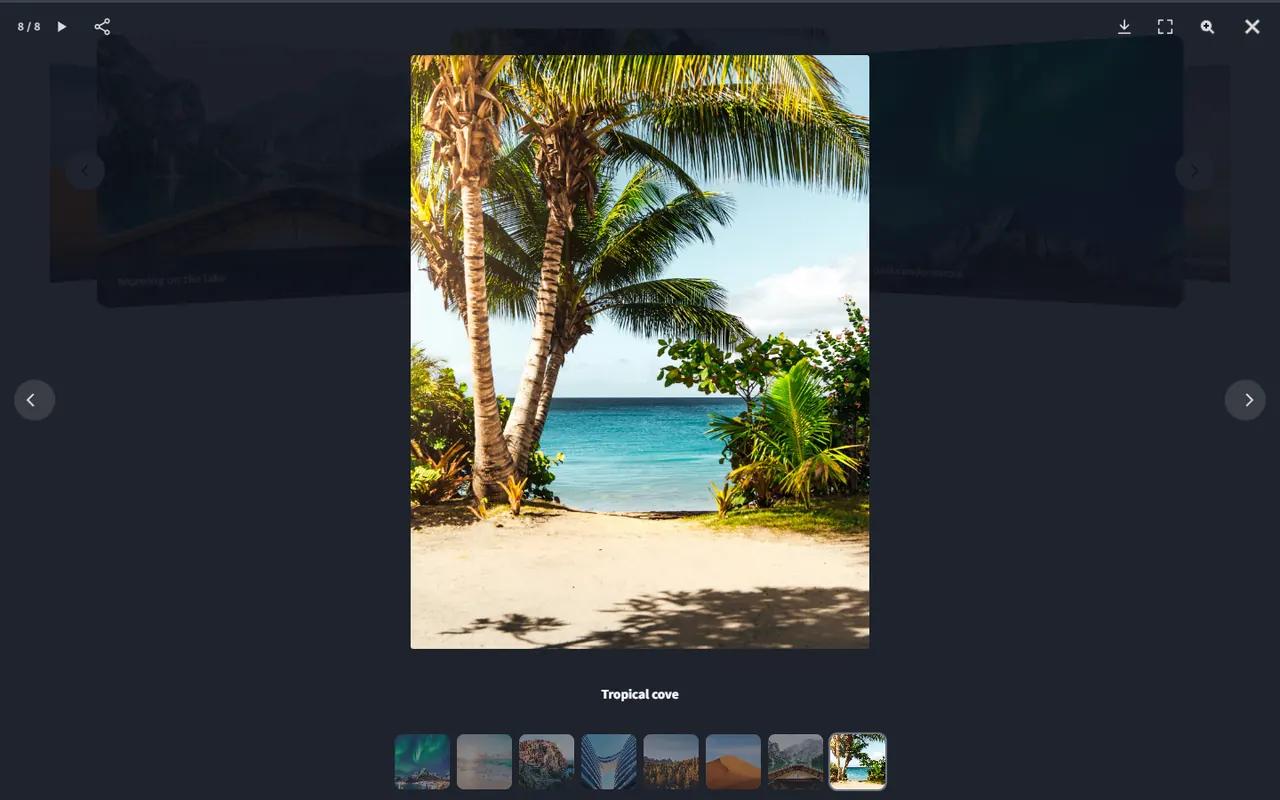
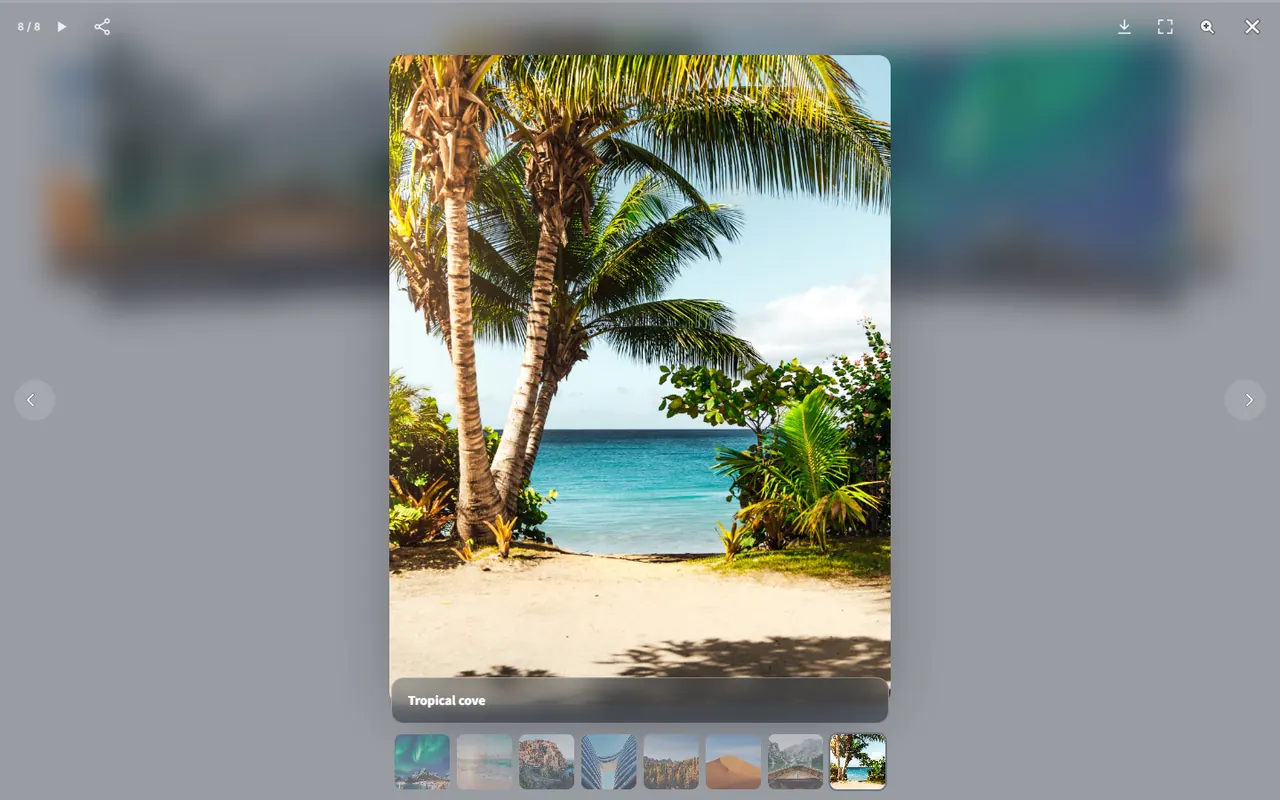
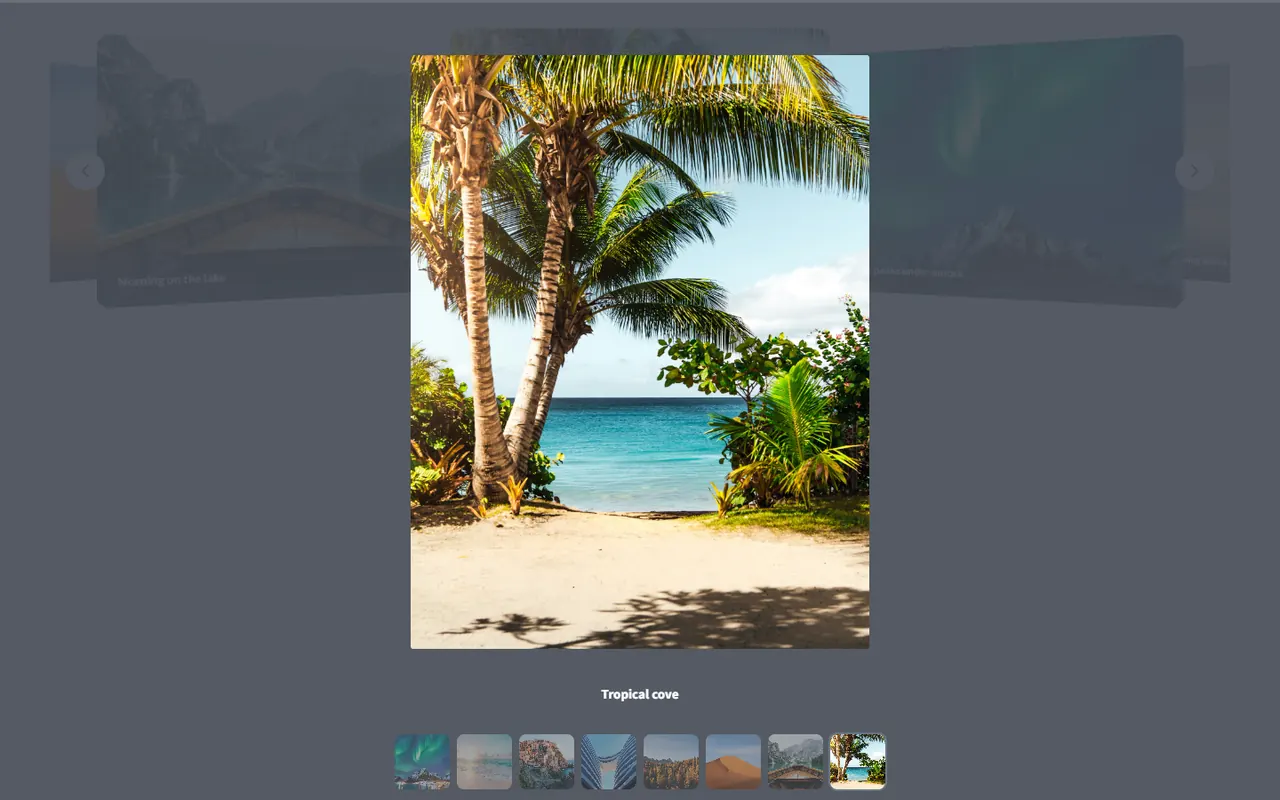
Every gallery, carousel and slider opens its photos in a modern lightbox: swipe, pinch to zoom, full screen, a counter and captions, in the colors of your style. Three themes are free, Pro adds six more and the tools that keep people looking.

  • Swipe, zoom and full screen
  • Style colors, Dark and Light themes free
  • Thumbnail strip Pro
  • Slideshow with a progress line Pro
  • Download button Pro
  • Share button Pro
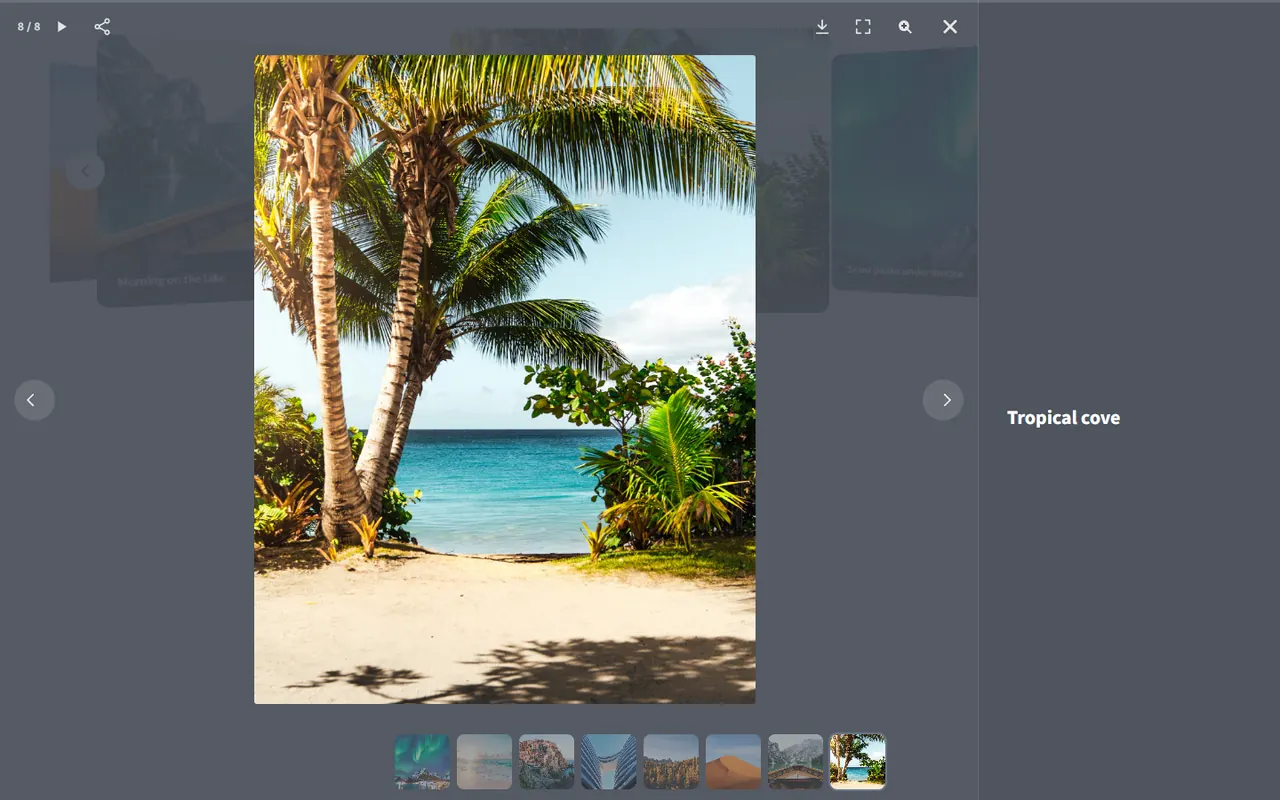
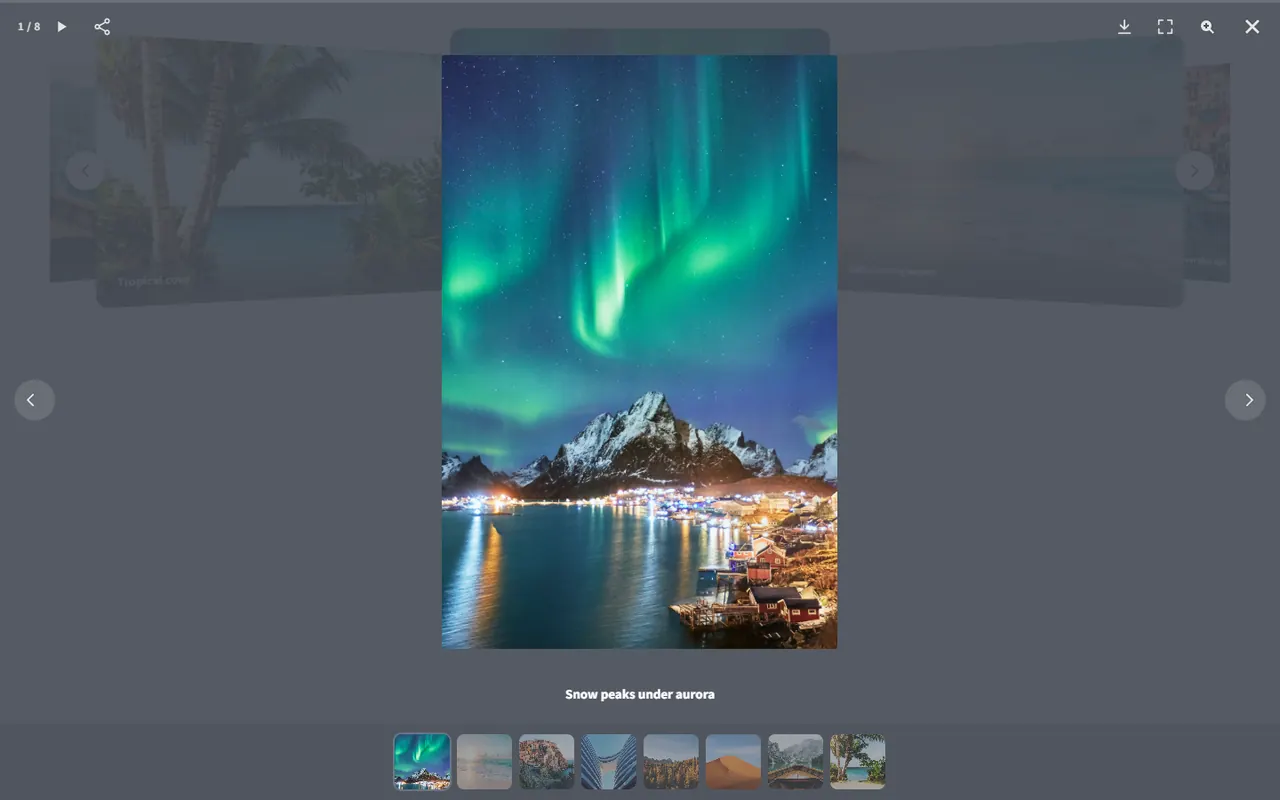
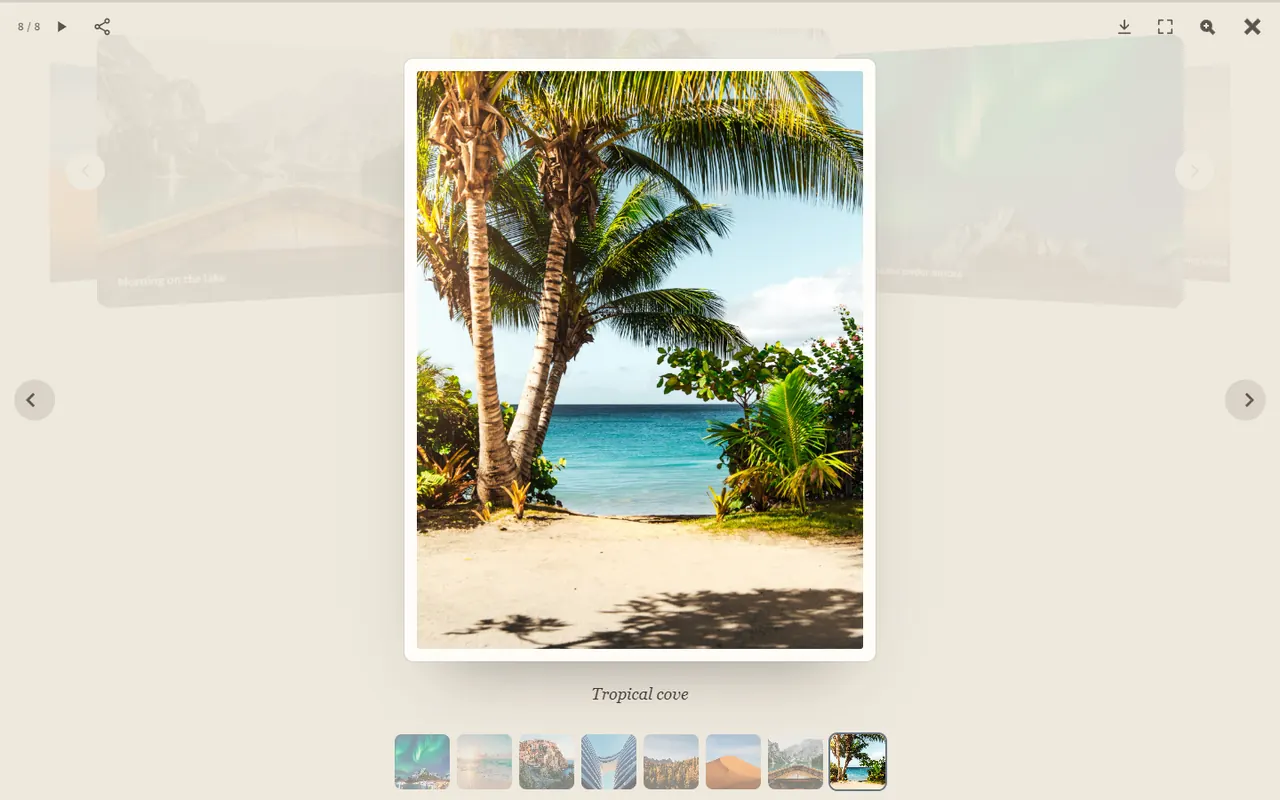
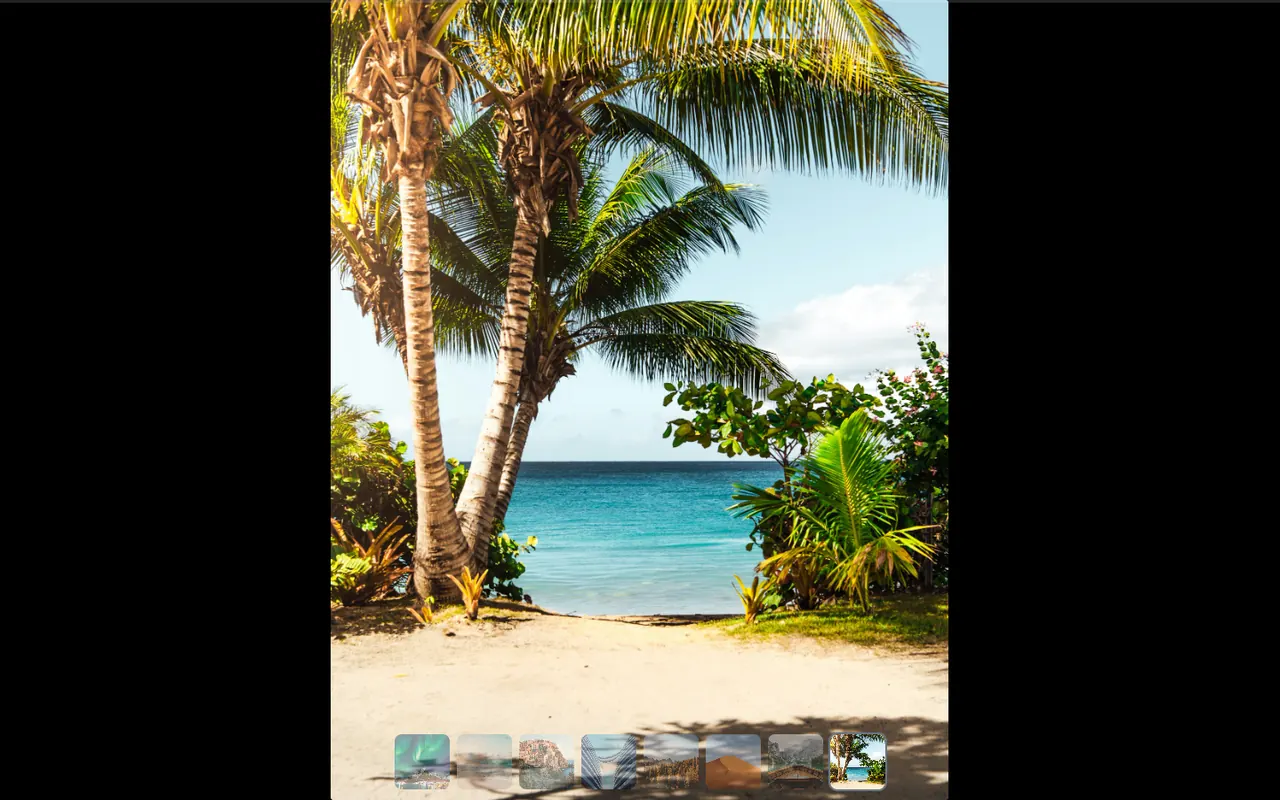
Lightbox in the Dark theme with a beach photo Lightbox in the Glass theme with the page blurred behind Lightbox in the Minimal theme Lightbox with the caption at the side Lightbox with a filmstrip of thumbnails Lightbox in the Polaroid theme on a warm paper background Lightbox in the Cinema theme on black
WooCommerce

Product Carousels That Sell

Turn your WooCommerce catalogue into a carousel or slider with price, rating, sale badge and an Add to cart button, on desktop and on phones. The cards take the colors of your style, or the look of your shop with one switch.

  • Price, star rating, sale badge and Add to cart on every card
  • Newest, best-selling, top-rated or hand-picked products
  • Only in stock, only on sale or only featured, with one switch each
  • Leave out products, take or skip categories Pro
WooCommerce product carousel with prices, ratings, a sale badge and Add to cart buttons
Your Store
The same product carousel on a phone, one product per slide
Protect · share · sell

Protect Your Photos, Share Them and Get Paid

For photographers and studios whose images are the product. Everything here comes with Pro, in every licence.

Watermark

Text or a logo on thumbnails and in the popup, with position, size and transparency.

Right-click protection

Keep casual copying away, and keep private galleries for the people they are meant for.

Social sharing

Share buttons on thumbnails and in the lightbox, so a good shot travels.

Paid access

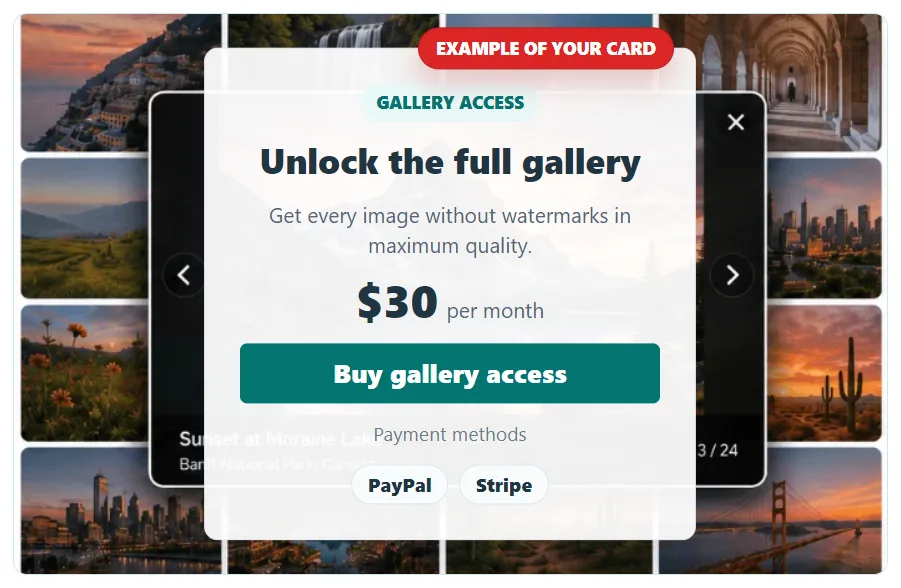
Sell access to whole galleries or single photos, and paid full-resolution downloads.

Paid gallery access card over a watermarked gallery: price, Buy button, PayPal and Stripe
Mobile & editor

Made for Phones From the First Tap

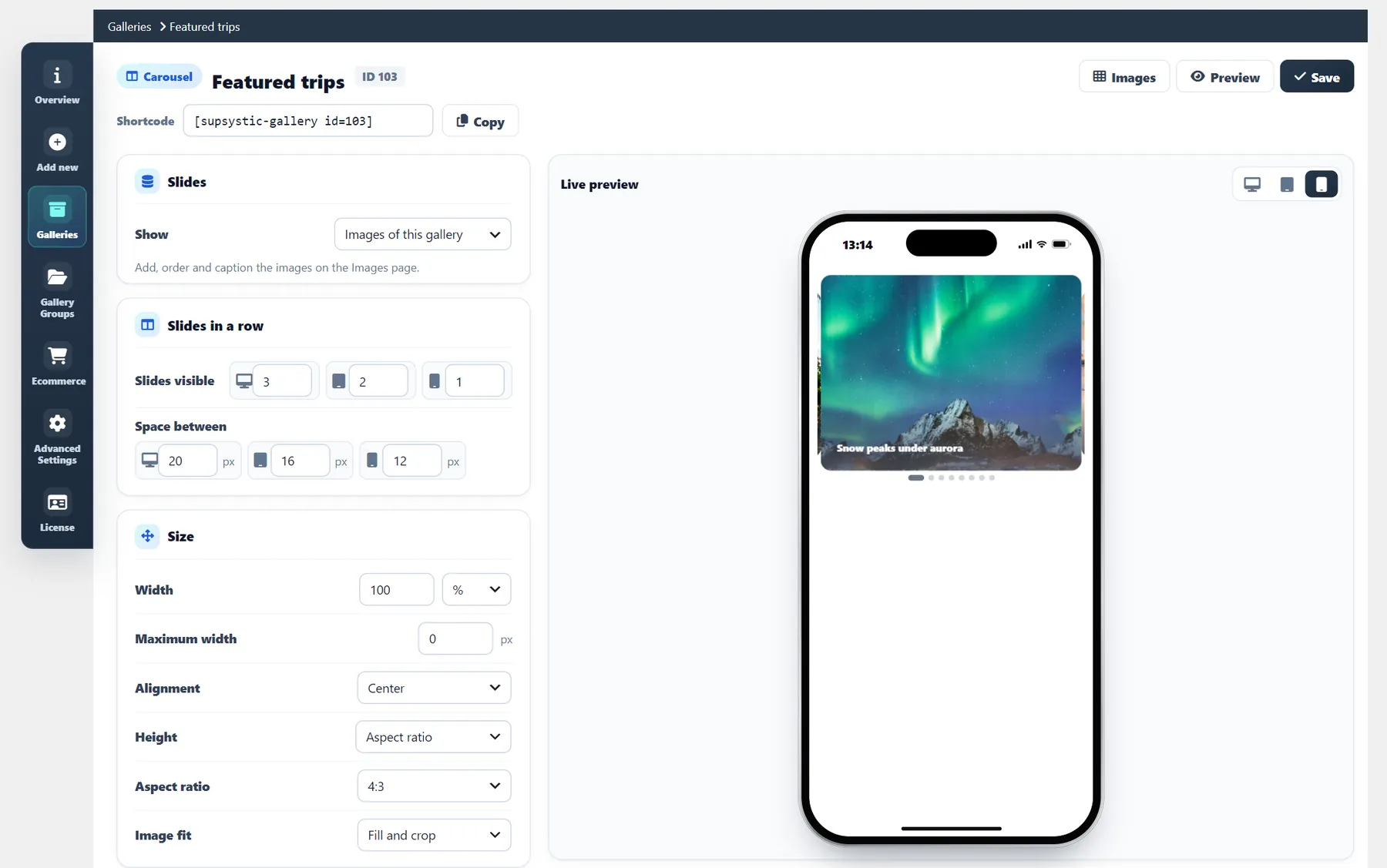
Swipe, pinch to zoom and a separate image for phones: every gallery, carousel and slider adapts to small screens. Each carousel and slider has its own editor with a live preview for desktop, tablet and phone, so you see the result before you save.

Travel Blog
Posts slider on a phone
Your Store
Product carousel on a phone
Retouch Studio
Before and after slider on a phone
Lake Lodge
Image viewer with thumbnails on a phone
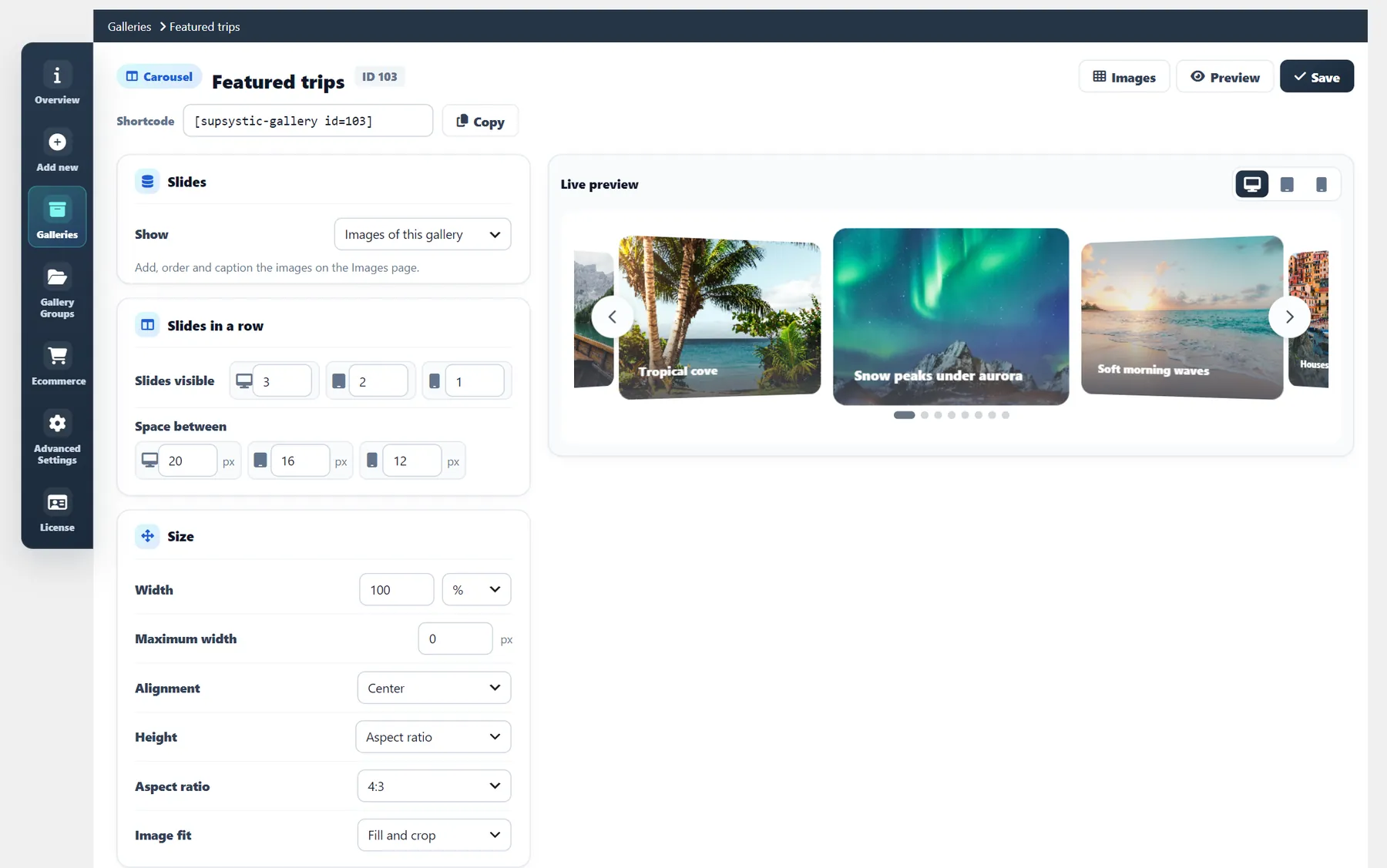
Carousel editor with the desktop previewThe same carousel previewed on a tabletThe same carousel previewed on a phone
Free vs Pro

Everything in the Box — and Exactly What Pro Adds

64 capabilities, compared line by line.
31 of 64
Free
$0 forever
Galleries, carousels and sliders, five grid layouts with Justified rows, product carousels, the modern lightbox and the creation wizard — everything you need to publish today. Nothing expires.
Download Free Or run it in a sandbox first
64 of 64
Pro
from $49 per year
or$199lifetime
3D effects, Before / After, video slides, 20 animated layers, 100 more styles, Mosaic, watermark, lazy load, CDN, imports and paid gallery access — the full toolkit, on every license tier.
View License Options
Full feature comparison
Capability
Free wordpress.org
Pro from $49/yr or $199 lifetime
Layouts & templates
6 of 9 in Free
Gallery, Carousel and SliderThree gallery types, each with its own editor and live preview
Grid layoutsFixed, Masonry, Horizontal, Justified rows, Fixed columns; Mosaic in Pro
5 of 6
All 6
Mosaic layout
Categories & Icons template
Post Feed templatesPagination, Slide Up, Description
Horizontal scroll
Responsive columnsSeparate column counts for desktop, tablet and mobile
Creation wizardPick what the gallery is for, add images, choose a style
10 of 16
All 16
Style libraryPalettes for galleries, carousels and sliders, applied in one click
5 per type
100+ per type
Carousels & sliders
7 of 12 in Free
Carousel and Slider editor with live previewDesktop, tablet and phone: slides in a row, height, gaps, arrows and dots for each
Autoplay, loop, swipe, keyboard and RTL
Transition effectsSlide and Fade; Coverflow, Cube, Flip, Cards and Creative in Pro
2 of 7
All 7
Vertical carousels and sliders
Logo marqueeA running line of logos that never stops
Thumbnail strip under the slider
Separate image for phonesAnother crop of the slide on small screens
Text layers on slidesHeadings, text, buttons and badges, placed for each device
2 per slide
20 per slide
Layer entrance animations
Before / After comparisonVisitors drag a line between two photos
Video slidesYouTube, Vimeo or a video file
Slides from postsAny post type, with posts and categories in or out
WooCommerce products
3 of 4 in Free
Product carousels and slidersPrice, rating, sale badge and Add to cart
Hand-picked products
Leave out products, take or skip categories
Cards in your style or in the look of your shop
Content & organization
5 of 10 in Free
Galleries and images
Unlimited
Unlimited
Gallery GroupsAlbum-style containers that gather several galleries into one navigable set
Bulk add from Media Library
Drag-and-drop image ordering
Titles, captions, ALT text and linksPer-image metadata
CategoriesFront-end category tabs inside one gallery
Custom attributes, filter & search
Pagination
Load More & infinite scroll
EXIF metadataRead on import, shown with the image
Display & interaction
5 of 13 in Free
Modern lightbox for every typeSwipe, zoom, full screen and counter, in the colors of your style
Lightbox themesStyle colors, Dark, Light; Glass, Minimal, Side caption, Filmstrip, Polaroid and Cinema in Pro
3 of 9
All 9
Classic popup stylesDimmed, light, dark, fullscreen, thumbnail strip and more
1 of 8
All 8
Gallery loader
Borders, radius and shadow
Hover caption overlay
Caption BuilderMulti-row captions laid out the way you want
Hover icons
Lightbox slideshow
Thumbnails, download and share in the lightbox
Advanced lightbox controlsSide panel, labels, navigation and styling
Social sharing
Custom buttonsCategories, pages and Load more in 10 modern presets or your own style
Media & sources
1 of 6 in Free
WordPress Media Library import
Video galleriesYouTube and Vimeo items alongside photos
WatermarkProtect previews and client galleries
Import from Flickr and Tumblr
Import from Google Drive and FTP
Visual image editing
Performance & delivery
0 of 3 in Free
Lazy load
Image optimizationRecompress, cap dimensions, choose front-end format
CDN delivery
Publishing & business
4 of 7 in Free
Gutenberg block and shortcode
Reuse one gallery on any page
Sell access to galleries and images
Paid resolution downloadsFree preview sizes, paid full-size files
Private, access-restricted galleriesAccess key, email + password, or WordPress user
Support
Community forum
Priority support
Updates and guarantee
Free updates
Pro updates + 30-day refund
Start free, upgrade when a Pro row is the one you need.
Every Pro license unlocks all 64 capabilities — tiers differ only in how many sites they cover.
Pro is a superset of Free: nothing you build on the free version has to be rebuilt after upgrading.
Licensing

Choose your licence and get started

Flexible options for individuals, businesses and agencies.

Choose your licence first, then your term.

1 Year
$49 / year
1 Site License
All Pro Features
Premium Support
Buy Now
30-Day Money Back Guarantee
3 Years
$129 / 3 years
1 Site License
All Pro Features
Premium Support
Buy Now
30-Day Money Back Guarantee
Lifetime
$199
Pay once, use forever
1 Site License
All Pro Features
Premium Support
Buy Now
30-Day Money Back Guarantee
Choose 3-year or lifetime options for even greater savings.
Every tier unlocks the same 64 capabilities
Personal, Developer and Enterprise differ in one thing only: how many sites the licence covers. Nothing is held back for a higher plan — the watermark, video galleries, Caption Builder, image optimization, CDN delivery and paid gallery access are in all three.
Risk-Free Purchase

100% Risk-Free Guarantee

Not sure if it's the right fit?
Try Pro today. If it doesn't solve your specific gallery challenges within 30 days, we'll refund every cent — no questions asked.
30-Day Money-Back Guarantee
Accepted payment methods

All Photo Gallery Pro licenses come with a 30-day money-back guarantee. Whether you manage galleries across client sites or just want this handled without touching code, we would rather you keep the plugin because it fits than because you cannot get your money back.

If you are not 100% satisfied with the speed, the styling controls, or the way it handles large image sets within your first month, simply contact our support team. We will provide a full refund of your purchase — no scripts, no hassle, and no questions asked.

Your best work deserves better than the default WordPress grid. Photo Gallery turns a folder of images into a layout you actually chose — responsive, quick to load, and styled to match your site instead of fighting it.

Why Photo Gallery

Built for Speed, Styled for Attention

Large image sets are where most gallery plugins start slowing a site down. This one loads lean, reflows to every screen size, and gives visitors a reason to open the next photo.

Optimized Load Times

Lazy loading, image recompression and CDN delivery keep page weight flat however many photos a gallery holds.

Intuitive Navigation

Category tabs, attribute search and filters, pagination or Load More — so one photo in a set of five hundred is still findable.

Engagement-First Design

Hover effects and a full-screen lightbox that keep people clicking through the set.

Built-in Social Reach

Share buttons on the thumbnails and inside the lightbox, so a good shot travels.
The Complete Solution

Effortless Scale.
Professional Results.

Transform your chaotic media library into a structured, high-performance portfolio — built for speed today and designed to grow with your business tomorrow.
The Professional Edge
A clean, organized site doesn't just look better — it converts better.
01

Two Levels of Structure, One Way to Browse Them

Don't just dump photos into the Media Library. A Gallery holds the images for one shoot or project; a Gallery Group gathers several galleries into one navigable set — album-style collections for a client, an event or a whole portfolio. Over that sits the layer that keeps a big set usable: category tabs, attribute search and filters, pagination or Load More, and lazy loading so the page stays fast however many photos you add.
Structure & Navigation
02

The "One-Click" Bulk Workflow

Add 30, 50, or 100+ images in a single pass, pick a layout, publish. No uploading one file at a time.
Bulk Upload
03

Centralised Efficiency

Update once, reflect everywhere. Central editing keeps you organized without duplicate files.
Update Once
04

Design-First Presentation

Advanced Masonry layouts, immersive Lightbox displays, and deep styling controls.
Pro
05

Professional Output, No Code

Documented step by step, so the result looks built by an agency even if you have never opened a CSS file.
Beginner-Friendly
Start with one gallery on one page. The same structure still holds when there are two hundred of them across a dozen projects — nothing has to be rebuilt along the way.
Stop Wrestling with Images

Complete Visual Organization. Total Creative Control.

Bridge the gap between a single project and a whole portfolio: images live in a Gallery, Gallery Groups pull related galleries into album-style collections, and categories, filters, pagination and lazy loading keep even a few thousand photos easy to browse.

Standard Tools
The old way
Photo Gallery Way
Photo Gallery
The smart way
⚡Upload Speed
Manual, one-by-one or small batches that often crash
Lightning bulk upload — drop 50+ images and walk away
🗂Organization
A messy Media Library where photos get lost forever
Galleries, Gallery Groups and categories — album-style collections you can actually navigate
🎨Design
Basic, clunky grids that look dated and break on mobile
Masonry, Mosaic and horizontal-scroll layouts, with a slideshow lightbox over them
🔁Consistency
Want to move a gallery? You have to rebuild it
Create once, use anywhere — one-click placement on any page
🔍Finding One Photo in 500
One endless scroll — visitors give up long before the bottom
Category tabs, attribute search and filters, pagination or Load More, with lazy loading underneath
📱Mobile Experience
Images often look stretched or cut off on phones
Fully responsive, touch-optimized viewing on every device
⏱Time Spent
30–60 minutes per project gallery
Under 2 minutes from upload to live
✕ Not recommended
Who It's For

Simple Enough to Start. Deep Enough to Stay.

Whether you publish one portfolio or run galleries across a dozen client sites, it is the same toolset — it just goes deeper when you need it to.

Photo Gallery works especially well for:

Photographers & Creatives

Your portfolio is your resume. Get a gallery that respects your resolution and manages large collections effortlessly.
Most Popular

Real Estate & Event Pros

When you have 50+ photos of a single property or wedding, you need a system that handles bulk uploads in seconds.

Service Providers

Whether you're a landscaper or a builder, turn your "before and afters" into a high-converting visual gallery.

Online Stores

Give every product a proper look book — zoomable lightbox views that answer questions before customers ask them.

Bloggers & Publishers

Break up long-form posts with post-feed galleries and image sets that keep readers scrolling instead of leaving.
Start simple. Grow as your needs grow.
For Developers

Developer-Friendly by Design

Built to work cleanly inside real WordPress projects. Developers can:
Clean, predictable output
Gutenberg block support
Shortcode compatibility
Optional CSS control
No theme lock-in
Works alongside most page builders
It integrates with your site — it doesn't fight it.
Capabilities

Build Brilliant Galleries in Seconds. Use It Everywhere.

Build a gallery once, then drop it into any page, post, widget or template with a block or a shortcode — and edit it afterwards in one place, not five.
Alternatives

Photo Gallery by Supsystic vs FooGallery, Modula and NextGEN Gallery

The WordPress gallery plugins people compare most often, on the questions that decide a purchase. Prices are single-site annual prices as published on each plugin's own site in November 2026.

FeaturePhoto Gallery by SupsysticFooGalleryModulaNextGEN Gallery
Single-site Pro price$49 / year$49.99 / year$78 / year$139 / year
Lifetime licence$199Yesfrom $269Not listed
Every feature in the cheapest planVideo in Expert, WooCommerce and watermark in CommerceSlider in Trio, watermark and zoom in BusinesseCommerce and proofing in Pro
Carousel in the free versionPaidNot listed
Slider in the free versionPaidPaidSlideshow
Hero slider with text and button layers2 layers free, 20 in Pro
Before / After sliderPro
3D carousel effectsPro
WooCommerce product carouselFreeCommerce plan
Ready-made styles100+ (5 per type free)Hover presets96+ themes in Pro
WatermarkEvery Pro planCommerce planBusiness planStarter plan

Regular prices without first-year discounts; FooGallery showed $49.99 with $59.99 struck through. A dash means the feature is not listed on the plugin's own pricing page or WordPress.org page. Names are trademarks of their owners.

What users say

Straight From the Reviews

Every quote below is a real review left on WordPress.org. Each one links to the review it came from, so you can read the rest of them yourself.
4.6/5 500+ reviews on WordPress.org
Great flexibility and time saving!

“I have been using Photo Gallery Pro for a few years now, and have previously and continuously tested several other gallery plugins for WordPress. What makes me choose Photo Gallery Pro is: Great flexibility and time savings, once you have invested the time to get to know the program. Especially the image database with the option of bulk updating of image attributes, categorizing images and letting end users use categories to filter the display of images is a great advantage for the user experience. The ability to easily switch between different types of display of image collections and lightbox is of great value.”

Easy to use, good support

“I have installed this plugin on two different sites – the pro features were great and easy to use. The documentation and videos on how to use the software are great.”

Amazing Service! Great Product!

“Their support is absolutely amazing. Very responsive and willing to help. The gallery is just what I needed and works exactly the way that I need it to.”

Best free gallery-plugin in my opinion

“Lots of choices in the free version!”

Great photo gallery plugin

“A versatile photo gallery plugin especially for large collections. Improved with latest update.”

Pro Features

Where Pro Takes Over

The free version publishes clean, responsive galleries, carousels and sliders. Pro is for when the gallery itself has to do the selling — 3D motion, every style and lightbox theme, big-gallery tools, and protection for images you charge for.

3D Effects & Animated Layers

Coverflow, Cube, Flip, Cards and Creative, vertical carousels and sliders, 20 text layers per slide with entrance animations.

Before / After, Video & Posts

Comparison sliders, YouTube, Vimeo and MP4 slides, and slides from posts of any post type.

100+ Styles & 9 Lightbox Themes

Every palette for every type, plus the lightbox thumbnail strip, slideshow, download and share buttons.

Big Galleries That Stay Fast

Mosaic, categories, filters and search, pagination, Load more, lazy loading, image optimization and CDN delivery.

Protect & Sell

Watermark, private galleries, paid access to galleries and photos, paid full-resolution downloads.

Priority Support

Direct access to the people who build the plugin, plus Pro updates for as long as your licence runs.
No artificial limits
We don't believe in artificial limits. Use the free version as long as you like. Upgrade only when you're ready to command more attention and total creative control.
FAQ

Photo Gallery Plugin Questions

Is the Photo Gallery plugin free?

Yes. The free version on WordPress.org makes unlimited galleries, carousels and sliders with five layouts, five styles per type, the modern lightbox with three themes, text layers, product carousels, the logo marquee, Gallery Groups, the Gutenberg block and the shortcode. Pro adds the rest: mosaic, 3D effects, all 100+ styles, Before / After and video slides, categories and Load more, watermark and selling.

How do I add an image gallery to a WordPress page?

Open Photo Gallery and click Add new. The creation wizard asks what you are making, takes your images from the Media Library, lets you try styles and turn on extras such as categories or Load more, then builds the image gallery. Put it on any page or post with the Gutenberg block, the Elementor widget or its shortcode.

Can it make carousels and sliders, not only galleries?

Yes. Gallery, Carousel and Slider are three types in the same plugin, each with its own editor and live preview for desktop, tablet and phone. The creation wizard sets one up for a goal: an image carousel, a logo marquee, a product carousel, a hero slider, an image viewer or a Before / After slider.
Does it work with WooCommerce?

Yes. Product carousels and sliders show price, rating, sale badge and an Add to cart button. Pick the newest, best-selling or top-rated products or choose them by hand; leaving out products and taking or skipping categories comes with Pro.

Will a big image gallery slow my site down?

The free version prints clean, responsive markup. For big sets Pro adds pagination, Load more and infinite scroll, lazy loading, image optimization and CDN delivery, so a gallery with hundreds of photos keeps the page light.

Is it good for image SEO?

Yes. A gallery is plain HTML with real image tags, not an iframe, so search engines can read every photo. Each image keeps the alt text and title you set in the Media Library, captions stay real text on the page, and lazy loading in Pro keeps big galleries fast, which also counts for search.

Does it work with Gutenberg, Elementor and other page builders?

Yes. Every gallery, carousel and slider has a Gutenberg block, an Elementor widget and a shortcode, so it goes into any page, post, widget or page builder that accepts a shortcode, and it is edited in one place afterwards.

Can I protect and sell my photos?

With Pro: watermarks on thumbnails and in the popup, right-click protection, private galleries, paid access to galleries or single photos and paid full-resolution downloads.

What is the difference between the licences?

Only the number of sites: Personal covers one site, Multi-site up to five and Agency unlimited sites. All three unlock the same 64 capabilities, and every licence comes with a 30-day money-back guarantee.

Human Support

Real Support From People Who Know the Plugin

When you write in, you will not get a generic support script — you talk to the team that builds and uses the Photo Gallery plugin every day.

We understand the nuances of high-resolution media, responsive grids, and visual storytelling on WordPress.

Start Building Galleries in WordPress

Install the free version, and see how quickly you can publish clean, responsive galleries — even with large image sets.

Upgrade if you are ready for more control.