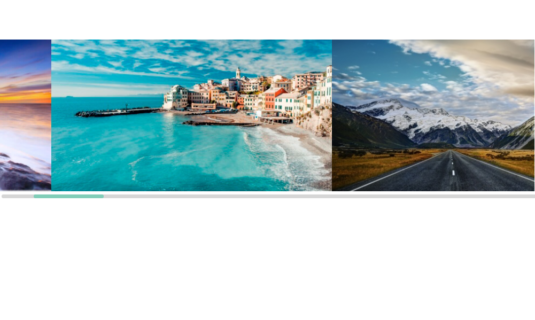
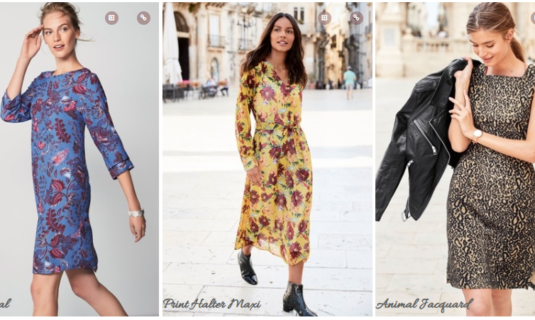
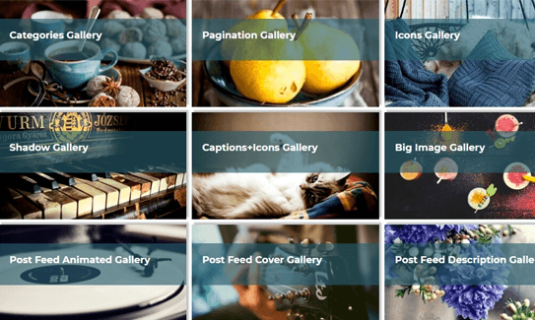
#1 Photo Gallery Plugin by Supsystic

WordPress Photo Gallery Plugin

Turn a folder of photos into a responsive, high-performance gallery in minutes — no code required.
Try the free version in your browser no install, no account
29,000+ Active installs
4.6/5 500+ reviews
Unlimited Galleries & images
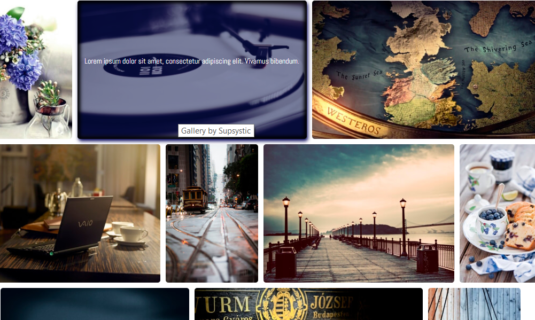
Ready-made templates Bulk upload Masonry & Mosaic Lightbox + Slideshow Caption Builder + Effects Optimization + CDN Built-in Ecommerce Fully responsive Watermark SEO-friendly

Your best work deserves better than the default WordPress grid. Photo Gallery turns a folder of images into a layout you actually chose — responsive, quick to load, and styled to match your site instead of fighting it.

Why Photo Gallery
Built for Speed, Styled for Attention
Large image sets are where most gallery plugins start slowing a site down. This one loads lean, reflows to every screen size, and gives visitors a reason to open the next photo.
Optimized Load Times
Lazy loading, image recompression and CDN delivery keep page weight flat however many photos a gallery holds.
Intuitive Navigation
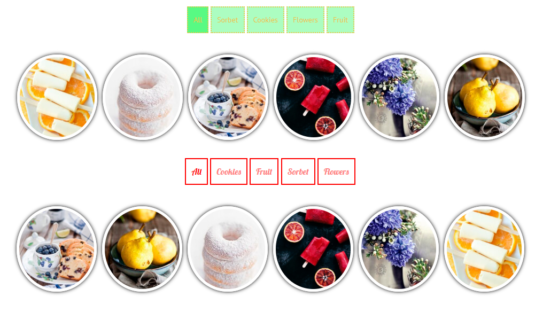
Category tabs, attribute search and filters, pagination or Load More — so one photo in a set of five hundred is still findable.
Engagement-First Design
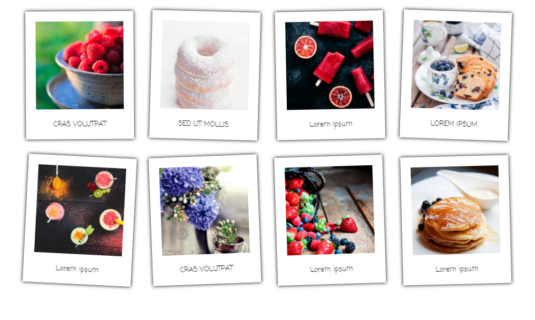
Hover effects and a full-screen lightbox that keep people clicking through the set.
Built-in Social Reach
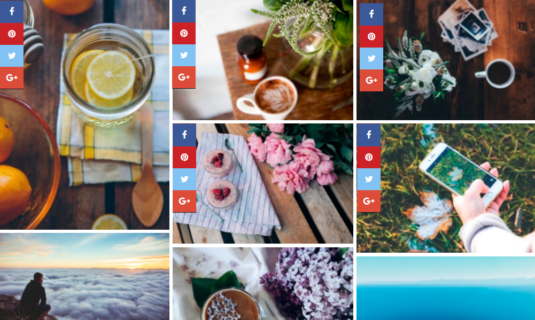
Share buttons on the thumbnails and inside the lightbox, so a good shot travels.
How It Works
Launch Professional Galleries in Minutes

From bulk uploads to instant deployment, our streamlined workflow is designed to get your media live without a single line of code.

01
One-Click Activation
Install and activate the plugin — no setup wizard, no configuration files.
02
Bulk Productivity
Create a gallery and upload images — individually or 100+ at once.
03
Visual Styling
Choose your layout, captions, and hover effects from the visual builder.
04
Universal Placement
Insert it anywhere using a Gutenberg block or a shortcode.
Who It's For
Simple Enough to Start. Deep Enough to Stay.

Whether you publish one portfolio or run galleries across a dozen client sites, it is the same toolset — it just goes deeper when you need it to.

Photo Gallery works especially well for:
Photographers & Creatives
Your portfolio is your resume. Get a gallery that respects your resolution and manages large collections effortlessly.
Most Popular
Real Estate & Event Pros
When you have 50+ photos of a single property or wedding, you need a system that handles bulk uploads in seconds.
Service Providers
Whether you're a landscaper or a builder, turn your "before and afters" into a high-converting visual gallery.
Online Stores
Give every product a proper look book — zoomable lightbox views that answer questions before customers ask them.
Bloggers & Publishers
Break up long-form posts with post-feed galleries and image sets that keep readers scrolling instead of leaving.
Start simple. Grow as your needs grow.
For Developers
Developer-Friendly by Design
Built to work cleanly inside real WordPress projects. Developers can:
Clean, predictable output
Gutenberg block support
Shortcode compatibility
Optional CSS control
No theme lock-in
Works alongside most page builders
It integrates with your site — it doesn't fight it.
Capabilities
Build Brilliant Galleries in Seconds. Use It Everywhere.
Build a gallery once, then drop it into any page, post, widget or template with a block or a shortcode — and edit it afterwards in one place, not five.
The Complete Solution
Effortless Scale.
Professional Results.
Transform your chaotic media library into a structured, high-performance portfolio — built for speed today and designed to grow with your business tomorrow.
The Professional Edge
A clean, organized site doesn't just look better — it converts better.
01
Two Levels of Structure, One Way to Browse Them
Don't just dump photos into the Media Library. A Gallery holds the images for one shoot or project; a Gallery Group gathers several galleries into one navigable set — album-style collections for a client, an event or a whole portfolio. Over that sits the layer that keeps a big set usable: category tabs, attribute search and filters, pagination or Load More, and lazy loading so the page stays fast however many photos you add.
Structure & Navigation
02
The "One-Click" Bulk Workflow
Add 30, 50, or 100+ images in a single pass, pick a layout, publish. No uploading one file at a time.
Bulk Upload
03
Centralised Efficiency
Update once, reflect everywhere. Central editing keeps you organized without duplicate files.
Update Once
04
Design-First Presentation
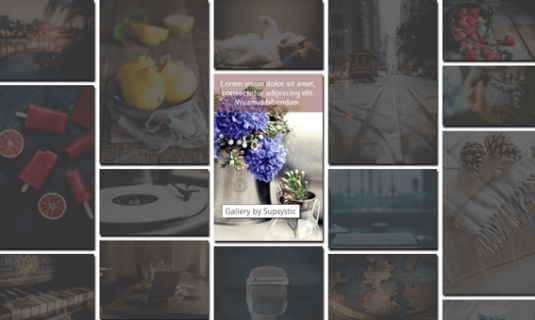
Advanced Masonry layouts, immersive Lightbox displays, and deep styling controls.
Pro
05
Professional Output, No Code
Documented step by step, so the result looks built by an agency even if you have never opened a CSS file.
Beginner-Friendly
Start with one gallery on one page. The same structure still holds when there are two hundred of them across a dozen projects — nothing has to be rebuilt along the way.
Stop Wrestling with Images
Complete Visual Organization. Total Creative Control.

Bridge the gap between a single project and a whole portfolio: images live in a Gallery, Gallery Groups pull related galleries into album-style collections, and categories, filters, pagination and lazy loading keep even a few thousand photos easy to browse.

Standard Tools
The old way
Photo Gallery Way
Photo Gallery
The smart way
Upload Speed
Manual, one-by-one or small batches that often crash
Lightning bulk upload — drop 50+ images and walk away
🗂Organization
A messy Media Library where photos get lost forever
Galleries, Gallery Groups and categories — album-style collections you can actually navigate
🎨Design
Basic, clunky grids that look dated and break on mobile
Masonry, Mosaic and horizontal-scroll layouts, with a slideshow lightbox over them
🔁Consistency
Want to move a gallery? You have to rebuild it
Create once, use anywhere — one-click placement on any page
🔍Finding One Photo in 500
One endless scroll — visitors give up long before the bottom
Category tabs, attribute search and filters, pagination or Load More, with lazy loading underneath
📱Mobile Experience
Images often look stretched or cut off on phones
Fully responsive, touch-optimized viewing on every device
Time Spent
30–60 minutes per project gallery
Under 2 minutes from upload to live
Not recommended
What users say
Straight From the Reviews
Every quote below is a real review left on WordPress.org. Each one links to the review it came from, so you can read the rest of them yourself.
4.6/5 500+ reviews on WordPress.org
Great flexibility and time saving!

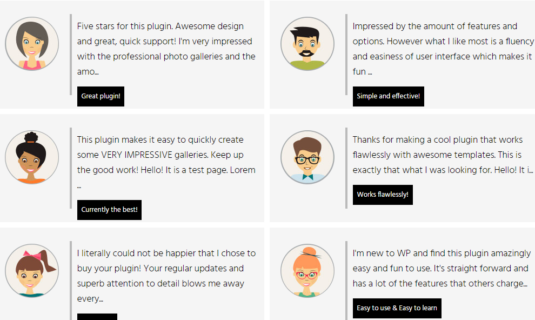
“I have been using Photo Gallery Pro for a few years now, and have previously and continuously tested several other gallery plugins for WordPress. What makes me choose Photo Gallery Pro is: Great flexibility and time savings, once you have invested the time to get to know the program. Especially the image database with the option of bulk updating of image attributes, categorizing images and letting end users use categories to filter the display of images is a great advantage for the user experience. The ability to easily switch between different types of display of image collections and lightbox is of great value.”

Easy to use, good support

“I have installed this plugin on two different sites – the pro features were great and easy to use. The documentation and videos on how to use the software are great.”

Amazing Service! Great Product!

“Their support is absolutely amazing. Very responsive and willing to help. The gallery is just what I needed and works exactly the way that I need it to.”

Best free gallery-plugin in my opinion

“Lots of choices in the free version!”

Great photo gallery plugin

“A versatile photo gallery plugin especially for large collections. Improved with latest update.”

Risk-Free Purchase
100% Risk-Free Guarantee
Not sure if it's the right fit?
Try Pro today. If it doesn't solve your specific gallery challenges within 30 days, we'll refund every cent — no questions asked.
30-Day Money-Back Guarantee
Accepted payment methods

All Photo Gallery Pro licenses come with a 30-day money-back guarantee. Whether you manage galleries across client sites or just want this handled without touching code, we would rather you keep the plugin because it fits than because you cannot get your money back.

If you are not 100% satisfied with the speed, the styling controls, or the way it handles large image sets within your first month, simply contact our support team. We will provide a full refund of your purchase — no scripts, no hassle, and no questions asked.

Pro Features
Where Pro Takes Over
The free version publishes a clean, responsive gallery. Pro is for when the gallery itself has to do the selling — deeper layouts, full styling control, and protection for images you charge for.
Mosaic & Post Feed Layouts
Go past the standard grid with mosaic tiling and four post-feed styles that pull in your own posts.
Immersive Lightbox
All eight popup styles instead of one, plus slideshow, navigation, captions and deep styling control.
Pixel-Perfect Styling
Total creative control. Customize hover effects, borders, and typography to match your brand.
Priority Support
Direct access to the people who build the plugin, plus commercial updates for as long as your license runs.
No artificial limits
We don't believe in artificial limits. Use the free version as long as you like. Upgrade only when you're ready to command more attention and total creative control.
Free vs Pro
Everything in the Box — and Exactly What Pro Adds
41+ capabilities, compared line by line.
16 of 41
Free
$0 forever
Unlimited galleries, unlimited images, Gallery Groups, four grid layouts and the lightbox — everything you need to publish a clean, responsive gallery today. Nothing expires.
Download Free Or run it in a sandbox first
41 of 41
Pro
from $49 per year
or$159lifetime
Mosaic and post-feed layouts, watermark, lazy load, optimization and CDN, external imports, and paid gallery access — the full toolkit, on every license tier.
View License Options
Full feature comparison
Capability
Free wordpress.org
Pro from $49/yr or $159 lifetime
Layouts & templates
3 of 6 in Free
Core grid layoutsStandard, Vertical, Rounded, Horizontal
4 of 9
All 9
Mosaic layout
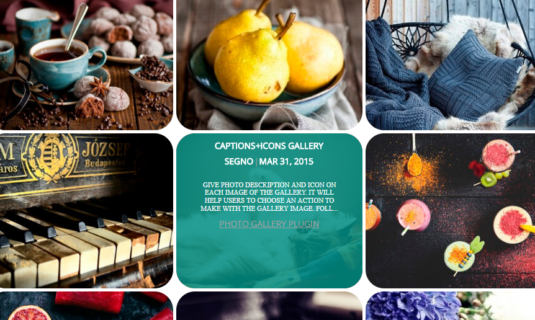
Categories & Icons template
Post Feed templatesPagination, Slide Up, Description
Horizontal scroll
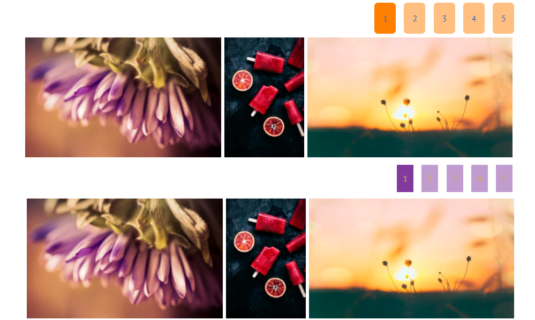
Responsive columnsSeparate column counts for desktop, tablet and mobile
Content & organization
5 of 10 in Free
Galleries and images
Unlimited
Unlimited
Gallery GroupsAlbum-style containers that gather several galleries into one navigable set
Bulk add from Media Library
Drag-and-drop image ordering
Titles, captions, ALT text and linksPer-image metadata
CategoriesFront-end category tabs inside one gallery
Custom attributes, filter & search
Pagination
Load More & infinite scroll
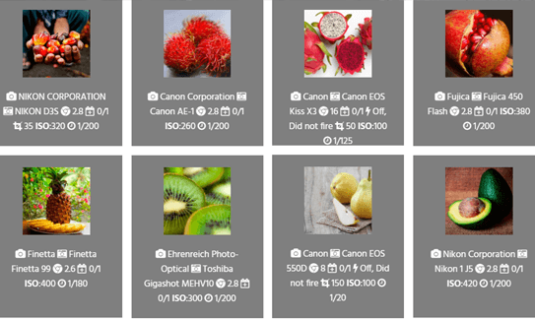
EXIF metadataRead on import, shown with the image
Display & interaction
3 of 9 in Free
Lightbox popup stylesDimmed, light, dark, fullscreen, thumbnail strip and more
1 of 8
All 8
Gallery loader
Borders, radius and shadow
Hover caption overlay
Caption BuilderMulti-row captions laid out the way you want
Hover icons
Lightbox slideshow
Advanced lightbox controlsSide panel, labels, navigation and styling
Social sharing
Media & sources
1 of 6 in Free
WordPress Media Library import
Video galleriesYouTube and Vimeo items alongside photos
WatermarkProtect previews and client galleries
Import from Flickr and Tumblr
Import from Google Drive and FTP
Visual image editing
Performance & delivery
0 of 3 in Free
Lazy load
Image optimizationRecompress, cap dimensions, choose front-end format
CDN delivery
Publishing & business
4 of 7 in Free
Gutenberg block and shortcode
Reuse one gallery on any page
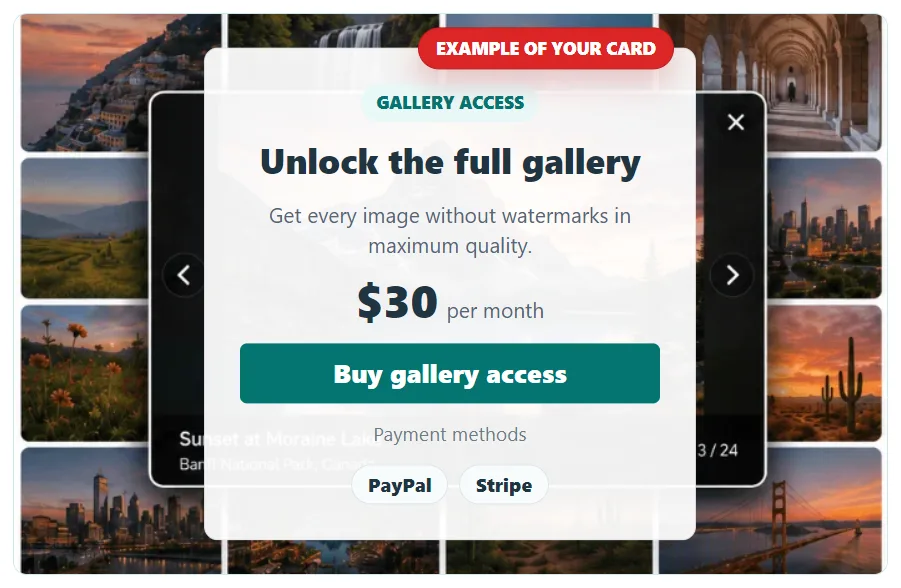
Sell access to galleries and images
Paid resolution downloadsFree preview sizes, paid full-size files
Private, access-restricted galleriesAccess key, email + password, or WordPress user
Support
Community forum
Priority support
Updates and guarantee
Free updates
Pro updates + 30-day refund
Start free, upgrade when a Pro row is the one you need.
Every Pro license unlocks all 41+ capabilities — tiers differ only in how many sites they cover.
Pro is a superset of Free: nothing you build on the free version has to be rebuilt after upgrading.
Licensing
Simple Licensing.
No Feature-Gating.
From a single business site to a full agency portfolio, select the license that grows with you.
Free Download

Use the free version to get started.
Upgrade when you need advanced features or support.

Free Download
Personal
$49 / year
  • 1 Site License
  • All Pro Features
  • Premium Support
Buy Now
30-Day Money Back Guarantee
Developer
$99 / year
  • 5 Site Licenses
  • All Pro Features
  • Premium Support
Buy Now
30-Day Money Back Guarantee
Enterprise
$199 / year
  • Unlimited Sites
  • All Pro Features
  • Premium Support
Buy Now
30-Day Money Back Guarantee
Choose 3-year or lifetime options for even greater savings.
Every tier unlocks the same 41+ capabilities
Personal, Developer and Enterprise differ in one thing only: how many sites the licence covers. Nothing is held back for a higher plan — the watermark, video galleries, Caption Builder, image optimization, CDN delivery and paid gallery access are in all three.
Human Support
Real Support From People Who Know the Plugin

When you write in, you will not get a generic support script — you talk to the team that builds and uses the Photo Gallery plugin every day.

We understand the nuances of high-resolution media, responsive grids, and visual storytelling on WordPress.

Start Building Galleries in WordPress

Install the free version, and see how quickly you can publish clean, responsive galleries — even with large image sets.

Upgrade if you are ready for more control.