 League Points TableA football league table maker: points, goals and rank, sortable by any column.Free
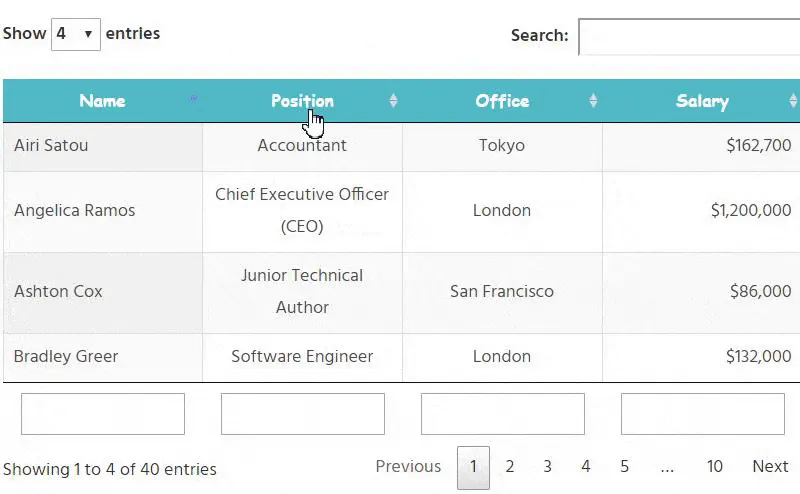 Sort, Search, PaginationThe basics on a sortable table: live search, column sorting and paged rows.Free
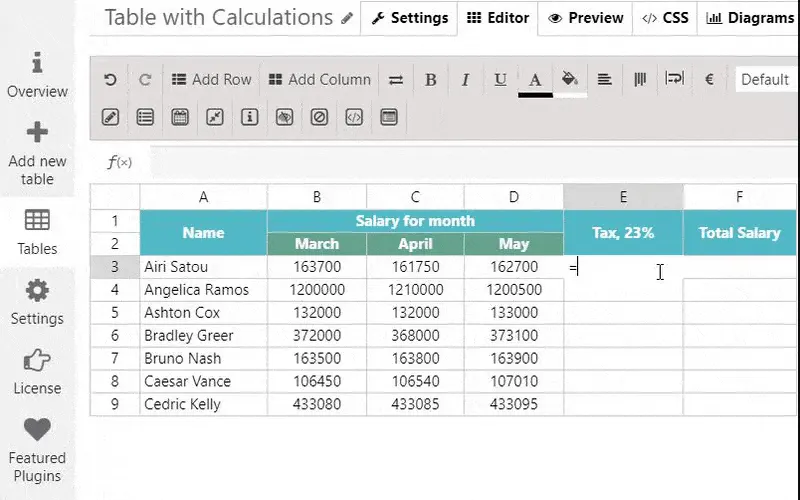 CalculationsExcel-style formulas for totals, averages and percentages inside the table.Free
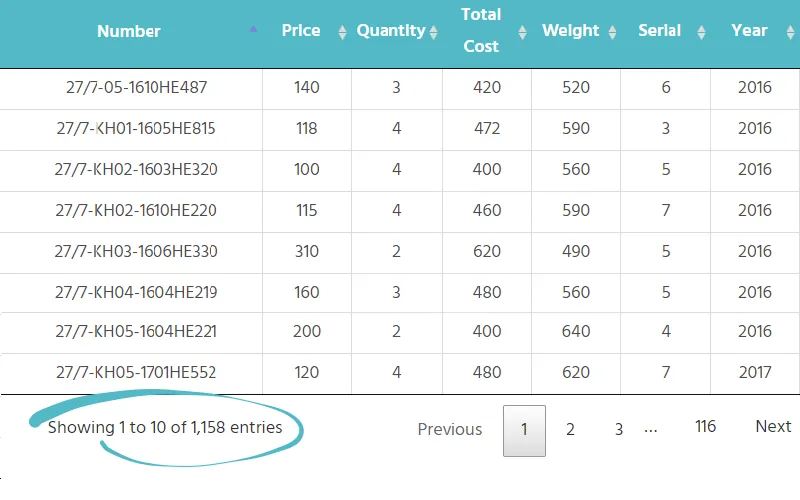 Large TablesServer-side processing: a big dataset served page by page.Free
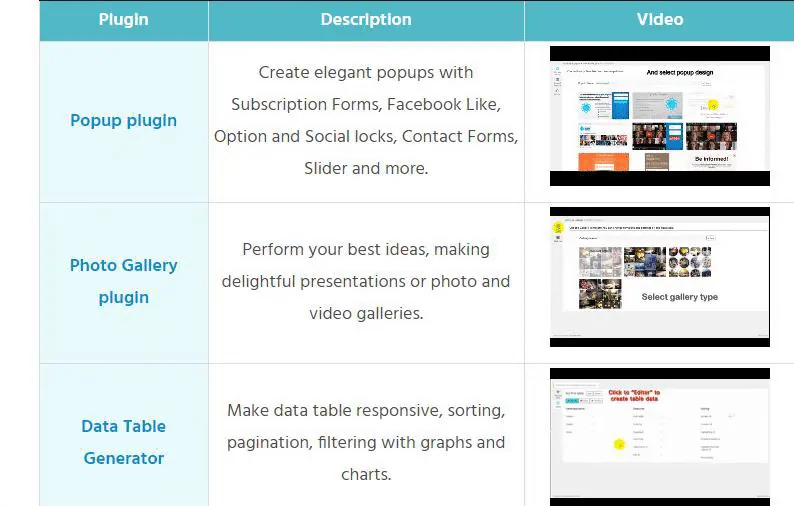 Images, Videos & LinksMedia and links in cells — product tables, staff directories, catalogues.Free
 Responsive ModesThe same table collapsing, stacking and scrolling on small screens.Free
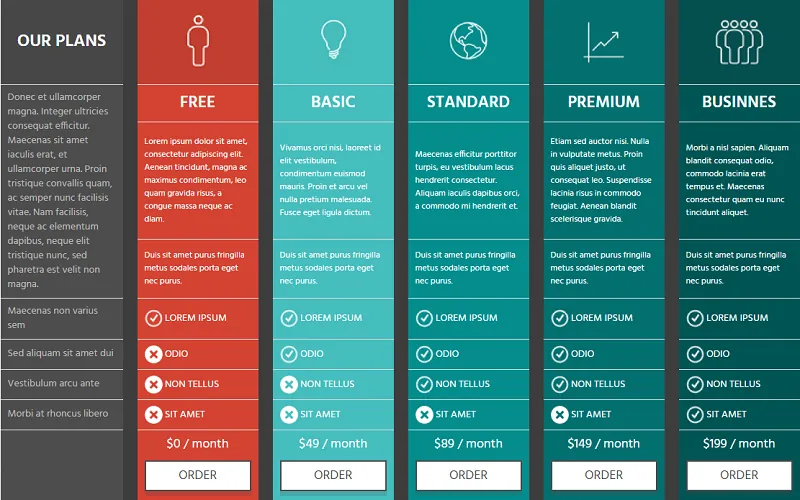 Comparison TableFeature-by-feature comparison with icons and highlighted columns.Free
 IMDb Top ChartA results table with posters, ratings and sorting.Free
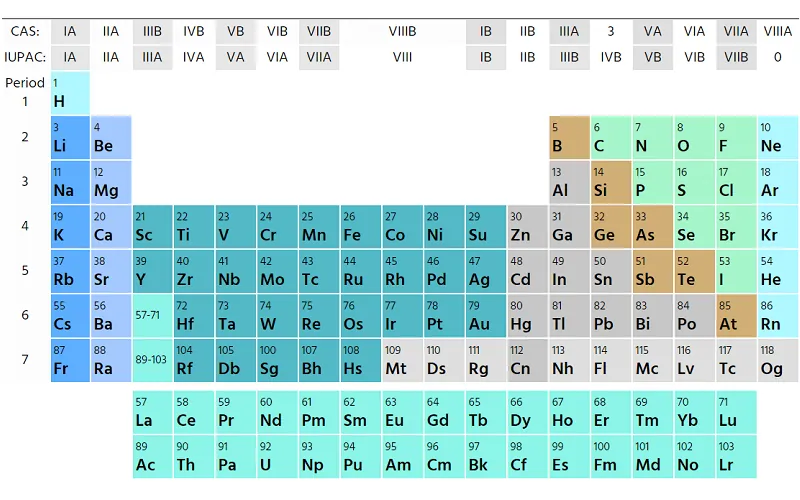 Colspan / RowspanMerged cells for schedules and grouped headers.Free
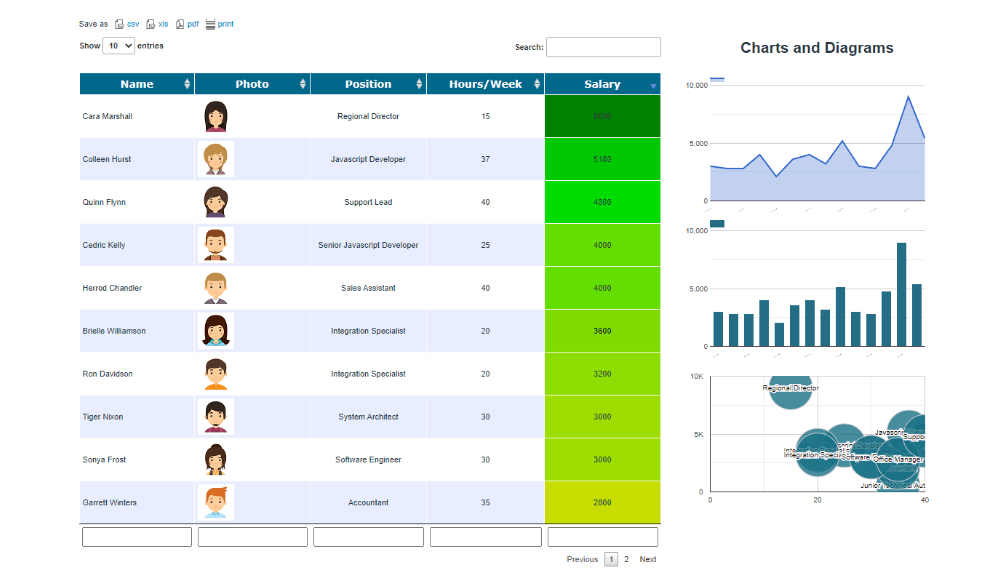
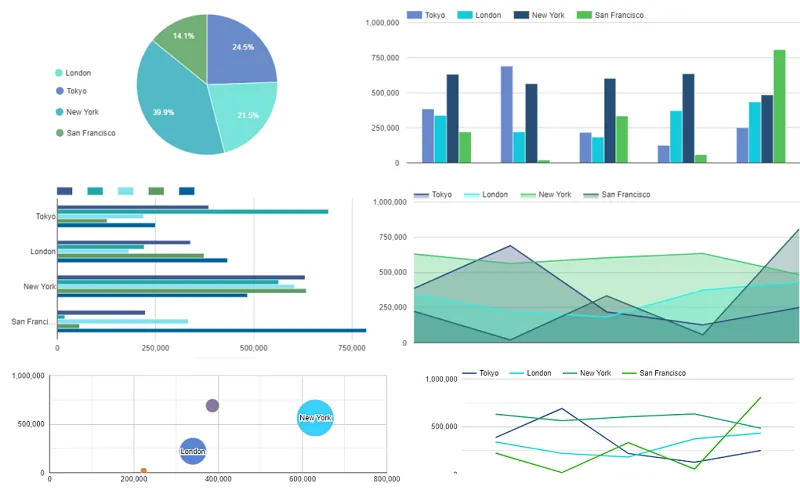 Charts & DiagramsLine, bar and pie charts generated from the table rows.Pro
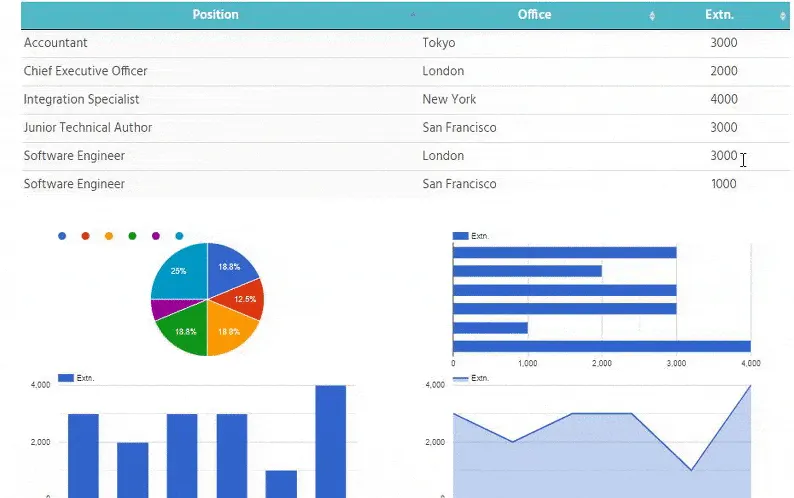 Table and Chart InteractionFilter the table and watch the chart redraw.Pro
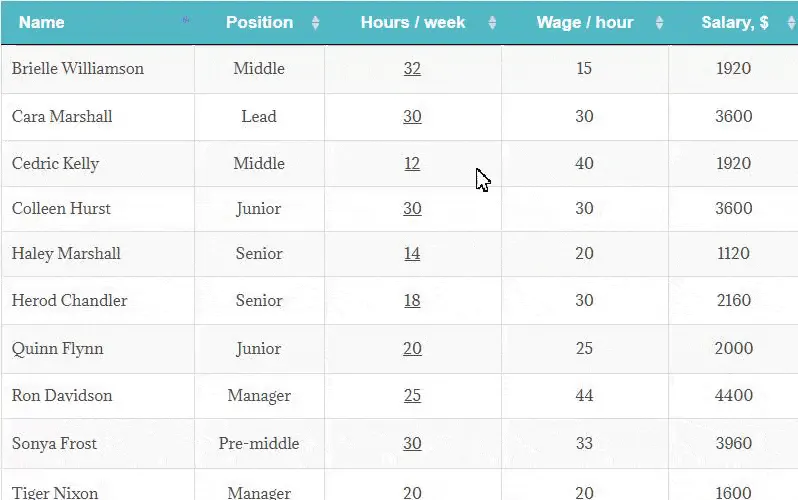 Front-end EditingVisitors change cells on the page — with dropdowns and validation.Pro
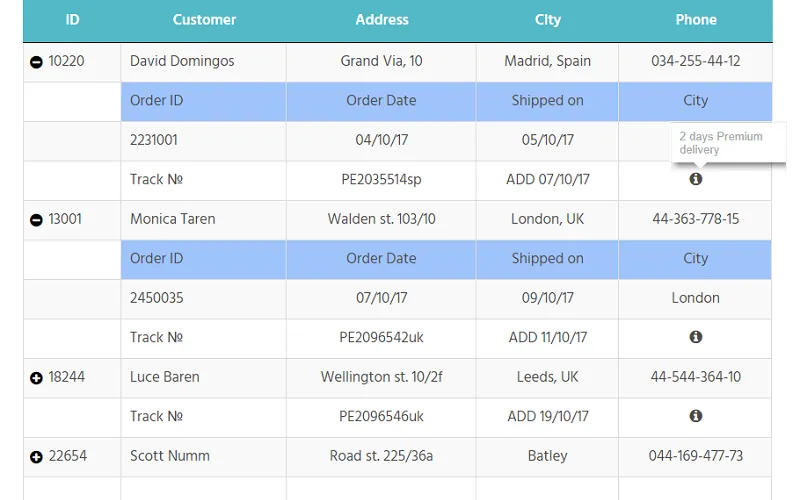 Collapsible RowsLong tables folded into expandable groups.Pro
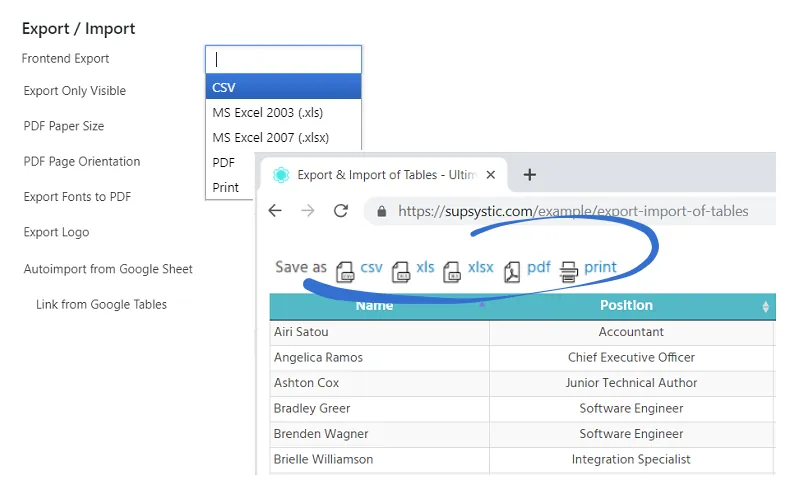 Export and ImportCSV, Excel and PDF export buttons for visitors; import for you.Pro
Your data deserves better than a static HTML table. Data Tables Generator is a table builder for WordPress that turns spreadsheets, CSV files and live databases into interactive tables your visitors can sort, search and page through — styled to match your site and readable on any screen.
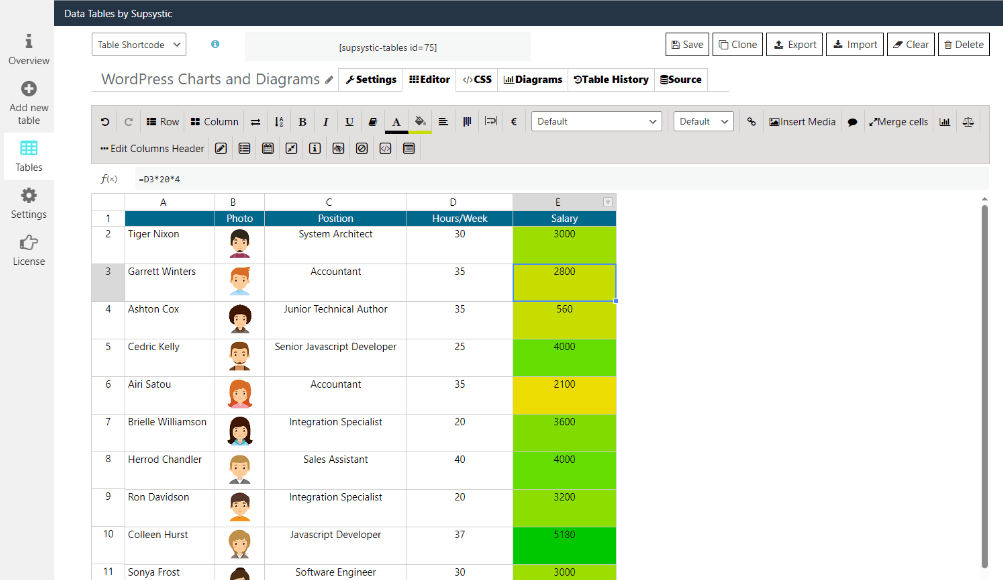
The core type: spreadsheet-style editor, imports and live sources, sorting, search, pagination, charts.
Built from your store products. Replace the default WooCommerce grid with a filterable, searchable, bulk-order-ready table.
Plans and packages in a visual drag-and-drop editor: columns, rows and cells you arrange by hand, not by data.
Most tables go live in under five minutes. It is the same table maker whether you publish a ten-row price list or a hundred-thousand-row catalogue.
Whether you publish one price list or run data-heavy sites for a dozen clients, it is the same toolset — it just goes deeper when you need it to.
Averages, outliers, summaries, "which rows are below 10?" — the assistant reads straight from WordPress and answers.
Full MCP setup guideNew tables, edited rows, formulas, formatting, imports and exports — described in a sentence, done in seconds. Requires the Pro plugin.
Unlock the AI add-on — $30The default WordPress table block gives you a static grid. Here is what changes when the table is a real data table plugin.
| Task |
Standard Tools
The old way
|
Data Tables Way
Data Tables Generator
The smart way
|
|---|---|---|
| ⚡Getting Data In | Retype it, or paste and fix the formatting by hand | Paste a spreadsheet as-is — or import CSV, Excel, Sheets or a database in one step (Pro) |
| 🔍Finding a Row | Visitors scroll and squint | Live search, column sorting and pagination on every table |
| 🔄Keeping It Current | Edit the page every time a price changes | Edit once centrally — or make it a dynamic table that syncs from the source (Pro) |
| 📱Mobile Experience | Columns squeezed to unreadable or cut off | Responsive modes: collapse, stack or scroll — you choose |
| 📊Charts | A screenshot from Excel that goes stale | Line, bar, pie and area charts drawn from the live rows |
| ⏱Time Spent | 30–60 minutes per table, again at every update | Under 5 minutes from spreadsheet to live |
| ✕ Not recommended | Get Data Tables Generator → |
| Feature | Data Tables Generator | TablePress | wpDataTables | Ninja Tables |
|---|---|---|---|---|
| Single-site Pro price | $49 / year | $89 / year | Lite is free; paid plans on the vendor site | $79 / year |
| Lifetime license | $159 | $389 | Yes | $309 |
| Free version row limit | Unlimited | Unlimited | 150 rows per table | Unlimited |
| Live sources: Google Sheets, MySQL, PostgreSQL, SQLite, (S)FTP | Sheets / CSV by URL | Google Sheets | ||
| Front-end editing by visitors | ||||
| Charts from table data | Separate plugin | |||
| WooCommerce product table | Paid add-on | |||
| Pricing table type | ||||
| AI control via MCP | yes — free read, Pro AI edit | |||
| Server-side processing for large tables | yes — in Free | Max plan |
12 Years of Experience“The free version was fine to start, but then we wanted some of the extra features only available in the Pro version, and haven’t regretted upgrading even once. We’ve been using the PRO version for 12 years now on multiple websites. Having compared Supsystic to two other premium table plugins during this time, we stuck with this one for a number of reasons. It is robust, stable, and simple to use. I have needed support 3 times over the 12 years and received quality personalized contact every time. Separately, would like to say I really appreciate the absence of “decorations” and extraneous colors in the dashboard and all manner of flying effects. Just quick and simple tables, as close to Excel experience as you can expect online. Thank you”
Excellent plugin and support“Very flexible and well-designed plugin which has worked really well for me when clients ask to upload large spreadsheets to their websites that they want to be searchable. Support was also very responsive when I had a technical issue and solved it rapidly.”
Excellent plugin for working with tables from the frontend“I needed a plugin to work with formulas and be able to enter the data from the frontend. I tried several until I found “Data Tables Generator by Supsystic”. I am very happy with the result and with the support they have given me. good job!”
Data Table Generator by Subsystic is the best I have come across in wordpress“The supsystic DT generator best table plugin at WP, in my opinion. During past few days, I hv checked many more competitors. Even more than the comprehensive features list and its awesome search capability, this product is quite robust ( we even checked with 2 lakh rows!)”
This plugin is really helpfull“This is a really handy WordPress plugin. It makes creating tables for your website super easy. You can customize them to match your site’s look perfectly. The plugin lets you do cool stuff like sorting, filtering, and pagination. Plus, you can import data from CSV, Excel, or Google Sheets. If you need to display data neatly on your site, this plugin is a great choice!”
Excellent“I love this plugin for the mysql feature in the pro version, I needed a table plugin to display mysql tables in a fancy way, I’m making a game and I can make a live leaderboard without having to code anything. Thanks a lot!”
Perfect for my needs“I needed to migrate a Google Sheets spreadsheet to a client’s website. This plugin was perfect for the job. I highly recommend it!”
The best Data Tables plugin. Perfect for SEO.“5/5 Stars. Working since abount 6 years and got about 10 keywords as Snippet in Google. Amazing plugin.”

Every Data Tables Generator Pro license comes with a 30-day money-back guarantee. Not satisfied within the first month — for any reason — contact support and we refund the purchase in full. No scripts, no hassle, no questions asked.

Use the free version to get started.
Upgrade when you need advanced features or support.
Yes. Unlimited tables, unlimited rows and columns, the spreadsheet-style editor with formulas, sorting, search, pagination, responsive modes and server-side processing for large tables. It never expires and it is not a trial.
Yes, with Pro. Pro imports CSV and Excel files and Google Sheets (with scheduled auto-update), and can build tables from MySQL, PostgreSQL or SQLite queries and (S)FTP files. In the free version you type or paste data into the editor.
Server-side processing loads a table page by page, so sorting, searching and filtering run against the full dataset while the browser only renders the visible rows. Users report tables of 200,000 rows on ordinary shared hosting.
Yes. Every table has a shortcode and a Gutenberg block. The shortcode works in Elementor, WPBakery, Divi, Beaver Builder and any editor that renders shortcodes.
With Pro, yes. Cells can be editable, with dropdowns and date pickers, and editing can be limited to logged-in users or specific roles. Rows can also be removed from the front end.
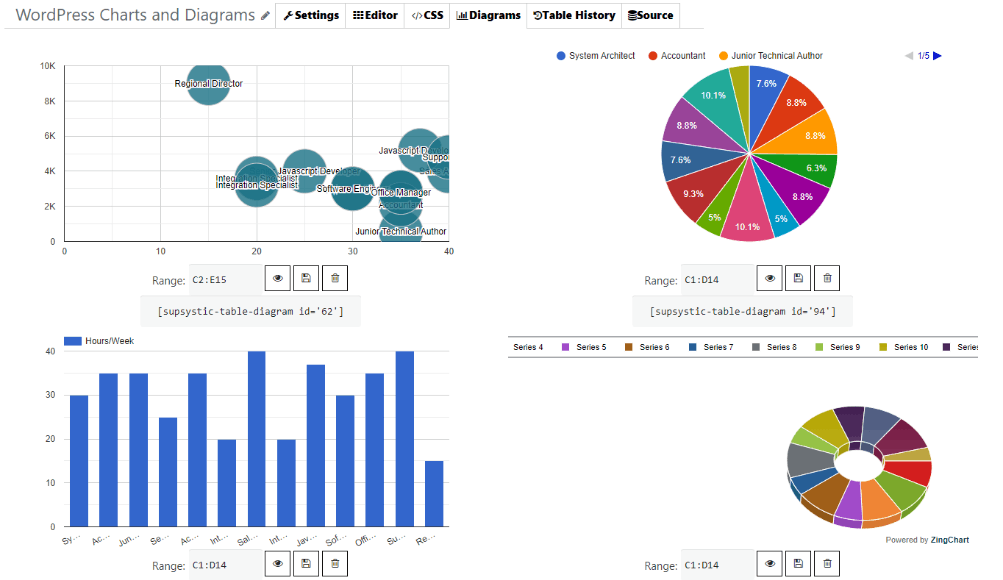
Yes, with Pro. Line, bar, pie, area and bubble charts are generated directly from the table data and update when the data changes. Each chart has its own shortcode.
Yes. Pricing Table is the third table type in the wizard: a drag-and-drop editor where you arrange columns, rows and cells by hand, add badges, images, icons, tooltips and payment buttons, and start from a preset template. Pro adds the monthly / yearly switch toggle and the full template library.
Yes. When WooCommerce is active, the table wizard offers a WooCommerce Product Table type. The free version covers manual product assignment, sorting and loader styling; Pro adds category and attribute filters, design templates, search by hidden columns and export.
The plugin includes an MCP server, so any MCP-capable assistant — ChatGPT, Claude, Gemini, Microsoft Copilot, Cursor — can connect. Free lets the assistant read and analyse your tables. The Pro AI add-on ($30, requires Pro) lets it create and edit tables, apply formulas and import or export data.
Export your existing tables to CSV or Excel and import them with Pro; the free version accepts pasted data straight from a spreadsheet. Most WP data tables move over in one pass, and the formatting is then set up in the editor.
Tables render as real HTML table markup. Sortable column headers are keyboard-focusable and carry ARIA labels and aria-sort state; search and page-length controls are linked to the table with aria-controls. That is the markup level WCAG audits check first; colours and contrast are set in the table styling, so keep them to WCAG 2.1 AA when you design the table.
In your own WordPress database. Tables, imports and edits stay on your server; the plugin does not send table data to third-party services. The AI connection only exists when you connect an assistant yourself, and the REST API returns JSON only to requests you authorise.
The plugin keeps working and your tables stay online. An active license is needed for updates, priority support and new features. Lifetime licenses never expire.
The three Pro tiers contain exactly the same features. Personal covers one site, Developer five sites, Enterprise an unlimited number. Pick by how many sites you will install it on.
Data Tables Generator is built, used and supported by the same team every day. When you reach out, you talk to people who understand tables, datatables and data-driven WordPress sites — not a generic support script.
Install the free version and see how quickly a spreadsheet becomes a clean, searchable table. Upgrade when you are ready for live data and front-end editing.
