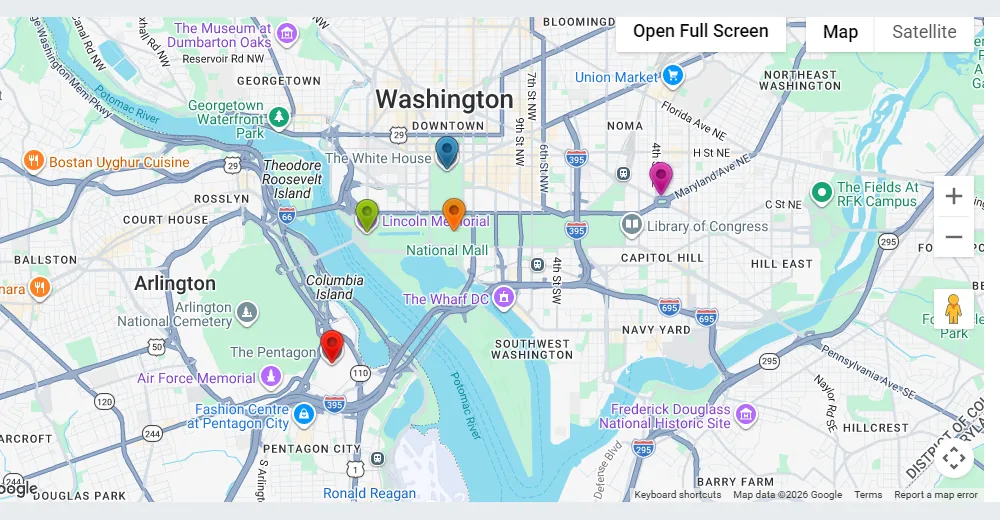
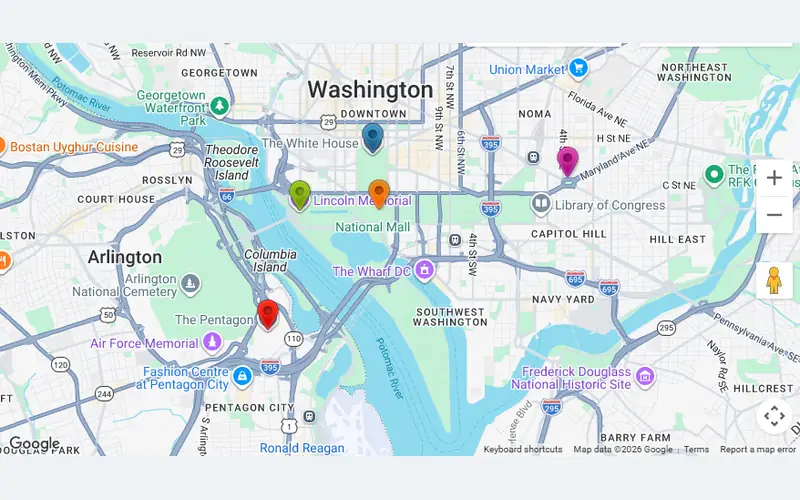
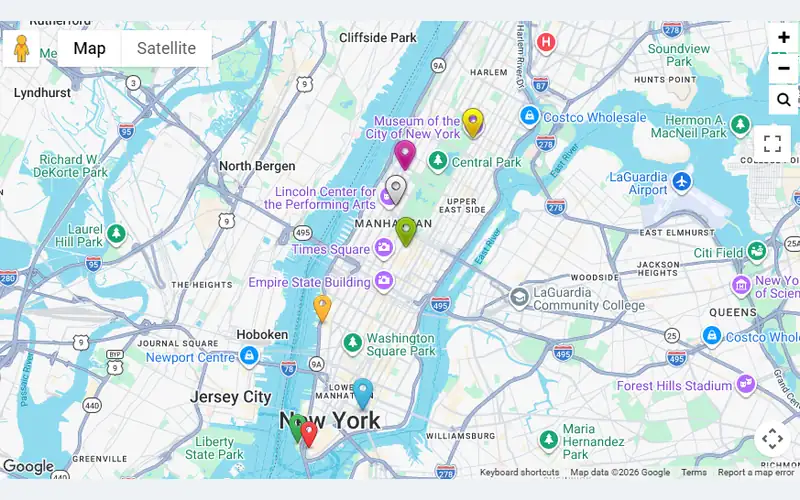
 Markers DescriptionMarkers with text, photos and YouTube video in the popup.Free
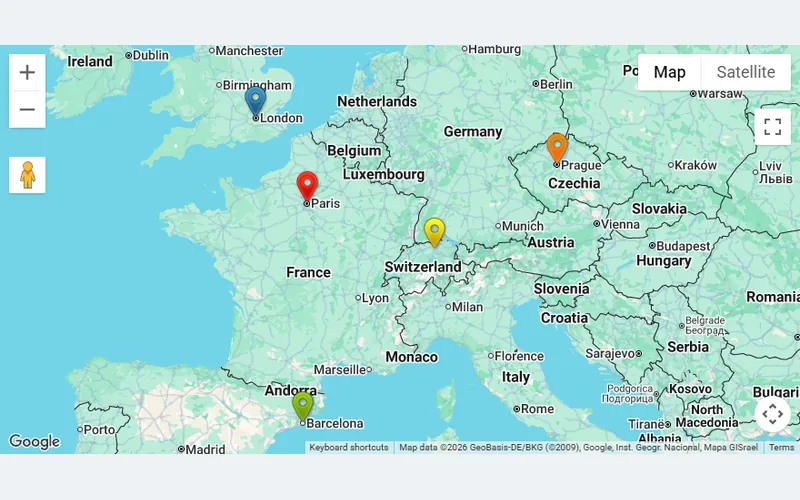 Get DirectionA directions button on every marker: route from the visitor to the pin.Pro
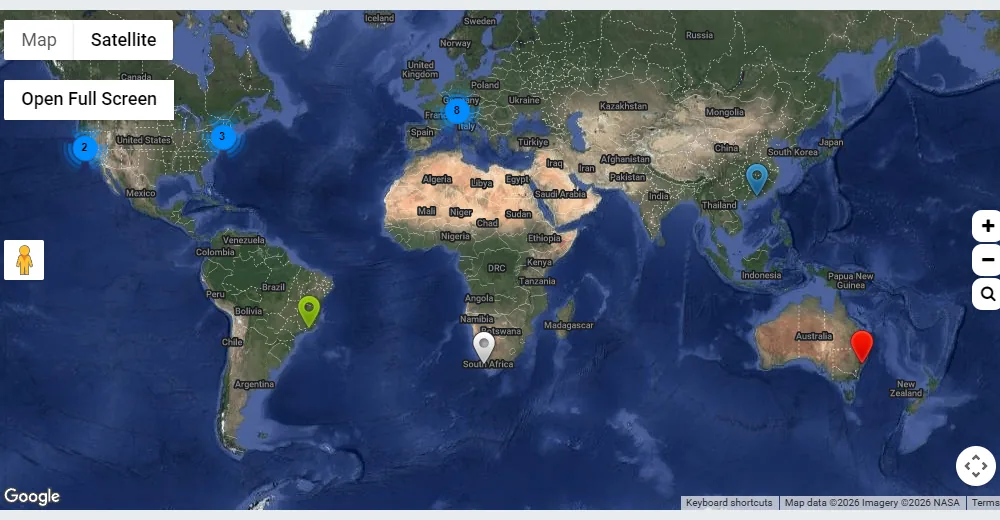
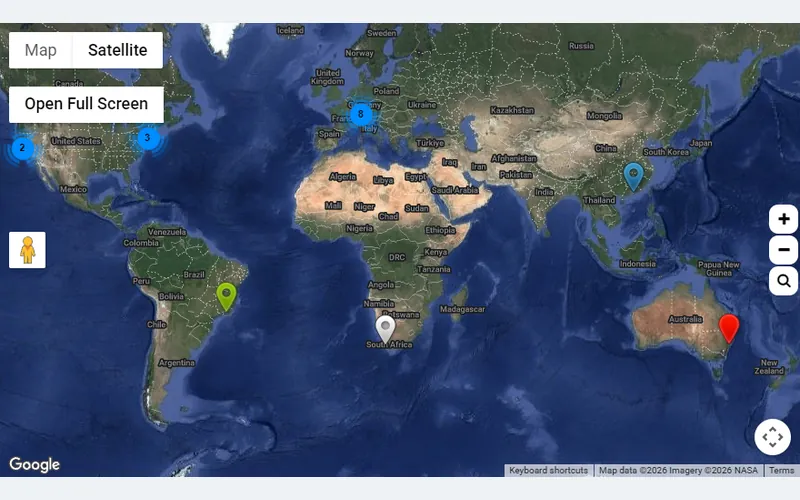 ClusterizationHundreds of markers grouped into clusters that split as you zoom in.Free
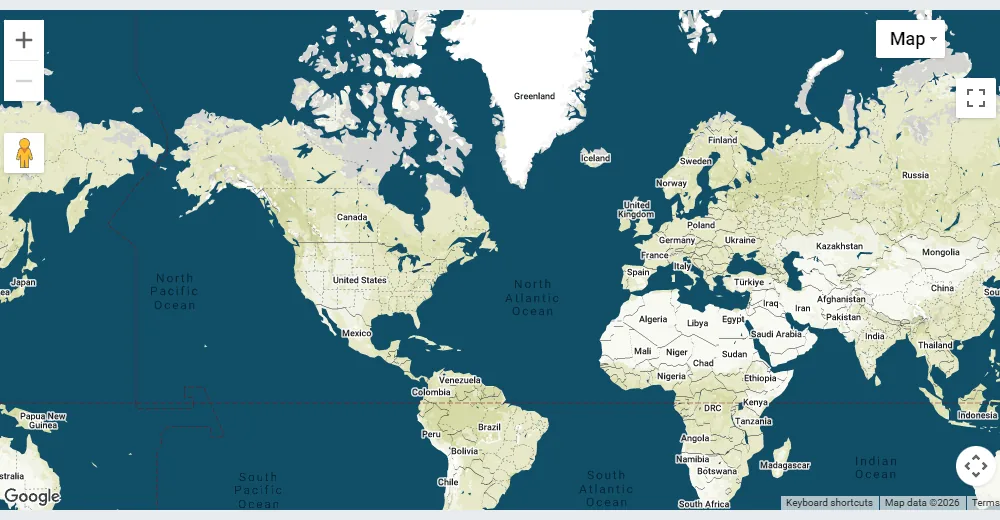
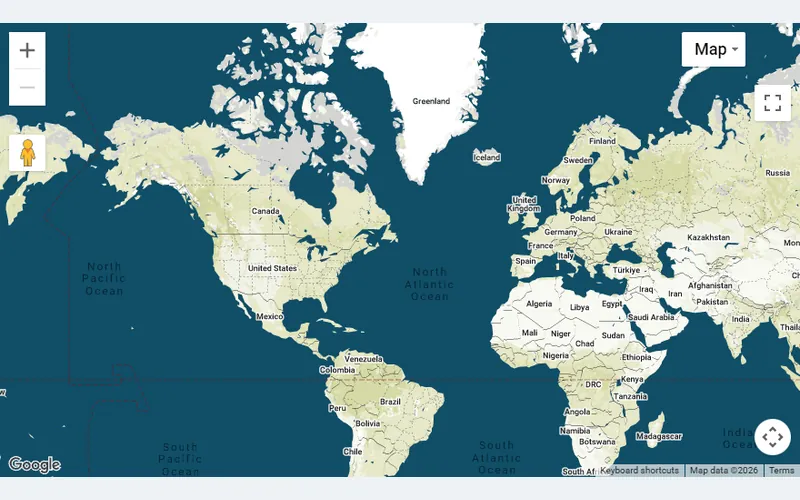 StylizationA custom map theme — one of 300+ styles in Pro, a starter set free.Free
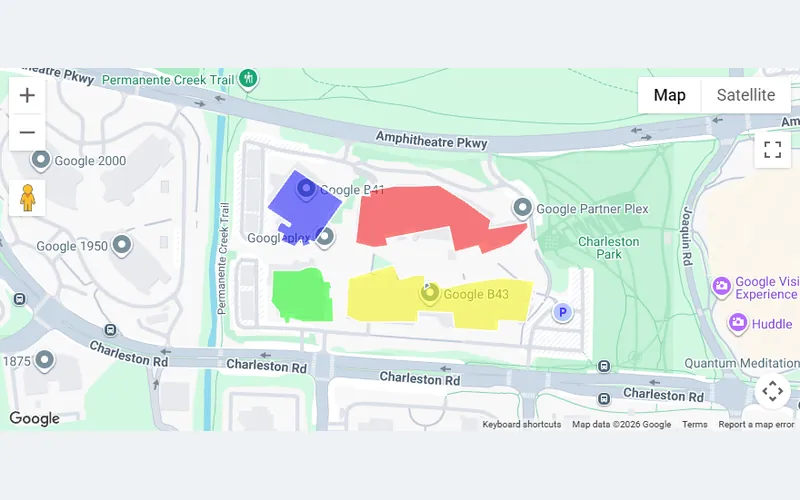 KML LayerZones, routes and points loaded from a KML file.Pro
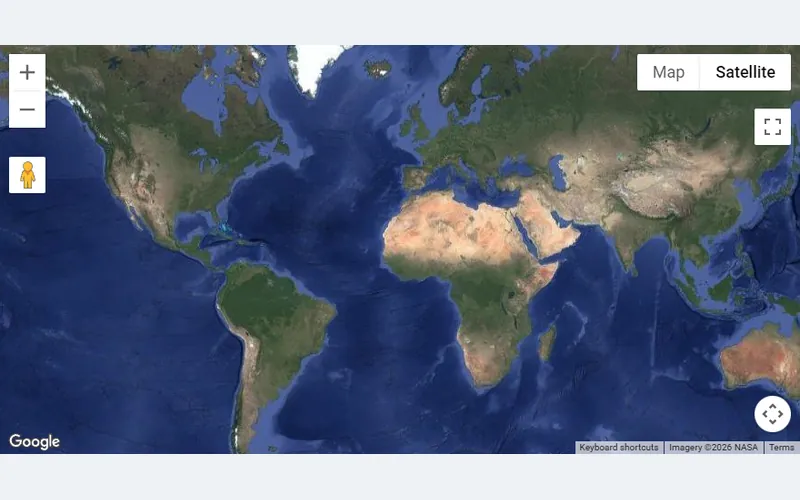 HeatMap LayerPoint density rendered as a smooth colour heat map.Pro
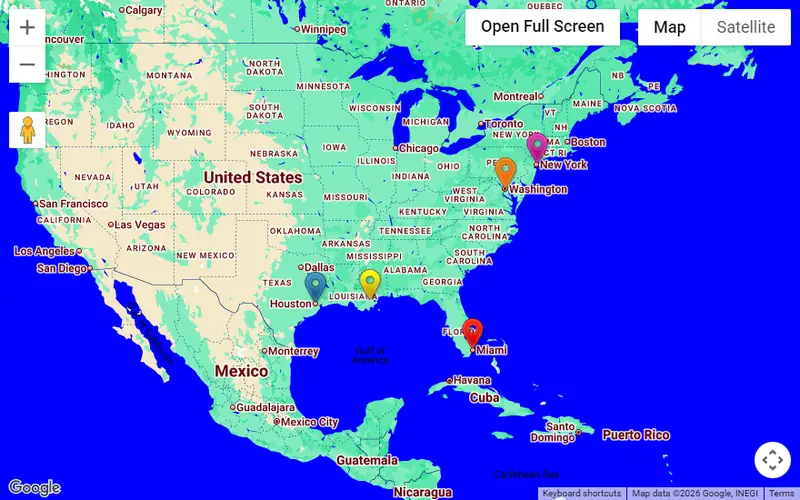 Linked MarkersClick a marker to open any URL — a product, a listing, a branch page.Free
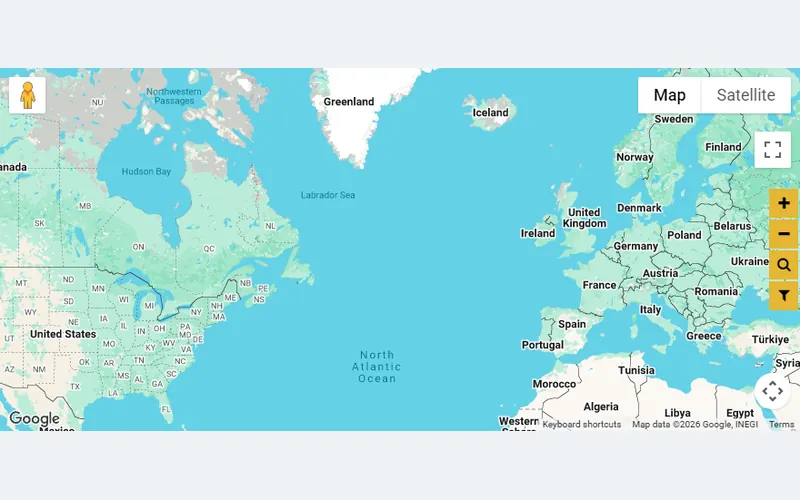 Table Markers ListA searchable, sortable list of locations beside the map.Pro
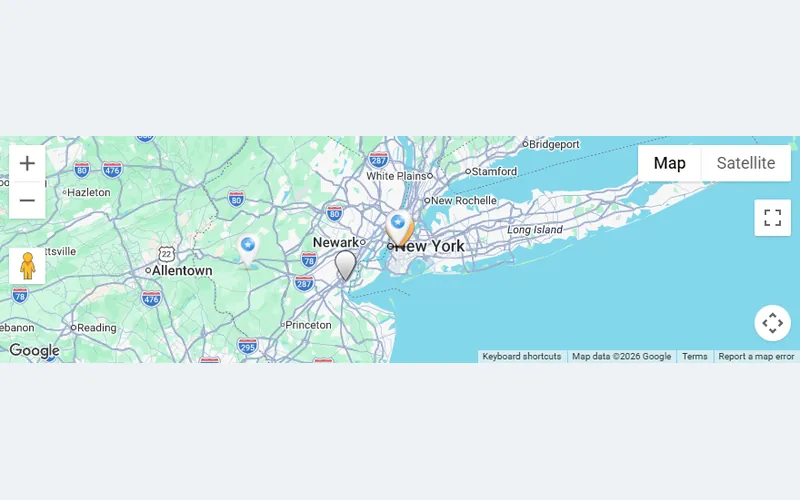 Add Markers on FrontendVisitors submit their own locations through a form on the page.Pro
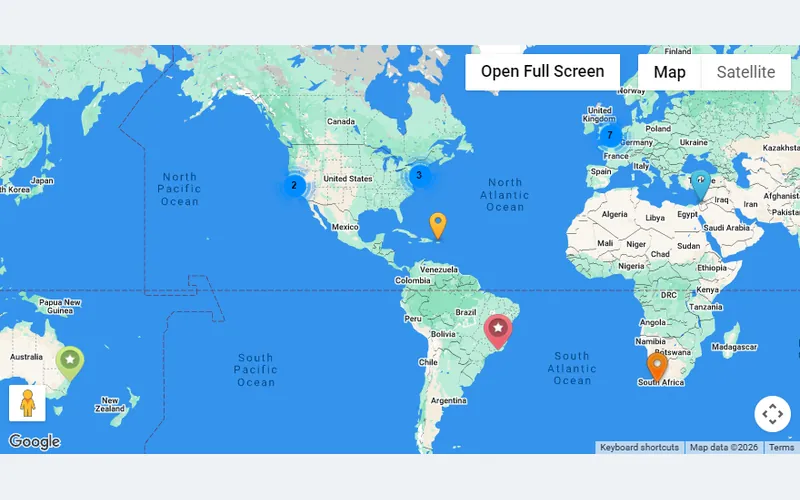 Horizontal SliderA strip of marker photos under the map; click to fly to the pin.Pro
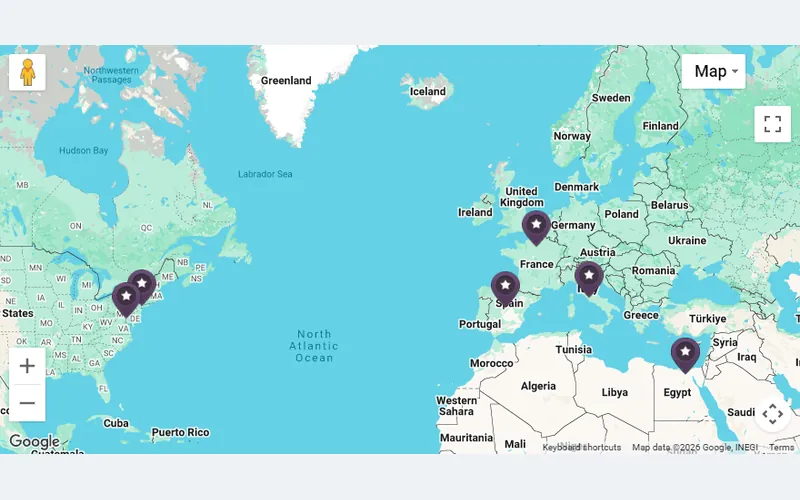 Horizontal Description SliderPhoto plus description cards under the map.Pro
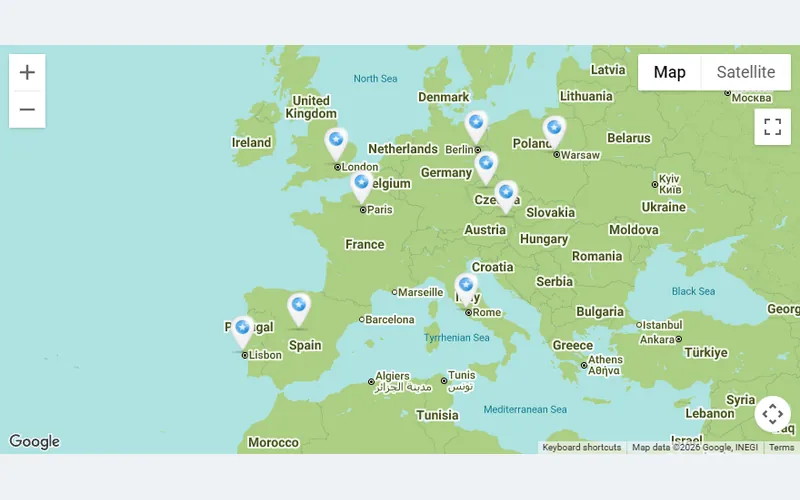 Vertical SliderA vertical photo strip beside the map.Pro
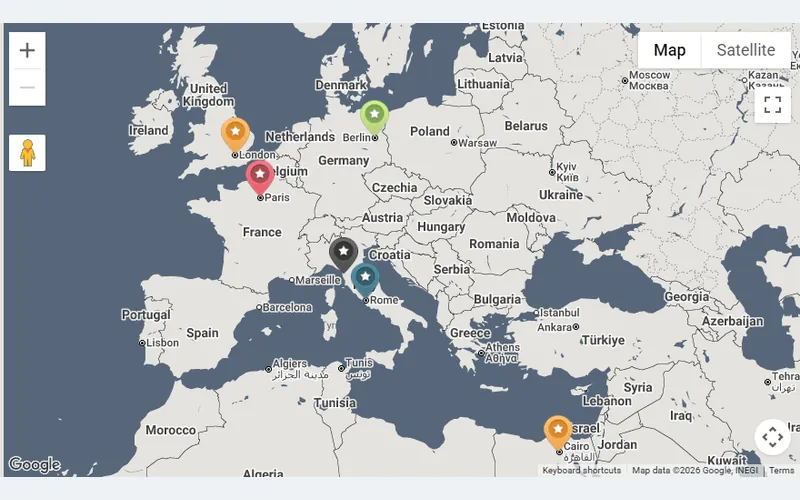 Vertical Description SliderVertical cards with photo and description — a listing panel.Pro
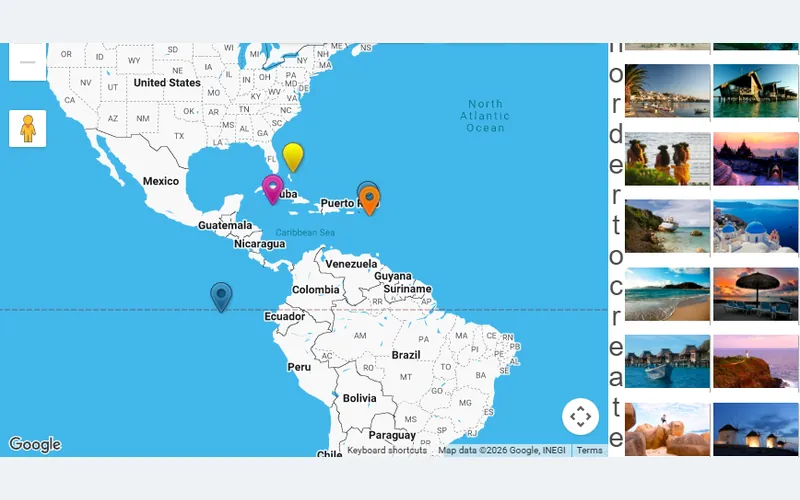 Exposition SliderA gallery-style slider of every marker on the map.Pro
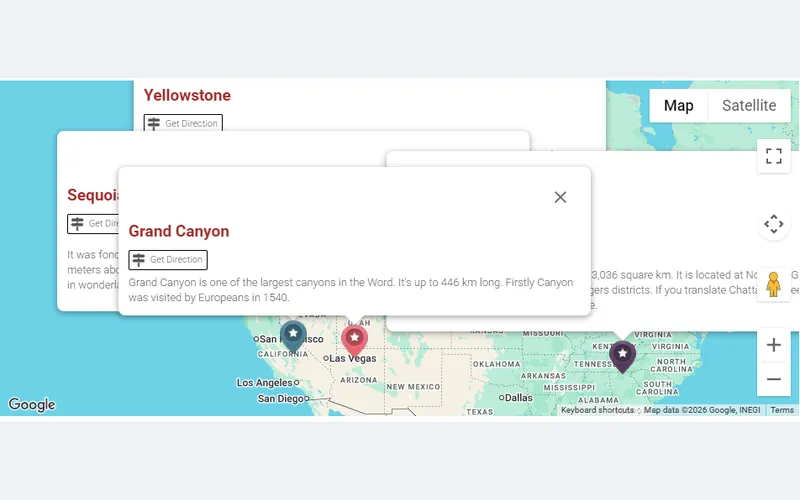 Alternate Routes and Route StepsSeveral route options with turn-by-turn steps.Pro
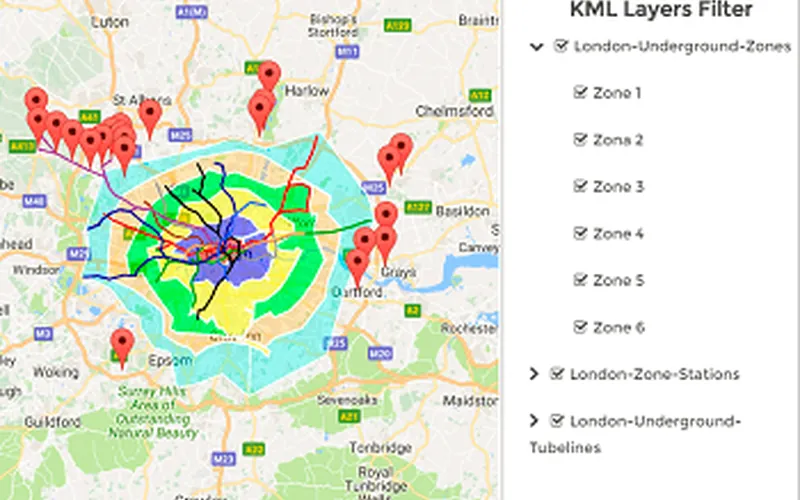 KML Layers FilterVisitors switch KML layers and sub-layers on and off.Pro
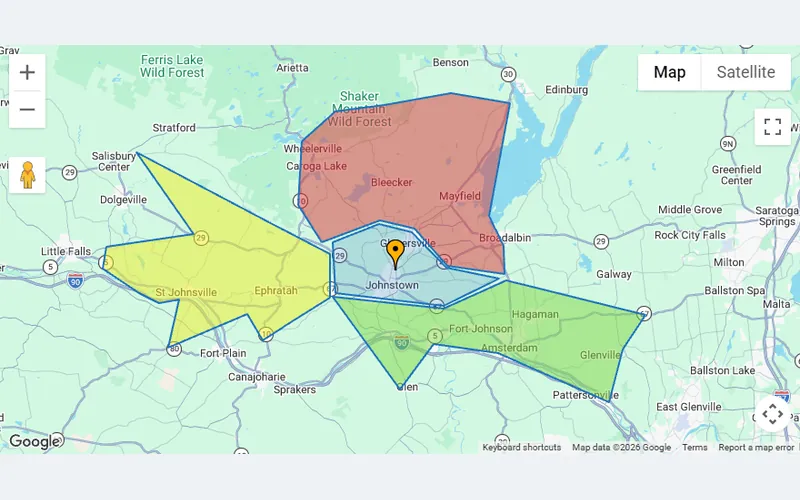 FiguresPolygons, circles and polylines drawn on the map.Pro
 Google Map with Social Share ButtonsShare buttons attached to the map.Pro
| Criterion |
Basic iframe
The old way
|
Recommended
Google Maps Easy
The smart way
|
|---|---|---|
| 🎨Customization | Fixed Google styling — zero brand control | 300+ themes plus a full colour, icon and popup editor |
| 📍Markers | One static pin, no custom icons or info windows | Unlimited custom markers with images, links and categories |
| 📱Mobile | Often breaks or needs manual responsive CSS fixes | Fully responsive out of the box — zero extra code |
| 🗺Multiple Maps | Each map is a separate manual iframe copy-paste | Unlimited maps — all managed from one dashboard |
| 🛣Directions | Opens Google Maps in a new tab — the visitor leaves your site | Built-in route planner keeps visitors on your page (Pro) |
| ⚡Performance | Google's full JS runs on every page you paste the iframe into | Google Maps loads only on pages that contain a map; a static-image mode is available for the rest (Pro) |
| ✕ Not recommended | Get Google Maps Easy → |
Works great, very intuitive and easy“We were looking for a robust plugin that could integrate maps. We have a decent level of knowledge, but didn’t want to spend it on mapping software. We wanted to use it elsewhere and let the maps be what the maps are. This did the trick, and we’re going to be buying the pro version in the next week if all of our tests pan out! Great plugin. Thanks for making it quick and easy.”
Excellent Support“Excellent support, by mistake I bought a different plugin, I got in touch and in 5 minutes they solved the problem and changed the product. 5 minutes! I highly recommend them.”
PRO must be for bored grannies“It does so many things that I even couldn’t check everything. Just checking (and writing down those that could possibly interest my client) map themes took me more than 15 minutes. What should I do with promised 300+ PRO Themes??? Well done, Supsystic!”
The Only Plugin Where you Can Use Google Maps China APIs“I am developing a site for a company in China and this was the only plugin I found where you can easily switch the configurations to the Google China Map API, since any request from China to *.google.com is blocked. (Including all scripts and fonts etc) Apart from this, in the free version at least, the features can easily fulfill what I look for a store locator. Great job, great thoughts, great contribution!”
Better free version that WP Google Maps“I found this plugin to have more free features available and easier to use than the popular WP Google Maps plugin. Recommend.”

All Google Maps Easy Pro licenses come with a 30-day money-back guarantee. Whether you're a developer building complex location systems or a business owner who needs a simple store finder, we want to ensure our plugin is a perfect fit for your workflow.
If you're not 100% satisfied with the mapping capabilities, customization options or performance within your first month — simply contact our support team for a full, hassle-free refund.

Use the free version to get started.
Upgrade when you need advanced features or support.
Flexible options for individuals, businesses and agencies.
Choose your licence first, then your term.
Yes, every Google Maps plugin needs an API key — Google requires it to serve map tiles. Getting one takes about two minutes and the plugin shows where to paste it. Google gives every account a monthly free usage allowance that covers a typical business site many times over; you only pay if traffic goes far beyond it. Step-by-step guide to creating a key.
Use our sister plugin Ultimate Maps by Supsystic. It builds the same kind of maps — markers, categories, clustering, KML, sliders — on OpenStreetMap, Leaflet, Mapbox or Bing, with no Google account and no API key. If your site must work in China or you want to avoid Google scripts entirely, that is the right choice.
The free version is not a trial: unlimited maps and markers, custom icons, popups with photos and video, marker categories and filters, clustering, CSV import and export, map language and region locale, a Gutenberg block and an Elementor widget. Pro adds directions and routes, 300+ map themes, KML layers, heatmap, shapes and polygons, traffic and transit layers, marker sliders and lists, front-end marker editing and custom map controls.
CSV import and export of maps and markers is included free — upload a spreadsheet export and every row becomes a marker. KML layers, KML import to markers and a KML layer filter are Pro. There is no marker limit in either version; for maps with hundreds of pins, switch on clustering so markers group as visitors zoom out.
Yes, in the free version. Pick the map language in the map settings and set a two-letter region code (CA for Canada, US, GB, DE, FR…) in the plugin options. Google then renders labels in that language, uses the country’s spelling and borders, and biases address search and directions to that region — so a Canadian site gets Canadian results, not American ones.
Yes. The plugin ships a Gutenberg block and a native Elementor widget, and every map has a shortcode you can paste into any builder — WPBakery, Divi, Beaver Builder, Bricks — or into a widget area, a template or PHP. The map is rendered by the plugin, so it looks the same whichever builder you use.
Yes. Add every branch as a marker with a category, enable the marker list beside the map and the category filter, and visitors can search the list, filter by type and click a location to zoom to it. With Pro, the Get Direction button then routes them from their own address. See the store-locator style example.
The plugin stores nothing about visitors itself. Because the map is served by Google, the Google Maps script loads when a page with a map opens, and your privacy policy should say so. If your consent tool blocks third-party scripts until the visitor accepts, the map simply appears after consent. For a Google-free setup, use Ultimate Maps with OpenStreetMap.
The Google Maps script and the plugin's own scripts are enqueued only on pages that actually contain a map; the rest of your site is untouched. On pages with a map, keep the marker count reasonable and use clustering for large sets. Pro also offers a static-image map mode that shows a lightweight picture until the visitor interacts.
Yes, with Pro. Each marker gets a Get Direction button; the visitor types a start address or uses their current position and the route is drawn on your map with turn-by-turn steps — no redirect to Google Maps. You can also enable alternate routes and a path router for fixed trails. See the directions example.
There is no one-click importer between plugins, but the practical route is quick: export your markers from the old plugin as CSV, match the columns (name, address or coordinates, description, link) and import the file in Google Maps Easy. Most users are done within an hour. Our support team is happy to check your file if the import doesn't look right.
Your maps keep working and nothing is removed from your site — every marker, theme and layer stays exactly as you left it. An active license is needed for plugin updates, new Pro features and priority support; renew whenever you want them again, at any time, from your Supsystic account. Lifetime licenses never expire.
Personal covers one site, Developer five and Enterprise an unlimited number — the features are identical. Count every site where the Pro plugin will be installed, including client sites you build. Agencies usually take Developer for a handful of projects and Enterprise for a portfolio. The 30-day money-back guarantee applies to all three.
When you reach out, you won't get a generic script. You'll talk directly to the team that builds, tests and ships Google Maps Easy every day.
We understand the nuances of API keys, marker clustering, custom styles and WordPress performance.
Install the free version and have a live, styled, interactive map on your site in under 3 minutes. Upgrade when you're ready for more.